Intro
Ever looked at a gorgeous website or slick app and thought, "Man, I wish I could just snap a pic and have the code magically appear"? If you're nodding, you're not alone. In today's fast-paced digital world, designers and devs are always looking for ways to bridge the gap between cool visuals and working code. Enter Automated Image to Code Tools—a game-changer that's shaking up how we bring designs to life.
Imagine cutting your project time in half or even more. Sounds too good to be true, right? Well, with these new tools, it's becoming a reality. Whether you're a pro developer, a newbie designer, or somewhere in between, getting to grips with these automated tools could revolutionize your workflow. So grab a coffee, get comfy, and let's dive into the fascinating world of turning images into code!

Discover More
Learn how Img2html can transform your workflow. Try it now .
The Rise of Automated Image to Code Tools
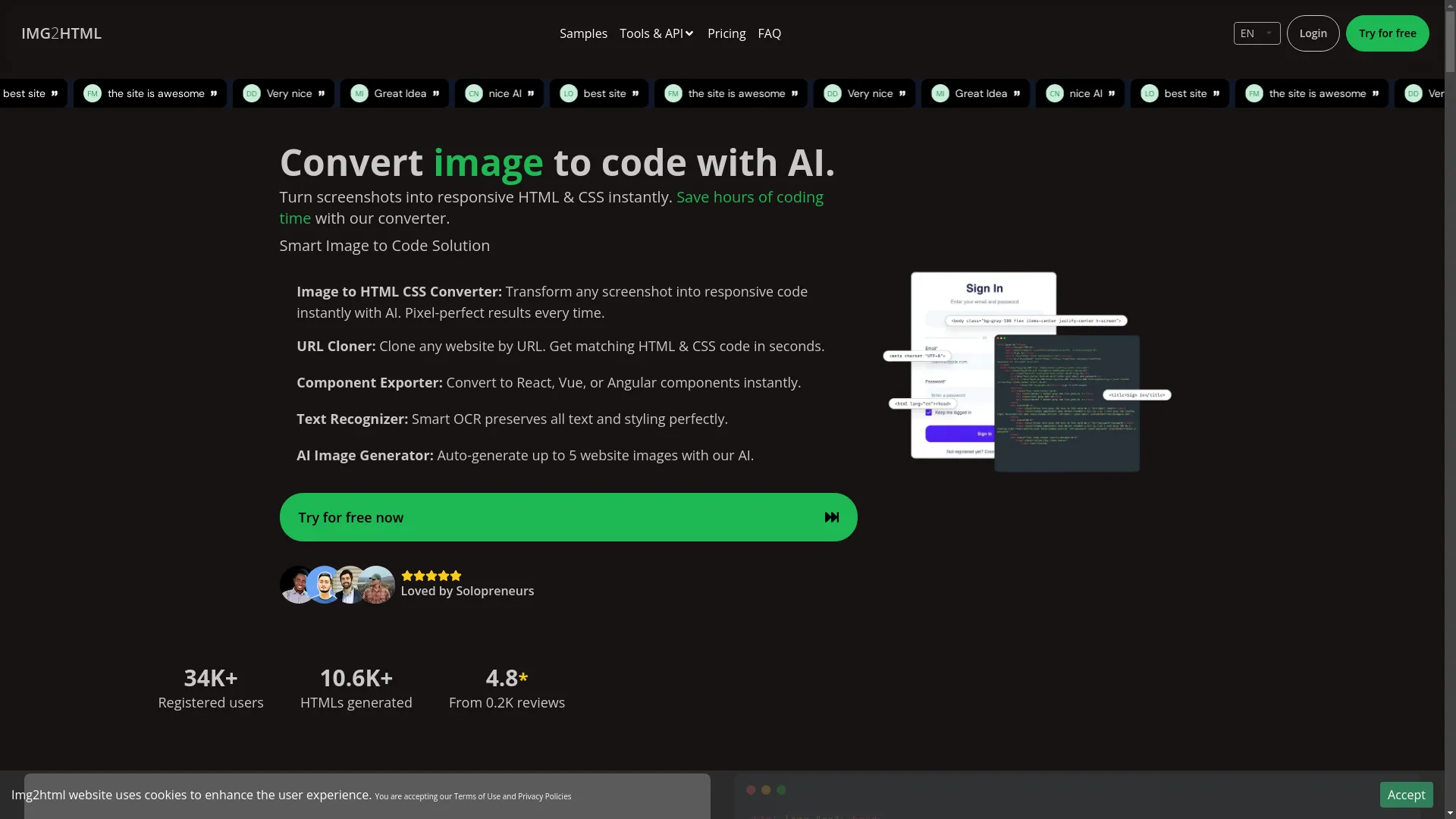
So what exactly are these automated image to code tools? Simply put, they're software that turns visual designs—like screenshots or mockups—into working HTML, CSS, and even JavaScript code. Think of them as translators, turning your creative ideas into code that browsers can understand and show as awesome websites or apps.
But how did we get here? Not long ago, turning a design into code was a pain, involving tons of manual coding. Designers would make static visuals using stuff like Figma or Sketch , and developers would painstakingly turn those designs into code, often leading to delays and misunderstandings.
The arrival of tools like Img2html , Dualite, and others has really streamlined this process. Using AI and machine learning, these tools can interpret design elements, understand layouts, and spit out clean, responsive code in seconds. It's like having a coding wizard by your side—minus the pointy hat!
Key Benefits of Automated Image to Code Tools
- Time Savings and Efficiency
- Enhancing Code Quality and Consistency
- Supporting Responsive Design
- Ease of Use for Non-Developers
- Integration with Modern Frameworks
- Facilitating Rapid Prototyping
Time Savings and Efficiency
Time is money, especially in software development. Automated image to code tools can save you hours, if not days, of manual coding. Imagine this: instead of staying up all night writing CSS for every button and div, you just upload your design, click a button, and boom—your code is ready to go.
This efficiency not only speeds up your projects but also boosts productivity, letting you focus on more important stuff like fixing bugs, adding features, or coming up with your next big idea.
Enhancing Code Quality and Consistency
Manual coding is prone to human error. Typos, missed elements, or inconsistent styling can sneak into your code, causing bugs and a not-so-great user experience. Automated tools make sure the generated code is clean, consistent, and follows best practices.
With features like semantic HTML, well-structured CSS, and optimized JavaScript, these tools lay a solid foundation for your projects. Plus, when working in teams, consistent code means fewer merge conflicts and smoother collaboration.
Supporting Responsive Design
In a world where more people browse on phones than computers, responsive design isn't just nice to have—it's a must. Automated image to code tools are great at creating responsive layouts, making sure your designs look awesome on all devices and screen sizes.
Whether it's a fluid grid system or media queries for different resolutions, these tools handle the tricky parts of responsive design, freeing you from the tedious task of tweaking styles for multiple screen sizes.
Ease of Use for Non-Developers
Not everyone using these tools is a coding genius. Designers or product managers who don't know much about coding can use automated image to code tools to bring their ideas to life without writing a single line of code.
This democratization of web development helps designers and developers communicate better, as visual ideas can quickly turn into working code, improving overall team dynamics and project outcomes.
Integration with Modern Frameworks
Today's web development world is full of frameworks like React , Vue , Angular , and Tailwind CSS . Automated tools don't just stick to plain HTML and CSS; they work seamlessly with these modern frameworks, letting you generate code that fits your tech stack.
Whether you're building single-page apps or complex web platforms, these tools adapt to your needs, making sure the generated code fits with your chosen framework's rules and standards.
Facilitating Rapid Prototyping
Speed is key when prototyping. Automated image to code tools let you quickly iterate on design concepts, moving from static visuals to interactive prototypes super fast. This rapid prototyping is great for user testing, showing stakeholders, and tweaking UX/UI elements based on feedback.
How Automated Image to Code Tools Work
Ever wondered how these magical tools turn pixels into code? Let's break it down. At their core, automated image to code tools use machine learning algorithms and computer vision techniques to analyze and interpret design elements from screenshots or mockups.
- Image Analysis: The tool scans the uploaded image, recognizing various design components like headers, buttons, images, text fields, and more.
- Element Identification: Using predefined templates and AI-trained models, it identifies the structure and hierarchy of elements, such as navigation bars, content sections, or footers.
- Style Extraction: The tool figures out styling details like color schemes, typography, spacing, and visual effects, making sure the generated code matches the original design's look and feel.
- Code Generation: Based on the analysis, it creates semantic HTML, structured CSS, and if needed, JavaScript. Some advanced tools even support exporting components for frameworks like React or Vue.
- Responsive Adaptation: The tool incorporates responsive design principles, adding media queries and fluid layouts to ensure your code works seamlessly across devices.
It's like having a super-smart assistant that not only understands your design but also knows how to bring it to life in code—without breaking a sweat!
Practical Applications and Use Cases
Let's bring this to life with some real-world scenarios.
Web Development Agencies
Imagine running a busy web development agency juggling multiple client projects. Automated image to code tools can streamline your workflow, letting you deliver high-quality websites faster. Less time spent on repetitive coding means more capacity to take on new clients or improve existing projects.
Freelancers and Solo Developers
As a solo developer wearing multiple hats, efficiency is your best friend. Automated tools can handle the bulk of the coding, letting you focus on adding unique features or enhancing user experiences that set your projects apart.
Startups
In the startup world, speed is often a competitive advantage. Quickly turning design prototypes into working code allows startups to iterate rapidly, test market responses, and pivot as needed without getting bogged down by long development cycles.
Educational Institutions
Teachers and educators can use these tools to create interactive learning materials. For example, a digital classroom tool can turn illustrative screens into functional web pages, making learning more engaging for students.
E-commerce Platforms
By automating the creation of product pages or landing pages from design mockups, e-commerce businesses can scale their online presence quickly, ensuring consistent and appealing product displays that improve user experience and drive sales.
Common Features of Image to Code Tools
Automated image to code tools come packed with a bunch of features designed to make them more useful and easy to use:
- URL Cloner: Clone entire websites by URL, generating matching HTML and CSS code in seconds. Great for creating templates or studying competitor designs.
- Component Exporter: Turn design elements into reusable components for frameworks like React, Vue, or Angular. This ensures consistency and makes maintenance easier.
- Text Recognizer (OCR): Smart Optical Character Recognition (OCR) keeps all text and styling, making sure that typography stays intact during the conversion process.
- AI Image Generator: Some tools even use AI to auto-generate website images, up to a certain limit, saving even more time on creating assets.
- User-Friendly Interface: Easy-to-use interfaces make these tools accessible to users of all skill levels, from experienced developers to design newbies.
- Cross-Platform Compatibility: Smooth operation across various devices and platforms ensures that you can use these tools wherever you work—be it on a Mac, Windows, or Linux machine.
- Quick Conversion: Fast processing times mean that you can go from design to code in just seconds, keeping your creative flow without unnecessary delays.
- Tailwind CSS Integration: Using the power of Tailwind CSS allows for stylish and responsive designs, with utility-first classes that make customization a breeze.
- Chrome Extension: Some tools offer browser extensions that let you convert elements from any website directly into your projects, boosting productivity by fitting into your existing workflow.
These features together make sure that automated image to code tools are not just efficient but also versatile, catering to a wide range of development needs.
Overcoming Traditional Design-to-Code Challenges
Before automated tools came along, the design-to-code process was full of challenges:
- Time-Consuming Manual Coding: Turning designs into code was a laborious process, often stretching timelines and delaying project deliveries.
- Frequent Miscommunications: Designers and developers often found themselves in a tug-of-war, trying to align the visual aesthetics with functional realities, leading to frustration and inefficiency.
- Inconsistent Code Quality: Differences in coding styles among different developers could result in inconsistent user experiences and maintenance headaches.
- Lack of Responsive Design Handling: Making sure designs looked good on all devices required careful manual tweaks, which were both time-consuming and error-prone.
- Maintenance and Scalability Issues: As projects grew, maintaining and scaling manually written code became increasingly challenging, especially when original design specifications weren't followed precisely.
Automated image to code tools swooped in to address and fix these issues:
- Speed and Efficiency: By automating the coding process, these tools dramatically reduce the time needed to bring designs to life.
- Enhanced Communication: With a clear and direct translation from design to code, there's less room for miscommunication, fostering better collaboration between teams.
- Consistent Code Quality: Automated tools follow best practices and consistent coding standards, ensuring uniformity across the codebase.
- Built-In Responsiveness: These tools naturally incorporate responsive design principles, eliminating the need for extensive manual adjustments.
- Easier Maintenance and Scalability: Clean, well-structured code generated by these tools is easier to maintain and scale, supporting the long-term success of projects.
In essence, automated image to code tools transform the design-to-code journey, making it smoother, faster, and more reliable.
User Experiences and Testimonials
Nothing speaks louder than real-world experiences. Users from various sectors have shared their love for automated image to code tools. Here's what some of them have to say:
These testimonials highlight the practical benefits and user satisfaction that come with using automated image to code tools. From teachers to developers, the positive impact across various roles shows how versatile and effective these tools are.
Future Trends in Automated Image to Code Conversion
As technology keeps evolving at breakneck speed, so do the capabilities of automated image to code tools. Here's a glimpse into what the future holds:
- Advanced AI and Machine Learning Models: Future tools will use more sophisticated AI models, improving their ability to understand and interpret complex designs with greater accuracy.
- Seamless Integration with Design Systems: Integration with extensive design systems and component libraries will become smoother, allowing for even more precise code generation that's tailor-made for specific projects.
- Real-Time Collaboration Features: Tools will increasingly support real-time collaboration, letting designers and developers work together on the same project, making updates and adjustments on the fly.
- Enhanced Customization Options: Users will have more control over the generated code, with options to customize and fine-tune the output to better fit their specific needs and preferences.
- Support for Emerging Frameworks and Technologies: As new frameworks and technologies pop up, automated tools will expand their support, ensuring they stay relevant and useful in a constantly changing tech landscape.
- Integration with Other Development Tools: Future tools will integrate more deeply with other development tools like version control systems, CI/CD pipelines, and testing frameworks, creating a more cohesive and efficient development environment.
- Improved Accessibility and Inclusivity: Enhanced features aimed at supporting accessibility standards will ensure that the generated code is not only functional and beautiful but also inclusive and accessible to all users.
The future looks promising, with automated image to code tools set to become even smarter, more versatile, and indispensable in the years to come.
Best Practices for Using Image to Code Tools
To get the most out of automated image to code tools, consider these best practices:
- Choose the Right Tool for Your Needs: Not all tools are created equal. Evaluate different options based on your specific requirements, such as framework support, feature set, and ease of use.
- Maintain a Clean and Organized Design: Make sure your design files are well-organized and follow best practices. Clear labels, consistent naming conventions, and logical structuring can significantly improve the accuracy of the generated code.
- Customize and Refine the Generated Code: While automated tools provide a great starting point, take the time to review and refine the code to better suit your project's unique needs. This ensures that the code not only matches the design but also aligns with your coding standards and project architecture.
- Leverage Integration Features: Use features like component exporting and framework integration to enhance your development workflow. This can lead to more modular, reusable, and maintainable code.
- Stay Updated with Tool Enhancements: These tools are constantly evolving, with new features and improvements being added regularly. Keep an eye on updates to make the most of their capabilities.
- Incorporate Feedback Loops: Use feedback from team members and end-users to iteratively improve both your designs and the way you use these tools. This collaborative approach ensures that the final product meets the desired quality and functionality.
- Prioritize Accessibility and Performance: Make sure that the generated code follows accessibility standards and is optimized for performance. This not only broadens your audience but also enhances the user experience.
- Educate Your Team: Provide training and resources to your team members to ensure they fully understand how to effectively use these tools. A well-informed team can leverage the tools more efficiently and creatively.
By following these best practices, you can ensure that you're getting the most out of automated image to code tools, leading to higher quality code, faster development cycles, and happier teams.
Conclusion
Automated image to code tools are more than just a passing fad—they're a revolution in the making. By effortlessly bridging the gap between visual design and functional code, these tools empower designers and developers to work smarter, not harder. Whether you're aiming to save time, enhance code quality, or foster better collaboration, these tools offer a ton of benefits that can transform your workflow.
But like any tool, their effectiveness lies in how you use them. Embracing best practices, staying updated with technological advancements, and maintaining clear communication between design and development teams are key to unlocking their full potential.
So, the next time you face the daunting task of turning a static design into a dynamic website or application, consider harnessing the power of automated image to code tools. Your future self—and your project timeline—will thank you!
Ready to take your development process to the next level? Explore Img2html and other cutting-edge automated tools today, and see firsthand how they can revolutionize the way you build digital experiences.
Remember, the future of web development is bright, and with tools like these, you're well-equipped to shine. Happy coding!