Top 10 Tools for Converting Images to Responsive HTML and CSS Code
Discover the 10 best tools for effortlessly converting images to responsive HTML and CSS code. From AI-powered solutions to designer-friendly platforms, find the perfect tool to streamline your web development workflow and bring your designs to life.
Table of Contents
Introduction
Ever stared at a beautifully designed image or a sleek website screenshot and thought, "I wish I could turn this into a responsive web page without pulling my hair out coding it from scratch"? You're not alone. In today's fast-paced digital world, efficiency and precision in web development are more crucial than ever. Whether you're a seasoned developer or just starting out, converting images to responsive HTML and CSS can be a game-changer.
But let’s face it—manual conversion is time-consuming and prone to errors. Enter the heroes of our story: the top 10 tools that seamlessly transform your images into clean, responsive code. Ready to save time and boost your productivity? Let’s dive in!
1. IMG2HTML
Overview
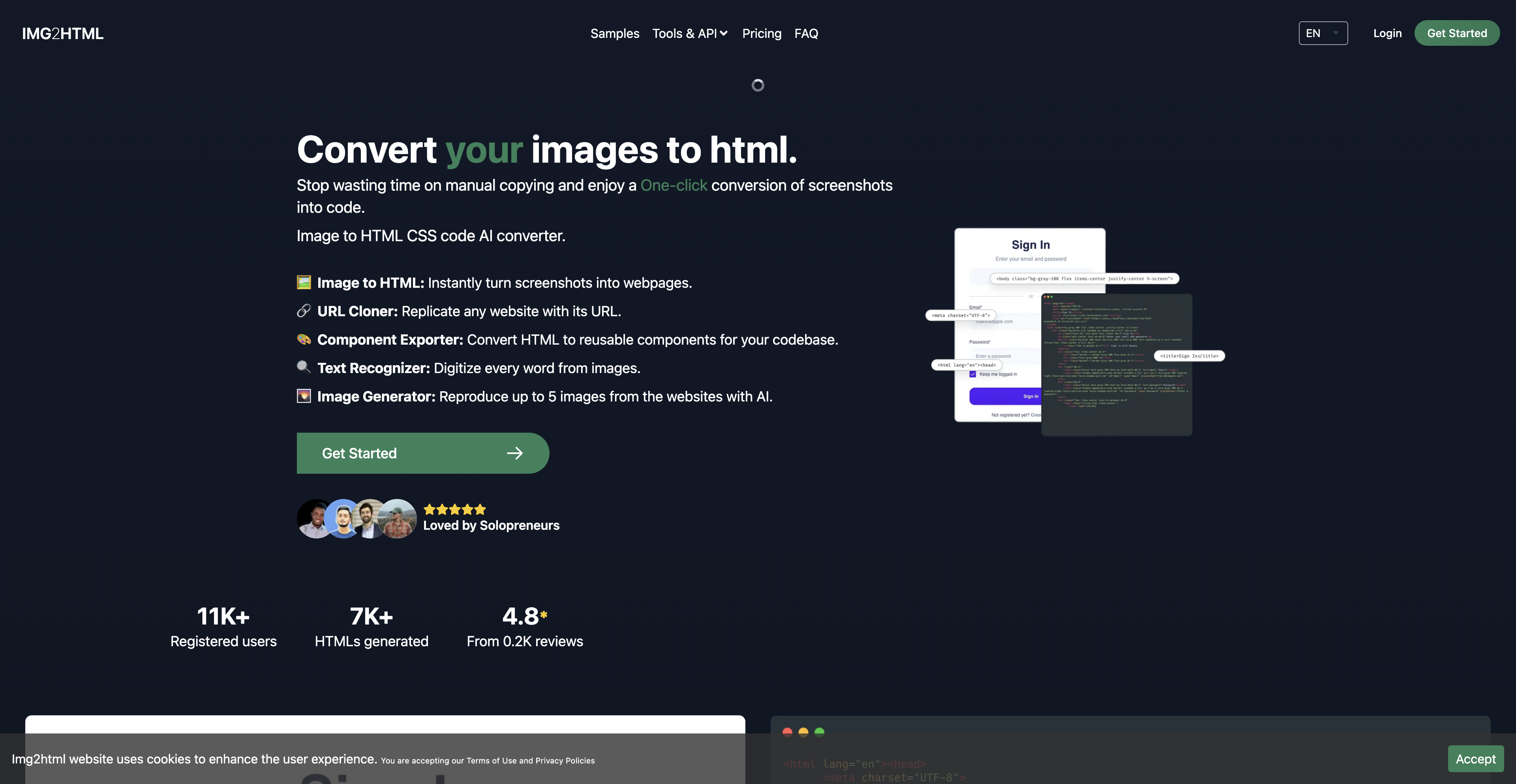
Imagine having a magic wand that transforms any image into fully functional HTML and CSS code. Sounds like a dream, right? Well, that's exactly what IMG2HTML does.
Key Features:
- One-Click Conversion: Say goodbye to tedious manual coding. With just a single click, IMG2HTML transforms your screenshots into responsive web pages.
- Advanced AI Algorithms: The tool leverages artificial intelligence to ensure the generated code is not only accurate but also optimized for performance.
- Framework Compatibility: Supports major JavaScript frameworks like ReactJS, VueJS, and AngularJS, making it versatile for various projects.
- User-Friendly Interface: Even if you're not a coding guru, the intuitive design ensures a smooth experience.
Personal Anecdote:
I remember struggling with a complex layout once. Hours later, after countless tweaks, the design still didn't look right on mobile. Then I discovered IMG2HTML. A quick upload, and voilà! The responsive code handled the rest. It was like having a co-pilot who just gets it.
2. Zeplin
Overview
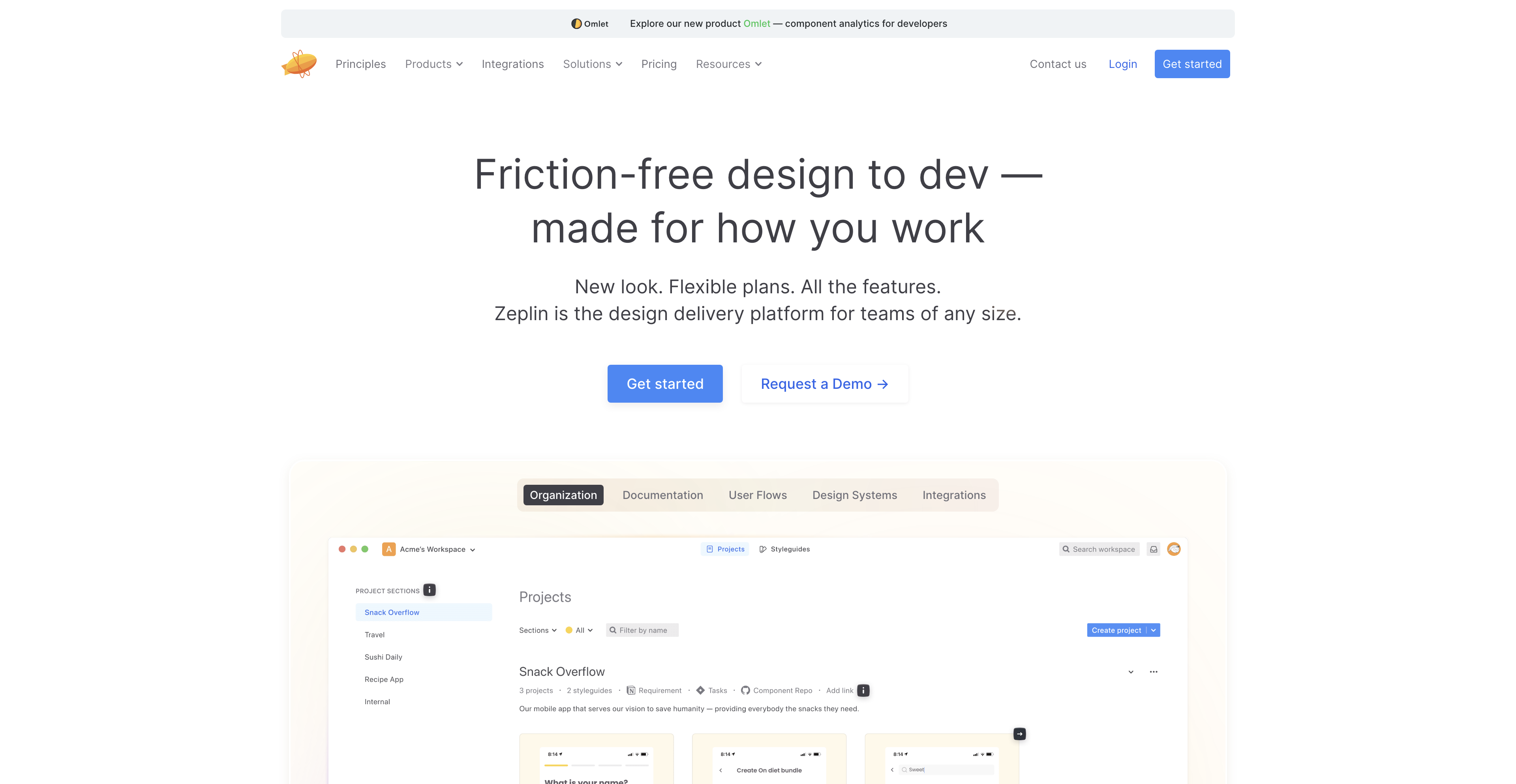
Zeplin is a favorite among designers and developers alike. It's more than just a conversion tool; it's a collaboration platform that bridges the gap between design and development.
Key Features:
- Pixel-Perfect Code Snippets: Converts Figma designs into exact HTML and CSS snippets without losing any detail.
- Collaboration Tools: Share designs with your team effortlessly, ensuring everyone is on the same page.
- Style Guides: Automatically generates style guides to maintain consistency across your project.
Why You'll Love It:
Have you ever handed off a design only to receive back a mess of misunderstood instructions? Zeplin eliminates that frustration by providing clear, developer-friendly code straight from the design.
3. Anima
Overview
Anima takes your Figma designs and turns them into high-fidelity prototypes and responsive HTML and CSS code. It's perfect for those who want to see their designs come to life instantly.
Key Features:
- Responsive Design: Ensures your converted code looks great on all devices.
- Interactive Prototypes: Add animations and interactions directly within Figma before exporting.
- Real Code Export: Generates clean, developer-friendly code that’s ready to use.
Quick Tip:
If you love seeing your designs interact without diving deep into JavaScript, Anima is your go-to tool. It’s like having a designer-developer hybrid working alongside you.
4. Framer Web
Overview
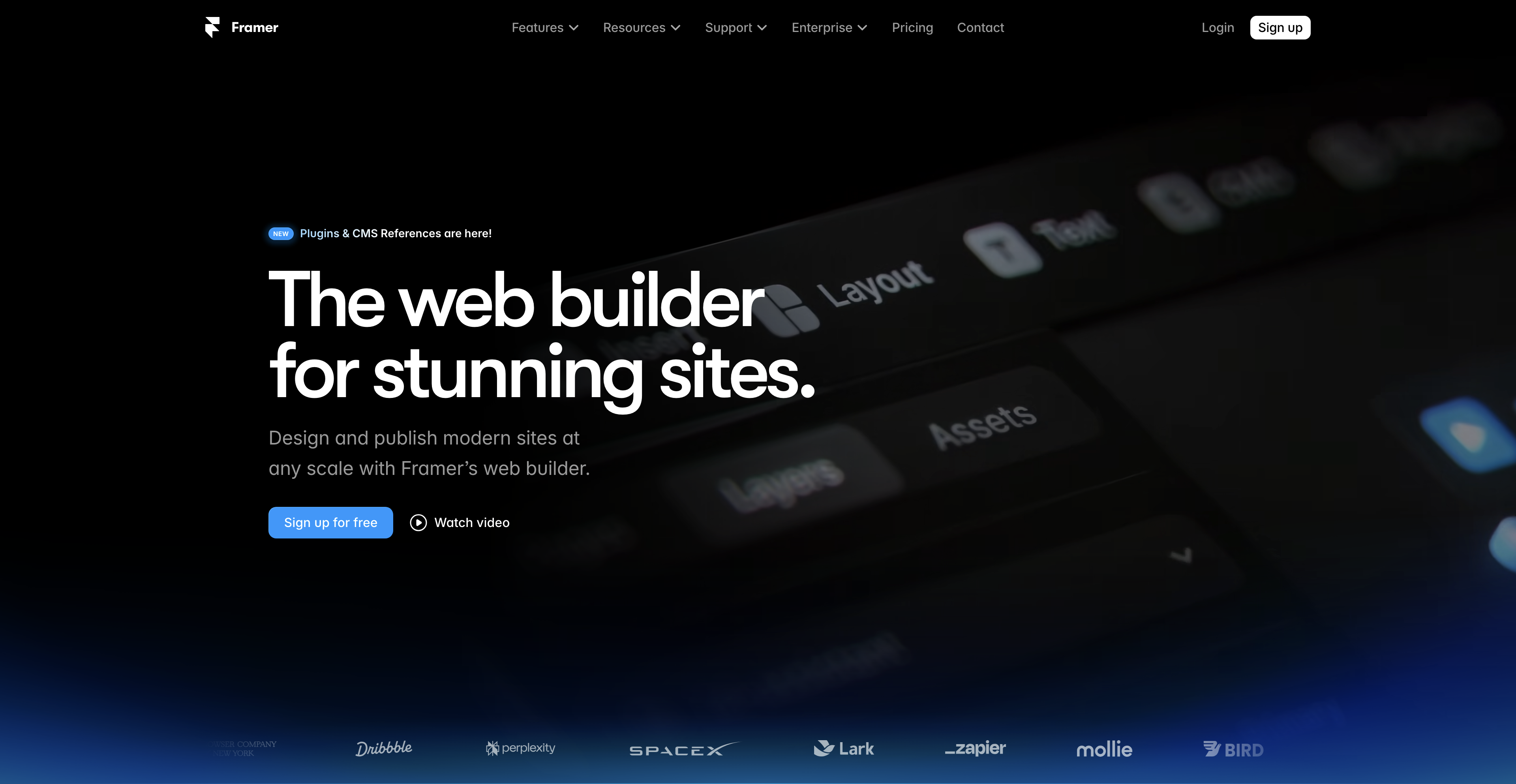
Framer Web is a powerhouse that combines design, prototyping, and code generation in one seamless platform. It’s perfect for those who want an all-in-one solution.
Key Features:
- Integrated Environment: Design, prototype, and convert to code without switching tools.
- Reusable Components: Create components in Framer that can be reused across different projects.
- Export Options: Generate clean HTML and CSS code, ready for implementation.
Why It Stands Out:
Have multiple tabs open for different tools? Framer Web consolidates everything you need into a single interface, streamlining your workflow and reducing clutter.
5. HTML to Figma
Overview
While most tools convert from design to code, HTML to Figma flips the script, allowing you to bring existing HTML and CSS into Figma for further refinement.
Key Features:
- Import External Code: Bring your existing websites into Figma to tweak and enhance the design.
- Collaborative Editing: Work with your team to improve and iterate on designs without starting from scratch.
- Speed Up Development: Quickly visualize and adjust your code in a design environment.
Personal Touch:
Ever received a client's website and wished you could easily tweak the design? HTML to Figma makes this possible, saving you hours of back-and-forth adjustments.
6. Figma to HTML
Overview
As the name suggests, Figma to HTML is all about converting your Figma designs into responsive HTML and CSS code snippets. It’s a straightforward tool for turning your creative visions into reality.
Key Features:
- Responsive Code Generation: Ensures your website looks perfect on all devices.
- Attention to Detail: Converts designs with high precision, maintaining design integrity.
- Efficiency Boost: Speed up your development process by automating repetitive coding tasks.
Why Use It:
If you're a Figma enthusiast looking to streamline your workflow, Figma to HTML offers a seamless transition from design to development, keeping your creative juices flowing without interruption.
7. Koncept
Overview
Koncept is more than just a conversion tool; it’s a comprehensive design and prototyping platform that offers advanced features for web developers and designers.
Key Features:
- Clean Code Output: Generates organized and readable HTML and CSS code.
- Animation Integration: Define animations and interactions within Koncept before exporting.
- Comprehensive Design Tools: Offers a suite of tools for designing, prototyping, and converting.
Analogous Insight:
Think of Koncept as the Swiss Army knife for web design—versatile and packed with features that handle multiple aspects of your project seamlessly.
8. Auto-Layout to HTML
Overview
Auto-Layout to HTML focuses on leveraging Figma’s Auto Layout feature to create flexible and responsive layouts using CSS Grid or Flexbox.
Key Features:
- Responsive Design Focus: Ensures elements resize and rearrange based on content and screen size.
- Complex Interface Creation: Easily nest elements to build intricate, responsive interfaces.
- Automated Layout Conversion: Transforms Figma’s Auto Layout into clean CSS code effortlessly.
Why It’s Handy:
Creating responsive designs manually can be a headache. Auto-Layout to HTML takes care of the heavy lifting, letting you focus on the creative aspects without worrying about the technical details.
9. PixelPerfect
Overview
PixelPerfect ensures that your converted HTML and CSS code matches your Figma designs down to the last pixel, preserving design integrity.
Key Features:
- High Precision: Maintains exact dimensions, colors, and styles from your design.
- Design Consistency: Ensures that the final web page looks identical to your original design.
- Ease of Use: Simple interface that makes the conversion process straightforward.
Personal Experience:
I’ve lost count of the times my designs looked great in Figma but fell apart in the browser. PixelPerfect bridges that gap, ensuring your hard work doesn't get lost in translation.
10. CSS Scan
Overview
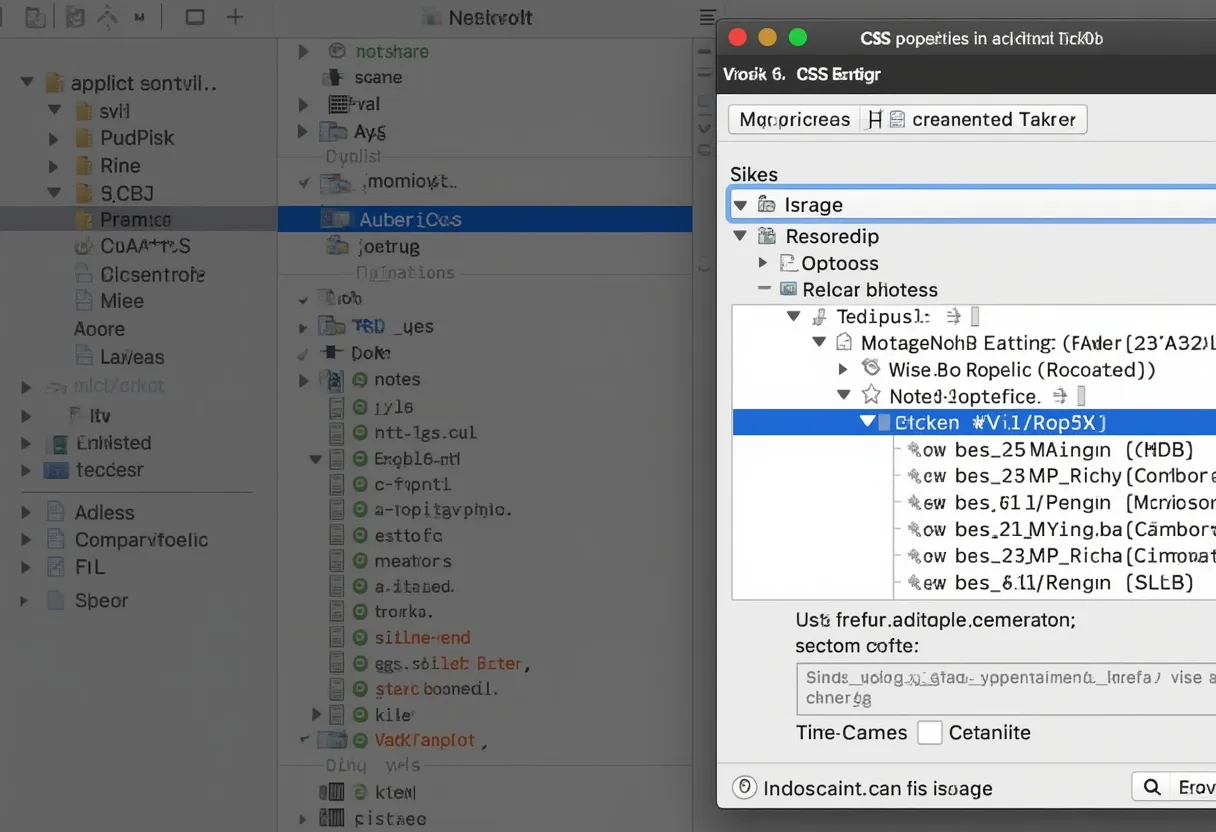
CSS Scan is a time-saving tool that allows you to extract CSS properties directly from any element on your screen. It’s perfect for fine-tuning your designs and ensuring consistent styling.
Key Features:
- Instant CSS Extraction: Get CSS values with just a few clicks.
- Style Replication: Easily replicate colors, fonts, and other styles across your project.
- Efficiency Booster: Save time by avoiding manual code entry for repetitive styles.
Why You’ll Appreciate It:
Ever tried to remember that exact shade of blue in your design? CSS Scan has got you covered. It’s like having a color picker on steroids, making your life easier one pixel at a time.
11. Figmify

Overview
Figmify is a straightforward tool for converting Figma designs into clean HTML and CSS snippets. It’s ideal for projects that don’t require complex interactions or animations.
Key Features:
- Simple Conversion Process: Convert designs with just a few clicks.
- Clean Code Output: Generates readable and maintainable HTML and CSS.
- Speedy Results: Get your code ready in moments, not hours.
Why It’s Great:
If you need a quick and easy way to turn your designs into code without diving into the complexities, Figmify is your best bet. It’s user-friendly and efficient, perfect for fast-paced projects.
Conclusion
In the ever-evolving landscape of web design and development, having the right tools can make all the difference. From IMG2HTML’s advanced AI-driven conversions to Zeplin’s collaborative prowess, these top 10 tools are designed to streamline your workflow, enhance your productivity, and ensure your designs look stunning across all devices.
Don’t let tedious manual coding slow you down. Embrace these tools, stay updated with the latest trends, and watch your web projects soar to new heights.