Introduction
Ever seen a Toyhouse profile that just blows you away? Chances are they used HTML templates to take their page from meh to amazing. These days, first impressions online are everything. Sprucing up your Toyhouse profile with HTML templates isn't just nice - it's pretty much essential. Whether you're an artist, writer, or just love being creative, customizing your profile can help you stand out and attract more eyeballs. So let's dive into the world of Toyhouse HTML templates and see how they can make your online presence pop!
What Are Toyhouse HTML Templates?
Before we get into the nitty gritty, let's break down what Toyhouse HTML templates actually are. Basically, they're pre-made HTML and CSS code you can plug into your Toyhouse profile to change how it looks and works. Unlike the basic templates Toyhouse offers, HTML templates let you customize way more. You can tweak every little detail to match your unique style.
It's kinda like walking into a store where all the shelves look the same versus one where each section is set up to appeal to different tastes. The second one is way more fun to shop in, right? HTML templates are like that - they turn your profile from a boring cookie-cutter page into something that really shows off who you are.
Why Use HTML Templates on Toyhouse?
So why bother with HTML templates for your Toyhouse profile? Here's the deal:
- Way More Customization: The basic Toyhouse options are pretty limited. HTML templates let you go wild with colors, layouts, and all that good stuff.
- Looks Way Better: A well-designed template can make your profile look super slick and pro.
- Easier to Navigate: HTML templates can add cool navigation that makes it a breeze for people to explore your stuff.
- Show Off Your Skills: If you know HTML/CSS, making your own templates is a great way to flex those tech muscles.
- Stand Out from the Crowd: There are tons of profiles on Toyhouse. A unique template helps you catch people's eye.
- Faster Loading: Good templates are optimized to load quick, so visitors don't get impatient and leave.
- SEO Boost: The right HTML structure can help your profile show up better in search results.
Basically, HTML templates let you get creative while also making your profile work better. It's a win-win! You can explore various templates and find inspiration or even create your own designs. You can try this feature yourself at img2html .
What's Hot in Toyhouse Template Design
Keeping up with design trends is key if you want your profile to look fresh. Here's what's popular in Toyhouse templates right now:
- Minimalist Designs: Less is more! Clean, simple layouts with lots of white space are in.
- Dark Mode: Dark backgrounds with light text look sleek and are easier on the eyes.
- Interactive Elements: Little animations when you hover or click make browsing more fun.
- Subtle Animations: Gentle movements as you scroll can add some pizzazz without being overwhelming.
- Cool Fonts: Unique typography can make your content stand out.
- Modular Layouts: Flexible designs that let you organize different sections (like galleries or character bios) in a neat way.
- Multimedia: Adding videos, slideshows, or audio clips can make your profile more engaging.

Tips for Customizing Your Profile
Customizing your profile might seem tricky at first, but with a few tricks up your sleeve, you can make it look awesome. Here's how:
- Figure Out Your Style: Think about what colors and vibe represent you best. Your template should show off your personality.
- Start with a Template: Pick a base template that's close to what you want. It's easier to tweak something existing than start from scratch.
- Play with Colors and Fonts: Change up the colors and text to match your style. Google Fonts has tons of free options.
- Add Some Eye Candy: Good quality pics, banners, and icons can make your profile pop. Just make sure they're not huge files that'll slow things down.
- Make it Mobile-Friendly: Lots of people browse on their phones, so make sure your profile looks good on small screens too.
- Easy Navigation: Make sure it's simple for visitors to find their way around your profile. Clear menus and consistent layouts help.
- Add Some Interactivity: Things like image sliders or pop-ups can make your profile more fun to explore.
- Test it Out: Check how your profile looks on different browsers to make sure everything works right.
- Get Feedback: Ask friends or other Toyhouse users what they think. Fresh eyes can spot things you might've missed.
- Keep it Updated: The internet's always changing. Tweak your template now and then to keep up with new trends and fix any bugs.
Follow these tips and you'll have a Toyhouse profile that looks awesome and works great! For more tools and resources, visit img2html .
Must-Have Tools for Creating Templates
To make killer HTML templates, you need the right tools. Here's a rundown of some essentials:
Code Editors
- Visual Studio Code: Free and super popular. Tons of add-ons for all skill levels.
- Sublime Text: Fast and simple. Great for distraction-free coding.
- Atom: Open-source editor from GitHub. Super customizable.
Design Tools
- Adobe Photoshop: Perfect for making graphics and banners.
- Figma: Great for collaborating on designs in real-time.
- Sketch: Awesome for UI/UX design if you're on a Mac.
Version Control
- Git: Keeps track of changes and lets you work with others easily.
- GitHub: Hosts your Git stuff and makes collaboration a breeze.
Browser Tools
- Chrome DevTools: Built into Chrome. Let's you tinker with your code live.
- Firefox Developer Tools: Similar to Chrome's tools. Great for debugging.
Testing Tools
- BrowserStack: Test your templates on different devices and browsers.
- Responsinator: Quickly see how your profile looks on different screens.
CSS Frameworks
- Bootstrap: Popular framework with pre-made components. Speeds up design.
- Tailwind CSS: Gives you building blocks to create custom designs fast.
Online Playgrounds
- CodePen: Great for testing and showing off code snippets.
- JSFiddle: Similar to CodePen. Easy to share and work on code with others.
Template Marketplaces
- ThemeForest: Tons of HTML templates for inspiration or starting points.
- TemplateMonster: Another big marketplace with templates for all kinds of sites.

Cool New Features in Templates
Templates are always evolving. Here are some of the coolest new features:
Responsive Design
These days, people browse on all kinds of devices - phones, tablets, computers. Responsive templates automatically adjust to fit different screen sizes. It's like having a Swiss Army knife for your profile - it works great no matter how someone's viewing it.
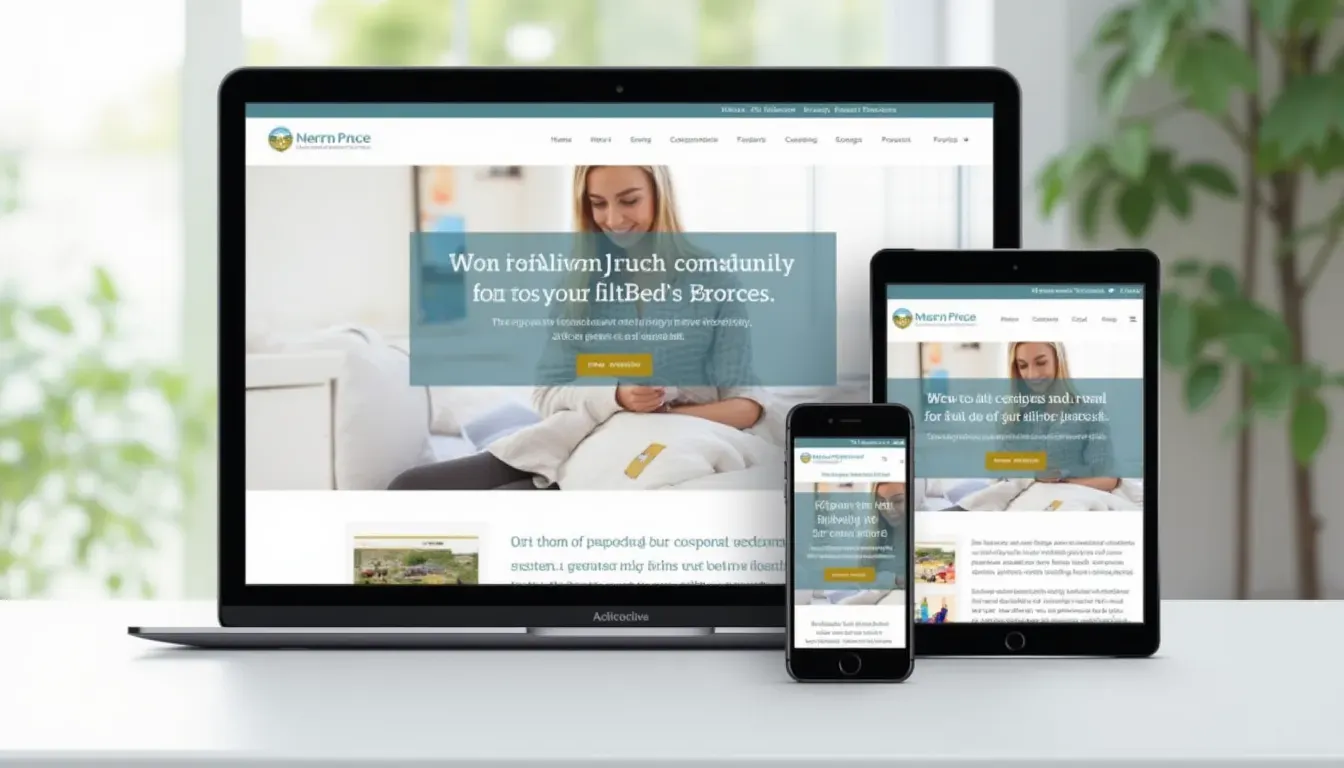
Imagine throwing a party where only some guests can get in the door. Responsive design is like making sure everyone's invited and comfortable, no matter how they show up.
Interactive Stuff
Static pages are so last year. Now, profiles are all about interactivity. Things like:
- Hover effects
- Clickable galleries
- Embedded videos
- Interactive forms
It's like turning your profile into a virtual art gallery where visitors can play around and explore. It keeps people engaged and makes your profile more memorable.
These new features don't just make your profile look cool - they make it way more fun and engaging for visitors.
Optimizing for Today's Trends
Creating a sweet-looking template is just the start. To really make an impact, you gotta keep up with what users expect. Here's how to make sure your Toyhouse template is on point:
Mobile-Friendly
Over half of web traffic comes from mobile devices now. So your template's gotta look good on phones. That means:
- Layouts that adjust to small screens
- Text that's easy to read without zooming
- Buttons and links that are easy to tap
Think of your profile like a cool convertible - it should look awesome whether you're cruising down the highway or zipping through city streets.
SEO Tricks
While Toyhouse profiles might not show up in Google searches, optimizing your template can still help people find you on the platform:
- Use proper HTML tags to organize your content
- Add alt text to images
- Make sure your profile loads fast
Using these SEO tricks helps your profile show up better in searches and makes it easier for people to find you.
Accessibility
Making sure everyone can use your profile, including people with disabilities, is super important:
- Make sure there's enough contrast between text and backgrounds
- Let people navigate with just a keyboard
- Use labels that help screen readers understand your content
Accessibility isn't just the right thing to do - it also means more people can enjoy your awesome profile!
Building Your Network with Templates
Your profile shows off your creativity, but building connections in the Toyhouse community can really boost your presence. Here's how cool HTML templates can help:
Showing Off Your Work
A slick, unique template is like a billboard for your style and skills. When your profile looks awesome, it can lead to:
- More followers
- Chances to work with other artists
- Feedback to help you improve
Sharing and Teamwork
Toyhouse is all about creatives working together:
- Share your templates to help out the community
- Team up on projects to expand your portfolio
- Use interactive features to spark conversations
Building your network isn't just about getting more followers - it's about making real connections that help you grow as a creator.
Strategies for Success
Making an awesome Toyhouse profile with HTML templates takes creativity, tech skills, and some smart planning. Here are some tips to help you succeed:
Best Practices
- Keep it Simple: Don't go overboard with features. Sometimes less is more.
- Stay Consistent: Use the same colors, fonts, and layout style throughout your profile.
- Optimize Images: Use high-quality pics that won't slow down your page.
- Clear Navigation: Make it easy for visitors to find their way around.
- Regular Updates: Keep your profile fresh by updating content and tweaking your template.
Mistakes to Avoid
- Over-Complicating: Too many animations or graphics can be overwhelming.
- Ignoring Mobile Users: Make sure your profile looks good on phones too.
- Forgetting Accessibility: Don't exclude users by ignoring accessibility features.
- Skipping Testing: Always test your profile on different devices and browsers.
- Inconsistent Branding: Keep your style consistent so you don't confuse visitors.
User Experience and Performance
A great-looking profile is important, but it's gotta work well too. Here's how to make sure visitors have a smooth experience:
Load Times
Why It Matters: If your profile takes forever to load, people will bounce. Even a few seconds can make a difference.
- Shrink your images (use tools like TinyPNG)
- Cut out unnecessary code
- Use caching to store frequently used data
Tip: Google PageSpeed Insights can help you figure out what's slowing things down.
Readability and Look
Why It Matters: If people can't read your content easily or your profile looks messy, they won't stick around.
- Choose easy-to-read fonts
- Make sure text stands out from the background
- Use consistent spacing and layouts
Tip: Check how your profile looks on different devices and ask friends for feedback.
Interactive Elements and Engagement
Why It Matters: Interactive stuff can make your profile more fun and keep people exploring.
- Use subtle hover effects on buttons and links
- Add image sliders or lightbox galleries
- Let visitors leave comments or feedback
Tip: Don't go overboard - make sure interactive elements enhance the experience, not distract from it.

Awesome Profile Examples
Let's look at some real Toyhouse profiles that use HTML templates to stand out:
The Artistic Showcase
What Makes it Cool:
- Smooth gallery slider for showing off art
- Click on character thumbnails to see detailed profiles
- Looks great on both computers and phones
Result: More followers and profile visits thanks to the slick design.
The Writer's Corner
What Makes it Cool:
- Built-in blog for sharing stories and updates
- Easy-to-read fonts and spacing
- Option to switch between light and dark modes
Result: More loyal readers and interaction with content.

The Cosplay Enthusiast
What Makes it Cool:
- Organized galleries for cosplay photos
- Calendar showing upcoming events
- Links to social media profiles
Result: Wider reach and stronger connections in the community.
Wrapping Up
Your Toyhouse profile is like your digital playground - a place to show off your creativity and connect with others. Using HTML templates can turn your profile from basic to amazing. Whether you're an artist, writer, or just love being creative, customizing your profile with templates can help you stand out and make connections.
From making your profile look awesome to adding cool interactive features, HTML templates give you the power to make your Toyhouse presence truly unique. Keeping up with design trends and using the right tools can help you create a profile that's both modern and easy to use.
But it's not just about looking good - it's about telling your story in a way that grabs people's attention. So why settle for a boring profile when you can create something awesome? Dive into Toyhouse HTML templates and watch your profile transform into something that really shows who you are.
Ready to make your Toyhouse profile pop? Start exploring HTML templates today and get ready to show the world what you've got!
Related Articles
- How to Convert Figma to HTML in 5 Minutes - Learn how to quickly turn your Figma designs into responsive HTML templates.
- Essential Checklist for Successful Image to HTML Conversion - Ensure your HTML conversions are flawless with this comprehensive checklist.
- Top Features of img2html Every Developer Should Know - Discover the key features that make img2html a must-have tool for developers.