Top Features Of Img2Html Every Developer Should Know
Discover how Img2HTML can revolutionize your web development workflow with its powerful features....
Discover how Img2HTML can revolutionize your web development workflow with its powerful features.
Table of Contents
- Intro
- What's Img2HTML?
- Key Features
- Advanced Stuff
- User Experience
- Performance
- Pricing
- User Stories
- Comparing Tools
- FAQs
- Wrap-up
1. Intro
Ever looked at an awesome website and thought, "Man, I wish I could make that without spending forever coding every little thing"? You're not alone. In the crazy world of web dev, being fast and accurate is super important. That's where Img2HTML comes in - it's this AI tool that's changing how developers and designers turn pictures into working, responsive code. Whether you're a pro developer, just starting out in design, or someone with a cool idea but not much coding know-how, Img2HTML could be a game-changer. So, what makes it special, and why should you care? Let's check out the top features of Img2HTML that every developer should know about.

2. What's Img2HTML?
Imagine having a magic wand that could instantly turn any picture - like a screenshot, design mockup, or graphic - into clean, responsive HTML and CSS code. Sounds like something from a sci-fi movie, right? Well, with Img2HTML, this crazy idea is becoming real. Using some fancy AI algorithms, Img2HTML looks at your images, figures out the design elements, and spits out code that's not just accurate, but also optimized to work well and look good on different devices.
But that's not all. Img2HTML goes beyond just turning pictures into code. It works with popular JavaScript frameworks like ReactJS , VueJS , and AngularJS , and plays nice with Tailwind CSS . Whether you want to copy an existing website, turn your design ideas into code, or export parts for your projects, Img2HTML has got your back.
3. Key Features
Image to HTML Conversion
The main thing Img2HTML does is turn any picture into HTML and CSS code you can use right away. Whether you've got a complicated design or a simple layout, Img2HTML's AI makes sure the conversion is spot-on. No more boring manual coding or worrying about missing details. Just upload your picture, hit convert, and watch the magic happen.
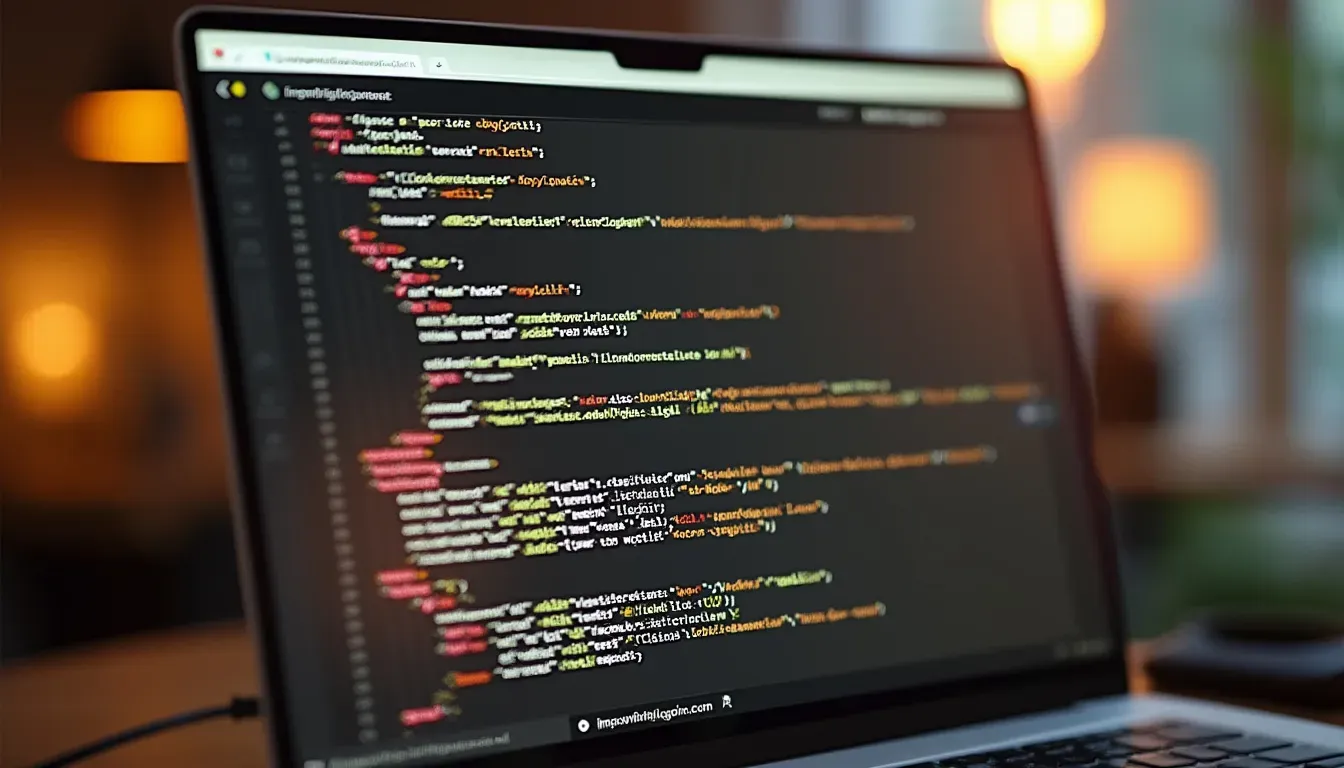
I remember the first time I used Img2HTML. I had this crazy design for a landing page, with hover effects and responsive sections and everything. Coding it by hand would've taken forever. But with Img2HTML, it was done in seconds. The code was clean, organized, and ready to go.
Ready to transform your designs effortlessly? Try Img2HTML Today
URL Cloner
Ever seen a website layout you really liked and wished you could copy it for your own project? The URL Cloner does exactly that. Just type in the website address, and Img2HTML grabs the design elements and turns them into HTML and CSS code. It's like having a digital copycat that can recreate designs perfectly.
How cool would it be to clone a competitor's website layout instantly without any work?
Give it a try with Img2HTML's Picture to HTML Converter and simplify your development process.
Component Exporter
These days, web development often involves working with frameworks like React, Vue, or Angular. Img2HTML knows this and offers a Component Exporter feature. This lets you turn the generated HTML and CSS into reusable parts that work with these frameworks. Imagine building a collection of components you can use in any project - saving time and keeping things consistent across your code.
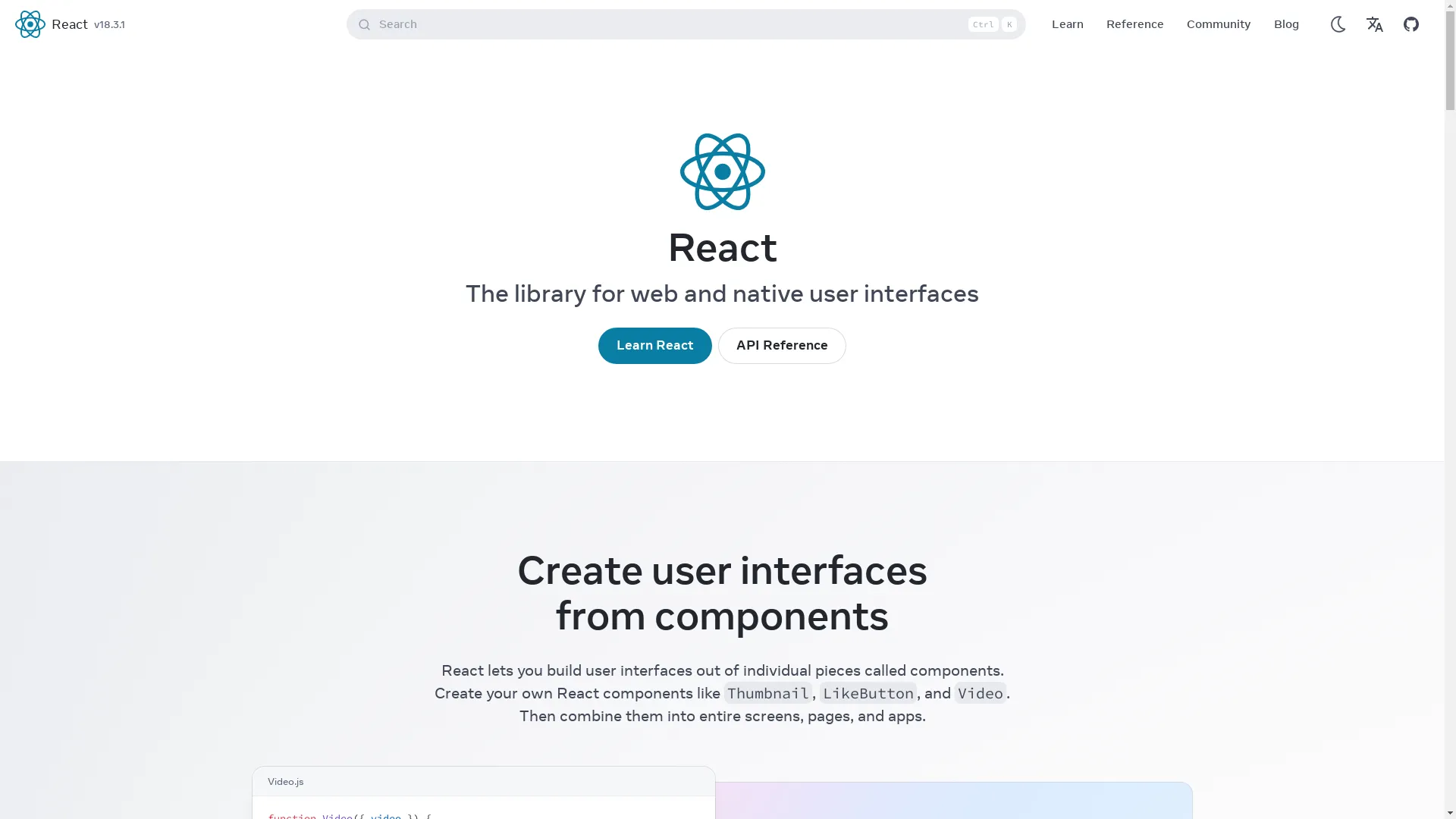
It's like turning your favorite LEGO set into individual pieces you can reuse to build anything you want, anytime.
Enhance your projects with reusable components by exploring Img2HTML's Component Exporter .
Text Recognizer
Not all images are just about how they look. Often, text is a big part of the design - like headings, buttons, or content sections. Img2HTML's Text Recognizer uses fancy OCR (Optical Character Recognition) to accurately grab all the text elements and their styling from images. This makes sure your website not only looks good but also keeps all the content exactly as it should be.

No more squinting at fonts or guessing what those tiny texts say!
AI Image Generator
Sometimes, you might want to automatically create website images to go with your code. Img2HTML's AI Image Generator can make up to five website images using AI. Whether it's hero images, product showcases, or banners, this feature gives your projects a visual boost without having to find images yourself.

This is a lifesaver for developers who want to see what their websites might look like without getting into graphic design.
Start generating stunning images with Img2HTML's AI Image Generator .
4. Advanced Stuff
Tailwind CSS Integration
Tailwind CSS has become super popular with its utility-first approach. Img2HTML works seamlessly with Tailwind CSS, letting developers use its powerful utility classes for styling. This means you can create stylish, responsive designs without writing tons of CSS, speeding up your development process.

Who doesn't love cutting down on repetitive CSS writing?
Tech Stack Support
Img2HTML isn't just limited to HTML and CSS. It supports a bunch of technologies, including JavaScript, ReactJS, VueJS, and AngularJS. This wide support makes sure the generated code works with your existing tech stack, making integrations smoother and more efficient.
It's like having all the tools you need in your toolbox, ready to tackle any coding job.
Chrome Extension
In today's digital world, convenience is king. Img2HTML has a Chrome Extension that lets you convert images to HTML and CSS right from your browser. Whether you're looking at design ideas on Dribbble or need to copy a website's layout, the Chrome Extension makes quick conversions super easy.
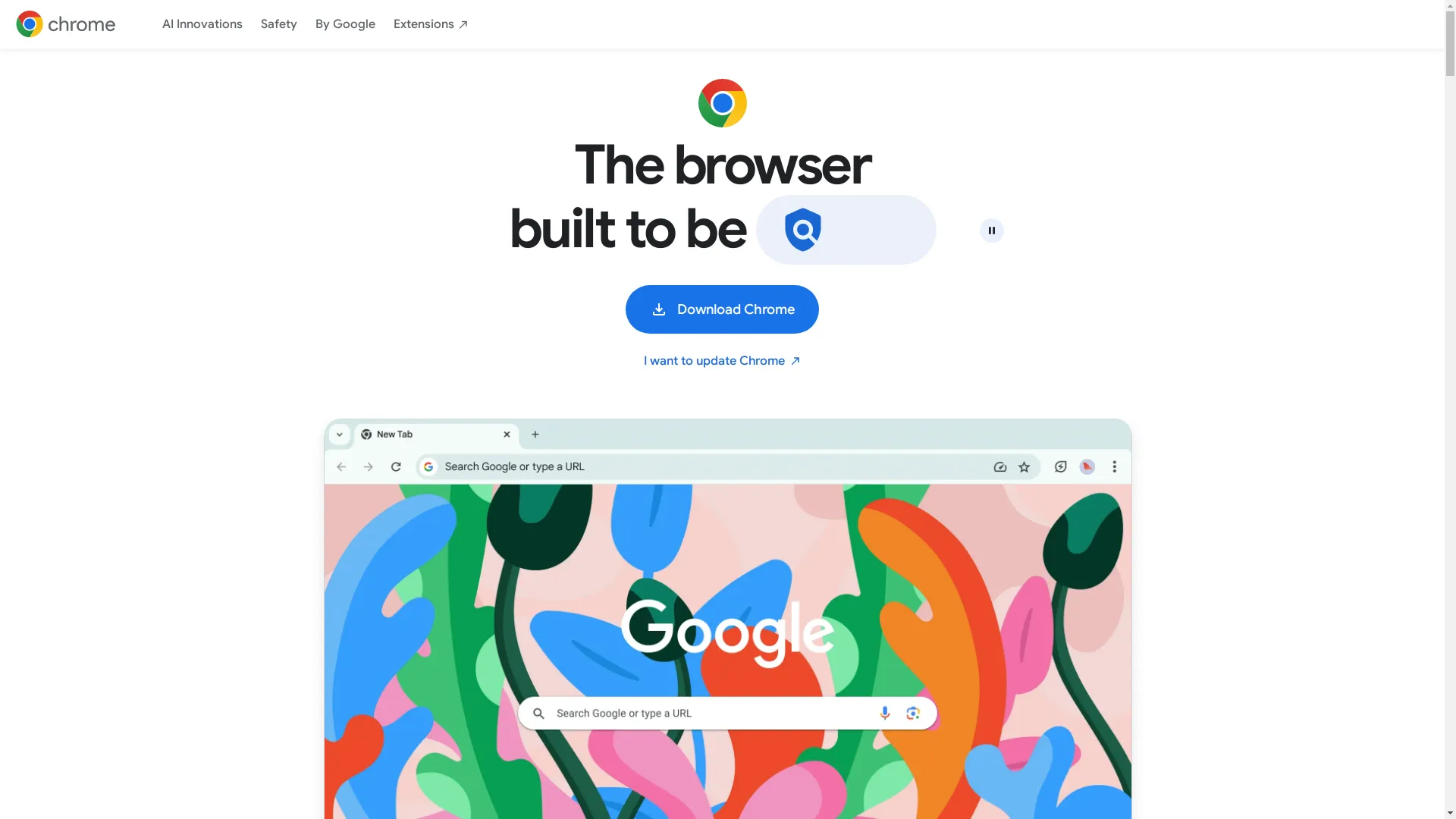
It's like having a mini coder right in your browser - pretty neat!
API Integration
For developers and businesses who want to add image-to-code functionality directly into their own apps or workflows, Img2HTML offers a solid API integration. This means you can automate the conversion process within your tools, boosting productivity and streamlining your development pipeline.

Integrating Img2HTML's API into our CMS has really cut down the time we spend on manual coding, letting our team focus more on the creative stuff.
Explore Img2HTML's API to elevate your projects.
5. User Experience
User-Friendly Design
Img2HTML is proud of its intuitive and easy-to-use interface. Whether you're uploading your first image or managing multiple conversions, the platform makes sure everything is smooth and enjoyable. Clean layouts, straightforward options, and helpful tooltips make the whole process hassle-free.

Who wants to wrestle with complicated interfaces when coding can be so much fun?
Works on All Platforms
Whether you're a Windows fan, a Mac lover, or a Linux geek, Img2HTML works smoothly on all major operating systems. This cross-platform compatibility means that no matter what device you're using, you can access and use Img2HTML's powerful features without any problems.
It's like having a universal remote that works with all your gadgets - so convenient!
Fast Conversions
Time is money, especially in the world of development. Img2HTML gets this and makes sure that image-to-code conversions happen in just seconds. This quick processing lets you keep your projects moving forward without unnecessary delays, improving overall efficiency.

The speed at which Img2HTML converts images is pretty impressive - the faster, the better!
Experience lightning-fast conversions with Img2HTML .
6. Performance
Clean Code
One of the standout things about Img2HTML is the quality of the code it generates. The HTML and CSS output isn't just functional; it's clean, organized, and semantic. Clean code is easier to read, maintain, and scale, which is what developers dream of. Semantic HTML also helps with SEO, making your websites easier to find.
Who needs messy code that looks like a bowl of spaghetti?
Responsive Design
In today's world where everyone uses different devices, making sure your website looks good on all screen sizes is crucial. Img2HTML automatically generates responsive code that adapts smoothly to desktops, tablets, and smartphones. This built-in responsiveness means you don't need to make manual adjustments, ensuring a consistent user experience across all devices.

Isn't it better to have a website that effortlessly fits any screen size?
Customizable Code
While Img2HTML does the heavy lifting by generating accurate code, it doesn't leave you hanging. Developers have full control over the final output, allowing them to tweak, improve, and customize the code as needed. Whether it's changing colors, adjusting layouts, or adding new features, the generated code serves as a solid starting point for further development.
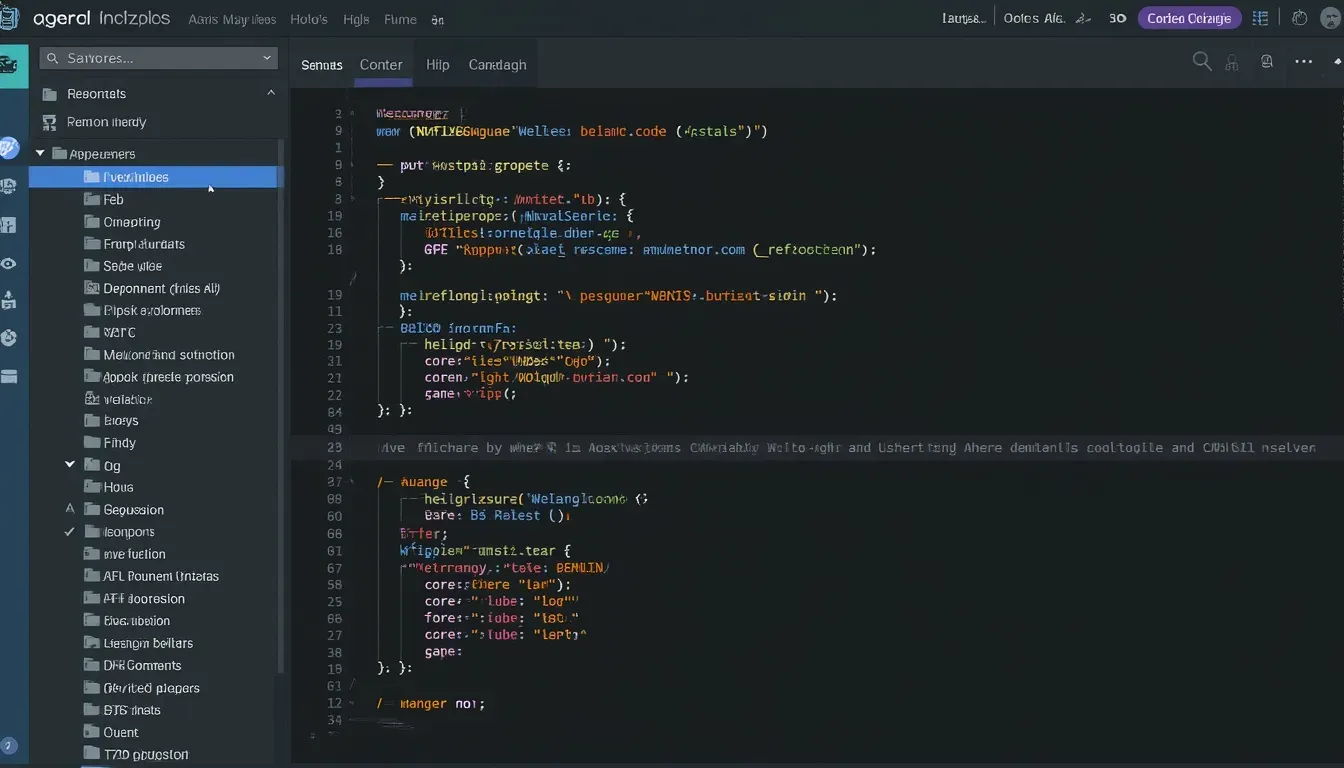
Think of it as having a base model car - you can add all the custom features you want.
Customize your code easily with Img2HTML .
7. Pricing
Credit System
Img2HTML uses a credit-based pricing model, where each image-to-code conversion uses a specific number of credits. This pay-as-you-go system means you only pay for what you use, making it a flexible and cost-effective solution for various project sizes.
I love the flexibility of only paying for what I actually use - no wasted resources.
Check out the pricing plans to find the best option for your needs.
Subscription Options
For those who need to convert images to code regularly, Img2HTML offers subscription plans. These plans come with a bunch of credits at a discounted rate, providing better value for frequent users. Whether you choose a monthly or yearly subscription, you can enjoy uninterrupted access to Img2HTML's powerful features.
Consider it like a coffee subscription - pay upfront and enjoy your daily dose without interruptions!
Explore subscription options to maximize your usage.
Extra Features
Higher-tier credit packages not only offer more conversions but also come packed with additional features. Access to the Chrome Extension, API integration, unlimited use of the AI HTML Editor, and the ability to export to various frameworks are just a few of the perks that come with premium plans. This value-added approach ensures you get more than just code conversions - you get a comprehensive toolkit for your development needs.
Why settle for just the basics when you can have the full package?
Upgrade to premium plans today and unlock all the features.
8. User Stories
Different Users
One of the coolest things about Img2HTML is how many different types of people use it. From solo freelancers to big companies, from newbie coders to seasoned pros, Img2HTML has something for everyone. This diverse user base shows just how versatile and useful the tool is across the whole web development world.

Diverse users mean a robust and adaptable tool that caters to various needs.
Success Stories
There are tons of success stories from people using Img2HTML. Like the startup that cut their development time in half, or the agency that used it to quickly prototype designs for clients. These real-world examples show how Img2HTML isn't just a cool tool, but something that can really make a difference in your work.

These stories highlight the practical benefits and efficiency gains Img2HTML offers.
Read more here .
9. Comparing Tools
Img2HTML vs. Fronty
When you stack Img2HTML up against Fronty, you see some key differences. While both convert images to code, Img2HTML often comes out on top in terms of accuracy and the range of features it offers. Plus, its integration with popular frameworks gives it an edge for many developers.
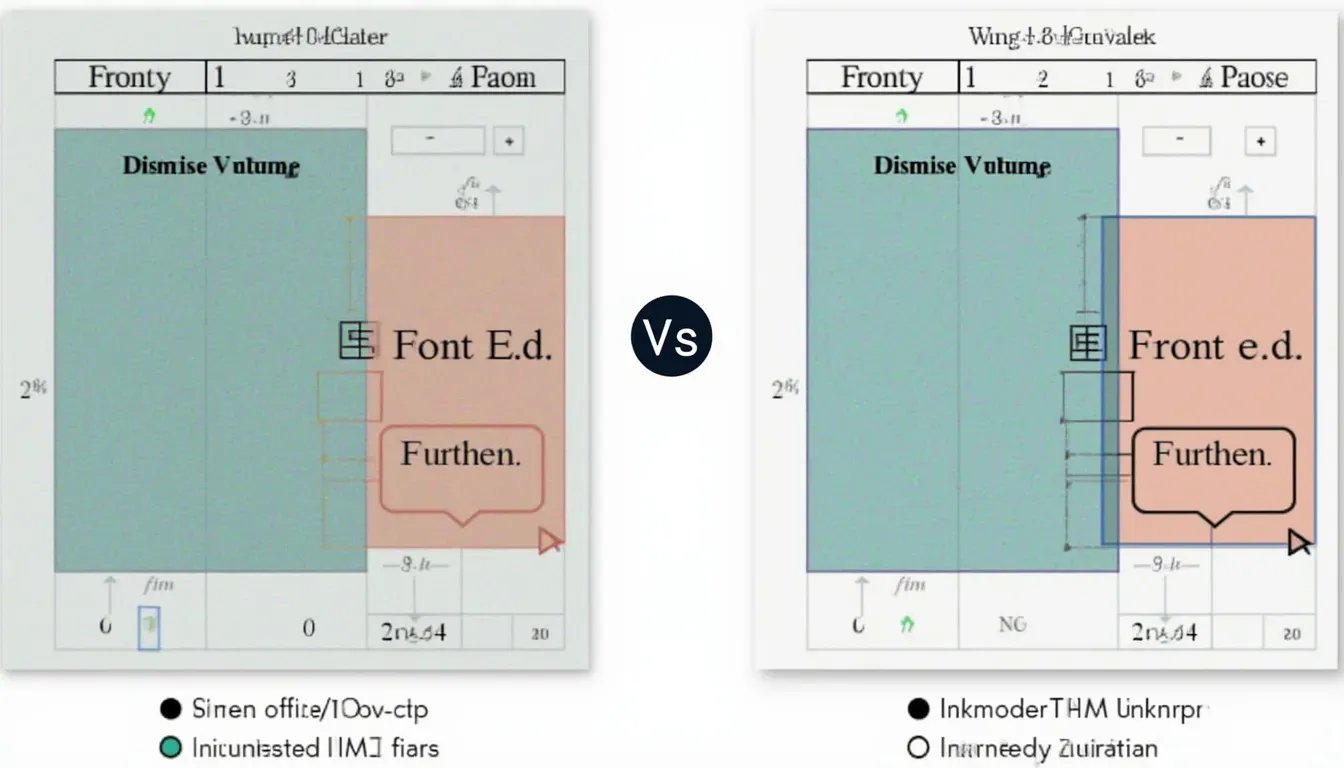
Img2HTML's comprehensive feature set and better accuracy make it a preferred choice for many developers.
Discover the advantages of Img2HTML over Fronty .
Img2HTML vs. Viggle
Comparing Img2HTML to Viggle, you'll notice that while Viggle has its strengths, Img2HTML often provides more comprehensive solutions, especially when it comes to complex designs and responsive layouts. The AI-powered features of Img2HTML also tend to give more accurate results in many cases.
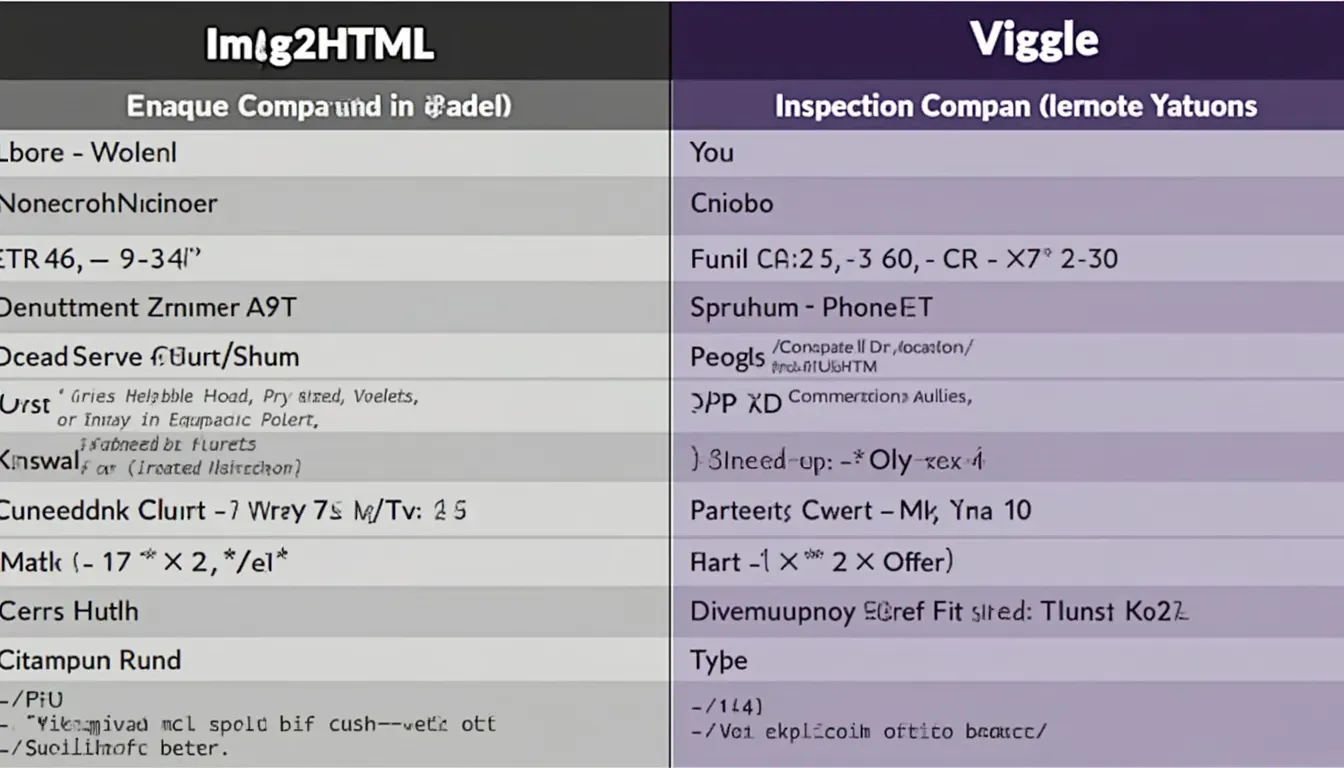
Img2HTML's advanced AI capabilities and support for responsive designs set it apart.
Learn why Img2HTML outperforms Viggle .
10. FAQs
Img2HTML is an AI-powered tool that converts images into clean, responsive HTML and CSS code, enhancing web development efficiency.
Img2HTML uses advanced AI algorithms to analyze images, extract design elements, and generate corresponding HTML and CSS code optimized for various devices.
Yes, Img2HTML offers a free trial with limited credits so you can test its features before committing to a subscription.
For more questions, visit our FAQ page .
11. Wrap-up
So there you have it - a deep dive into the top features of Img2HTML that every developer should know about. From its core image-to-code conversion to advanced features like framework integration and API access, Img2HTML is packed with tools to make your web development life easier. Whether you're looking to speed up your workflow, tackle complex designs, or just make your coding process more efficient, Img2HTML has something to offer. As the web development world keeps evolving, tools like Img2HTML are leading the way in innovation and efficiency. Why not give it a try and see how it can transform your development process?

Ready to enhance your development workflow? Get Started with Img2HTML today!