Essential Checklist for Successful Image to HTML Conversion
Discover the key steps to ensure a smooth and accurate image to HTML conversion process. Follow our comprehensive checklist to optimize your workflow and achieve high-quality results.
Table of Contents
- Introduction
- Understanding Image to HTML Conversion
-
Essential Checklist for Image to HTML Conversion
- 1. Preparing the Image
- 2. Choosing the Right Tools
- 3. Slicing and Organizing Layers
- 4. Setting Up Your Project Structure
- 5. Writing Clean and Semantic HTML
- 6. Crafting Responsive CSS
- 7. Integrating JavaScript (If Necessary)
- 8. Testing Across Devices and Browsers
- 9. Optimizing for SEO and Performance
- Leveraging Advanced Tools and AI in Conversion
- Best Practices and Tips for Success
- Common Pitfalls to Avoid
- Conclusion
Introduction
Have you ever stared at a stunning website design and thought, "I wish I could turn this image into a live, functioning webpage without pulling my hair out"? You're not alone. Converting an image to HTML might sound straightforward, but it involves a meticulous process to ensure accuracy, responsiveness, and performance. In today’s fast-paced digital world, having an efficient checklist can make the difference between a seamless conversion and a frustrating ordeal. Let’s walk through the essential steps to ensure your image-to-HTML conversions are successful every time.
Understanding Image to HTML Conversion
What is Image to HTML Conversion?
At its core, image to HTML conversion is the process of transforming a static image—typically a design mockup—into a dynamic, responsive webpage using HTML, CSS, and sometimes JavaScript. Imagine turning a beautifully crafted Photoshop design into a living, breathing website that users can interact with.
Why is it Important?
In the modern web development landscape, speed and accuracy are paramount. Whether you're a solo developer, a part of a design team, or running an e-commerce business, being able to quickly convert designs into functional web pages can save time, reduce costs, and enhance overall productivity. Plus, with tools like IMG2HTML , this process has become more accessible and efficient than ever before.
Essential Checklist for Image to HTML Conversion
Converting an image to HTML isn't just about writing code; it's about following a structured process to ensure every element is accurately represented and functions seamlessly. Here's your go-to checklist to achieve success.
1. Preparing the Image
- High-Quality Images: Start with a high-resolution image to ensure clarity during conversion. Blurry or low-quality images can lead to inaccuracies in your HTML and CSS.
- Proper Sizing and Resolution: Ensure that your design is sized correctly for the web. Consider different screen sizes and resolutions to make your website responsive from the get-go.
Pro Tip: Use tools like Adobe Photoshop or Sketch to optimize your images before starting the conversion process.
2. Choosing the Right Tools
- IMG2HTML: Tools like IMG2HTML can revolutionize your workflow by automating much of the conversion process. With features like one-click conversion, component exporting, and support for frameworks like ReactJS and VueJS, it’s a game-changer.
- Other Tools and Frameworks: Depending on your project, you might also consider other tools like Adobe XD for design or Bootstrap for responsive layouts.
Personal Anecdote: I remember spending hours manually coding every pixel of a design. Discovering an AI tool like IMG2HTML felt like finding a hidden shortcut in a videogame—suddenly, everything became faster and more efficient!
Try IMG2HTML Now3. Slicing and Organizing Layers
- Layering Strategies: Slice your image into manageable layers. This not only makes the conversion process easier but also ensures that each component of your design is accurately represented in the final HTML.
- Layer Organization: Properly name and organize your layers to avoid confusion during the conversion. Clean, well-organized layers can significantly speed up the development process.
Ask Yourself: Are my layers named descriptively enough to understand their purpose at a glance?

4. Setting Up Your Project Structure
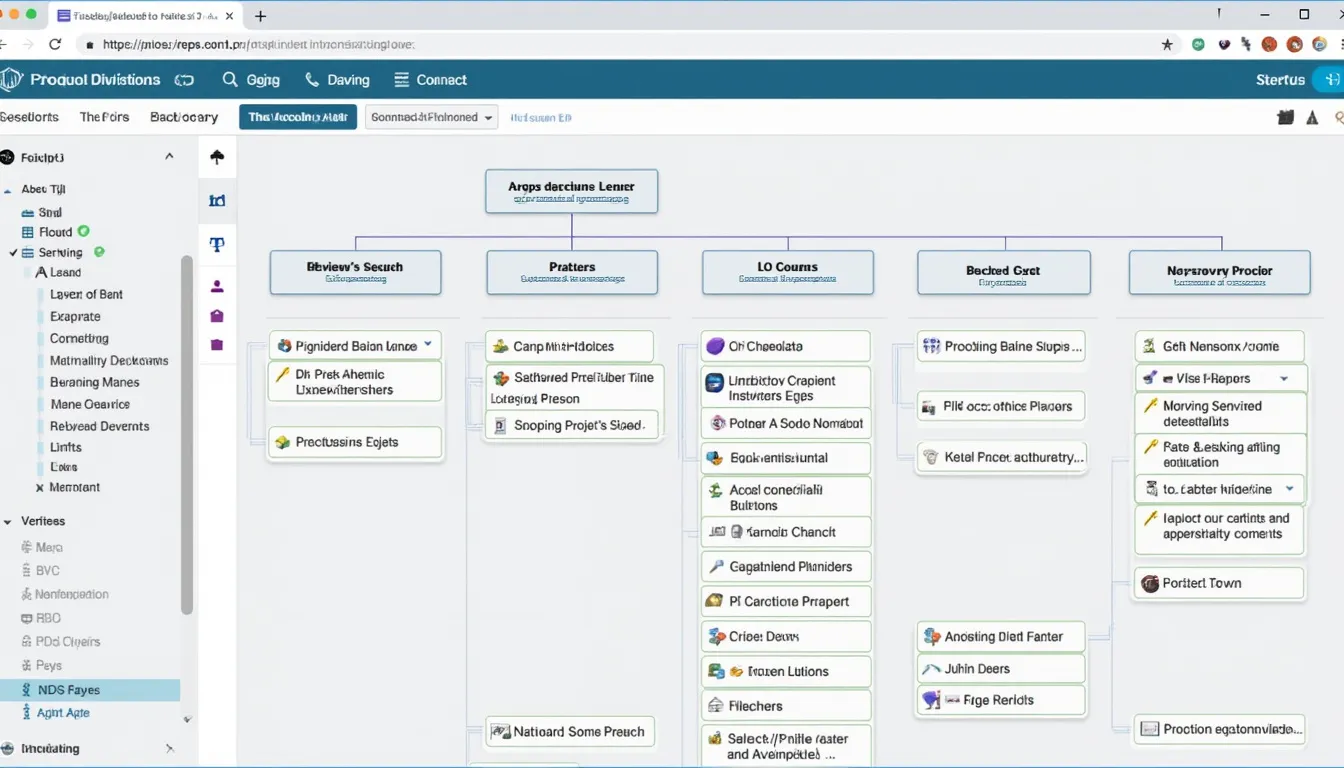
- Directory Creation: A well-structured project folder is crucial. Create main folders for your project, along with subfolders for images, styles, scripts, and any other assets.
- File Organization: Organize your files logically. For example, place all your CSS files in a 'styles' folder and JavaScript files in a 'scripts' folder.
Analogy: Think of your project structure like a well-organized kitchen. Everything has its place, making it easier to find ingredients (code) when you need them!
5. Writing Clean and Semantic HTML
-
Best Coding Practices:
Use semantic HTML elements to enhance the readability and accessibility of your code. Elements like
<header>,<footer>,<nav>, and<section>make your HTML more descriptive and easier to maintain. - Code Validation: Regularly validate your HTML to catch any errors early on. Tools like W3C Validator can be incredibly helpful.
Humorous Comment: Remember, your HTML should speak for itself—no need for it to have a messy backstory!

6. Crafting Responsive CSS
- Tailwind CSS and Frameworks: Leveraging frameworks like Tailwind CSS can expedite your styling process, ensuring your website is both stylish and responsive.
- Ensuring Responsiveness: Make sure your CSS adapts to various screen sizes. Use media queries and flexible layouts to provide a seamless experience across devices.
Rhetorical Question: Wouldn't you want your website to look just as fabulous on a phone as it does on a desktop?
 Convert Your Picture Now
7. Integrating JavaScript (If Necessary)
- Adding Interactivity: If your design includes interactive elements like sliders, modals, or dynamic content, integrating JavaScript is essential.
- Keeping It Clean: Ensure your JavaScript is well-organized and doesn't clutter your HTML or CSS. Consider using libraries or frameworks like ReactJS for complex functionalities.
Personal Experience: Integrating JavaScript can sometimes feel like adding spices to a dish—just the right amount enhances the flavor, but too much can spoil it!

8. Testing Across Devices and Browsers
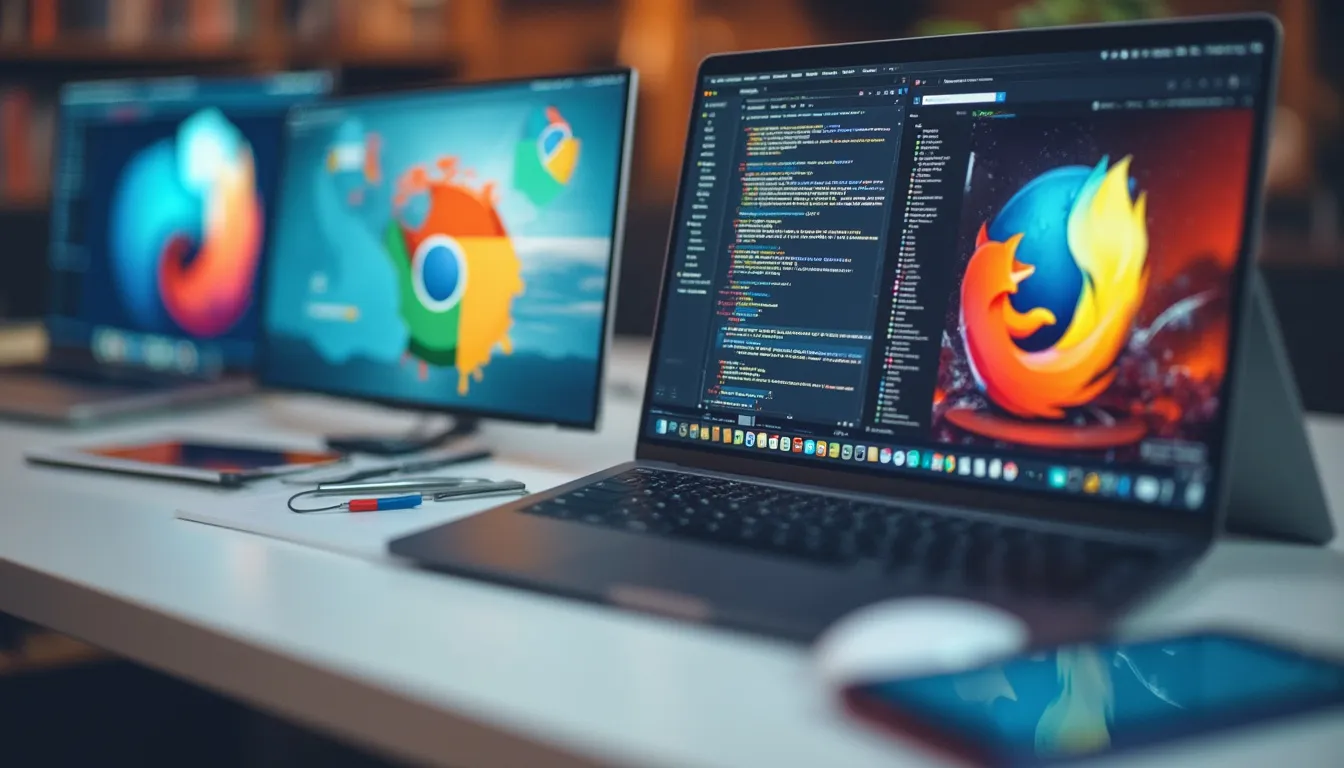
- Cross-Platform Compatibility: Test your website on different browsers (Chrome, Firefox, Safari, Edge) and devices (desktops, tablets, smartphones) to ensure consistent performance.
- Performance Testing: Use tools like Google Lighthouse to evaluate your website’s performance, accessibility, and SEO. Aim for optimal loading speeds and smooth interactions.
Ask Yourself: Does my website look and function the same way on every device my users might choose?
 Check Out Our FAQs
9. Optimizing for SEO and Performance
- SEO Best Practices: Incorporate proper meta tags, alt texts for images, and descriptive URLs to enhance your website’s SEO.
- Performance Metrics: Optimize images, minify CSS and JavaScript files, and leverage browser caching to improve loading times.
Emotional Connection: Think of SEO and performance as the unsung heroes of your website—working behind the scenes to ensure your site reaches and delights as many visitors as possible.

Leveraging Advanced Tools and AI in Conversion
Benefits of AI Converters like IMG2HTML
AI-driven tools like IMG2HTML can drastically reduce the time and effort required for image to HTML conversion. They can automatically generate clean, responsive code, handle component exports, and even recognize text from images with precision.
Humorous Insight: It’s like having a super-efficient assistant who never sleeps and always gets your designs right on the first try!
Features to Look For
When choosing an AI converter, consider features such as:
- One-Click Conversion: Simplifies the process by automating the bulk of the work.
- Framework Support: Ensure it supports modern JavaScript frameworks like ReactJS, VueJS, or AngularJS.
- Component Exporter: Ability to export HTML as reusable components for your codebase.
- URL Cloner and Text Recognizer: Additional tools that can clone entire websites or digitize text from images.
Integrating with Modern Frameworks
Modern web development often involves frameworks like ReactJS , VueJS , or AngularJS . Ensure your chosen tool can seamlessly integrate with these frameworks, allowing you to create dynamic and interactive web applications effortlessly.
Analogy: Think of frameworks as the backbone of your website’s functionality, and your tools as the muscles that bring everything to life.
Check Our PricingBest Practices and Tips for Success
Streamlining Workflow
- Automation is Key: Utilize tools and scripts to automate repetitive tasks. This not only saves time but also reduces the risk of errors.
- Template Usage: Create or utilize existing templates for common design patterns to maintain consistency and speed up the development process.
Collaboration between Designers and Developers
- Clear Communication: Maintain open lines of communication between designers and developers to ensure the design intent is accurately translated into code.
- Shared Tools: Use collaborative tools like Figma or Adobe XD in tandem with your coding environment to facilitate a smoother workflow.
Personal Opinion: Collaboration is like a dance—when both partners are in sync, the result is nothing short of beautiful.

Continuous Learning and Staying Updated
- Stay Current: Web technologies evolve rapidly. Regularly update your skills and stay informed about the latest trends and best practices in web development.
- Community Engagement: Engage with developer communities, attend webinars, and participate in forums to exchange knowledge and stay inspired.
Emotional Language: Embrace the journey of continuous learning—it keeps your skills sharp and your creativity thriving!
 Learn More on Our Blog
Common Pitfalls to Avoid
- Ignoring Responsiveness: A design that looks great on a desktop but fails on mobile can alienate a large portion of your audience.
- Poor File Organization: Disorganized files can lead to confusion and errors down the line.
- Neglecting SEO: Overlooking SEO can prevent your website from reaching its full potential audience.
- Overcomplicating Code: Keep your HTML, CSS, and JavaScript clean and straightforward to ensure maintainability.
- Skipping Testing: Failing to test across devices and browsers can result in unexpected issues post-launch.
Humorous Take: Think of these pitfalls as the potholes on your road to a perfect website—tackle them early to enjoy a smooth ride!

Conclusion
Transforming an image into a fully functional HTML webpage doesn't have to be a daunting task. With a structured checklist, the right tools like IMG2HTML , and a commitment to best practices, you can streamline the conversion process and create stunning, responsive websites efficiently. Remember, the key lies in preparation, leveraging advanced technologies, and maintaining a collaborative and continuous learning mindset.
Feeling inspired? Dive into your next image to HTML conversion with confidence, and watch your designs come to life effortlessly. Happy coding!