1. Intro
Hey there! Ever stared at your screen, trying to figure out how to make a decent admin dashboard? Yeah, me too. It's a pain, right? But guess what - there's this new thing called Ray X that's supposed to make our lives way easier. Whether you're a pro coder or just starting out, Ray X might be your new best friend. So grab a drink, get comfy, and let's check out why Ray X could be the admin template you've been dreaming of.
2. What's Ray X?
Okay, so admin templates are pretty important in web dev. They're like the backbone of web apps, helping you manage all the behind-the-scenes stuff. Ray X is this new HTML admin template that's supposed to be pretty special.
Think of a dashboard that looks good and works great. That's what Ray X is going for. It doesn't matter if you're running a hospital app, an online store, or whatever - Ray X is built to handle it all.
3. Cool Stuff in Ray X
Alright, let's get to the good stuff. What makes Ray X so special? Here's the lowdown:
-
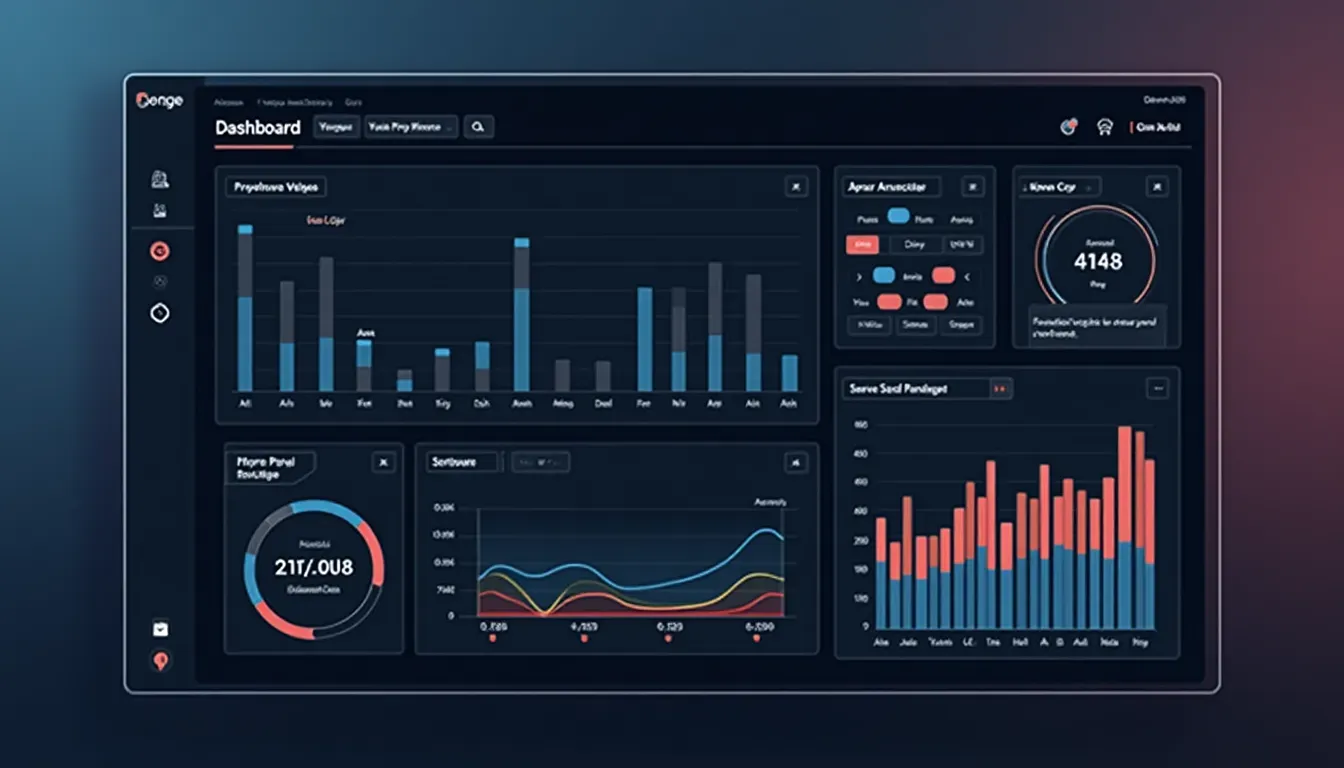
a. Awesome Dashboard Look
First off, it looks great. Ray X has this modern, clean design that's easy on the eyes. It's set up in a way that makes sense, so you're not scratching your head trying to figure out where everything is.
-
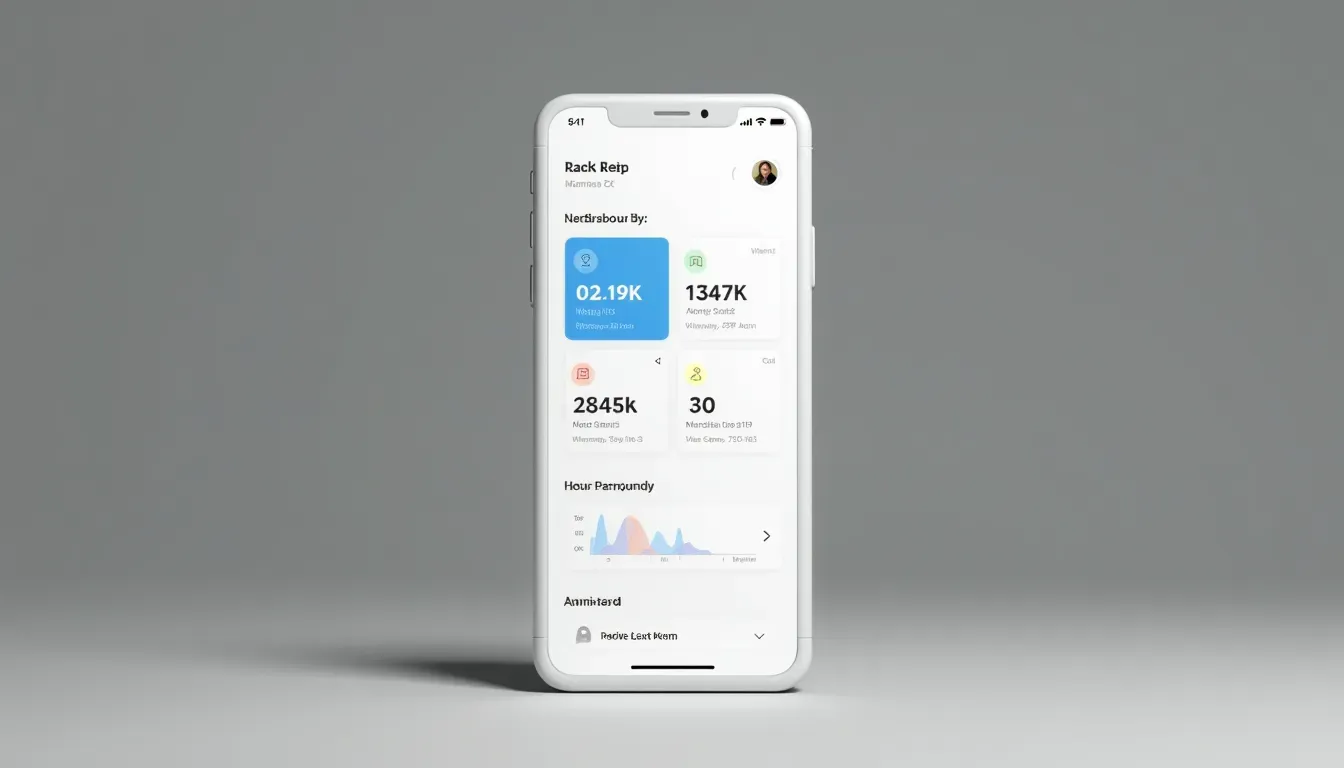
b. Works on All Devices and Browsers
You know how annoying it is when something looks great on your computer but terrible on your phone? Ray X doesn't have that problem. It works smoothly on all the major browsers and devices. So whether you're at your desk or on the bus, you can still get stuff done.
-
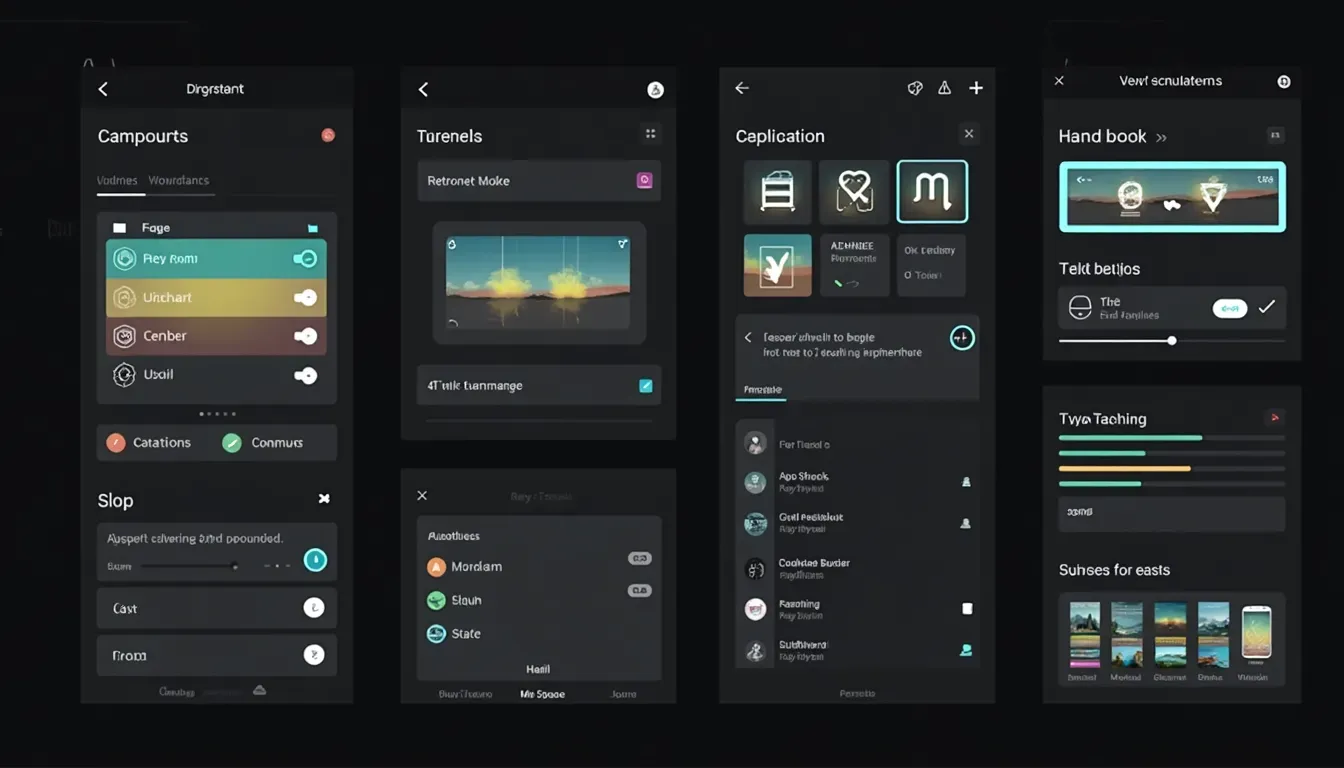
c. Tons of Useful Parts
Ray X comes packed with over 300 different bits and pieces you can use. Need a calendar? They've got it. Want to show off some data with fancy charts? No problem. This saves you a ton of time 'cause you don't have to build everything from scratch.
-
d. AI That Turns Pictures into Code
Now this is pretty cool - Ray X has this AI thing that can turn a picture into code. So if you've got an idea of how you want something to look, you can just take a screenshot, and boom - Ray X turns it into actual code. It's like magic, but for web dev.
 You can try this feature yourself at Picture to HTML .
-
e. Plays Nice with Modern Frameworks
If you're into React, VueJS, or Angular, you're in luck. Ray X works well with all of these, so you can keep using the tools you like.
4. Tech Behind Ray X
Let's get a bit nerdy for a sec. Ray X is built with some pretty solid tech:
- It uses the latest HTML5 and CSS3 stuff.
- It's got Bootstrap 5.x for making things responsive.
- There's JavaScript and jQuery for all the interactive bits.
- It even has Tailwind CSS if you're into that.
- And like I said, it works with React, VueJS, and Angular.
- It can handle AJAX and APIs too.
All this means Ray X is fast and can handle big projects without breaking a sweat.
5. Make It Your Own
One of the best things about Ray X is how much you can change it up. You can:
- Switch between light and dark themes.
- Change how the sidebar looks.
- Add or remove different parts easily.
- Use other plugins if you need to.
Basically, you can make Ray X look and work exactly how you want it to.
6. How It Feels to Use
Ray X is all about making things easy for users. It's set up in a way that makes sense, so you're not getting lost all the time. Plus, it's fast. They've done a bunch of techy stuff to make sure it loads quickly and doesn't lag.
7. Ray X vs Other Templates
So why pick Ray X over all the other templates out there? Well:
- That AI picture-to-code thing is pretty unique.
- It works really well with modern frameworks.
- It's got more parts and pieces than a lot of other templates.
- It's super fast.
- And it looks really good.
8. Where Ray X Shines
Ray X is great for all sorts of projects:
- Hospital stuff
- Online stores
- Content management
- Project management
- Data dashboards
- Customer relationship management
No matter what you're building, Ray X probably has what you need.
9. Getting Started
- Buy and download it.
- Unpack the files and take a look around.
- Set up your coding environment.
- Start customizing it to fit your project.
- If you're using a framework, follow their guide to set it up.
- Test it out on different devices and browsers.
- When everything looks good, launch it!
10. Help When You Need It
Ray X comes with a ton of help:
- There's detailed documentation to guide you through everything.
- They've got customer support if you get stuck.
- There are forums where you can chat with other Ray X users.
- They keep updating it with new features and fixes.
11. Speed and Smoothness
Ray X is built to be fast:
- The code is clean and efficient.
- It loads stuff only when it needs to.
- All the files are compressed to load faster.
- It's smart about storing data so it doesn't have to keep asking the server for the same stuff.
They've tested it a lot to make sure it stays fast even when you're doing a lot with it.
12. Built to Last
Ray X is designed to keep up with changes in tech:
- It's built in a way that makes it easy to update.
- They keep it up to date with the latest web standards.
- It works with modern frameworks, so it'll stay relevant.
- You can easily change or add new features as you need them.
13. Wrapping Up
So there you have it - Ray X is more than just a template. It's a whole package designed to make building admin dashboards way easier. From how it looks to how it works, Ray X is trying to set a new standard.
Why not give it a shot? Whether you're running an online store, managing a hospital, or building a content management system, Ray X might be just what you need to take your project to the next level.
Ready to give your admin dashboard a makeover?
Try out Ray X and see how it can make your life easier. Happy coding!