Img2Html Review Streamlining Web Development With Ai
Ever looked at a cool website and thought, Dang, I wish I could make that without spending forever coding? You're not the only one. In today's fast-paced digital world, we all want things done...
Table of Contents
- Intro: Web Development's New Best Friend
- What's Img2html All About?
- Cool Stuff Img2html Can Do
- How Img2html Does Its Magic
- Why Img2html is Pretty Awesome
- Make Your Work Easier with Img2html
- What People Are Saying
- How Much It Costs
- Img2html vs. Other Tools
- What's Next for AI in Web Stuff
- Wrapping It Up: Give Img2html a Shot
- Questions People Ask a Lot
1. Intro: Web Development's New Best Friend
Ever looked at a cool website and thought, "Dang, I wish I could make that without spending forever coding"? You're not the only one. In today's fast-paced digital world, we all want things done quick. That's where Img2html comes in - it's this AI-powered tool that's changing how we build websites. Imagine taking a screenshot of a site you like and boom - you've got the code for it in seconds. Sounds like magic, right? Well, it's not - it's just really smart tech, and it's here now.
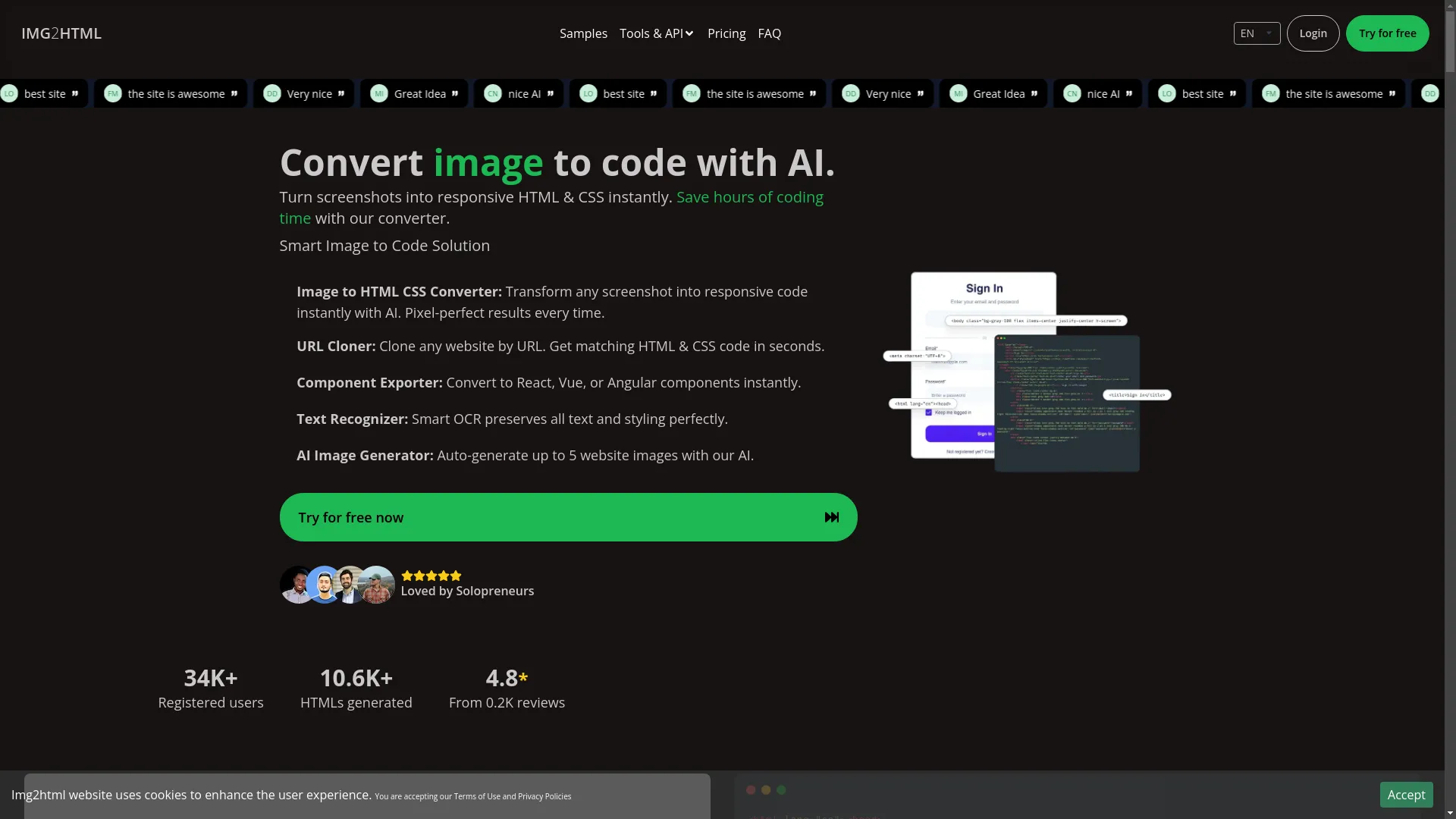
2. What's Img2html All About?
So, Img2html is basically this AI thing that turns pictures into code. Whether you're a pro developer trying to save time or a designer who wants to bring ideas to life without getting lost in code, Img2html's got your back. It doesn't just change pictures into any old code - it makes clean, responsive stuff that actually works, and it even supports fancy frameworks like React, Vue, and Angular.
3. Cool Stuff Img2html Can Do
Img2html's got a bunch of neat tricks up its sleeve. Let's check 'em out.
Turn Pictures into Code
Imagine taking a pic of a website you like and turning it into code you can actually use. That's what the Image to HTML CSS Converter does. It uses some smart AI stuff to make sure everything looks just right.
Copy Entire Websites
Ever wanted to just copy a whole website? The URL Cloner lets you do that. Just put in the website address, and bam - you've got the code for it. It's like having a digital photocopier for websites.
Export Components
If you're into React, Vue, or Angular, you'll love the Component Exporter . It takes the code Img2html makes and turns it into bits you can reuse in these frameworks. It's like building with Legos, but for websites.
Read Text from Images
Getting text from images can be a pain, but the Text Recognizer makes it easy. It uses some fancy tech to pull out all the text from pictures, keeping the style and everything.
Make AI Images
Sometimes you need extra pictures for your site. The AI Image Generator can make up to five website-related images per credit. It's great for when you need some quick visuals without searching all over for stock photos.
4. How Img2html Does Its Magic
Wondering how Img2html works its magic? Here's the simple version:
- Upload : You throw your picture or screenshot onto Img2html.
- AI Does Its Thing : The AI looks at the image and figures out all the design stuff.
- Code Appears : It spits out clean HTML and CSS that matches your design.
- Download : You grab the code and use it in your project.
It's like having a super-smart buddy who gets design and can write code really fast.
5. Why Img2html is Pretty Awesome
Img2html isn't just another tool in a sea of web dev helpers. It's got some cool features that make it stand out.
It's All Automatic
No more tedious manual coding. Img2html does all the heavy lifting, so you can focus on the fun design stuff.
Super Easy to Use
You don't need to be a tech genius to use Img2html. It's easy enough for anyone to figure out.
Works on Any Computer
Whether you're team Windows, Mac, or Linux, Img2html's got you covered. No need to worry about it not working on your machine.
Lightning Fast
Img2html turns images into code in seconds. No more waiting around - you can keep your projects moving fast.
Plays Nice with Tailwind CSS
If you're into Tailwind CSS, you'll love how Img2html works with it. It makes styling your website even easier.
Supports Tons of Tech
Img2html works with all sorts of web tech - HTML, CSS, JavaScript, ReactJS, VueJS, AngularJS - you name it. Whatever you're using, Img2html can handle it.
6. Make Your Work Easier with Img2html
Img2html's got some extra tools to make your web dev life even easier.
Chrome Add-on
There's a Chrome Extension that lets you turn any webpage you're looking at into code, right from your browser. Super handy when you're browsing for inspiration.
API for Developers
For the tech-savvy folks, Img2html has an API . This means you can use Img2html's powers in your own apps or workflows, making everything even smoother.
7. What People Are Saying
Don't just take our word for it - here's what real users think:
Alexander Gonzalez, Teacher
"As a teacher, being able to make learning stuff from pictures is awesome! I can sketch out how I want my content to look, then use Img2html to make it real. Saves so much time!"
Mark Njoroge, Marketing Guy
"This site is amazing. It's saved our dev team tons of time and made everything run smoother."
Maheswaran Ramu, Founder
"Img2html's been a lifesaver for developers and founders. It's easy to use and totally worth the money."
8. How Much It Costs
Img2html's got different pricing options to fit different needs, whether you're working solo or with a big team.
Credit System
Img2html uses credits - each time you turn an image into code, it uses some credits. This way, you only pay for what you actually use.
Subscription Options
If you use Img2html a lot, they've got subscription plans. These give you a bunch of credits at a better price. You can choose monthly or yearly plans, whatever works best for you.
Try It Free
Img2html lets you try it out for free for 3 days. Plus, they promise you'll be happy with it, so there's really no reason not to give it a shot.
9. Img2html vs. Other Tools
There are other tools out there that do similar stuff, but how does Img2html stack up?
Img2html and Fronty
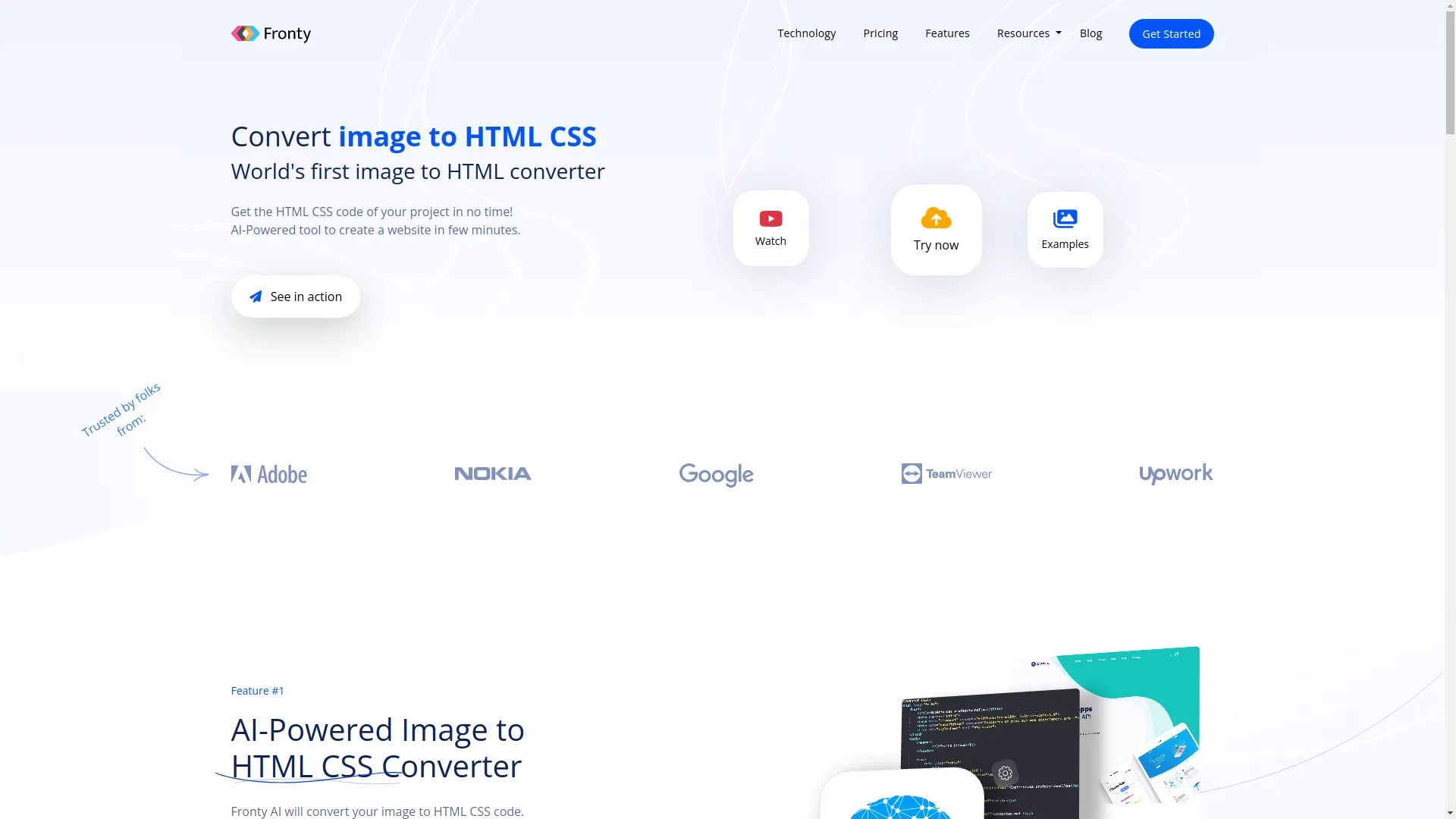
Both Img2html and Fronty turn images into code, but Img2html usually does a better job, especially with tricky designs. It also works better with popular frameworks, which is a big plus for many developers.
Img2html and Viggle
Compared to Viggle, Img2html is more advanced. It handles complex designs better and makes more accurate code, especially for responsive layouts.
Overall, Img2html's extra features and better performance make it stand out from the crowd.
10. What's Next for AI in Web Stuff
AI in web development is just getting started. Here's what might be coming:
- Even Better Accuracy : As AI gets smarter, tools like Img2html will get even better at handling complex designs.
- More Framework Support : Future updates might add support for even more frameworks, making it easier to use with any project.
- Interactive Elements : Imagine AI not just copying designs, but also suggesting cool interactive features based on what users like.
- More Customization : Future versions might let developers tweak the generated code even more to fit exactly what they need.
It's clear that AI is going to keep making web development easier, faster, and more creative.

11. Wrapping It Up: Give Img2html a Shot
Building websites doesn't have to be a headache anymore. With Img2html , you can turn designs into working websites without breaking a sweat. Whether you're a developer looking to save time or a designer who wants to see your ideas come to life without diving into code, Img2html is worth checking out.
Don't let manual coding slow you down. Give Img2html a try and see how much faster you can work. Ready to change how you build websites? Try Img2html today and see the magic for yourself!
12. Questions People Ask a Lot
Just head to their website and sign up for the free 3-day trial . Easy peasy.
As long as you're subscribed, your credits stick around. Unused credits roll over, so you don't lose 'em.
They accept most major credit cards and online payment methods. Check their pricing page for details.
Yep, they've got a refund policy. If you're not happy, just reach out to their support team.
Each credit lets you convert one image to code. Bigger plans come with extra perks like the Chrome Extension and API access.
Every time you convert an image, it uses up some credits. The number depends on how complex the image is.
Yeah, if you buy bigger credit bundles, you usually get a better deal.
You can see all your credit stuff in your Img2html dashboard - buy more, check how many you've used, all that good stuff.
Totally. They use all the standard security stuff to keep your payment info safe.
Yep, you get some free credits with the trial to test things out.
Just upload your picture, pick what features you want, hit 'Convert', and download your new HTML and CSS. Simple as that.
No worries - you can always buy more or upgrade to a plan with more credits.
They're in your Img2html account. You can check on them anytime in your dashboard.