Table of Contents
- Intro
- Why HTML Reports?
- What's Hot in HTML Report Generation
- Tips for Making Awesome HTML Reports
- Must-Have Tools for HTML Report Creation
- Tech Advances in HTML Reporting
- Keeping Your Reports Fresh
- Making Reports People Actually Want to Read
- Measuring How Good Your HTML Reports Are
- Tricks of the Trade
- Wrapping It Up
- Time to Take Action
Intro
Ever looked at a bunch of numbers and thought, "How the heck do I make this look good?" Well, welcome to HTML reports - they're changing the game in how we show off info. Picture turning all that boring data into something that looks slick and people can actually use. Pretty cool, right? Hang on tight, 'cause we're about to dive into the nitty-gritty of making HTML reports, checking out what's new, what works, and the tools that make it all happen.

Why HTML Reports?
So, why's everyone going crazy for HTML reports? Simple - they're flexible, interactive, and work on pretty much any device. Whether you're crunching numbers for the boss, teaching kids, or building apps, HTML reports let you show off data in a way that's easy to get and use.
Let's be real though - making these used to be a pain in the neck if you weren't a coding wizard. But now? We've got AI tools that are making it way easier. Interested? Let's dig in.
What's Hot in HTML Report Generation
The digital world's always changing, and HTML report making is no different. Here's what's trending:
- Stuff You Can Click and Play With : Forget boring old charts. Now we're talking interactive maps, charts that move, even videos stuck right in there.
- Looks Good on Everything : With everyone using phones, tablets, and computers, your report's gotta look good no matter where it's seen.
- AI Doing the Heavy Lifting : Tools like IMG2HTML.com are using AI to turn pictures into HTML code super fast. No more coding headaches!
- Make It Your Own : People want reports that match their brand or just look the way they like.
- Up-to-the-Minute Info : In today's fast world, having the latest data right there in your report is huge.
Tips for Making Awesome HTML Reports
Making a great HTML report isn't just about dumping info on a page. It's about telling a story that makes sense. Here's how:
- Know Your Audience : Figure out who's gonna read this thing and what you want them to get out of it.
- Organize It Well : Make it easy to find stuff. Use headers, subheaders, and make it flow nicely.
- Use Pictures Smart : Throw in some charts and graphs, but don't go overboard. Too much is just confusing.
- Make It for Everyone : Your report should work for everyone, including people with disabilities.
- Make It Fast : Nobody likes waiting. Make sure your report loads quick and runs smooth.
Must-Have Tools for HTML Report Creation
Alright, let's talk tools. Having the right ones can make or break your report-making game. Check these out:
Imagine taking a picture of your design and - bam! - it turns into HTML code. That's what these AI tools do. They're awesome for folks who aren't coding pros but still want to make pro-looking reports.
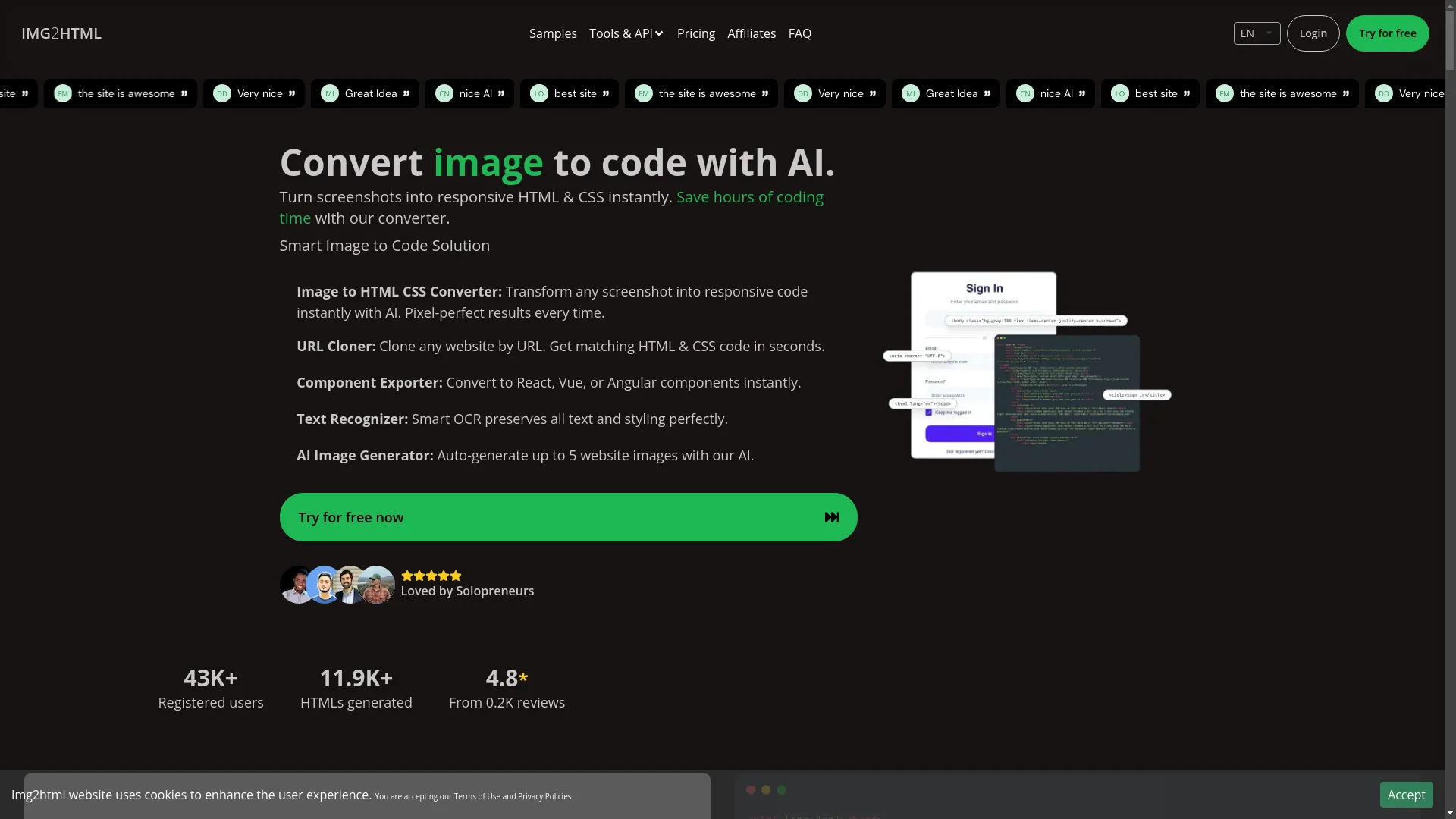
IMG2HTML.com is pretty cool. It uses AI to turn any picture into HTML and CSS code super fast. Got a screenshot? A design? Even a sketch? This thing can turn it into code you can actually use.
What's Cool About IMG2HTML.com:
- Turns Any Pic into Code: No need to code by hand.
- Does Everything for You: You don't need to be a tech genius to use it.
- Easy to Use: Pretty straightforward stuff.
- Works Everywhere: Use it on your phone, tablet, whatever.
- Super Fast: Get your code in seconds, not hours.
- Uses Tailwind CSS: For those fancy, responsive designs.
- Works with Lots of Tech: HTML, CSS, JS, React, Vue, Angular - you name it.
- Chrome Add-On: Turn pics to HTML right from your browser.
"It's pretty amazing." – Tarek Omar, Big Shot in Business Development
"I can draw what I want and IMG2HTML makes it real!" – Alexander Gonzalez, Teacher
"Been using this for a while. Love how accurate and easy it is." – hgfhfh, Just Some Guy at Work
- Webflow : Design websites visually and get the code.
- Pinegrow : Desktop app for building websites faster.
- Figma Plugins : Turn your Figma designs into HTML and CSS.
Try 'em out and see what works for you.
Tech Advances in HTML Reporting
Tech's moving fast, and HTML reports are keeping up. Here's what's new:
- AI and Machine Learning : Making the boring stuff automatic.
- Fits Any Screen : Reports that look good no matter where you see them.
- Real-Time Data : Get the latest info right in your report.
- Clickable Stuff : Charts you can play with, filters, all that fun stuff.
- Work Together Online : Make and edit reports with your team from anywhere.
- Keep It Safe : Better ways to protect your data.
Keeping Your Reports Fresh
Wanna keep your reports looking good? Here's how:
- Keep It Simple : Clean designs are easier to read.
- Dark Mode : Make sure it looks good in the dark too.
- Add Some Movement : Little animations can make things pop.
- Think Mobile : Lots of people use phones, so make sure it works there.
- Make Data Look Good : Turn numbers into cool charts and graphs.
- Everyone Can Use It : Make sure anyone can read your report, no matter what.
- Make It Personal : Let people customize what they see.
Making Reports People Actually Want to Read
It's all about making it easy for people. Here's how:
- Easy to Get Around : Make it simple to find stuff.
- Everything Matches : Use the same fonts and colors throughout.
- Keep It Short and Sweet : Don't overload with info.
- Add Some Interactive Bits : Things people can click on or hover over.
- Let People Talk Back : Ways for readers to give feedback.
- Make It Fast : Slow reports are annoying.
- Everyone Can Use It : Make sure it works for people with disabilities too.
Measuring How Good Your HTML Reports Are
Wanna know if your report's any good? Here's what to look at:
- How Fast It Loads : Aim for under 3 seconds.
- How People Use It : See what they click on and how long they stay.
- Looks Good Everywhere : Check it on phones, tablets, computers.
- Anyone Can Use It : Make sure it follows web standards.
- People Stick Around : See if they're actually reading it.
- Numbers Are Right : Double-check your data.
- No Errors : Make sure everything works smoothly.
- What People Think : Ask for feedback.
Tricks of the Trade
Want your reports to be top-notch? Try these:
- Know What You're Doing : Figure out your goal first.
- Plan It Out : Sketch your layout before you start.
- Use Good HTML : Makes it easier for search engines and screen readers.
- Shrink Your Pictures : Make them load faster.
- Use CSS Frameworks : Makes designing easier.
- Choose the Right Charts : Make sure they show data clearly.
- Test Everywhere : Check on different browsers and devices.
- Match Your Brand : Use your company colors and logos.
- Tell People What to Do : If you want them to take action, make it clear.
- Keep It Fresh : Update your info regularly.
Wrapping It Up
Making HTML reports is easier than ever, thanks to AI tools like IMG2HTML.com . These tools are changing how we show data, making it possible for anyone to create cool, interactive reports without being a coding expert. Use the latest tricks, good strategies, and the right tools, and you'll be making awesome HTML reports in no time.

Time to Take Action
Ready to turn your boring data into awesome HTML reports? Check out IMG2HTML.com and see how AI can make your life easier. Whether you're a coder, designer, marketer, or teacher, IMG2HTML.com's got what you need to make pro-level HTML reports fast. Don't let coding slow you down - jump into the future of report making and make your presentations pop!