Introduction
Ever felt like making great display ads is like trying to solve a Rubik's cube blindfolded? You're not the only one. In the crazy world of B2B marketing, standing out is tough as nails. That's where Demandbase comes in - it's this awesome platform that's shaking things up in account-based marketing (ABM). Today, we're gonna dive into the nitty-gritty of whipping up HTML display ads using Demandbase. Whether you're a marketing pro or just dipping your toes in the digital ad waters, this guide's got your back. Let's get cracking!

Understanding HTML Display Ads in B2B Marketing
Alright, before we jump into the how-to, let's talk about what HTML display ads actually are and why they're a big deal. These bad boys are dynamic, interactive ads made using HTML, CSS, and sometimes a bit of JavaScript. Unlike boring old static image ads, HTML ads can do cool stuff like animations and adapt to different screen sizes.
Why HTML Display Ads?
- They're eye-catching: Interactive elements grab attention better than static images.
- You can customize them: Tailor your ads for specific audiences or even individual accounts.
- Track performance: See how users interact with your ads for better insights.
In the B2B world, where decision-making takes forever and target audiences are super specific, HTML display ads give you the flexibility to really make an impact.
Getting Started with Demandbase
Demandbase isn't just another marketing tool - it's like the Swiss Army knife of ABM for B2B companies. Here's how to get the ball rolling:
- Sign up: Head to Demandbase's website and pick a plan that works for you.
- Find your target accounts: Use Demandbase's tools to pinpoint the companies you wanna reach.
- Set up campaigns: Go to the campaign dashboard and start creating your ads.
- Connect with your CRM: Link Demandbase to your CRM system so everything plays nice together.
Don't worry if you're not a tech whiz - Demandbase is pretty user-friendly, so setting up campaigns is a breeze.
Designing Effective HTML Display Ads
Creating a killer HTML display ad is part art, part science. Here's how to mix creativity with functionality:
- Figure out what you want: Are you after leads, brand awareness, or pushing a specific product? Your goal will shape your ad.
- Write a message that packs a punch: Keep it short and sweet. Use language that hits home with your target audience's pain points and dreams.
- Make it look good on everything: Use responsive design so your ad looks awesome on phones, tablets, and computers.
- Add some interactive flair: Buttons, animations, and hover effects can boost engagement. But don't go overboard - too much is just too much.
- Stick to your brand: Use your company's colors, fonts, and logo to keep things consistent and recognizable.
- Keep it speedy: Heavy graphics and complex code can slow things down. Keep it light for best results.

Personalizing Ads for Target Accounts
Personalization is the secret sauce of ABM. Demandbase lets you tailor your ads to specific companies or even people within those companies.
How to personalize:
- Dynamic content: Use variables to show personalized stuff like the company's name or industry.
- Behavioral targeting: Change your ad based on how the user has interacted with your brand before.
- Geotargeting: Customize ads based on where your target accounts are located.
Example: Let's say you're targeting a tech company in San Francisco. Your ad might show a case study that's relevant to their industry and include local imagery or messages that speak to their specific challenges.

Leveraging AI Tools like Img2HTML for Ad Creation
Creating HTML display ads can be a real time-suck, especially when you're trying to turn complex designs into code. That's where Img2HTML comes in - it's a game-changer for turning designs into code.
What's Img2HTML?
It's an AI-powered tool that turns images and screenshots into responsive HTML and CSS code. It works with different frameworks like React, Vue, and Angular, so it's great for all kinds of developers and designers.
How it makes your life easier:
- Speed up your workflow: Quickly turn your ad designs into clean, editable code, saving you hours of manual coding.
- Get pixel-perfect accuracy: The AI makes sure the code matches your design exactly, so everything looks just right.
- Works with modern frameworks: Easily use the generated code in your favorite development setup.
Personal story: I once spent hours trying to code a complex animated ad design. I was getting nowhere fast. Then I found Img2HTML. In just a few clicks, my design was perfectly converted into interactive HTML code. It saved my bacon and let me focus on making the ad perform better.
Best Practices for Optimizing Display Ads Performance
Making an ad is just the start. To make sure it performs like a champ, keep these best practices in mind:
- A/B Testing: Try different versions of your ad to see what works best.
- Clear Call-to-Action (CTA): Make your CTA stand out and clearly tell people what to do next.
- Mobile-Friendly: Make sure your ads look great and work well on phones and tablets.
- Fast Loading: Optimize images and keep code minimal so your ads load quickly.
- Consistent Messaging: Make sure your ad matches your landing pages for a smooth experience.
- Keep an Eye on Things: Use Demandbase's analytics to track how your ads are doing and make improvements based on data.
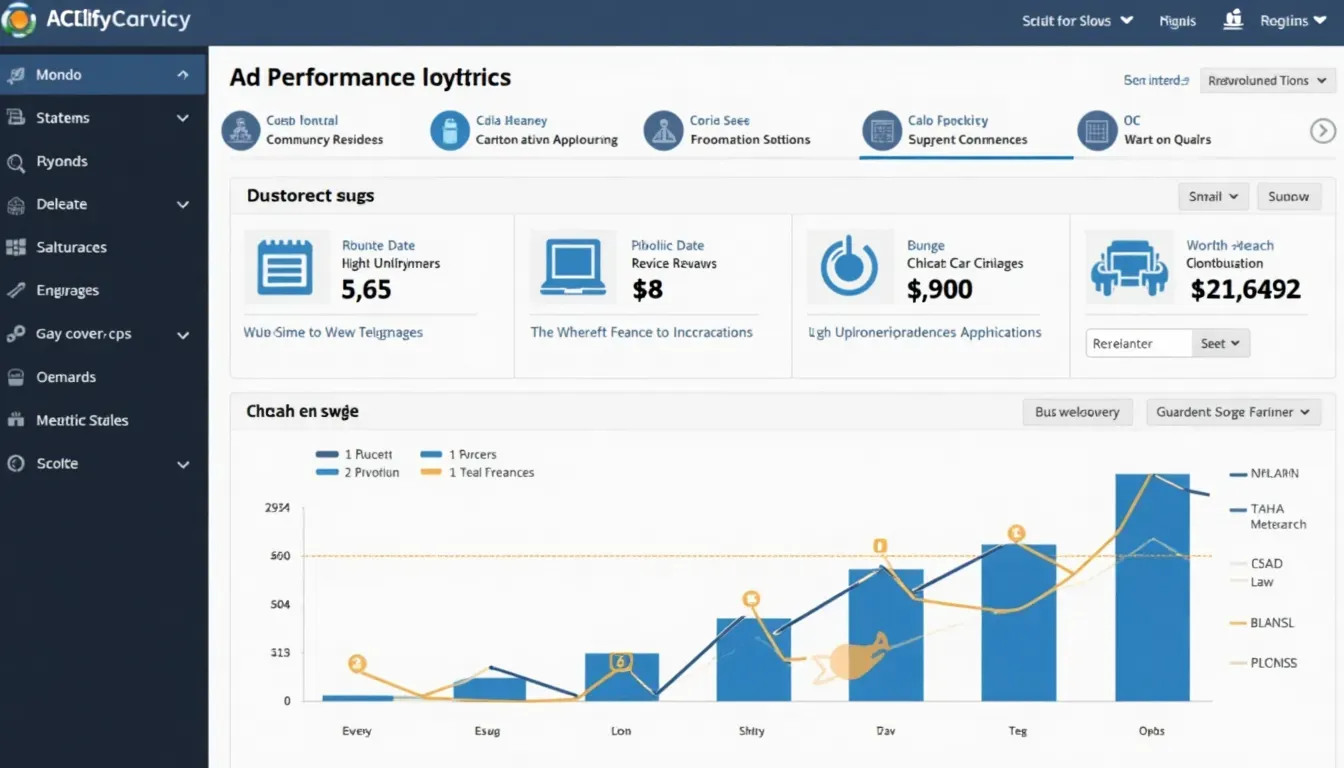
Measuring Success: Analytics and Metrics with Demandbase
What's the point of making an ad if you can't tell how well it's doing? Demandbase gives you tools to track and improve your campaigns.
Key things to watch:
- Impressions: How many times your ad is shown.
- Click-Through Rate (CTR): The percentage of people who click your ad.
- Conversion Rate: How many clicks turn into the action you want, like form submissions or purchases.
- Engagement Time: How long people interact with your ad.
- Bounce Rate: The percentage of people who leave your site right after seeing the ad.
Advanced stuff:
- Account-Level Insights: See how specific target companies are interacting with your ads.
- Attribution Models: Understand how different touchpoints influence conversions.
- ROI Analysis: Figure out if your ad campaigns are worth the money you're spending.
Personal experience: In one of my campaigns, tracking the CTR and conversion rate showed me that while one ad was getting lots of clicks, it wasn't converting. By tweaking the CTA and making the landing page content match better, I managed to boost the conversion rate big time. It really showed the power of digging into the data.
Integrating API and Extensions for Enhanced Functionality
To really take your ad campaigns to the next level, you can use APIs and extensions to add more features and streamline your work.
Demandbase API Integration:
- Smooth data flow: Connect Demandbase with your CRM and other tools to keep all your data in sync.
- Automate stuff: Use APIs to automate repetitive tasks like syncing data and generating reports.
- Custom solutions: Tailor Demandbase to fit your specific needs, making your campaigns more efficient.
Using Extensions:
- Browser extensions: Demandbase has Chrome extensions that let you use the platform right from your browser, making it easier to analyze and engage with target accounts on the fly.
- Third-party integrations: Connect with tools like Google Analytics, HubSpot, or Salesforce to enrich your data and do more with your ad campaigns.
Example: Let's say you're using Salesforce to manage your leads. By integrating Demandbase's API, you can automatically sync lead data between the two platforms, making sure your ad campaigns always have the latest info from your CRM.
User Experiences and Case Studies
Nothing beats real-world success stories. Let's look at how some businesses have used Demandbase to create awesome HTML display ads.
Case Study 1: Tech Innovators Inc.
Challenge: They wanted to get more brand awareness among Fortune 500 companies but were struggling with targeting and personalization.
Solution: Using Demandbase, they identified and targeted specific accounts in their desired segment. They created personalized HTML display ads highlighting their unique selling points tailored to each account's industry.
Result: They saw a 40% increase in engagement rates and got 25% more qualified leads in just three months.
Case Study 2: HealthPlus Solutions
Challenge: HealthPlus needed to promote a new healthcare software solution but had trouble reaching decision-makers in big hospitals.
Solution: Demandbase's account identification tools helped HealthPlus find key decision-makers. They used HTML display ads with interactive elements showing off their software's features, and used Img2HTML to make sure the design was spot-on.
Result: They got an impressive 50% increase in software demo requests and a big jump in website traffic from targeted accounts.
User Testimonials:

Alexander Gonzalez, Teacher:
As a teacher, being able to create learning materials from pictures is fantastic! I can bring my ideas to life quickly with IMG2HTML.

Mark Njoroge, Marketing:
The site is outstanding. IMG2HTML has saved developers and founders so much time. It's easy to use and worth every penny.
Conclusion
Creating HTML display ads with Demandbase isn't just about the technical stuff - it's a strategic move that combines creativity, tech, and data-driven insights. By using Demandbase's powerful ABM tools, personalizing your ads for target accounts, and using cool AI solutions like Img2HTML, you can make display ads that not only grab attention but also drive real engagement and conversions.
In today's cutthroat B2B world, staying ahead means embracing the latest tools and strategies. Demandbase gives you the platform you need to level up your marketing, streamline your work, and hit your business goals. So why wait? Dive into the world of HTML display ads with Demandbase and watch your marketing campaigns take off like a rocket.
Ready to Transform Your Marketing Campaigns?
Start your journey with Demandbase today and harness the power of HTML display ads to connect with your dream customers. Whether you want to make your ad designs better, target specific accounts, or measure how well your campaign is doing, Demandbase has got the tools and support you need. Start creating killer, personalized ads that get results and make your business stand out from the crowd.
Frequently Asked Questions (FAQ)
- 1. How can I try creating HTML display ads with Demandbase?
- Sign up for a Demandbase account and check out their ABM tools. You can start with a free trial to test the features and see if they fit your marketing needs.
- 2. Do I need to be a tech whiz to create HTML display ads with Demandbase?
- While knowing some HTML and CSS can help, Demandbase's user-friendly interface and tools like Img2HTML make it doable even if you're not a coding expert.
- 3. Can I personalize ads for individual people or just companies?
- Demandbase is great for account-based marketing, letting you personalize ads at the company level. But with some integrations and advanced targeting, you can get pretty specific with your personalization.
- 4. What kind of help does Demandbase offer for creating HTML display ads?
- Demandbase has lots of support resources, including tutorials, customer service, and a community of users to help you figure out the platform and make your ad campaigns better.
- 5. How does using Img2HTML make my ad creation process better?
- Img2HTML speeds up turning designs into code, making sure your HTML display ads look perfect and work on all devices. This integration makes your workflow more efficient and helps you create higher-quality ads.