Hey there! Ever looked at a website and thought, "Man, that looks clean!"? Chances are, those sleek borderless tables had something to do with it. In this guide, we're gonna dive into the world of HTML tables without borders. Trust me, it's cooler than it sounds!

Sleek and Minimalist
So, what's the big deal with borderless tables?
Well, for starters, they look awesome. But it's not just about looks:
- They're easier on the eyes
- They work better on phones (no more squinting!)
- You can make them fit any style you want
Let's get our hands dirty!
First things first: The basics of HTML tables
Before we start stripping away borders, let's make sure we're on the same page about how tables work:
- <table> is where it all starts
- <tr> is for rows
- <th> is for headers
- <td> is where the actual data goes
<table>
  <tr>
    <th>Fruit</th>
    <th>Color</th>
    <th>How many?</th>
  </tr>
  <tr>
    <td>Apple</td>
    <td>Red</td>
    <td>10</td>
  </tr>
  <tr>
    <td>Banana</td>
    <td>Yellow</td>
    <td>5</td>
  </tr>
</table>
Here's a quick example:
| Fruit | Color | How many? |
|---|---|---|
| Apple | Red | 10 |
| Banana | Yellow | 5 |
Now, let's make it look good!
Making Tables Pretty with CSS
CSS is your best friend here. It's like makeup for your table. Let's start by getting rid of those borders:
table {
  border-collapse: collapse;
  width: 100%;
}

th, td {
  border: none;
  padding: 8px;
  text-align: left;
}
But wait, how do we tell rows apart now? Here are some tricks:
- Use different colors for odd and even rows
- Make rows change color when you hover over them
- Add a tiny shadow to make it pop
Here's how to make rows change color when you hover:
tr:hover {
  background-color: #f1f1f1;
}
Cool, right?
Advanced Stuff for the Brave
Okay, so you've got the basics down. Let's kick it up a notch:
- Hover effects: Make your table interactive!
- Striped rows: Easier to read, looks pro
- Make it work on phones: Because who doesn't check stuff on their phone?
Here's a quick example of striped rows:
tr:nth-child(even) {
  background-color: #f2f2f2;
}
Staying Trendy
Design trends change faster than my grandma's TV channels. Here's what's hot right now:
- Minimalism: Keep it simple, silly!
- Dark mode: Because we're all vampires now
Here's a quick dark mode trick:
@media (prefers-color-scheme: dark) {
  table {
    background-color: #2c2c2c;
    color: #ffffff;
  }
}
Tools to Make Your Life Easier
Don't reinvent the wheel. Use these:
- CSS frameworks like Tailwind CSS or Bootstrap
- Online editors like CodePen (it's like a playground for code!)
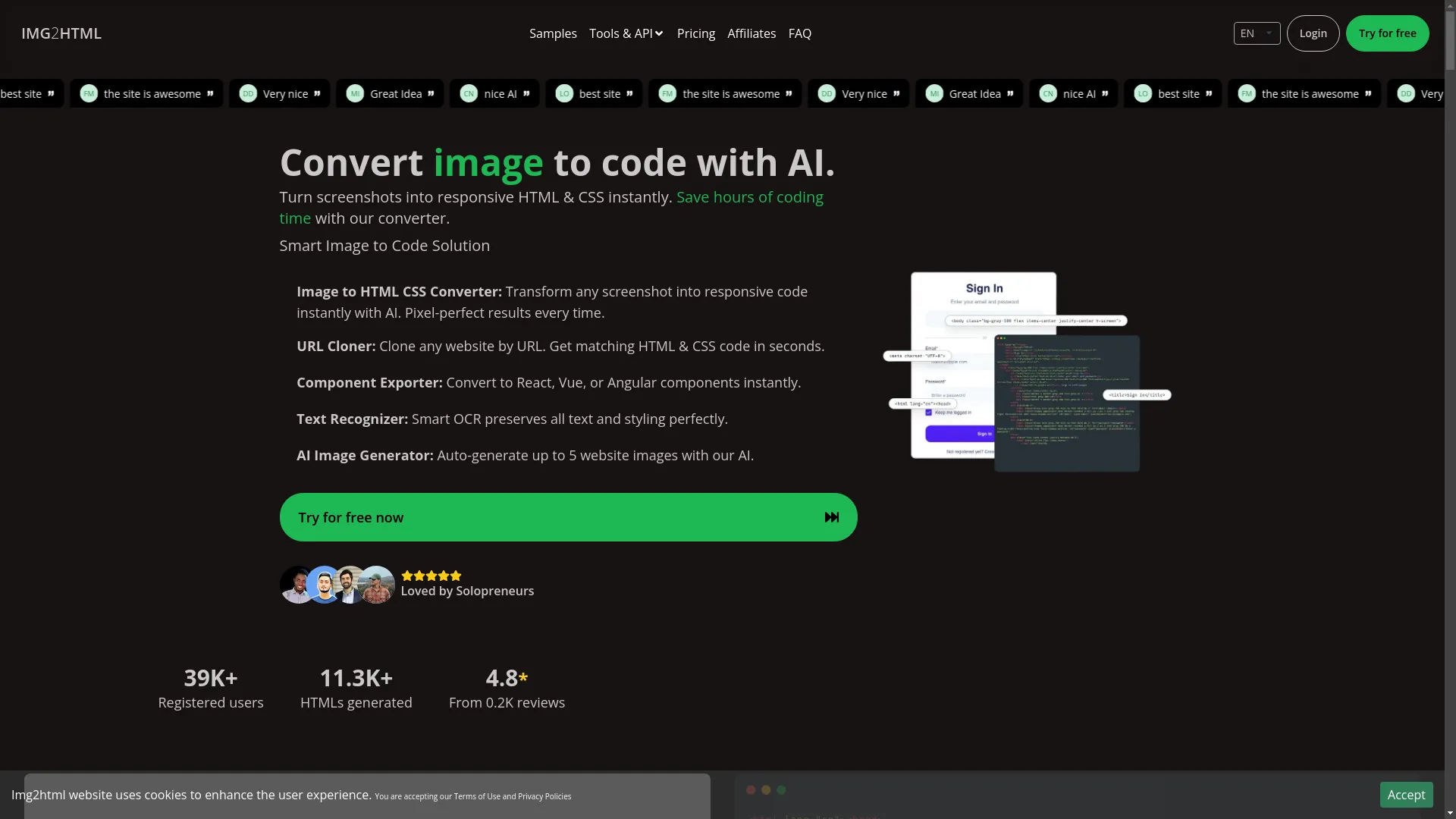
Optimize with Img2HTML
You can try converting your images to HTML tables effortlessly at img2html.com .
Making Sure Everyone Can Use Your Table
It's not just about looking good. Your table needs to work for everyone:
- Use proper headers (<th>)
- Give your table a title
- Make sure colors contrast well
- Let people use keyboards to navigate
Avoiding Oopsies
Even pros make mistakes. Here are some common ones:
- Too much styling (keep it simple!)
- Forgetting about phone users
- Not making it accessible
- Poor color choices
Wrapping It Up
So there you have it! You're now armed with the knowledge to make some seriously cool borderless tables. Go forth and make the internet a prettier place!
Got questions? Wanna show off your awesome table? Drop a comment below or hit us up on our forum . Let's make some table magic together!
Related Articles
- How to Convert Images to HTML and CSS Code Using AI Tools - Expand your knowledge on AI-driven code conversion techniques.
- Essential Checklist for Successful Image to HTML Conversion - Ensure your tables and images convert flawlessly.
- Top 10 Tools for Converting Images to Responsive HTML and CSS Code - Discover the best tools to enhance your table designs.