A Comprehensive Guide
Table of Contents
- Introduction
- Why Convert HTML to PDF?
- Understanding the Conversion Process
- Popular Tools and Methods
- IMG2HTML: From Image to Code, Then to PDF
- Challenges in HTML to PDF Conversion
- Best Practices for Effective Conversion
- Latest Trends and Advancements
- Enhancing User Experience and Performance
- Conclusion
Introduction
Ever needed to turn a good-looking webpage into a nice PDF document? Whether it's for bills, reports, CVs, or just saving online stuff, turning HTML into PDF is pretty important these days. But why stop there? What if you could start with a picture, turn it into HTML using some fancy AI, and then make it into a slick PDF? Sounds cool, right? Let's dive into the world of HTML to PDF conversion and check out some tools, tricks, and tips to make your work easier and better.
Why Convert HTML to PDF?
Before we get started, let's talk about why you might want to turn HTML into PDF in the first place.
- Keeping Documents Safe: PDFs look the same everywhere, so they're great for saving stuff.
- Printing: PDFs are perfect for printing because they keep everything looking right.
- Looking Professional: Turn your web pages into nice-looking documents for presentations or client stuff.
- Saving Important Stuff: Keep important web content in a format that can't be changed for later.
- Sharing: PDFs are easy to share and work on pretty much any device or computer.
Imagine you want to share a big project plan from your website. Instead of sending a long web address or expecting someone to click through lots of pages, turning it into one PDF can save time and make things clearer.

Understanding the Conversion Process
Turning HTML into PDF means taking all the stuff on a web page and making it into a PDF. This keeps all the text, pictures, styles, and layouts looking good. But it's not just copying and pasting; things like styles, moving parts, and interactive bits need special attention.
Main Steps in Converting:
- Reading the HTML: The tool looks at all the HTML, CSS, and JavaScript.
- Figuring Out the Layout: It works out where everything should go based on the HTML.
- Making the PDF: Finally, it turns everything into a PDF, keeping fonts, colors, pictures, and design stuff looking right.
Every tool does these steps a bit differently, so picking the right one is important to make sure your design looks good in the end.
Popular Tools and Methods
There are lots of ways to turn HTML into PDF, each with its own good points. Let's look at some popular ones:
Using Online Converters
Online converters are websites where you can upload your HTML file or put in a web address and get a PDF back. They're easy to use and you don't need to install anything.
Good Points:
- Easy to use
- No need to install anything
- Can use from any device with internet
Bad Points:
- Not many options to change things
- Might have limits on file size or how many times you can use it
- Might not be safe for private information
Popular Online Converters:
- Smallpdf : Does lots of different file changes, including HTML to PDF.
- PDFCrowd : Can be used with other programs for automatic conversions.
- HTML2PDF.com : Simple to use for quick conversions.
I remember once trying loads of online converters to find one that kept my website design looking good. After trying a few, I found PDFCrowd worked well most of the time.
Browser-Based Solutions
New web browsers like Google Chrome and Mozilla Firefox can turn web pages into PDFs themselves.
How to Do It:
- Open the HTML file or website in your browser.
-
Press
Ctrl+P(Windows) orCmd+P(Mac) to open the print menu. - Choose "Save as PDF" or something similar.
- Change any settings you want and save the file.
Good Points:
- Easy and no extra tools needed
- Keeps most of the webpage's look
- Free to use
Bad Points:
- Not much control over how the PDF looks
- Might not work well with complicated designs or moving parts
If you're quickly turning a simple webpage into a PDF to read later, using your browser is probably the easiest way.
Command-Line Tools
For people who know more about computers and want more control, command-line tools offer powerful ways to turn HTML into PDF.
Popular Command-Line Tools:
- wkhtmltopdf : Turns HTML into PDF using the WebKit engine.
- Puppeteer : A tool for Node.js that controls Chrome or Chromium, good for automatic conversions.
- WeasyPrint : A tool that looks at HTML and CSS and makes PDF documents.
Good Points:
- More control over how it works
- Good for automatic conversions and fitting into your work
- Handles complicated designs and moving parts well
Bad Points:
- Need to know more about computers
- Can be tricky to set up
Ever wished you could automatically turn HTML into PDF as part of your work? Command-line tools make that possible!
Using Programming Libraries
If you're making programs that need to turn HTML into PDF, you can use programming libraries in your code.
Popular Libraries:
- jsPDF : A JavaScript tool that lets you make PDFs right in the web browser.
- FPDF : A PHP tool for making PDFs from PHP code.
- PDFKit : A JavaScript tool for making PDFs, especially good with Node.js.
Good Points:
- Fits easily into your programs
- Can be changed a lot to do what you want
- Can be automatic and work for lots of conversions
Bad Points:
- Need to know how to code
- Might need extra bits of code
Think of programming libraries like Swiss Army knives for turning HTML into PDF - they can do lots of different jobs in your projects.
IMG2HTML: From Image to Code, Then to PDF
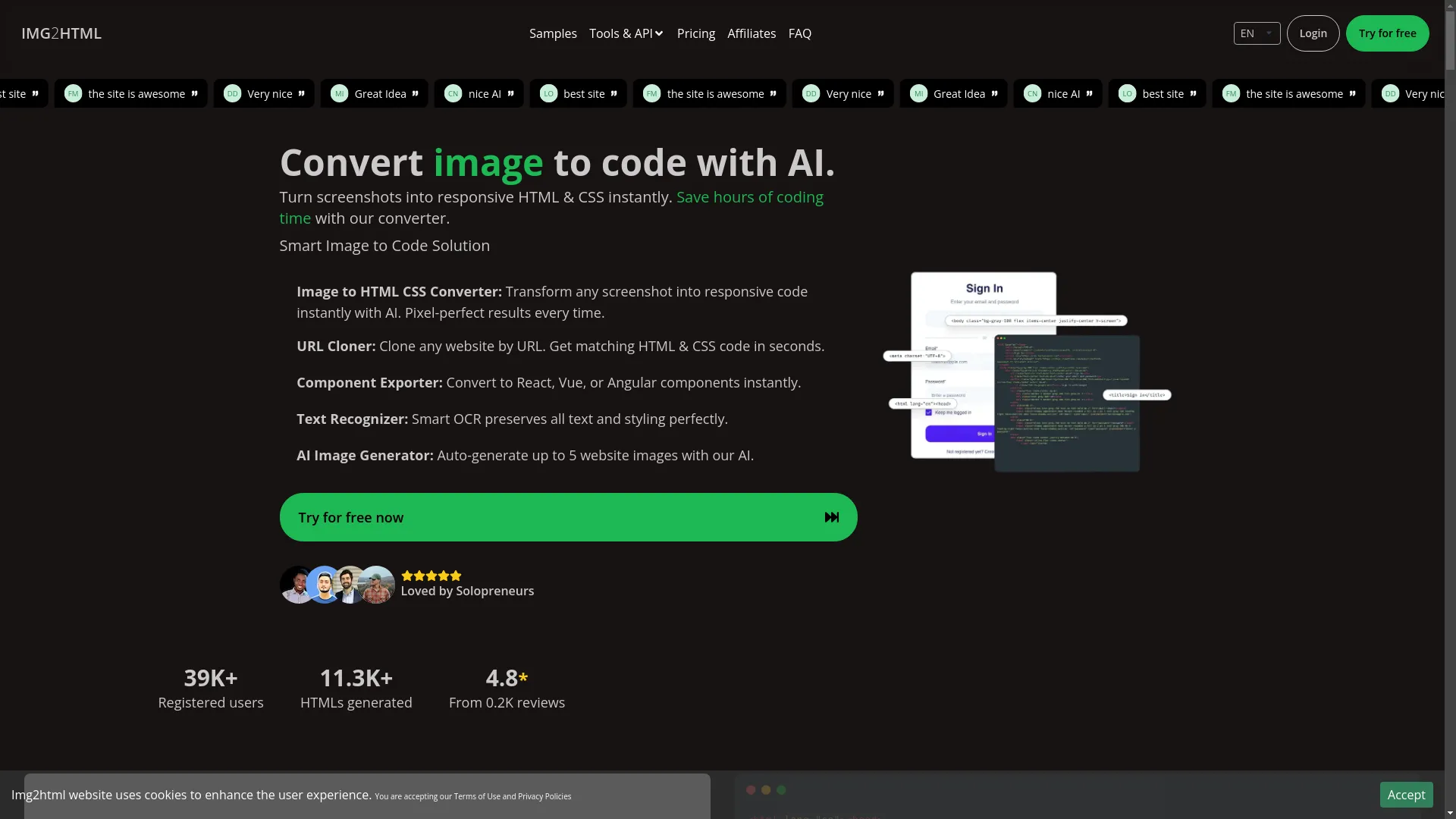
Imagine you have a great website design saved as a picture. With tools like IMG2HTML , you can turn this picture into good HTML and CSS code easily. But that's not the end. Once you have the HTML, you can easily turn it into a PDF, getting the best of both worlds.
How It Works:
- Turn Picture into HTML: Use IMG2HTML to change your design picture into HTML and CSS code.
- Make the Code Better: Change anything you need in the code it makes.
- Turn HTML into PDF: Use any of the ways we talked about earlier to turn the HTML into a PDF.
I once had a client with a nice brochure picture. I used IMG2HTML to turn the picture into HTML, made it better for search engines and different screen sizes, and then turned it into a PDF. The result was a professional document that looked just like the original design and was easy to share.
Good Things About Using IMG2HTML with HTML to PDF:
- Saves Time: Use AI to make HTML from pictures, then quickly turn it into PDF.
- Looks the Same: Make sure the PDF looks just like the original design.
- Can Make Changes: Edit the HTML before turning it into PDF to make it perfect.
Challenges in HTML to PDF Conversion
While turning HTML into PDF sounds easy, there can be some problems that might affect how good the final document looks.
Maintaining Layout and Design
One of the main problems is making sure the PDF looks exactly like the original HTML. Different tools might show things differently, and some CSS stuff might not work, which can make things look wrong or make fonts and colors look different.
For example, a webpage with fancy moving parts might not look right when turned into a still PDF, with some parts missing or looking weird.

Handling Dynamic Content
Webpages often have moving parts like forms you can fill in, videos, and information that changes. Turning this into a still PDF can be tricky, because PDFs can't do interactive stuff.
For instance, turning a shopping website page with changing prices and customer reviews into a PDF needs careful work to make sure all the important information is there and looks right.

Performance and Scalability
For businesses that need to turn lots of HTML into PDF, how fast it works becomes really important. Slow conversions can slow down work, and there might be problems when trying to do lots of conversions at the same time.
How can you turn thousands of HTML pages into PDF quickly without your computer slowing down? This is why choosing the right tool or method is so important.
Best Practices for Effective Conversion
To deal with the problems of turning HTML into PDF, using some good practices can really help make your conversions better and faster.
Optimize Your HTML and CSS
Clean, well-organized HTML and good CSS are the building blocks of a good conversion. Getting rid of unnecessary code and making sure everything is structured properly can lead to more accurate PDFs.
Tip: Use CSS reset files to make things look the same across different browsers and devices, which can also help make better conversion results.
Use Responsive Design Principles
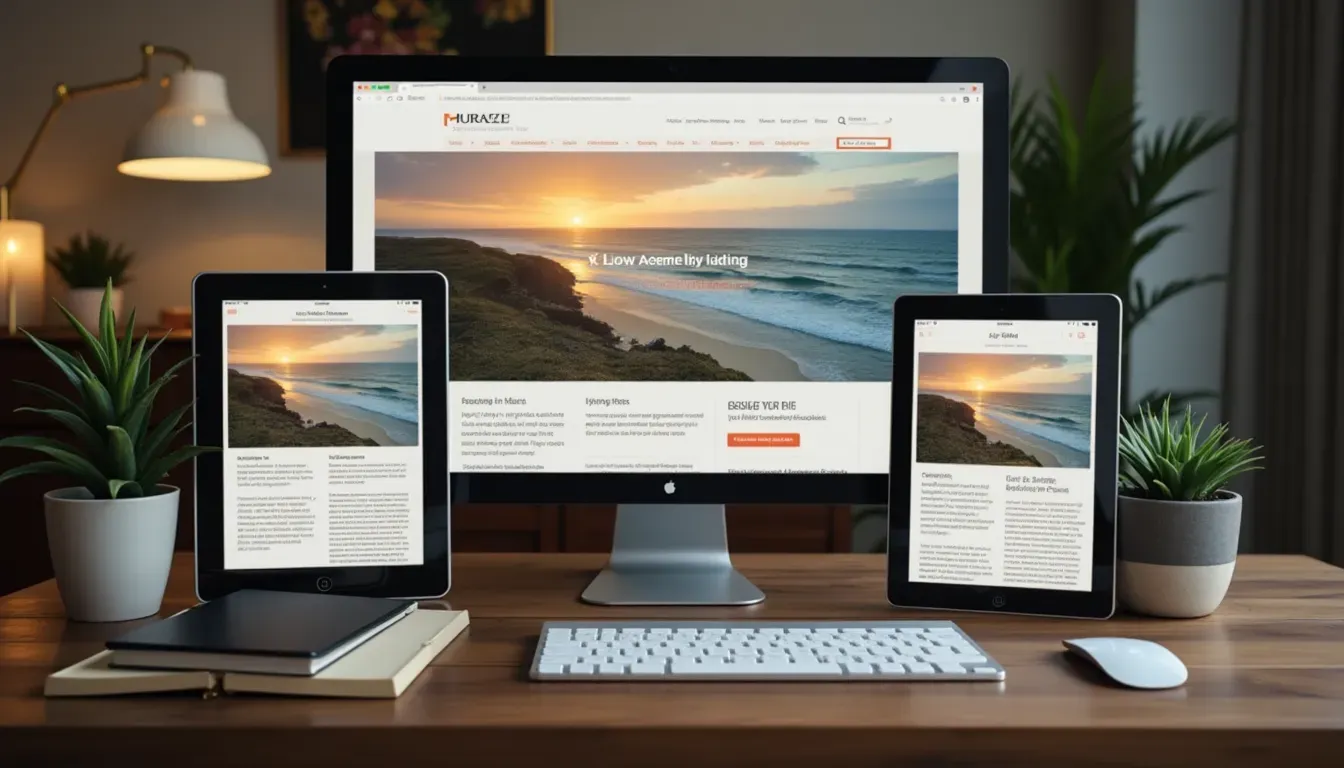
Design your HTML to work well on different screen sizes. Designs that adjust to different screens usually turn into PDFs that look good on various devices or when printed in different ways.
For example, use media queries to change layout and font sizes, making sure the PDF is easy to read and looks good.
Test Across Multiple Platforms
Before finishing your conversion process, check how it looks on different devices and computers. This makes sure your PDF looks good no matter how it's viewed.
Don't underestimate how important testing is. A PDF that looks perfect on one device might look terrible on another, ruining all your hard work.
Latest Trends and Advancements
The world of HTML to PDF conversion is always changing, with new technology and changing needs. Keeping up with the latest trends can give you better tools and ways to make your conversions more efficient.
AI-Powered Conversion Tools
Artificial Intelligence is making big changes in HTML to PDF conversion. AI tools like IMG2HTML not only turn pictures into HTML but also make the code better, which can then be easily turned into good-looking PDFs.
Benefits:
- Better at keeping design elements looking right
- Automatic improvements for faster conversions
- Smart handling of complicated layouts and moving content
IMG2HTML's AI approach makes sure that every detail is kept when going from picture to HTML, making it easy to then turn it into a PDF.

Integration with Modern Frameworks
New web development frameworks like React , Vue , and Angular are becoming more popular. Tools that work well with these frameworks can give you more flexibility and control over the conversion process.
Advantages:
- Easier to handle moving content
- Better support for component-based designs
- Can handle bigger projects better
Working with React components and turning them into PDF used to give me headaches. Now, with better tools, it's much smoother and saves a lot of time.

Enhanced Security Features
As keeping data private becomes more important, better security in conversion tools is becoming a big deal. Secure HTML to PDF conversion makes sure that private information is protected during the process.
Things to Look For:
- Encrypted data sending
- Safe storage practices
- Following data protection rules
Isn't it good to know that your private reports can be turned into PDFs without risking your data getting stolen?

Enhancing User Experience and Performance
In today's fast-moving digital world, user experience and how well things perform are really important for any web-related task, including turning HTML into PDF.
Importance of User Experience
A smooth conversion process makes users happier. Making sure the final PDF looks just like the original HTML content without unnecessary delays or mistakes is key to a good user experience.
Best Practice:
Give clear feedback during the conversion process, like progress bars, to keep users informed and engaged.

Performance Metrics to Consider
- Conversion Speed: Faster conversions make users happier, especially when dealing with big documents or lots of conversions.
- Accuracy: Making sure the PDF matches the HTML in layout, design, and content is crucial for looking professional and trustworthy.
- Scalability: Being able to handle multiple conversions at once without slowing down is essential for businesses and developers.
Think of the conversion process like baking a cake. You want it done quickly (speed), with the right ingredients in the right amounts (accuracy), and you should be able to bake multiple cakes at once if needed (scalability).
Conclusion
Turning compiled HTML into PDF is more than just a technical task—it's about keeping the essence of your digital content in a format everyone can access. Whether you're a developer automating workflows, a designer making sure your creations look right, or a business professional aiming for professional documentation, mastering this conversion process is really valuable.
With new AI-powered tools like IMG2HTML , combining image-to-code workflows with HTML to PDF conversions becomes even more efficient and smooth. By understanding the tools, overcoming the challenges, and following best practices, you can ensure high-quality, accurate PDF outputs that meet your needs.
Ready to make your HTML to PDF conversions better? Explore the latest tools, try different methods, and use the strategies we talked about to improve your workflow. Embrace the future of document conversion today!
Note: This guide is designed to be useful for a long time, giving valuable insights no matter how the field changes. Regularly update your knowledge and tools to stay ahead in the changing world of HTML to PDF conversion.