Discover the best free alternatives to YesChat for converting images to HTML, enhancing your web development workflow.
Table of Contents
- Intro
- What's Image to HTML Conversion?
- Why Look Beyond YesChat?
- Free Tools That Convert Images to HTML
- What's New in Image to HTML Conversion
- Tips for Better Image to HTML Conversion
- Tech's Role in Image to HTML Conversion
- Keeping Up with Web Trends
- Building Your Web Dev Network
- Making Sites Better for Users
- Wrapping Up
- What to Do Next
Intro
Ever looked at a cool website and thought, "Man, I wish I could make that without all the coding headaches"? You're not alone. As the web keeps changing, more people want easy ways to turn designs into real websites. If you've been using YesChat to change images into HTML but want something different or cheaper, you're in the right place. We're gonna look at some great free tools that aren't YesChat. These can help you turn pictures into HTML code without breaking a sweat. Whether you're a pro developer, a designer, or just messing around with websites, these tools can save you time and make your projects way better.
What's Image to HTML Conversion?
The Basics
Image to HTML conversion is pretty much what it sounds like. It's taking a picture of a design - could be a screenshot, a mockup, whatever - and turning it into HTML and CSS code that actually works. It's like magic that turns static pictures into real web pages, so designers and developers don't have to start from scratch.
Why Bother?
Picture this: you've got an awesome website design in Photoshop or Sketch. To make it a real website, you'd normally have to write a ton of HTML and CSS code, making sure everything's in the right place and looks good on phones, tablets, and computers. That's where these conversion tools come in handy. They do all that boring stuff for you, saving you hours of work and cutting down on mistakes. But it's not just about saving time - these tools often come with extra features that make building websites easier and more fun.
Why Look Beyond YesChat?
YesChat's Limits
YesChat's been popular for quick image to HTML conversions. But it's not perfect. Some people find the free version too limited, with not enough conversion credits or missing support for fancy stuff like React or Vue. And while YesChat's easy to use, it might not have everything that every developer or designer needs, especially for big or complicated projects.

Perks of Trying New Tools
Looking at other tools isn't just about having a backup plan. It opens up a whole new world of possibilities. Different tools have different features, let you customize things in different ways, and work with different stuff. By trying out more tools, you might find something that fits your way of working better, or that has exactly what you need for your project. Plus, a lot of free tools have awesome features that are just as good as (or even better than) the paid ones, so you get more bang for your buck.
Free Tools That Convert Images to HTML
When you're ready to try something besides YesChat, there are some really cool free tools out there for turning images into HTML. Let's check out some of the best ones.
Img2HTML
What It Is
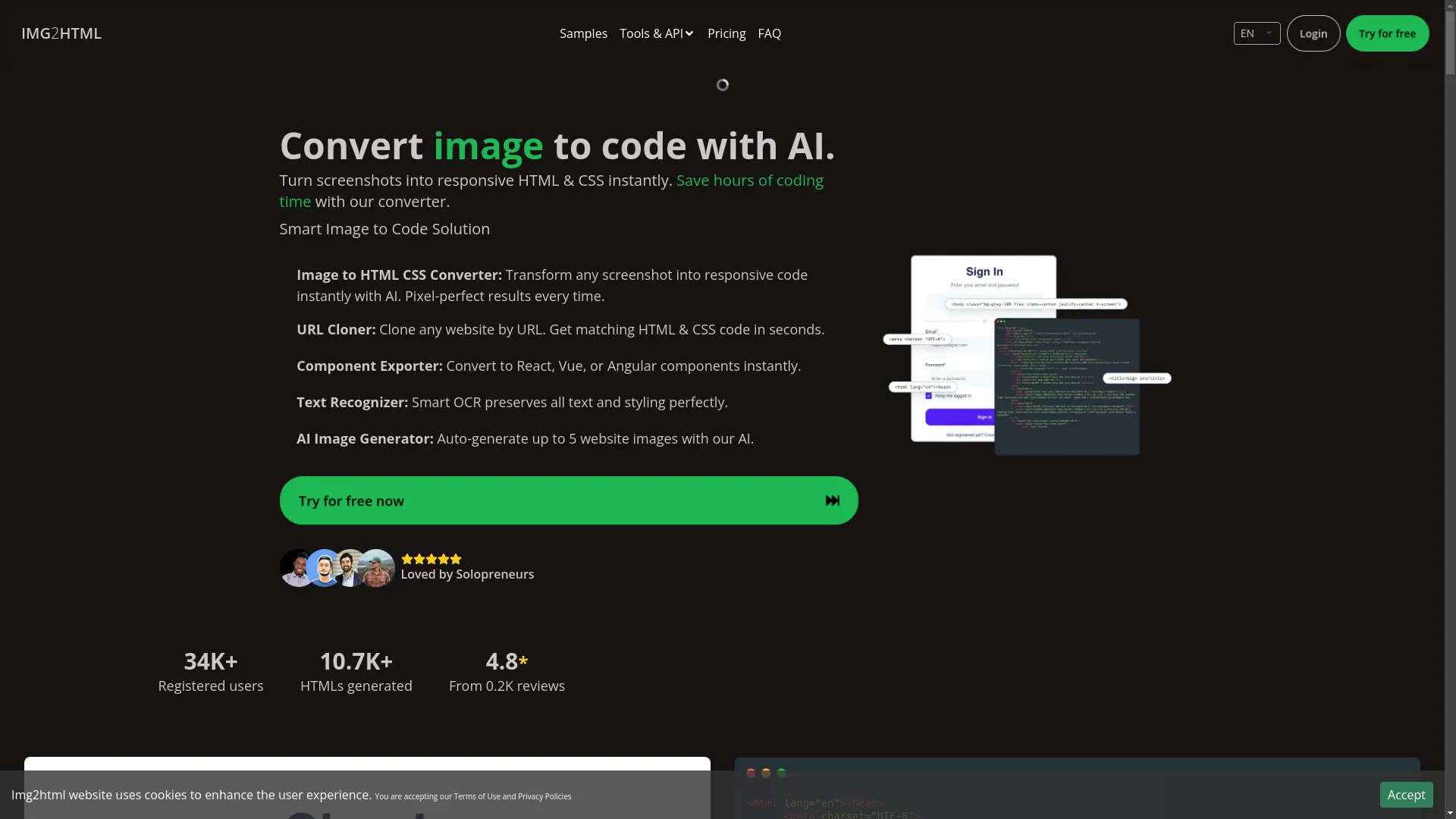
Img2HTML is a smart tool that uses AI to turn pictures into HTML and CSS code super fast. It's all about making the code look exactly like the picture, and it tries to make web development easier for everyone, whether you're just starting out or you've been doing this for years.
Cool Features
- AI-Powered Conversion: Uses smart computer brains to turn pictures into code quickly and accurately.
- Looks Good on All Devices: Makes HTML and CSS that work well on phones, tablets, and computers.
- Works with Modern Stuff: Can handle new frameworks like Tailwind CSS, React, Vue, and Angular.
- Smart Text Recognition: Figures out all the text in the picture and keeps the style.
- AI Image Maker: Can make up to five website pictures for you per credit.
What Users Think
People really like Img2HTML because it's easy to use and makes good code. Over 34,000 people have signed up, and it's made more than 10,700 HTML conversions. Users say it saves them a lot of time and makes it easy to use the code in their projects.
onetab Code AI
What It Is
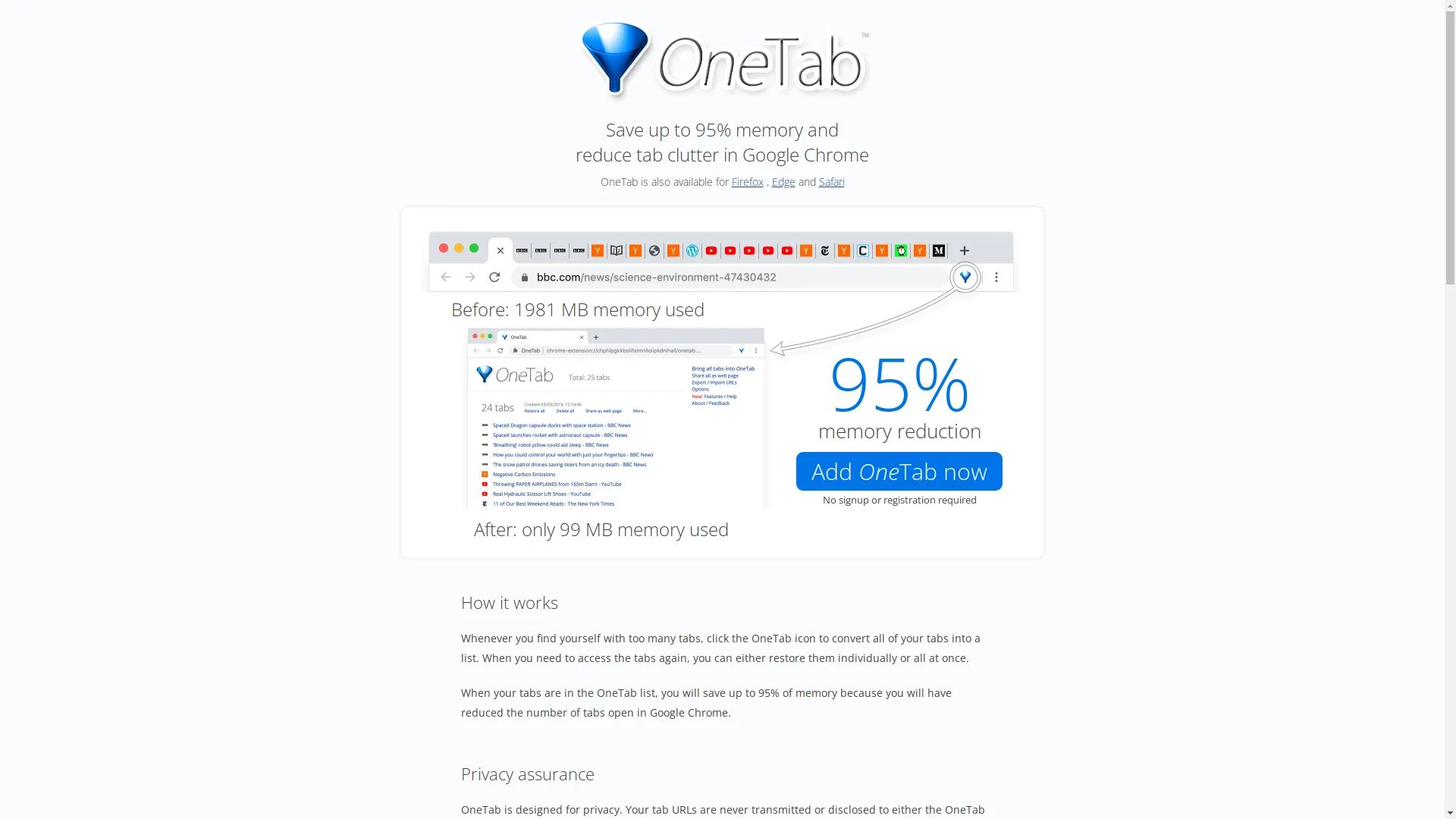
onetab Code AI is another cool tool that turns screenshots and designs into clean HTML and CSS code. It's really good at making sure the code looks just like the design, which is great for developers who care a lot about how things look.
Cool Features
- Smart Learning: Really good at figuring out what's in the picture and turning it into code.
- Works on All Devices: Makes code that looks good on phones, tablets, and computers.
- Works with Different Stuff: Can make HTML, CSS, JavaScript, and even React and Vue code.
- Easy to Use: Makes it simple to turn pictures into code, even if you're not a coding expert.
- API Access: For developers who want to automate things.
What Users Think
People like onetab Code AI because it's fast and accurate. It's really good at making code that looks just like the original design. The free version lets you do quite a few conversions, which is great if you're trying to save money.
Wondershare PDFelement
What It Is
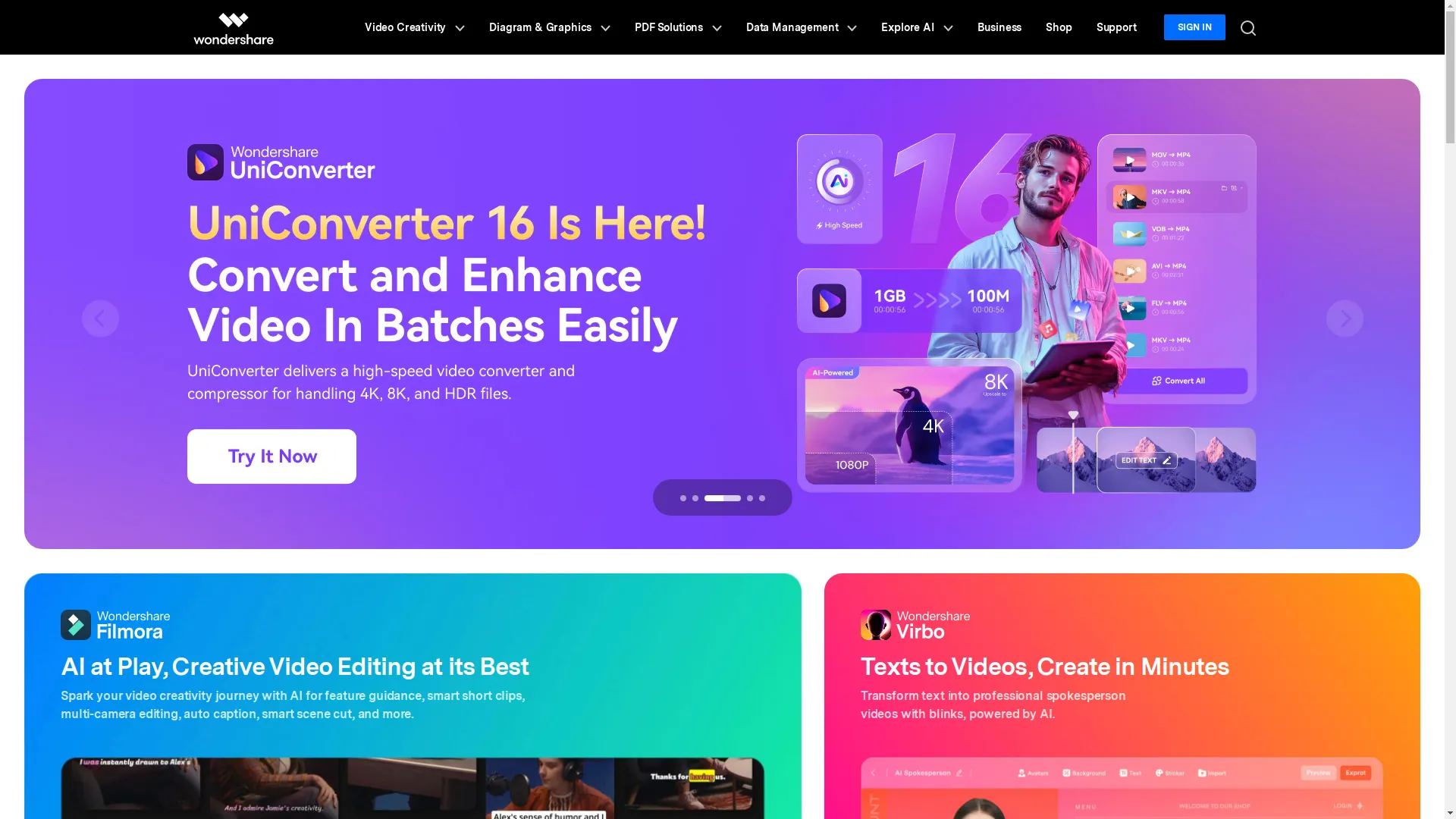
Wondershare PDFelement is mainly for working with PDFs, but it's also pretty good at turning images into HTML. It's really good at figuring out text in images and turning it into HTML.
Cool Features
- Smart Text Recognition: Finds text in images and turns it into editable HTML.
- Works with Lots of Formats: Can change images into PDF, DOCX, EPUB, and more.
- Easy to Use: Simple tools and clear instructions make it easy to convert stuff.
- Convert Multiple Files: Can change a bunch of images at once, which saves time.
- Keeps Your Stuff Safe: Makes sure your files are secure when you're converting them.
What Users Think
People like Wondershare PDFelement because it can do a lot of different things and does a good job converting files. They especially like how good it is at finding and formatting text from images, which is really helpful for making web content and making sites easier for everyone to use.
Other Good Options
- Convertio: Convertio is an online tool that can change lots of different file types, including turning images into HTML. It uses the internet to do the work, so it's fast and doesn't slow down your computer.
- Online Convert: Online Convert is straightforward for turning images into HTML. You can adjust some settings to get the output just how you want it.
-
FreeConvert:
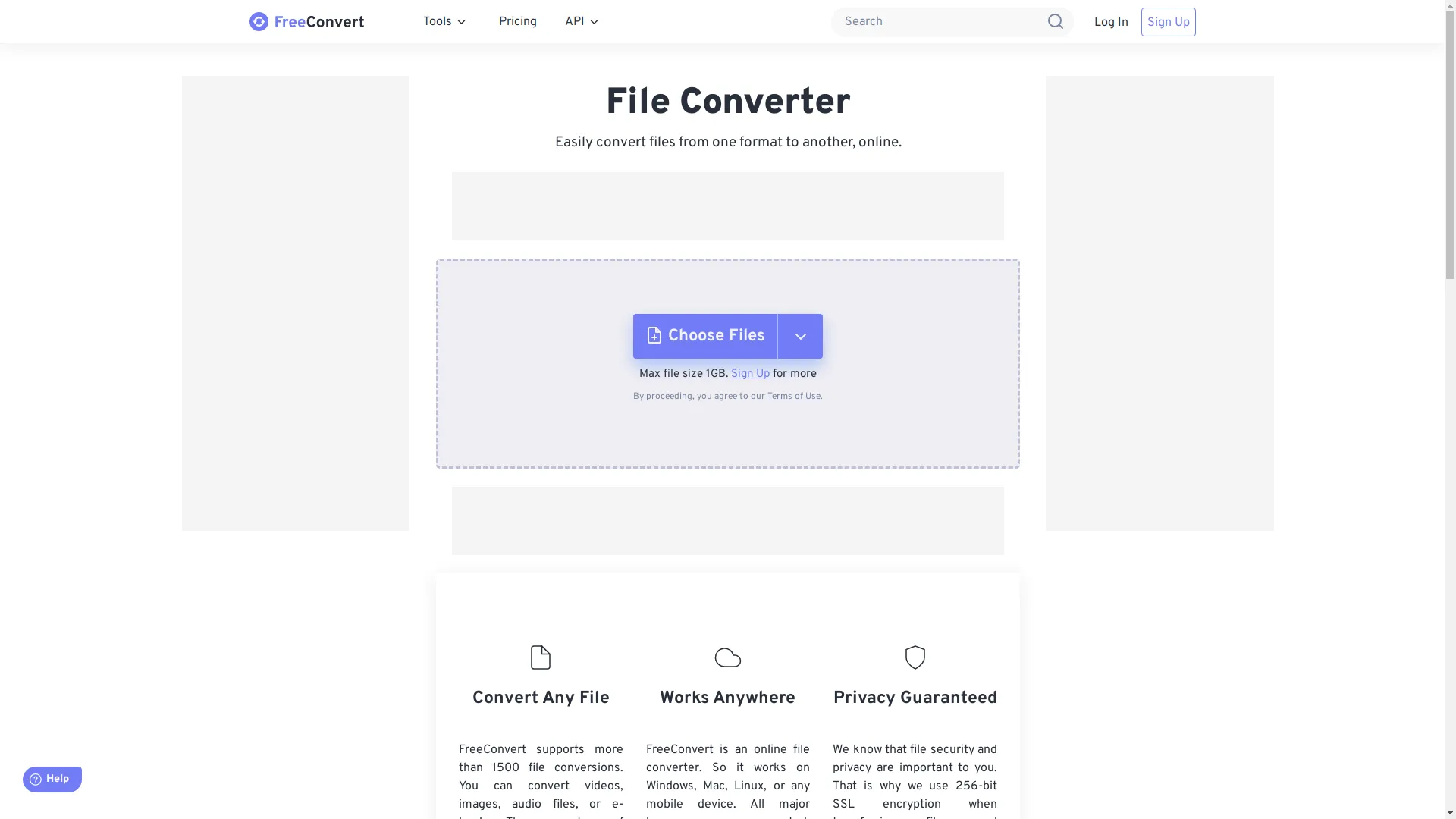
FreeConvert has a simple way to turn images into HTML, and it can also help make the code better.
What's New in Image to HTML Conversion
The world of turning images into HTML is always changing, with new tech and new things people need.
AI and Machine Learning
AI and machine learning are making these tools way smarter. They're getting better at figuring out what's in a design, which means they can make cleaner, better code. Tools with AI can understand complicated layouts, fonts, and how to make things look good on different screens, so the HTML they make is accurate and works well.
Better OCR
OCR (which stands for Optical Character Recognition) has gotten a lot better. It can now find and format text from images more accurately. This means that when there's text in an image, it shows up correctly in the HTML. This is really good for making websites that everyone can use and for helping websites show up in search results.
Support for New Frameworks
As more people use frameworks like React, Vue, and Angular, conversion tools are starting to work with these too. Tools like Img2HTML and onetab Code AI can now make code that works directly with these frameworks, which makes it easier and faster to build websites.
Tips for Better Image to HTML Conversion
To get the most out of these tools, try these tips:
Picking the Right Tool
Not all tools are the same. Think about what you need - maybe support for a specific framework, good text recognition, or the ability to convert lots of images at once - and choose a tool that has those things. Try out a few different ones to see which one you like best.
Prepping Your Images
Before you convert your images, make sure they're high quality and look clear. Images with clear, distinct parts are easier for the tools to understand and turn into code. Try not to use really complicated images with too many details, as these might confuse the AI.

Tweaking After Conversion
Even though these tools are really good, you might still need to fix some things by hand. Look over the code they make and fix any problems you see. It helps to know a bit about HTML and CSS so you can make small changes to get everything looking just right.

Tech's Role in Image to HTML Conversion
New technology is making these conversion tools even better.
Smarter AI
The latest AI is designed to understand designs almost like a human would. It can recognize patterns, figure out what's important, and understand how things are arranged. This means it can turn images into code more accurately, so you don't have to fix as much by hand.
Making Sites Look Good on All Devices
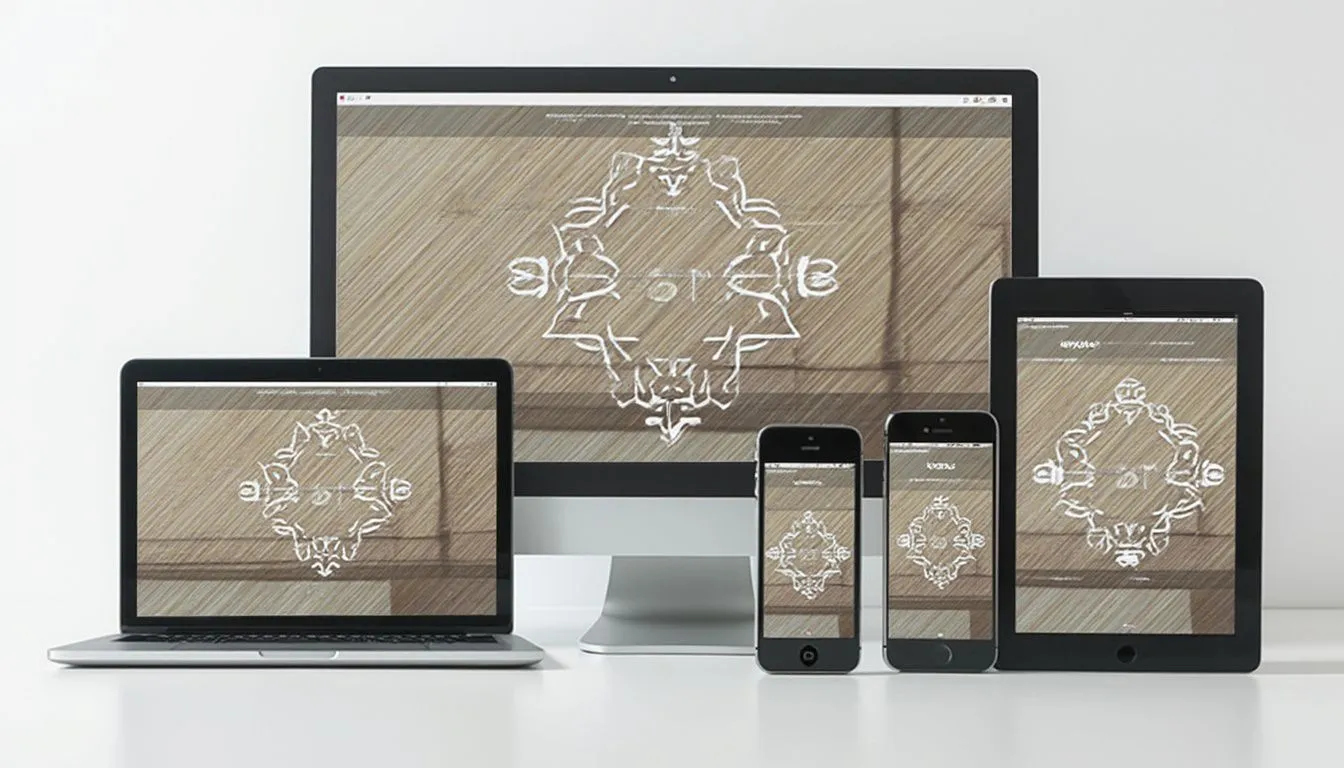
With so many people using phones to browse the web, it's important that websites look good on small screens. Conversion tools now focus on making HTML and CSS that automatically adjust to fit different screen sizes, so your website looks good whether someone's using a phone, tablet, or computer.
Fitting into How Devs Work
Modern conversion tools are designed to work well with the way developers already do things. Whether it's working with version control systems, fitting into continuous integration/continuous deployment (CI/CD) pipelines, or being able to export code directly into popular development environments, these tools are made to fit right into your workflow and make your job easier.

Keeping Up with Web Trends
Staying up to date with what's new in web design helps make sure your converted HTML stays relevant and effective.
Mobile-First Design
Designing for mobile first means making sure websites work well on small screens first, then adapting them for bigger screens. This is important because most people browse the web on their phones. Conversion tools that focus on mobile responsiveness help achieve this easily.
Making Sites for Everyone
It's really important that websites are accessible to everyone, including people with disabilities. Tools with good text recognition and that make clean, well-structured code help make websites that everyone can use.
Speed Matters
Websites that load quickly keep visitors happy and help with search engine rankings. Conversion tools that make optimized, lightweight code help make websites faster, which makes for a better experience overall.

Building Your Web Dev Network
Having a good network of other web professionals can really help your projects.
Working with Others
When designers and developers work well together, the final website looks great and works well too. Using image to HTML conversion tools can help make the transition from design to development smoother.

Joining Online Groups
Online communities and forums are great places to get help, share what you know, and learn about new tools and techniques. Getting involved in these communities can give you insights and support as you work on web development projects.
Always Learning
The tech world is always changing. If you keep learning new things, you'll stay ahead of the game, adapting to new tools and ways of doing things that can make your work better and easier.

Making Sites Better for Users
The main goal of turning images into HTML is to make websites that work well and are easy to use. Focusing on user experience and how well the site performs can help you achieve this.
Clean Code is Key
Clean, well-organized HTML and CSS code is easier to maintain, fix, and improve. Well-structured code helps websites run better, show up higher in search results, and provide a smoother experience for users.
Checking How Well It Works
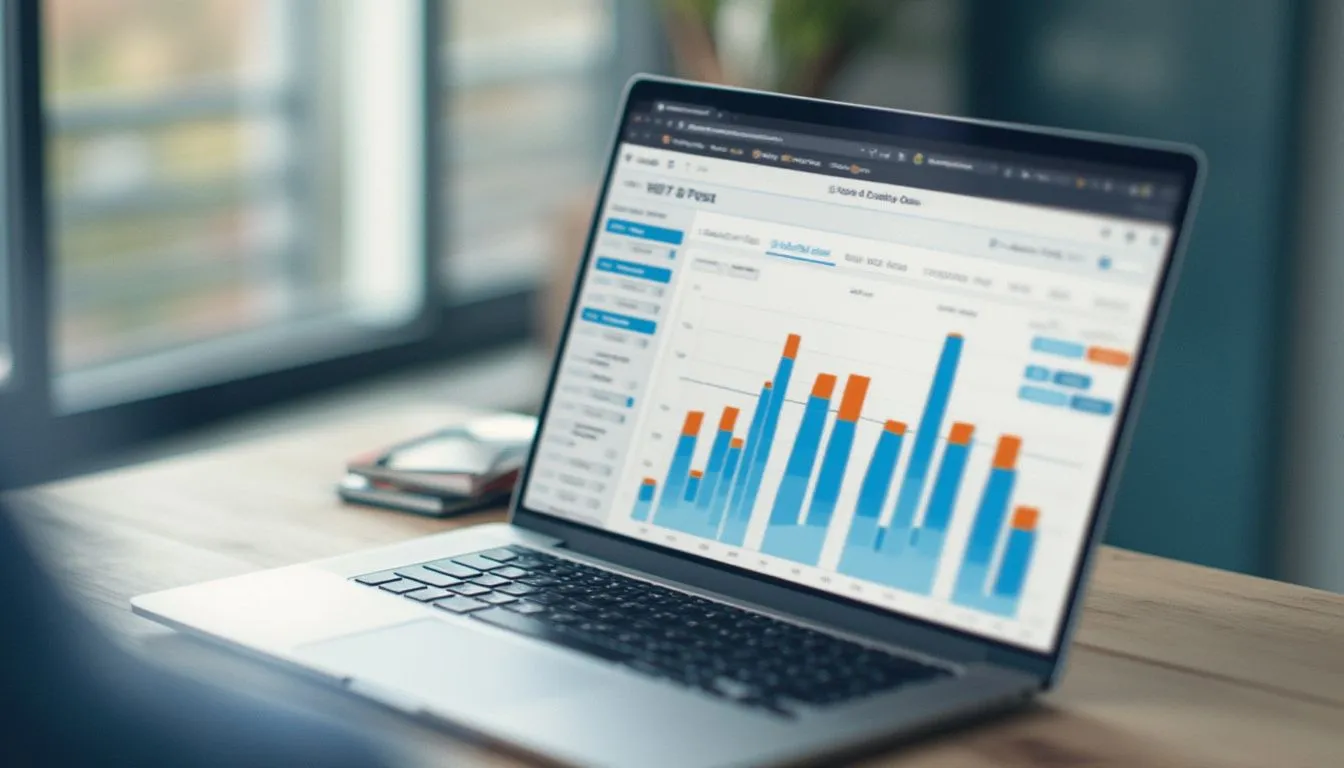
Keep an eye on things like how fast your pages load, how well they work on different devices, and how people interact with them. This helps you see how well your converted web pages are doing in the real world.
Listening to Users and Improving
Ask people what they think about your websites and use their feedback to make things better. Making small improvements based on what real users say can lead to websites that are easier to use, work better, and keep people coming back.
Wrapping Up
Turning a static image into a working, responsive website doesn't have to be hard or take forever. While YesChat has been good for many people, trying out other free tools can open up new possibilities for efficiency, customization, and creativity. Tools like Img2HTML, onetab Code AI, and Wondershare PDFelement have great features that can help with all sorts of projects, making web development both effective and enjoyable. Give these alternatives a try, experiment with different tools, and find the one that works best for you.
What to Do Next
Ready to take your web development skills up a notch? Try out the free tools we talked about in this article and see how easy it can be to turn images into HTML. Whether you're making your first website or working on a big, complex project, these tools can save you time, make your designs look better, and help bring your ideas to life. Don't let complicated coding hold you back—use the right tools and watch your ideas turn into awesome, working websites.
 Try Img2HTML Now