Intro
Ever been stuck on something late at night, wishing you had a smart buddy to bounce ideas off or help you write that tricky email? That's where ChatGPT comes in - it's like having a super-smart assistant in your pocket. But here's the thing: there are a bunch of different versions out there, and you might be wondering, "Which one should I go for?" Whether you're a student, working a 9-to-5, or just someone who likes cool tech stuff, this guide's got your back. We'll help you figure out which ChatGPT is the best fit for you.

What's ChatGPT All About?
Before we dive into the different versions, let's talk about what ChatGPT actually is. It's this really smart AI thing made by a company called OpenAI . Basically, it's like a super-powered chatbot that can understand what you're saying and spit out human-like responses. You can use it for all sorts of stuff - asking questions, writing essays, even coding. It's pretty wild what it can do.

Different Flavors of ChatGPT
ChatGPT isn't just one thing - there are a few ways you can use it. Let's break it down:
ChatGPT on the Web
Good stuff:
- Easy to use - just open your browser and go
- Works on any device with internet
- Always has the latest updates
Not so good:
- Needs internet to work
- Can't use it offline
Best for:
People who want to use it on different devices without installing anything.
ChatGPT Apps for Your Phone
Good stuff:
- Use it wherever you are
- Get notifications
- Works well on small screens
Not so good:
- Might drain your battery if you use it a lot
- Takes up space on your phone
Best for:
People who want to use ChatGPT on the go.
ChatGPT on Your Computer
Good stuff:
- Usually faster than the web version
- Can work a bit without internet
- Plays nice with other computer stuff
Not so good:
- You have to install it
- Different versions for Windows, Mac, etc.
Best for:
People who use their computers a lot and want ChatGPT to work with other programs.
ChatGPT for Developers
Good stuff:
- You can make ChatGPT do custom stuff
- Good for big companies
- Flexible for specific needs
Not so good:
- You need to know how to code
- Can be pricey if you use it a lot
Best for:
Developers and companies who want to build ChatGPT into their own stuff.
Free ChatGPT vs. ChatGPT Plus: What's the Deal?
When you're deciding which ChatGPT to use, you should know there's a free version and a paid version called ChatGPT Plus .
Free Version:
- Basic stuff works fine
- Might be slow when lots of people are using it
- Doesn't always have the newest features
Best for:
People who just need help now and then.
ChatGPT Plus:
- Faster, even when it's busy
- Gets the latest upgrades
- Might get new features first
Downside:
Costs money every month
Best for:
People who use ChatGPT a lot for work or really depend on it.
Picking the Right ChatGPT for You
So, how do you choose? It depends on what you need:
For Everyday Users
If you just need help with emails or ideas once in a while, the free web version is probably fine. It's easy to use and doesn't cost anything.
Pro tip: Bookmark the website so you can find it quickly!

For Work and Coding Folks
If you use ChatGPT a lot for work stuff like coding or writing, you might want to go for ChatGPT Plus. It's faster and has more features.
If you're a developer wanting to build ChatGPT into your own stuff, you'll want to look at the API access.
Pro tip: ChatGPT Plus is great if you need it to work well all the time, especially during busy work hours.

For Teachers and Students
Teachers can use ChatGPT for lesson plans or making quizzes. Students might find it helpful for writing essays or studying.
The phone app could be really useful for students who want help while they're out and about.
Pro tip: Use the app to get help while you're studying or on the bus!

How to Get Started
Once you know which version you want, here's how to get it going:
Setting Up the Phone App
- Go to your phone's app store
- Search for "ChatGPT"
- Download the official app
- Sign up or log in
- Start chatting!
Pro tip: Turn on notifications if you want updates right away.

Getting the Computer Version Going
- Go to the OpenAI website
- Find the download for your computer type
- Install it
- Open it and log in
- Set it up how you like
Pro tip: Put the ChatGPT icon somewhere easy to find on your computer.
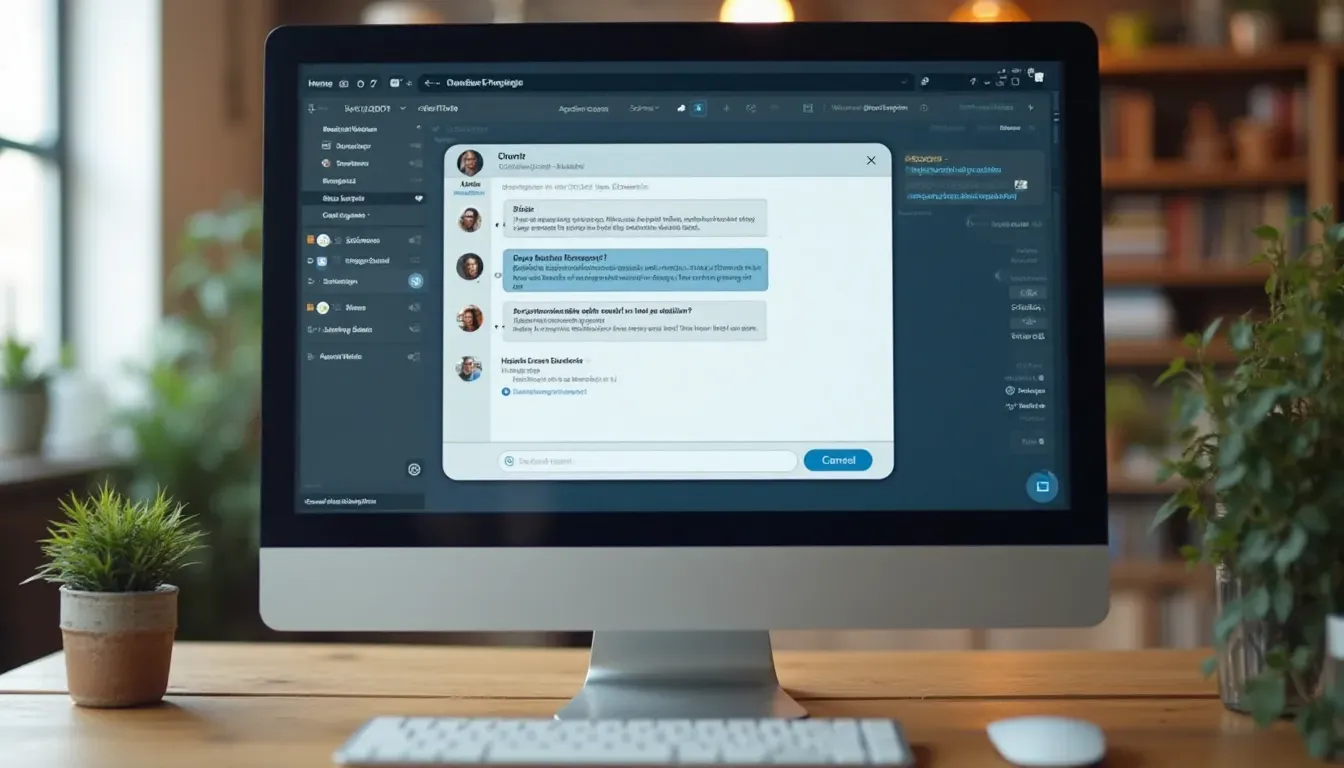
Making the Most of ChatGPT
To get the most out of ChatGPT, try these things:
Tweaking Your Settings
Change things like how it looks or when you get notifications to make it work better for you.
Example: Use dark mode at night to make it easier on your eyes.

Connecting with Other Stuff
You can connect ChatGPT with other tools you use. This can make your work easier.
Example: Use browser add-ons to use ChatGPT right from your email.
Real People, Real Stories
Alex, who writes for a living:
"ChatGPT helps me come up with ideas when I'm stuck. The phone app is great for jotting down thoughts anywhere."
Maria, who makes software:
"We use ChatGPT in our customer service, and it's made things way faster."
James, a student:
"ChatGPT helps me understand tough subjects and write essays. It's like having a tutor whenever I need one."
Questions People Ask a Lot
Can I use ChatGPT without internet?
Most of the time, you need internet. Some computer versions might work a little bit offline.
Is my info safe with ChatGPT?
OpenAI says they take privacy seriously, but it's a good idea to check their privacy rules .
How much is ChatGPT Plus?
Last I checked, it was $20 a month, but that might change.
Can I stop using ChatGPT Plus whenever I want?
Yep, you can start or stop anytime.
Wrapping It Up
Choosing the right ChatGPT really depends on what you need and how you want to use it. Whether you go for the free web version, the phone app, the computer program, or the developer stuff, there's something for everyone.
So, which ChatGPT should you get? If you're just a casual user, the free web version is probably fine. If you need more power, maybe look at ChatGPT Plus or the API. And if you're always on the move, the phone app might be your best bet.
Ready to give it a try? Jump in and see how ChatGPT can help you out. Have fun chatting!