Introduction
Ever looked at a cool website and thought, "How the heck did they make that?" You're not alone. In the crazy world of web development, being fast and accurate is super important. That's where IMG2HTML comes in - it's this AI tool that promises to turn your pictures into HTML and CSS code in no time. But like anything else, it's got its good and bad points. We're gonna take a deep dive into IMG2HTML and figure out if it's worth using for your web stuff.

What is IMG2HTML?
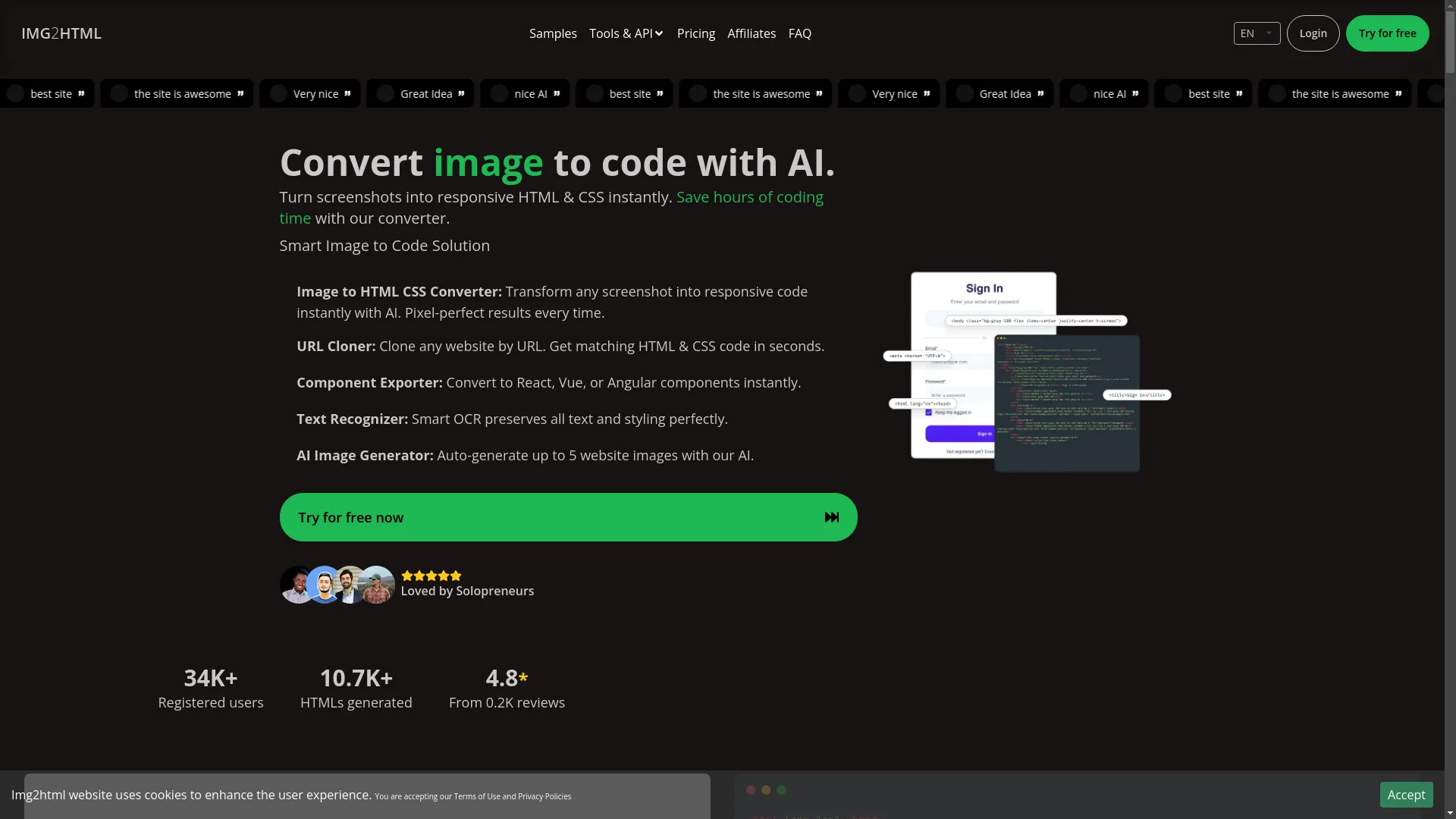
So, IMG2HTML is this fancy AI thing that takes images - like screenshots or website designs - and turns them into clean HTML and CSS code that works on different screen sizes. It can handle modern frameworks like React, Vue, and Angular, which is pretty cool. The idea is to make it easier to go from design to actual code, saving you tons of time. Whether you're working solo, studying, or part of a big company, IMG2HTML has tools to make your work easier.
Advantages of Using IMG2HTML
Time Efficiency
Imagine having something that can take a complicated webpage design and turn it into working code in seconds. Sounds awesome, right? Well, that's what IMG2HTML does. It automates all that boring coding stuff so developers can focus on the fun, creative parts of web design instead of getting stuck doing repetitive tasks.

I remember spending way too many nights trying to get my code to match a design perfectly. IMG2HTML is supposed to cut that time way down, so you can get things done faster and try out more ideas.
Accuracy and Quality of Code
One of the best things about IMG2HTML is how accurate it is. The AI is really good at making code that looks just like the original design, so you don't have to spend ages fixing little details. This saves time and makes sure everything on the website looks consistent.

It's kinda like having a super precise machine that copies your designs perfectly, like how a 3D printer makes exact copies of complicated models.
Support for Modern Frameworks
These days, frameworks like React, Vue, and Angular are a big deal in web development. IMG2HTML knows this and can export components for these frameworks. This means developers can easily use the generated code in their projects, which makes everything more efficient and flexible.
Ever tried to fit static HTML into a React project? It's a pain. IMG2HTML avoids this problem by giving you code that already works with these frameworks.
User-Friendly Interface
It's really important for tools to be easy to use, and IMG2HTML does a good job here. The interface is pretty intuitive, so whether you're a pro developer or just starting out, you can figure out how to use it without too much trouble.
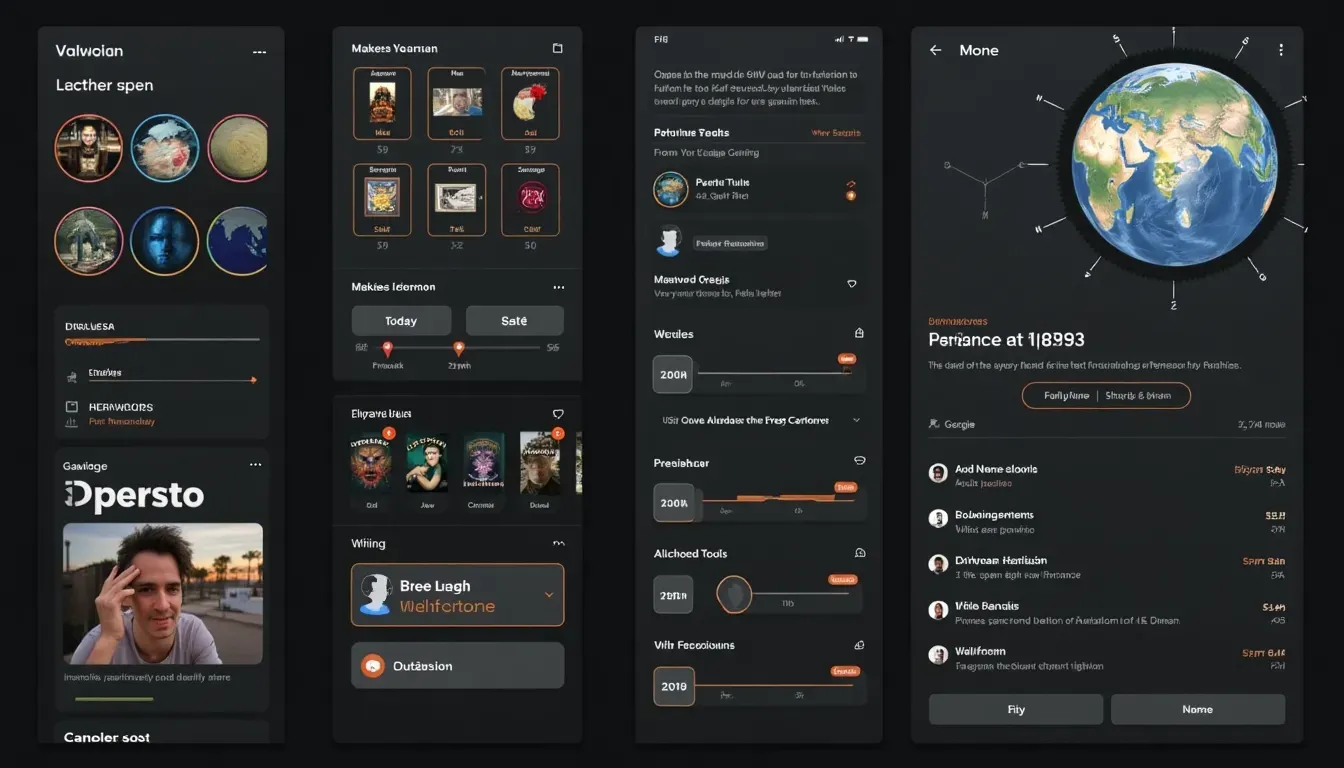
No more staring at a complicated screen wondering what to click. Using IMG2HTML is like cooking in a well-organized kitchen - everything's easy to find and use.
Cross-Platform Compatibility
These days, we use all kinds of devices, so it's crucial that tools work everywhere. IMG2HTML works smoothly on different devices and operating systems, including Windows, Mac, and Linux. This means you can work on your projects whenever and wherever you want, without being limited by what device you're using.

See how this works at IMG2HTML .
Additional Features
- URL Cloner: Copy entire websites by URL to get matching HTML and CSS code in seconds.
- Component Exporter: Turn designs into React, Vue, or Angular components instantly.
- Text Recognizer: Smart OCR that keeps text and styling looking perfect.
- AI Image Generator: Automatically make up to five website images with AI help.
All these features make IMG2HTML a versatile tool that can help with lots of different web development tasks.
Disadvantages of Using IMG2HTML
Cost
Good tools often cost money, and IMG2HTML is no exception. While you can try it for free for 3 days, using it long-term means buying credits or subscribing monthly or yearly. For individual developers or small teams, these costs can add up, especially if you're converting lots of images.

Personally, I think the time saved is super valuable, but you gotta weigh that against your budget and how much you'll actually use the tool.
Limitations in Complex Designs
Even though IMG2HTML is pretty accurate, it's not perfect. Really complicated designs with weird layouts might be tricky for the AI, so you might end up with code that needs some fixing. Complex animations, unique interactions, or highly customized components might not translate perfectly, so you might need to do some manual work.

Ever had a beautifully designed website that was a nightmare to code? IMG2HTML might need some help in situations like that.
Dependency on AI Accuracy
Like any AI tool, the quality of what you get depends a lot on the algorithms. While IMG2HTML tries to be perfect, there's always a chance for errors. If the AI models aren't consistent or refined enough, you might get code that's not great, and you'll need to fix it manually.
Think of IMG2HTML like a high-speed blender. It can handle most things smoothly, but some tougher bits might need extra attention.
Learning Curve for Advanced Features
While the basic stuff is easy to use, mastering IMG2HTML's advanced features - like API integration or exporting components - can be pretty tough. Developers who want to use all these capabilities might need to spend extra time learning how to use them effectively.

Privacy and Security Concerns
Uploading your website designs to any online tool can be risky in terms of privacy and security. Sensitive designs or proprietary information could be at risk if the platform doesn't have good data protection. It's important to understand IMG2HTML's privacy policies and make sure your data is handled securely.

It's like trusting a friend with your secret recipe - make sure they're good at keeping secrets!
Comparing IMG2HTML with Other Tools
There are lots of tools out there that convert images to code, so how does IMG2HTML stack up? Tools like Fronty, Image2CodeAI, and Codia offer similar features, each with their own strengths and weaknesses.
| Tool | Strengths | Weaknesses |
|---|---|---|
| Fronty | Easy to use | Limited framework support |
| Image2CodeAI | Basic image-to-code conversion | Lacks advanced features like API integration |
| Codia | Good for HTML and Figma conversions | Higher cost |
Compared to these, IMG2HTML stands out with its comprehensive features, support for modern frameworks, and high accuracy. But you should still consider your specific needs and budget before choosing a tool.
I tried several of these tools before settling on IMG2HTML. The combination of speed and quality really improved my workflow.
Use Cases: Who Benefits from IMG2HTML?
IMG2HTML can be useful for lots of different people:
- Solo Developers: Save time on repetitive coding tasks, allowing more focus on innovation.
- Students: Learn about web development by experimenting with real-time code generation.
- Marketing Teams: Quickly translate design concepts into live websites for campaigns.
- Ecommerce Businesses: Rapidly build and iterate website designs without extensive coding resources.
- Designers: Collaborate seamlessly with developers by providing ready-to-use code snippets.
Are you a designer tired of waiting for developers to bring your ideas to life? IMG2HTML could be the answer.

Latest Trends in Image to Code Conversion
The field of image-to-code conversion is changing fast, with AI and machine learning leading the way. Recent trends include:
- Increased Accuracy: Better algorithms deliver code that's closer to the original design.
- Framework Integration: Support for modern frameworks like React, Vue, and Angular is becoming standard.
- API Access: Enabling automation and integration into existing workflows.
- Enhanced Features: Tools are expanding beyond basic conversion to include components, URL cloning, and AI-generated images.
IMG2HTML is keeping up with these trends, constantly updating its features to meet the demands of modern web development.
The Role of Technology in IMG2HTML's Evolution
Advancements in AI and machine learning have been super important for IMG2HTML's development. Deep learning models trained on huge datasets help the tool recognize and translate different design elements into code accurately. Also, improvements in natural language processing help interpret user inputs and generate relevant code snippets.
Think of IMG2HTML's technology as a smart assistant that learns from every task you give it, getting more efficient and accurate over time.
Optimizing IMG2HTML for Current Web Development Trends
To stay relevant, IMG2HTML keeps adapting to the changing world of web development. This includes:
- Responsive Design: Making sure generated code works well on all devices.
- Accessibility: Including best practices to make websites usable for everyone.
- Performance Optimization: Producing clean, efficient code that makes websites faster.
- SEO-Friendly Code: Aligning with search engine optimization standards to improve website visibility.
I think the focus on responsive and accessible design is crucial in today's digital world, and it's great that IMG2HTML is committed to these aspects.

Building Quality Networks with IMG2HTML
Using IMG2HTML effectively means integrating it with other tools and workflows. This might include:
- Version Control: Using platforms like GitHub to manage and track code changes.
- Design Tools Integration: Combining IMG2HTML with design tools like Figma or Adobe XD for a smooth transition from design to code.
- Continuous Integration/Continuous Deployment (CI/CD): Automating the deployment process to ensure quick and consistent updates.
By building a quality network around IMG2HTML, developers can get the most out of it and improve overall productivity.

Effective Strategies for Success with IMG2HTML
To get the most out of IMG2HTML, try these strategies:
- Start Simple: Begin with straightforward designs to understand how the tool works before tackling more complex projects.
- Leverage Advanced Features: Explore features like component exporting and API integration to streamline your workflow.
- Iterate and Refine: Use the tool to generate base code, then refine and customize as needed to match your project requirements.
- Stay Updated: Regularly check for updates and new features to ensure you're using the latest capabilities.
- Engage with the Community: Participate in forums or user groups to share experiences and learn from others.
Think of IMG2HTML as a trusty sidekick in your coding adventures - use its superpowers wisely!

Importance of User Experience and Performance Metrics
These days, user experience (UX) is super important. Websites need to look good and work efficiently. IMG2HTML helps with both by generating clean, responsive code that makes pages load faster and work well on different devices. It also helps reduce manual coding errors, which keeps the user experience consistent and high-quality.

Isn't it annoying when a beautiful website loads really slowly? IMG2HTML helps prevent that by focusing on optimized code.
Some performance metrics to think about when using IMG2HTML include:
- Load Time: Faster load times make users happier and improve SEO rankings.
- Responsiveness: Ensures the website looks and works well on all devices.
- Code Quality: Clean, organized code is easier to maintain and scale.
- Accessibility: Making sure the website is usable by everyone, including those with disabilities.
By focusing on these metrics, IMG2HTML helps developers create websites that not only look good but also perform well and are user-friendly.
Conclusion
IMG2HTML stands out as a powerful tool for web development, offering features that are useful for both beginners and experienced developers. Its ability to quickly and accurately convert images into clean, responsive HTML and CSS code can really boost productivity and streamline workflows. However, it's important to weigh these benefits against potential drawbacks like cost and limitations in handling complex designs.

In a world where time is money and efficiency is key, tools like IMG2HTML are super valuable. They save time and make the process of going from design to development smoother and more integrated. As AI-powered web development tools keep evolving, staying up to date with the latest advancements and strategies will help you get the most out of what IMG2HTML has to offer.
Ready to shake up your web development process? Give IMG2HTML a try and see for yourself how it can transform your workflow. Whether you want to save hours of coding time or need a tool to help bring your designs to life easily, IMG2HTML might be the game-changer you've been waiting for.
Note: This article will be updated regularly to reflect the latest developments and improvements in IMG2HTML and the field of AI-powered web development tools.