Scraping Data From An Html Table
Efficiently scrape data from HTML tables with key tools like BeautifulSoup, Scrapy, and Puppeteer. Save time, enhance accuracy, and automate data extraction seamlessly.

Table of Contents
- Introduction
- Understanding HTML Tables
- Why Scrape Data from HTML Tables
- Tools and Technologies for Web Scraping
- Step-by-Step Guide to Scraping an HTML Table
- Example: Scraping Data from Img2html.com
- Best Practices in Web Scraping
- Common Challenges and Solutions
- Advanced Techniques
- Optimizing Scraping for Performance
- Legal Considerations
- The Future of Web Scraping
- Conclusion
Introduction
Why Data Scraping Matters Today
Hey there! Ever felt like you're drowning in data, wishing there was a magic wand to pull out just what you need without manually sifting through endless webpages? Well, welcome to the world of web scraping! Today, we're gonna dive into one of the most common tasks in this field: scraping data from an HTML table .
Picture this: you're a researcher collecting data, a marketer analyzing competitor stuff, or a dev pulling together product info. Being able to automate data extraction from HTML tables can save you tons of time and hassle. Plus, it's a pretty cool skill to have up your sleeve. So, grab a drink, get comfy, and let's explore how you can become a pro at scraping data from HTML tables.
Understanding HTML Tables
Structure of an HTML Table
Before we jump into the how-to, let's get familiar with what we're dealing with. HTML tables are kinda like the spreadsheets of the web. They're built using tags like
<table>
,
<tr>
(table row), and
<td>
(table data). Here's a quick example:
<table>
  <tr>
    <th>Feature</th>
    <th>Description</th>
  </tr>
  <tr>
    <td>Convert Any Image to HTML & CSS</td>
    <td>Transform images into web-ready HTML and CSS code easily.</td>
  </tr>
  <tr>
    <td>100% Automatic Conversion</td>
    <td>Experience hands-off, fully automated image to HTML conversion.</td>
  </tr>
</table>
In this table, the first row has headers (
<th>
), and the other rows have data cells (
<td>
).
Common Scenarios for HTML Tables
You'll often see tables used for:
- Product Listings : Showing features, prices, specs.
- Statistics and Reports : Presenting data in a neat way.
- User Reviews : Showing off testimonials or feedback.
- Schedules and Timetables : Listing events, classes, or appointments.
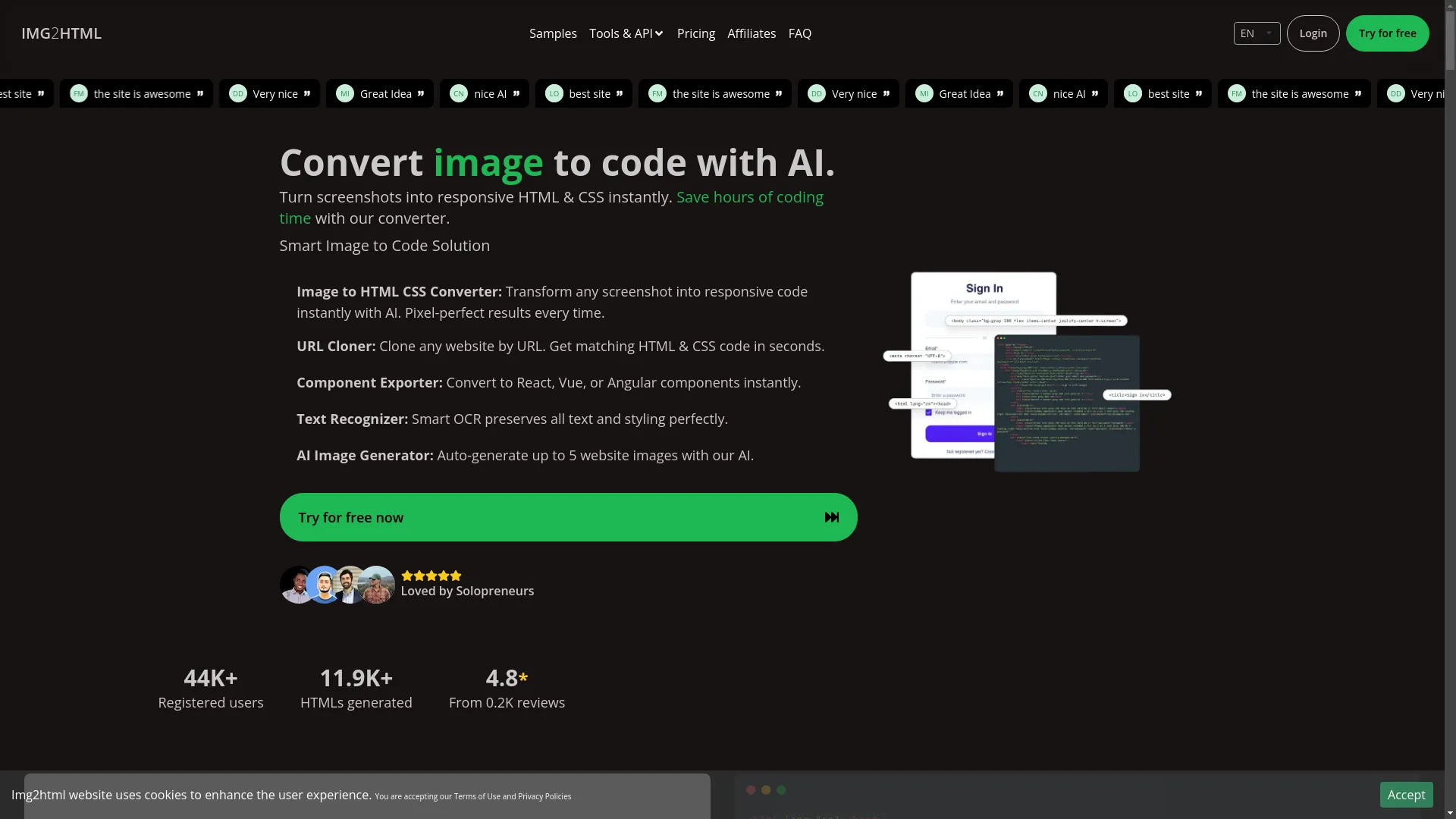
For example, let's say we're on a site like Img2html.com , which offers AI tools to turn images into code. They might have a table listing their features, user testimonials, or pricing plans. Scraping data from these tables can help you put together big data sets for analysis or to use in your projects.
Why Scrape Data from HTML Tables
Use Cases
Data scraping opens up a whole world of possibilities. Here are some situations where scraping HTML tables can be a game-changer:
- Competitive Analysis : Pulling pricing, features, and user reviews from competitor websites.
- Market Research : Gathering info on market trends, product availability, and customer feedback.
- Academic Research : Compiling stats and data points for studies or publications.
- Content Aggregation : Building databases of resources, like tutorials, tools, or services.
- E-commerce Management : Keeping tabs on inventory, price changes, and product details.
Advantages Over Manual Extraction
Let's be real – copying data from websites by hand is boring and prone to mistakes. Here's why automated scraping is way better:
- Efficiency : Pull tons of data in minutes instead of hours.
- Accuracy : Cut down on human errors that come with manual data entry.
- Automation : Set up regular scraping tasks to keep your data fresh.
- Scalability : Handle data extraction from multiple sources at once.
- Cost-Effective : Reduce labor costs tied to manual data collection.
Imagine having to manually compile testimonials from Img2html.com's website. It'd take forever and you'd probably miss or duplicate stuff. Scraping automates this process smoothly.
Tools and Technologies for Web Scraping
Python: BeautifulSoup and Scrapy
Python's a favorite among web scrapers 'cause it's simple and has powerful libraries.
BeautifulSoup
Great for beginners, it lets you parse HTML and pull out data easily.
from bs4 import BeautifulSoup
import requests

url = 'https://www.img2html.com/testimonials'
response = requests.get(url)
soup = BeautifulSoup(response.text, 'html.parser')

# Find the table
table = soup.find('table')
for row in table.find_all('tr')[1:]:
    cells = row.find_all('td')
    feature = cells[0].text
    description = cells[1].text
print(feature, description)Scrapy
A more advanced framework for big scraping projects. It handles requests, follows links, and manages data in pipelines.
JavaScript: Puppeteer
If the website uses a lot of JavaScript (dynamic content), Puppeteer's your go-to tool. It controls a headless Chrome browser, letting you interact with page elements like a real user would.
const puppeteer = require('puppeteer');

(async () => {
  const browser = await puppeteer.launch();
  const page = await browser.newPage();
  await page.goto('https://www.img2html.com/testimonials');

  const data = await page.evaluate(() => {
    const rows = document.querySelectorAll('table tr');
    return Array.from(rows, row => {
      const cells = row.querySelectorAll('td');
      return Array.from(cells, cell => cell.innerText);
    });
  });

  console.log(data);
  await browser.close();
})();
R: rvest Package
For the R fans out there, the
rvest
package is great for scraping web data.
library(rvest)

url <- 'https://www.img2html.com/testimonials'
webpage <- read_html(url)

table <- html_node(webpage, 'table')
data <- html_table(table, fill = TRUE)
print(data)
Online Tools and Services
Not everyone's into coding. If you prefer a point-and-click interface, tools like Octoparse , ParseHub , and Import.io offer user-friendly platforms to scrape data without writing code.
Step-by-Step Guide to Scraping an HTML Table
Alright, let's roll up our sleeves and get hands-on. We'll walk through scraping a simple HTML table using Python and BeautifulSoup. Ready? Let's go!
Identify the Target Table
First, pinpoint the table you wanna scrape. Let's say we're targeting the testimonials table on Img2html.com , which lists user feedback.
Inspect the Webpage's HTML
Open your browser, go to the target page, right-click on the table, and select "Inspect" or "Inspect Element." This'll open the Developer Tools, showing you the HTML structure.
Look for the
<table>
tag and note any unique identifiers like
id
or
class
which make it easier to find the table in your script.
Choose a Scraping Tool
For simplicity, we'll use Python with BeautifulSoup . It's beginner-friendly and perfect for our needs.
Write the Scraping Script
Here's a basic script to get you started:
from bs4 import BeautifulSoup
import requests
import csv

# Step 1: Send a GET request to the webpage
url = 'https://www.img2html.com/testimonials'
response = requests.get(url)

# Check if the request was successful
if response.status_code == 200:
    soup = BeautifulSoup(response.text, 'html.parser')

    # Step 2: Find the table
    table = soup.find('table')  # Use more specific selectors if needed

    # Step 3: Extract table headers
    headers = []
    for th in table.find_all('th'):
        headers.append(th.text.strip())

    # Step 4: Extract table rows
    rows = []
    for tr in table.find_all('tr')[1:]:  # Skip header row
        cells = tr.find_all('td')
        if len(cells) > 0:
            row = [cell.text.strip() for cell in cells]
            rows.append(row)

    # Step 5: Write data to CSV
    with open('testimonials.csv', 'w', newline='', encoding='utf-8') as f:
        writer = csv.writer(f)
        writer.writerow(headers)
        writer.writerows(rows)

    print("Data scraped successfully!")
else:
    print(f"Failed to retrieve the page. Status code: {response.status_code}")
Helpful Resource
See how this works at Img2html.com
Handle Pagination and Dynamic Content
What if the table spans multiple pages or loads data dynamically via JavaScript? Here's how to tackle these scenarios:
- Pagination : Figure out the pattern in the URLs for different pages and loop through them.
- Dynamic Content : Use tools like Puppeteer to render JavaScript before scraping.
Export the Data
In the script above, we export the scraped data to a CSV file. Depending on what you need, you could also export to formats like JSON, Excel, or directly into a database.
Example: Scraping Data from Img2html.com
Understanding the Website Structure
Let's take a hypothetical scenario where Img2html.com has a testimonials table showing user feedback. Here's a snippet of what the HTML might look like:
<table id="testimonials">
  <tr>
    <th>User</th>
    <th>Feedback</th>
  </tr>
  <tr>
    <td>Alexander Gonzalez</td>
    <td>"IMG2HTML is awesome! It saved me hours of coding."</td>
  </tr>
  <tr>
    <td>Tarek Omar</td>
    <td>"Its an amazing tool."</td>
  </tr>
  <!-- More rows... -->
</table>
Scraping Testimonials
Here's how you'd tweak our previous script to target this specific table:
from bs4 import BeautifulSoup
import requests
import csv

url = 'https://www.img2html.com/testimonials'
response = requests.get(url)

if response.status_code == 200:
    soup = BeautifulSoup(response.text, 'html.parser')

    # Find the table with id 'testimonials'
    table = soup.find('table', {'id': 'testimonials'})

    headers = [th.text.strip() for th in table.find_all('th')]

    rows = []
    for tr in table.find_all('tr')[1:]:
        cells = tr.find_all('td')
        if len(cells) > 0:
            row = [cell.text.strip() for cell in cells]
            rows.append(row)

    # Save to CSV
    with open('img2html_testimonials.csv', 'w', newline='', encoding='utf-8') as f:
        writer = csv.writer(f)
        writer.writerow(headers)
        writer.writerows(rows)

    print("Testimonials scraped successfully!")
else:
print(f"Failed to retrieve the page. Status code: {response.status_code}")Best Practices in Web Scraping
Respecting Robots.txt
Before you start scraping, always check the website's
robots.txt
file (e.g.,
https://www.img2html.com/robots.txt
). This file tells you which parts of the site the admins allow or disallow for scraping.
User-agent: *
Disallow: /private/
Allow: /public/
Respect these rules to avoid legal issues and ethical dilemmas.
Avoiding Rate Limits
Bombarding a website with too many requests in a short time can get your IP blocked. To prevent this:
- Throttle Your Requests : Add delays between requests.
- Use Proxies : Rotate your IP addresses using proxy services.
- Randomize Request Intervals : Mimic human browsing behavior.
import time
time.sleep(2)  # Sleep for 2 seconds
Ethical Considerations
Scraping isn't just about technical know-how; it's also about ethics. Here's what to keep in mind:
- Purpose of Scraping : Make sure your intentions are legit and not malicious.
- Data Privacy : Be careful when handling personal or sensitive info.
- Impact on Websites : Too much scraping can strain server resources.
Always try to scrape responsibly and ethically.
Common Challenges and Solutions
Dealing with Dynamic Content
Many modern websites load data dynamically using JavaScript. Traditional scraping tools like BeautifulSoup won't render JavaScript, leading to incomplete data.
Solution : Use headless browsers like Puppeteer or Selenium that can run JavaScript and render the page fully before scraping.
from selenium import webdriver

driver = webdriver.Chrome()
driver.get('https://www.img2html.com/testimonials')

html = driver.page_source
# Proceed with BeautifulSoup
Handling Anti-Scraping Measures
Websites often put up barriers to prevent automated scraping, like:
- CAPTCHAs : Automated tests to tell humans from bots.
- IP Blocking : Blocking access from suspicious IPs.
- Dynamic Content Loading : Changing HTML structures often.
Solutions :
- Use CAPTCHA Solvers : Tools like 2Captcha can help.
- Rotate IPs and User Agents : Use proxy pools and change your request headers.
- Monitor and Adapt : Keep your scraper updated with the website's changes.
Parsing Complex Tables
Sometimes, tables aren't straightforward. They might have merged cells, nested tables, or inconsistent row lengths.
Solution : Beef up your scraping logic to handle these tricky bits. For example, use conditions to check for merged cells or skip irrelevant rows.
for tr in table.find_all('tr'):
    cells = tr.find_all(['td', 'th'])
    row = []
    for cell in cells:
        colspan = cell.get('colspan')
        if colspan:
            row.extend([cell.text.strip()] * int(colspan))
        else:
            row.append(cell.text.strip())
    rows.append(row)
Advanced Techniques
Using APIs Instead of Scraping
Whenever possible, use official APIs provided by websites. APIs are designed for data access and are more reliable and efficient than scraping.
Example : If Img2html.com offers an API to fetch testimonials, it's better to use that instead of scraping the website.
import requests

api_url = 'https://api.img2html.com/testimonials'
response = requests.get(api_url, headers={'Authorization': 'Bearer YOUR_API_KEY'})

if response.status_code == 200:
    data = response.json()
    # Process data
else:
    print("Failed to retrieve data from API.")
Integrating with Databases
For big scraping projects, it's helpful to integrate your data into databases like MySQL, PostgreSQL, or MongoDB.
import mysql.connector

# Connect to MySQL
db = mysql.connector.connect(
    host="localhost",
    user="yourusername",
    password="yourpassword",
    database="scraping_db"
)

cursor = db.cursor()

# Create table
cursor.execute("CREATE TABLE testimonials (user VARCHAR(255), feedback TEXT)")

# Insert data
for row in rows:
    cursor.execute("INSERT INTO testimonials (user, feedback) VALUES (%s, %s)", (row[0], row[1]))

db.commit()
Automating and Scheduling Scraping Tasks
To keep your data fresh, automate scraping tasks using schedulers like
cron
(Linux) or
Task Scheduler
(Windows), or use Python libraries like
schedule
.
import schedule
import time

def job():
    # Your scraping script here
    print("Scraping data...")

schedule.every().day.at("10:00").do(job)

while True:
    schedule.run_pending()
    time.sleep(1)
Optimizing Scraping for Performance
Efficient Code Practices
Writing efficient code ensures your scraper runs smoothly, especially when dealing with lots of data.
- Minimize Network Requests : Fetch only necessary pages.
- Use Multithreading or Asynchronous Requests : Speed up data fetching.
- Cache Responses : Avoid fetching the same data multiple times.
import asyncio
import aiohttp

async def fetch(url, session):
    async with session.get(url) as response:
        return await response.text()

async def main(urls):
    async with aiohttp.ClientSession() as session:
        tasks = [fetch(url, session) for url in urls]
        return await asyncio.gather(*tasks)

urls = ['https://example.com/page1', 'https://example.com/page2']
html_pages = asyncio.run(main(urls))
Managing Resources
Make sure your scraper manages system resources efficiently to prevent crashes or slowdowns.
- Handle Exceptions Gracefully : Use try-except blocks to catch and handle errors.
- Use Lazy Loading : Process data as it's fetched instead of loading everything into memory.
try:
    response = requests.get(url)
    response.raise_for_status()
except requests.exceptions.HTTPError as e:
    print(f"HTTP error: {e}")
except Exception as e:
    print(f"An error occurred: {e}")
Legal Considerations
Copyright Laws
Scraping copyrighted material without permission can get you in trouble. Always make sure you have the right to use the data you're pulling.
Terms of Service
Breaking a website's Terms of Service (ToS) can result in being blocked or even legal action. Always review and follow the ToS before scraping.
Privacy Concerns
Be careful when handling personal data. Follow data protection laws like GDPR or CCPA, especially when dealing with user info.
The Future of Web Scraping
AI and Machine Learning in Scraping
AI is changing web scraping by:
- Improving Accuracy : Machine learning models can better understand and parse complex webpage structures.
- Automating Maintenance : AI can spot and adapt to changes in website layouts automatically.
- Enhancing Data Quality : Smart algorithms can clean and validate data in real-time.
Evolving Web Technologies Impacting Scraping
Technologies like Single Page Applications (SPAs) and Progressive Web Apps (PWAs) are making scraping trickier. These advanced frameworks rely heavily on JavaScript, requiring more sophisticated tools like headless browsers or AI-powered scrapers.
Conclusion
Stay Updated and Keep Scraping!
Congrats! You've started your journey to master scraping data from HTML tables. Whether you're automating data extraction for your business, research, or personal projects, the skills you've learned are super valuable in today's data-driven world.
Remember to scrape responsibly, respect ethical guidelines, and keep up with changing technologies and legal stuff. The world of web scraping is always changing, and being able to adapt will be your biggest strength.
So, what are you waiting for? Dive into your next scraping project, maybe starting with a site like Img2html.com to gather testimonials or feature data. With the right tools and knowledge, the web's data is at your fingertips. Happy scraping!
Related Articles
-
How to Convert Images to HTML and CSS Code Using AI Tools
Expands on the use of AI in transforming images into HTML/CSS, complementing data scraping techniques.
-
Essential Checklist for Successful Image to HTML Conversion
Provides a comprehensive checklist to ensure accuracy and efficiency in converting images to HTML, useful for data handling.
-
Boost Your Workflow Using Img2html API for Automated Conversions
Discusses how integrating Img2html's API can streamline automation processes, aligning with advanced scraping techniques.