Intro: The Secret World of Email HTML
Ever gotten an email that seems to know exactly what you like? Or wondered how marketers track if you've opened their messages? Welcome to the world of hidden HTML in emails - it's like the secret ingredient that makes your favorite dish taste amazing.

Think of it like this: when you're baking a cake, some ingredients are obvious, like the frosting. But others, like baking powder, work behind the scenes to make everything perfect. That's what hidden HTML does in emails.
Whether you're trying to make your marketing emails better or just curious about how emails work, understanding hidden HTML can open up a whole new world. So grab a drink, get comfy, and let's dive into the hidden stuff that makes emails tick.
Getting HTML in Emails
What's HTML in Emails?
HTML is like the building blocks of websites, and it works in emails too. It's what lets you make emails look good with pictures, colors, and nice layouts instead of just plain boring text.
Why's HTML so important in emails? Well, it's like the difference between a plain notecard and a glossy magazine. HTML emails catch your eye, get the message across better, and make people more likely to engage with what you're sending.
Why HTML Instead of Plain Text?
Plain text emails are just that - plain. They're simple and work on any device, but they're not very exciting.
HTML emails, on the other hand, let you:
- Make things look pretty with images and colors that match your brand
- Organize info clearly with headers and bullet points
- Add cool stuff like buttons and forms that people can interact with
In today's world where everyone's inbox is overflowing, HTML emails help you stand out and get your message across.
Why Hidden HTML is Great for Email Marketing
Using hidden HTML in your emails can really boost your marketing game:
Better Tracking and Stats
Hidden stuff like tracking pixels give you tons of info on how people interact with your emails. This helps you figure out what content works best, when to send emails, and how to get more people to click.
Personalized Experiences
By storing info about what people like in hidden fields, you can send emails that feel like they're made just for them. It's like having a personal shopper picking out content for each person.
More Flexible Design
Hidden elements let you add cool features without making your email look cluttered. You can keep things looking clean and simple while still packing in lots of functionality.
Doing it Right: Ethics and Best Practices
While hidden HTML is powerful, it's important to use it the right way:
Respecting Privacy
Be upfront about using things like tracking pixels. Let people know how you're collecting data in your privacy policy. Don't collect sensitive info without asking first.
Being Transparent
Even if people can't see certain elements, be honest about what you're doing. Building trust is super important for your brand.
Avoiding Spam Filters
Using too many hidden elements might make spam filters think your email is suspicious. Keep things simple to make sure your emails actually reach people's inboxes.
Tools to Help You Use Hidden HTML
The right tools can make adding hidden HTML much easier:
IMG2HTML: Turning Pictures into Code
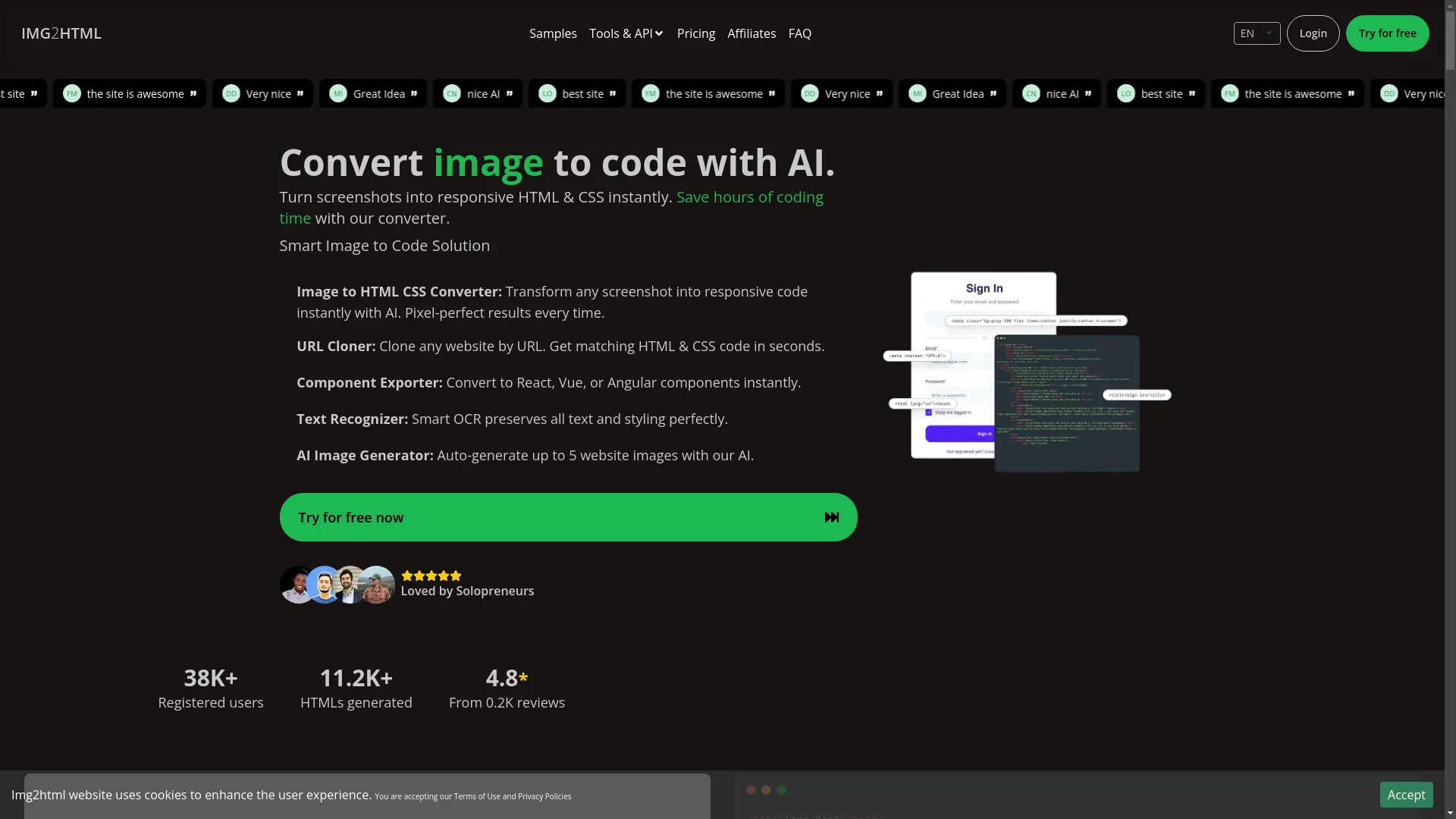
IMG2HTML is a cool AI tool that turns images into HTML and CSS code. It's great for making visually rich emails or getting precise code for hidden elements without spending hours coding by hand.
- It can turn screenshots into responsive HTML & CSS instantly
- Works with modern stuff like Tailwind CSS, React, Vue, and Angular
- Saves you tons of time on coding
You can try this feature yourself at IMG2HTML .
Email Platforms with Advanced HTML Features
Platforms like Mailchimp , SendGrid , and Campaign Monitor let you easily add hidden elements to your emails. They usually offer:
- Drag-and-drop editors for easy customization
- Built-in analytics to track how your emails are doing
- Pre-made templates you can tweak to include hidden HTML
Useful Plugins and Add-ons
Some tools can make working with HTML in emails even easier:
- Visual Studio Code has extensions like Emmet for faster coding
- Browser developer tools let you test hidden elements in real-time
- Email testing services make sure your emails look good on different devices
See how this works at IMG2HTML .
Real Examples and What We've Learned
Looking at how others have used hidden HTML can give you some great ideas:
Mistakes to Avoid
- Making Things Too Complicated: Hidden elements are cool, but don't go overboard. Keep your emails simple so they load quickly and don't get caught in spam filters.
- Forgetting About Mobile: Lots of people read emails on their phones, so always test how hidden elements work on mobile devices.
- Ignoring Privacy Rules: Stay up to date on laws like GDPR and CAN-SPAM to make sure you're using hidden HTML legally.
What's Next for Email HTML
Email design and functionality are always changing. Here's what to watch out for:
AI-Powered Email Design
AI is making it easier to design emails and personalize content. Tools like IMG2HTML use AI to generate code automatically, so you can add complex hidden elements without being a coding expert.
More Interactive and Dynamic Content
Emails are becoming more like mini-websites, with elements that change based on what the reader does. Hidden HTML is key to making things like quizzes or forms work right in the email.
Making Emails Accessible to Everyone
It's becoming more important to make sure everyone can use your emails, including people with disabilities. Hidden elements need to work well with tools like screen readers to keep emails inclusive.
Wrapping Up: Embracing Hidden HTML
Hidden HTML in emails is like having a secret superpower. It helps make your emails more effective, track how well they're doing, and give each person a tailored experience. By understanding and using these hidden elements the right way, you can make your emails work harder for you.
As email tech keeps advancing, staying on top of new techniques will help you stay ahead of the game. So why not start exploring the hidden side of email HTML and see how it can boost your next campaign?

Common Questions
- What exactly is hidden HTML in emails?
- It's code in your email that does stuff behind the scenes, like tracking opens or storing preferences, without being visible to the reader.
- Is it okay to use hidden HTML in marketing emails?
- Yes, as long as you're honest about it and respect people's privacy. Always let people know what data you're collecting.
- How do I add hidden HTML to my emails?
- You can use CSS to hide elements, add tracking pixels, or include hidden forms. Tools like IMG2HTML can help generate the code.
- Will hidden HTML make my emails end up in spam folders?
- If you use too much, it might. Keep things simple and balanced to avoid spam filters.
- What are the benefits of using hidden HTML?
- It helps with tracking, personalization, and making emails more interactive without cluttering the design.
- Can I track email opens without hidden HTML?
- Some email platforms have built-in tracking that doesn't need extra code, but hidden HTML gives you more detailed info.
- How do I make sure I'm following privacy laws when using hidden HTML?
- Stay updated on laws like GDPR, get permission from your subscribers, and be clear about how you use data in your privacy policy.
- Are there tools to help create hidden HTML elements?
- Yes, IMG2HTML can help generate code, and many email marketing platforms have features for adding hidden elements.
- How can hidden HTML make my email marketing better?
- It gives you more insights into how people interact with your emails, lets you personalize content, and enables more sophisticated designs.
- What mistakes should I avoid when using hidden HTML?
- Don't overcomplicate things, always test on mobile devices, and make sure you're following privacy rules.
Related Articles
- How to Use Image to HTML - Expand your knowledge on converting images to HTML and maximizing their potential in your projects.
- AI Creator - Discover how artificial intelligence is revolutionizing content creation and design.
- Top 10 Tools for Converting Images to Responsive HTML and CSS Code - A comprehensive guide to the best tools available for converting images into responsive web code.