Html Replacing An Audio File While Its Playing
Improve user experience with dynamic HTML5 audio control. Learn methods for swapping audio files mid-play and mastering browser quirks efficiently.
Make your web projects cooler by mastering dynamic audio controls.
Table of Contents
- Intro: Why Dynamic Audio in Web Dev is Awesome
- Getting HTML5 Audio
- Why Switch Audio Mid-Play?
- Easy Ways to Swap Audio Sources
- Fancy JavaScript Tricks
- Dealing with Browser Quirks
- Making Users Happy
- Speeding Things Up
- Cool Tools and Libraries
- Tips for Smooth Audio Switching
- Real-Life Examples
- Fixing Common Problems
- What's Next in Web Audio?
- Wrap-up: Keep Learning and Try This Stuff
1. Intro: Why Dynamic Audio in Web Dev is Awesome
Ever been on a website where the music changes as you click around, making each part feel different? Pretty cool, right? That's the magic of swapping audio files while they're playing in HTML. In today's online world, where user experience is king, being able to mess with audio on the fly can make your web projects stand out. Whether you're making interactive stories, music players that adapt, or learning tools, knowing this trick is super useful.
But let's not stop there! We're gonna dive into the world of dynamic audio in HTML, checking out the latest trends, cool strategies, and the tools you need to make awesome web experiences.
2. Getting HTML5 Audio
The <audio> Element Explained
The heart of playing with HTML5 audio is the
<audio>
element. It was made to standardize how we play sound on websites without needing extra plugins. It's a simple but powerful way to add sound to your web pages.
<audio controls>
  <source src="song.mp3" type="audio/mpeg">
  Your browser can't play this audio.
</audio>
The
controls
part adds play buttons, and you can have multiple
<source>
tags for different audio formats in case some don't work.
Common Uses
- Background Music: Making websites feel more alive.
- Interactive Tutorials: Giving audio instructions or feedback.
- Learning Platforms: Playing how words sound or explanatory noises.
- Media Players: Building your own audio players with cool features.
Knowing these uses helps you design better audio experiences for your audience.
3. Why Switch Audio Mid-Play?
Making Users Happy
Changing audio on the fly isn't just to show off—it's to make users more engaged. By switching audio sources while things are playing, you can change what people hear based on what they're doing, what they like, or what's happening in your app.
Ever get bored of the same background music, especially when you're looking at different parts of a website?
Real-Life Uses
- Language Learning Apps: Switching between different pronunciations or languages when users choose.
- Gaming Websites: Changing music based on game levels or what players achieve.
- Interactive Stories: Changing background music to match the mood or scene in the story.
These examples show how useful and flexible dynamic audio control can be in modern web development.
4. Easy Ways to Swap Audio Sources
Changing the src Attribute
At its simplest, replacing an audio file means updating the
src
attribute of the
<audio>
element. Here's a basic example:
function changeAudio(newSrc) {
  var audio = document.getElementById('myAudio');
  audio.src = newSrc;
  audio.load();
  audio.play();
}
This function grabs the audio element by its ID, changes its source, reloads the new audio, and starts playing it.
Using load() and play() Methods
After changing the src, the
load()
method is super important because it tells the browser to load the new audio file. Without it, the audio might not update right. Then, calling
play()
makes sure the new audio starts right away.
Quick Tip: Always make sure your new audio source works with the browser to avoid playback issues.
5. Fancy JavaScript Tricks
Event Handling for Smooth Switching
To make audio switching really smooth, using JavaScript events can be a game-changer. By listening for specific events, you can trigger audio changes exactly when you need to.
audio.addEventListener('ended', function() {
  changeAudio('nextTrack.mp3');
});
This bit of code listens for when the current audio ends and automatically switches to the next track.
Managing Multiple Audio Sources
When you're dealing with lots of audio sources, you need to manage them efficiently. Here's how you can handle this:
var tracks = ['track1.mp3', 'track2.mp3', 'track3.mp3'];
var currentTrack = 0;

function playNextTrack() {
  currentTrack = (currentTrack + 1) % tracks.length;
  changeAudio(tracks[currentTrack]);
}
This approach cycles through a list of tracks, making sure you have a continuous and varied audio experience.
Think of this like a playlist in your favorite music app—songs play in order, looping back to the start when the playlist ends.
6. Dealing with Browser Quirks
Understanding Browser Behaviors
Different browsers often handle HTML and JavaScript differently. While modern browsers are getting better at being consistent, knowing their quirks helps make sure your audio works everywhere.
Fun Fact: Did you know that older versions of Internet Explorer act weird with the
<audio>
element, so you need backup plans?
Polyfills and Workarounds
To bridge gaps between browsers, polyfills and workarounds are super helpful. These tools make modern features work on older browsers, ensuring everyone gets the same experience.
<audio controls>
  <source src="track.mp3" type="audio/mpeg">
  <object type="application/x-shockwave-flash" data="flashplayer.swf">
    <param name="movie" value="flashplayer.swf">
    Your browser can't play this audio.
  </object>
</audio>
While not ideal in today's world where we try to avoid plugins, knowing these workarounds can save you from unexpected playback issues.
7. Making Users Happy
Providing Controls and Feedback
Users love having control over their audio experience. Giving them easy-to-use controls and feedback makes them happier.
- Play/Pause Buttons: Let users easily manage playback.
- Volume Sliders: Allow users to adjust how loud things are.
- Track Info: Showing what's playing adds clarity.
How much more enjoyable is your site when users feel in control of what they're hearing?
Avoiding Common Mistakes
- Too Much Autoplay: Playing audio automatically too often can annoy users. Instead, start audio based on what users do.
- Inconsistent Controls: Make sure audio controls look and work the same across your site.
Sticking to these standards ensures everyone has a good and smooth audio experience.

8. Speeding Things Up
Minimizing Load Times
Long waits for audio to load can ruin the user experience. Optimizing audio files and using smart loading techniques can help.
- Compression: Use formats like MP3 or AAC to make file sizes smaller without losing quality.
- Lazy Loading: Only load audio files when you need them to save bandwidth and make initial load times faster.
Personal Story: I once made a website where slow audio loading turned users away. Optimizing the audio not only made it faster but also kept more users on the site.
Monitoring Audio Performance
Keeping an eye on how audio performs can help you spot and fix issues quickly.
- Analytics Tools: Track how users interact with audio elements to understand usage patterns.
- Performance Checks: Use tools like Lighthouse to assess and improve audio-related performance.
9. Cool Tools and Libraries
Using Libraries for Better Control
JavaScript libraries can make managing audio easier, offering advanced features with less code.
- Howler.js: A powerful library for managing audio, supporting multiple formats and advanced controls.
- Tone.js: Great for interactive music applications, providing powerful audio synthesis capabilities.
var sound = new Howl({
  src: ['sound.mp3'],
  onend: function() {
    console.log('Finished!');
  }
});

sound.play();
You can try this feature yourself at Img2html .
Working with Frameworks
Modern web frameworks like React, Vue, and Angular work great with audio functions, making your application more interactive and responsive.
Example: In React, managing audio state can be done efficiently using hooks.
import React, { useRef } from 'react';
function AudioPlayer() {
const audioRef = useRef(null);
const playAudio = () => {
audioRef.current.play();
};
const changeAudio = (newSrc) => {
audioRef.current.src = newSrc;
audioRef.current.load();
audioRef.current.play();
};
return (
);
}
This integration helps developers create dynamic and responsive audio experiences easily.
10. Tips for Smooth Audio Switching
Ensuring Smooth Transitions
Smooth transitions prevent jarring experiences when switching audio sources. Here are some tips:
- Fade-In and Fade-Out: Gradually increase or decrease volume to hide source changes.
- Buffer Management: Make sure there's enough buffering to prevent sudden stops or delays.
function fadeOut(audio, duration) {
  let volume = audio.volume;
  const fadeStep = volume / (duration / 100);
  const fade = setInterval(() => {
    if (volume > 0.1) {
      volume -= fadeStep;
      audio.volume = volume;
    } else {
      clearInterval(fade);
      audio.pause();
      audio.currentTime = 0;
    }
  }, 100);
}
Maintaining Audio Quality
Switching sources shouldn't make the audio sound worse. Always use high-quality audio files and make sure they're properly encoded.
Think of your audio like a fine wine—quality matters, especially when you're serving it!
11. Real-Life Examples
Interactive Storytelling
By changing audio dynamically, you can create immersive stories where sounds change as the story progresses.
Example: An interactive online story where each chapter has a new background score, making the emotions deeper.
Responsive Music Players
Create music players that adapt to what users like, offering a personalized listening experience by switching tracks based on moods or genres.
Personal Story: I made a playlist feature for a local band's website, letting fans switch between different sets based on their mood, all thanks to dynamic audio swapping.

12. Fixing Common Problems
Debugging Audio Playback Problems
Having issues with audio not playing after switching sources? Here's a checklist:
- Check Console for Errors: Look for JavaScript errors that might stop things from working.
- Ensure Correct File Paths: Make sure the new audio source URLs are correct and accessible.
- Browser Support: Check that the new audio format works in the user's browser.
Fixing Visual Playback Issues
Sometimes, the audio plays, but the player looks blank or controls are missing. Solutions include:
-
Validate HTML Structure: Make sure the
<audio>element and<source>tags are formatted correctly. - CSS Conflicts: Check for any CSS that might be hiding or changing the audio controls by accident.
Funny Note: Nothing says "technical hiccup" like a player that refuses to show its buttons!
13. What's Next in Web Audio?
Emerging Technologies
The future of web audio looks bright, with new advancements constantly changing how we interact with sound on the web.
- 3D Audio: Creating immersive, spatial sound experiences.
- Machine Learning: Personalizing audio content based on how users behave and what they prefer.
How User Interaction is Changing
As web technologies evolve, so do user expectations. Expect more interactive and adaptive audio experiences that respond in real-time to what users do.
Are you ready to ride the wave of the next big audio innovation in web development?

14. Wrap-up: Keep Learning and Try This Stuff
Dynamic audio control is more than just a cool feature—it's a key part of modern, interactive web experiences. By mastering techniques to replace audio files on the fly, you can make your projects more engaging and user-friendly.
Stay ahead of the game by keeping up with the latest trends, using powerful tools, and following best practices. Remember, the key to success is not just knowing how to do these things but understanding how they make the overall user journey better.
Ready to take your web audio skills to the next level? Start experimenting with dynamic audio swapping today and watch your projects turn into immersive, interactive experiences your users will love!
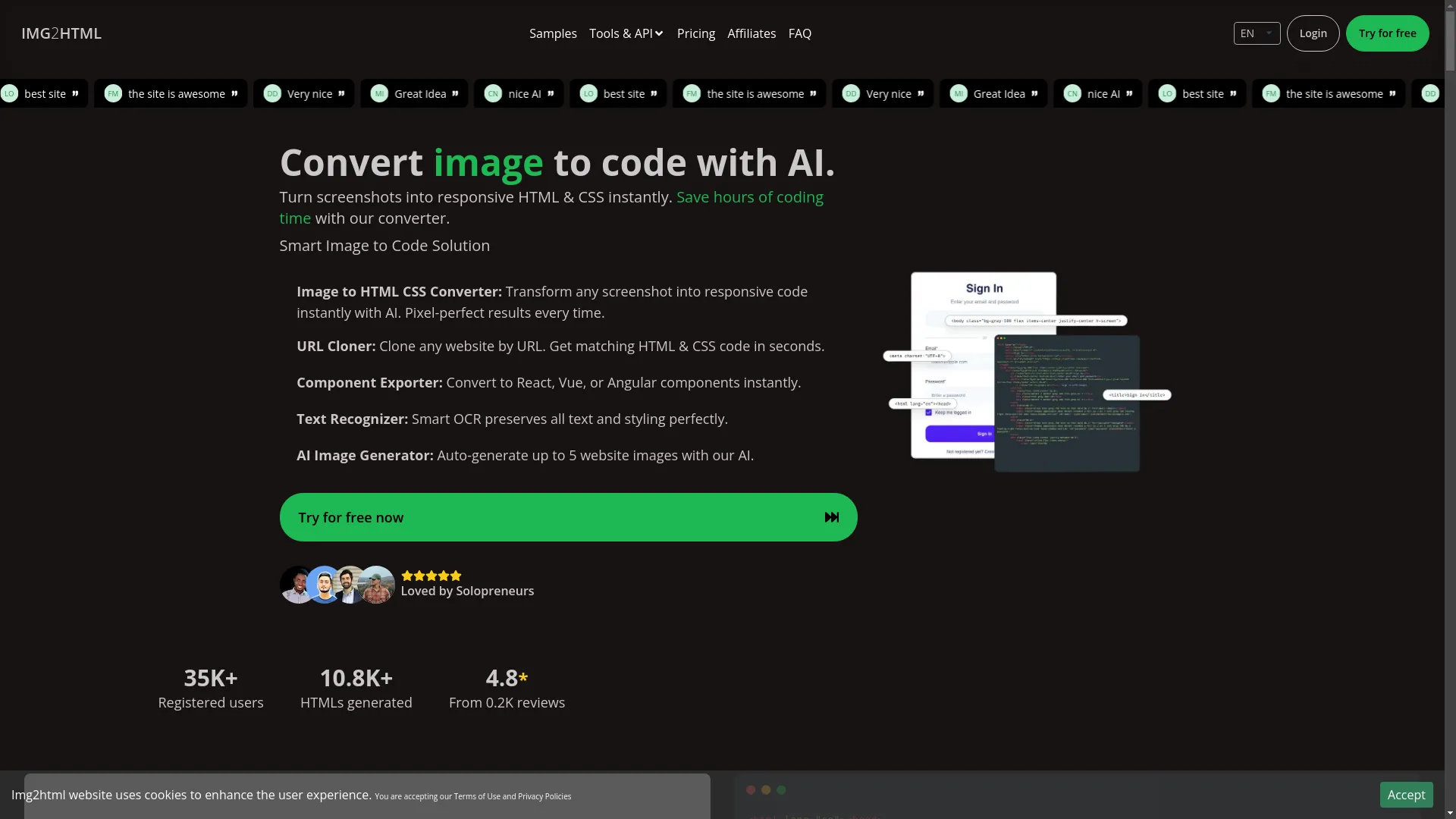
About Img2html: Img2html is changing web design by easily turning images into responsive HTML and CSS code using AI. Whether you're a developer, designer, or entrepreneur, Img2html saves hours of manual coding, letting you focus on creativity and functionality. Check out Img2html today and streamline your web development process with cutting-edge AI technology.
Related Articles
- How to Convert Images to HTML and CSS Code Using AI Tools – Expands on using AI for converting design elements to code.
- Top 10 Tools for Converting Images to Responsive HTML and CSS Code – Reviews various tools that assist in responsive web design conversion.
- Img2html vs Other Image to Code Tools: A Detailed Comparison – Compares Img2html with other similar tools in the market.