How To Find Remote Htmlcss Jobs
Find your dream remote HTML/CSS job with our expert tips. Learn key skills, top job sites, networking strategies, and must-have tools for web developers.

1. Intro
So you wanna code in your PJs and work from home? Welcome to the club! With remote work booming, especially after all that pandemic craziness, finding a remote HTML/CSS job is totally doable. But where do you even start? How do you stand out from the crowd? And what tricks can you use to snag that dream job? Buckle up, 'cause we're about to dive into everything you need to know about landing a remote HTML/CSS gig.

2. Why Remote HTML/CSS Developers Are in Demand
It's a great time to be in web dev! Companies are all about remote teams now, realizing they can tap into talent from anywhere. But why are HTML/CSS devs so hot right now?
- HTML and CSS are the building blocks of the web. Every site you visit uses these languages to structure content and make it look pretty.
- As businesses go more digital, they need skilled devs who can create websites that look good and work well on any device.
- HTML/CSS work is perfect for remote setups. Whether you're designing a simple blog or a fancy online store, companies are on the hunt for remote HTML/CSS talent.

3. What HTML/CSS Developers Actually Do
Before you start job hunting, let's break down what HTML/CSS devs actually do:
- Structure web pages using HTML
- Make things look good with CSS
- Ensure sites work on phones, tablets, and computers
- Work with designers and backend devs to bring websites to life
Knowing these basics helps you focus on what skills to highlight when applying for jobs.
4. Key Skills You Need
To rock a remote HTML/CSS job, you need more than just basic coding chops. Here's what you should focus on:
- Solid HTML5 and CSS3 skills
- Creating designs that work on any screen size
- Using tools like SASS or LESS to write better CSS
- Knowing how to use Git for tracking changes
- Making sure sites work in different browsers
- Some JavaScript knowledge (it helps!)
- Understanding SEO basics
- Being detail-oriented to catch and fix small issues
Mastering these skills makes you super valuable to employers and gives you confidence to tackle tough projects on your own.

5. What's Hot in HTML/CSS Right Now
Web dev is always changing, so staying up-to-date is key. Here's what's trending:
- CSS Grid Layout for better page designs
- Dark mode (because who doesn't love it?)
- Variable fonts for cooler typography
- Subtle animations to make sites more engaging
- Text that adjusts size based on screen size
- Using frameworks like Bootstrap or Tailwind CSS
- Making sites accessible to everyone
Knowing these trends makes you look like a forward-thinking dev to potential employers.
6. How to Land That Remote Job
Finding a remote HTML/CSS job takes a mix of old-school job hunting and some new tricks. Let's dive in.
Job Boards and Freelance Sites
Check out sites like Remote.co , We Work Remotely , and FlexJobs for remote gigs. For freelance work, try Upwork , Freelancer , or Fiverr . Use search terms like "remote HTML developer" to find the good stuff. Set up job alerts so you don't miss out on new postings.
Networking Tips
Don't underestimate the power of who you know. Join LinkedIn groups, Reddit communities, or Slack channels for web devs. Chat with people, share your work, and connect with others in the industry. Sometimes the best jobs come through word of mouth. Hit up virtual meetups or webinars to expand your network.
Building a Killer Portfolio
Your portfolio is like your digital handshake. Show off a variety of projects that highlight different HTML/CSS skills. Explain the challenges you faced and how you solved them. A well-organized, visually appealing portfolio can really make you stand out.

Sprucing Up Your Resume and LinkedIn
Make sure your resume and LinkedIn profile are up-to-date and highlight your best skills and experiences. Use keywords related to HTML, CSS, and remote work so you show up in searches. Include links to your portfolio and GitHub. A polished LinkedIn profile with a good photo and compelling summary can catch a recruiter's eye.
Reaching Out to Companies Directly
Got a dream company in mind? Don't wait for them to post a job. Check out their careers page and reach out directly. Customize your application to show how you'd fit in. A personalized cover letter expressing your enthusiasm for remote work and the company can make a big impression.
7. Must-Have Tools for HTML/CSS Devs
Having the right tools makes coding so much easier. Here are some essentials:
| Tool | Purpose |
|---|---|
| Visual Studio Code | Code editor |
| GitHub | Version control |
| SASS | CSS preprocessor |
| Figma | Design tool |
| BrowserStack | Responsive testing |
These tools streamline your workflow, making you more efficient and effective in your projects.
8. Tech Advances Changing Remote Work
AI and Automation Stuff
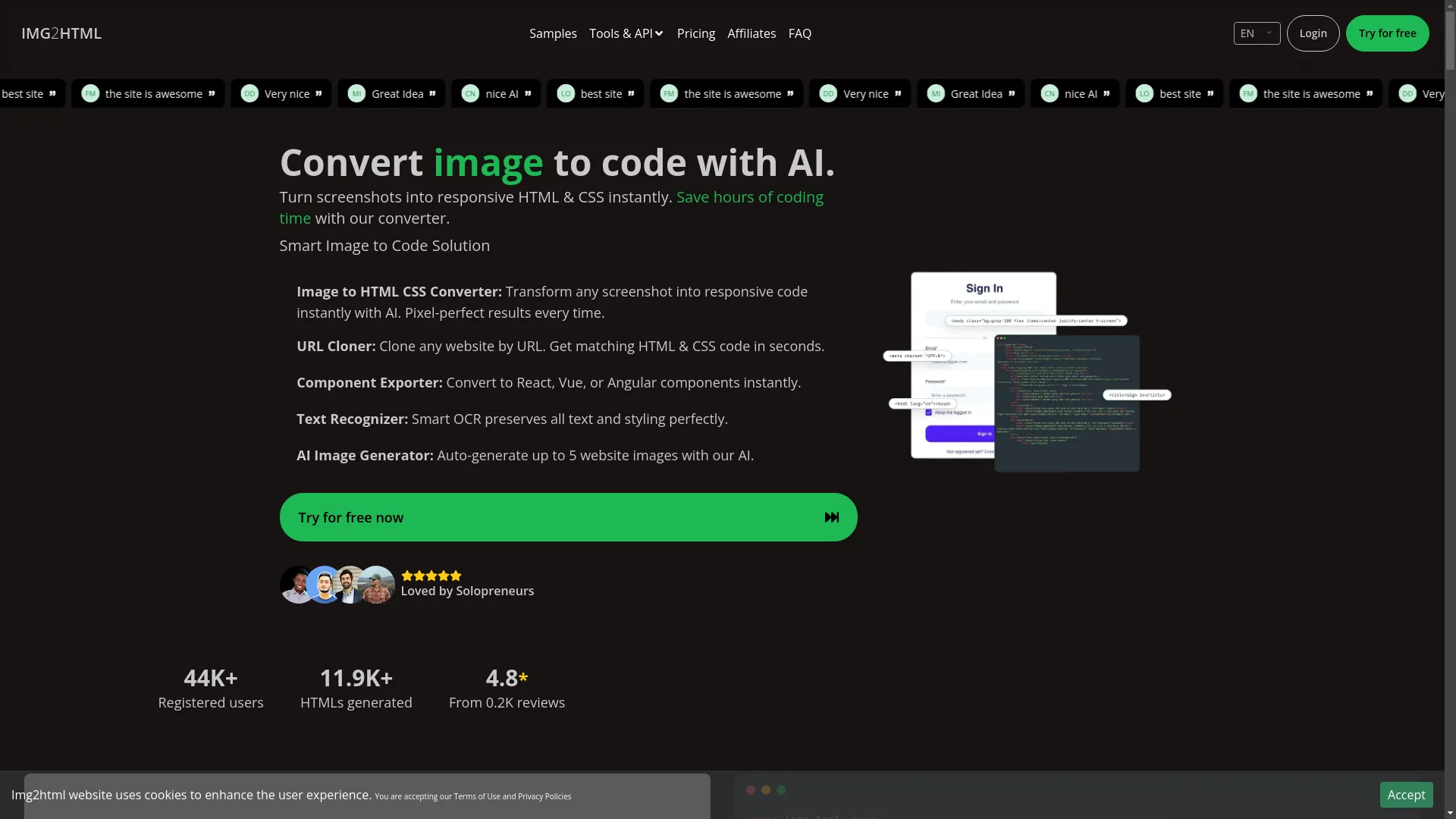
AI is shaking things up in web dev. Tools like Img2HTML can turn images into HTML/CSS code, saving tons of time. AI-powered code editors like GitHub Copilot give real-time suggestions, making coding faster and less error-prone.
Collaboration Tools
Remote work relies on good communication. Platforms like Slack, Microsoft Teams, and Zoom keep teams connected. Trello, Asana, and Jira help manage projects and track progress, so everyone's on the same page.

Version Control Systems
Git is still king for collaborative development. It lets multiple devs work on the same project without messing things up, keeping a history of changes that can be reviewed or undone if needed. Integrations with platforms like GitHub make it easier to manage remote teams.
9. Staying on Top of Web Dev Trends
Responsive Design
With so many devices out there, responsive design is a must. Master CSS Grid and Flexbox to create layouts that look good on any screen size. Showing you can build mobile-first designs makes you super attractive to employers.
Accessibility Standards
Making websites accessible to everyone, including people with disabilities, is crucial. Learn about WCAG guidelines and implement best practices like using proper HTML structure, ARIA roles, and ensuring good color contrast. Employers love devs who care about inclusivity.
Making Sites Fast
Fast-loading websites make users happy and rank better in search engines. Learn to optimize images, minify CSS and JavaScript files, and use browser caching. Showing you can make websites speedy can set you apart from other candidates.
10. Building Your Network Remotely
Online Communities and Forums
Join communities on Reddit (like r/webdev), Stack Overflow , or specialized Slack groups. Answer questions, share your knowledge, and ask for feedback on your work. Building a reputation in these communities can lead to job referrals and collaboration opportunities.

Virtual Conferences and Meetups
Virtual events are great for networking. Attend web dev conferences, webinars, and virtual meetups to learn from experts and connect with peers. Engage in discussions and exchange contact info to open doors to potential job opportunities.
11. Thriving in a Remote HTML/CSS Role
Managing Your Time and Staying Productive
Without an office structure, staying productive is key. Use tools like Trello or Todoist to manage tasks. Set up a dedicated workspace, create clear boundaries, and stick to a schedule to stay focused and productive.

Communication Skills
Clear, timely communication is vital in remote work. Keep your team updated on your progress, ask questions when you're unsure, and respond promptly to messages. Good communication prevents misunderstandings and fosters collaboration.
Always Learning
Tech never stands still. Invest time in learning new frameworks, exploring new technologies, and improving your skills. Check out platforms like Udemy , Coursera , and freeCodeCamp for courses. Showing you're committed to learning makes you more attractive to employers.
12. Why User Experience and Performance Matter
In today's competitive digital world, user experience (UX) is king. HTML/CSS devs play a huge role in creating intuitive, engaging interfaces. Here's why focusing on UX and performance is so important:
- Happy users: A well-designed site means users can find what they need easily, leading to higher satisfaction and retention.
- SEO boost: Search engines love sites that offer great user experience and load fast.
- More conversions: Optimized designs can lead to more sign-ups, purchases, or whatever action you want users to take.
- Accessibility: Making your sites accessible widens your audience and often meets legal requirements.
By prioritizing UX and keeping an eye on performance, you're contributing to the overall success of the websites you build, making you super valuable to any team.

13. Wrapping It Up
Finding a remote HTML/CSS job isn't just about having the right skills; it's about positioning yourself effectively in a competitive market. By understanding what's in demand, sharpening your skills, staying up-to-date with trends, and using smart job-hunting strategies, you can pave the way to an awesome remote career. Embrace the flexibility and opportunities that remote work offers, and take proactive steps to land your dream job.
14. What to Do Next
Ready to take your HTML/CSS career to the next level? Start by updating your portfolio with your latest work, polish up your LinkedIn profile, and join some online communities to expand your network. Check out job boards and freelance platforms today, and don't be shy about reaching out directly to companies you admire. Remember, persistence and continuous learning are your best friends in this journey. Now go out there and crush it!