How Does Code Ai Compare To Onetab Ai Which One Stands Out
Compare Code AI and Onetab AI: Discover which tool excels in converting designs to code and tab management for efficient web development today.
By leveraging AI tools, developers can enhance productivity and streamline workflows.
Table of Contents
- Intro
- What Are Code AI and Onetab AI?
- Feature Showdown
- How Well Do They Work?
- What Users Think
- Pros and Cons
- So Which One Wins?
- What's Next for These Tools?
- Picking the Right Tool for You
- Wrapping It Up
- Questions People Ask a Lot
Intro
Ever spent hours turning a design into HTML and CSS code by hand? Or maybe you've got so many browser tabs open you can't see straight? If this sounds familiar, you're not alone. In today's fast-paced digital world, being efficient and organized is key. That's where tools like Code AI and Onetab AI come in handy. But with so many options out there, how do you know which one's right for you? And more importantly, which one really stands out?
Imagine having an AI helper that not only cleans up your messy browser but also turns your designs into clean, responsive code in seconds. Sounds pretty sweet, right? Well, Code AI and Onetab AI are trying to make this a reality. But how do they measure up against each other? Let's dive in and compare them to help you make a smart choice.
What Are Code AI and Onetab AI?
Before we get into the nitty-gritty, let's break down what each of these tools does.
Code AI Explained
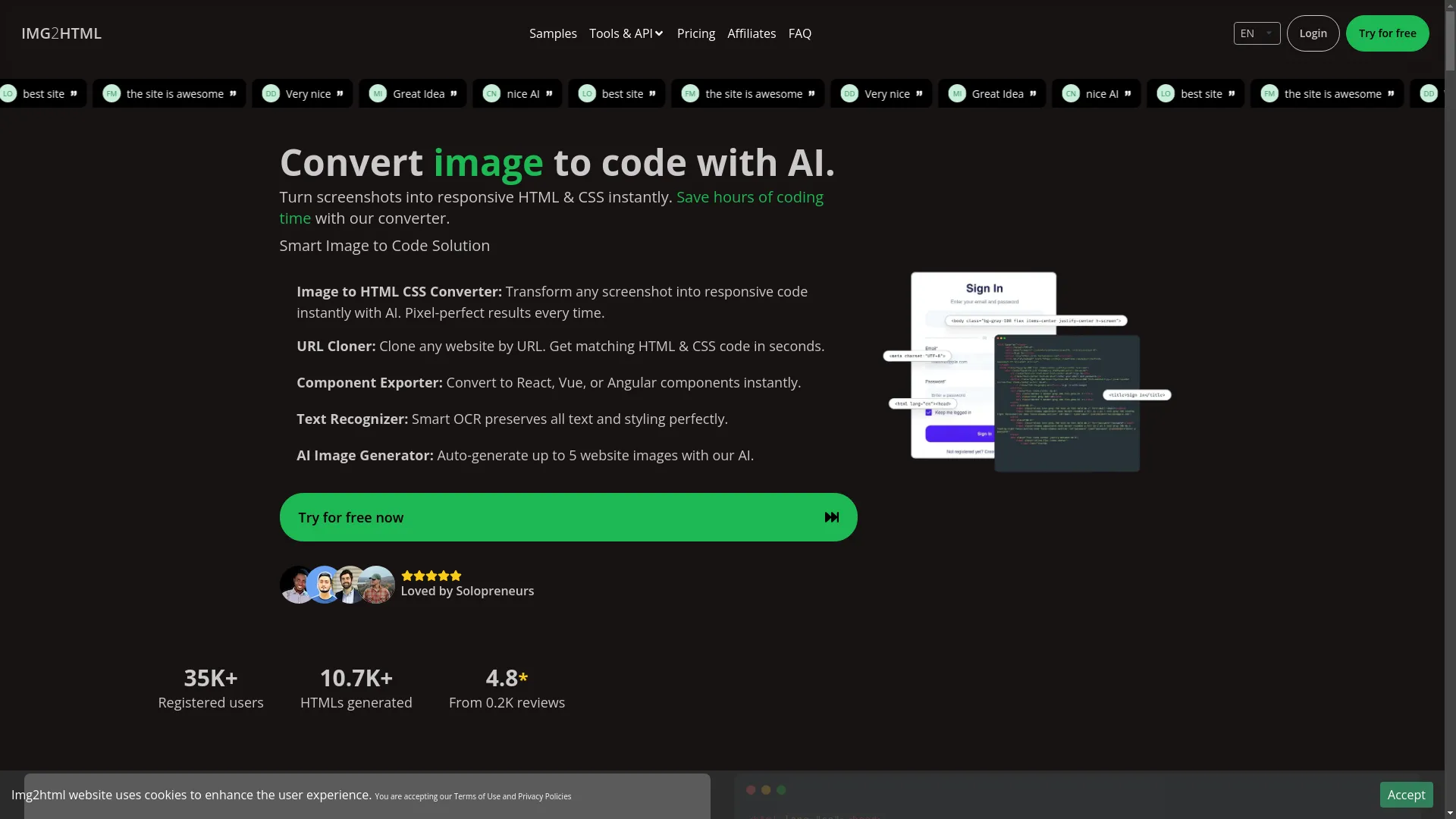
Code AI is a cutting-edge tool that's shaking up how we do web development. It uses fancy machine learning stuff to automatically turn images, design mockups, and screenshots into clean HTML and CSS code. Whether you're a pro developer looking to save time or a newbie trying to bridge the gap between design and code, Code AI aims to make your life easier. You can try this feature yourself at img2html.com .
Onetab AI Explained
Onetab AI started out as a way to manage browser tabs. But lately, it's been branching out to include AI features like what Code AI does. At its core, Onetab AI helps you declutter your browser by turning all your open tabs into a neat list, which saves memory and helps you work better. Now, with its new AI tricks, Onetab AI is also dipping its toes into automatic code generation, making it a more versatile tool for developers.
Feature Showdown
Let's look at how Code AI and Onetab AI stack up in different areas.
Turning Images into Code
| Feature | Code AI | Onetab AI |
|---|---|---|
| Capability | Turns images, screenshots, and designs into responsive HTML and CSS code with high accuracy. | Includes image-to-code functionality as an additional feature. |
| Focus | Specialized in code conversion. | Part of a broader toolset focused on tab management. |
Code AI excels in converting a variety of image types into code, ensuring the output closely matches the original design. Onetab AI offers similar capabilities, but it's not the primary focus of the tool.
Tab Management
| Feature | Code AI | Onetab AI |
|---|---|---|
| Capability | Does not include tab management. | Provides robust tab management features including grouping and syncing across devices. |
| Primary Use | Focused on code conversion. | Focused on managing browser tabs efficiently. |
Onetab AI shines in managing and organizing browser tabs, helping users save memory and maintain a tidy workspace. Code AI, on the other hand, is solely dedicated to turning designs into code.
Playing Nice with Other Tools
| Feature | Code AI | Onetab AI |
|---|---|---|
| Development Tools | Integrates with Visual Studio Code, GitHub, and various design platforms. | Works with project management tools like Jira and Trello alongside its tab features. |
| Ease of Integration | Seamless integration enhances existing workflows. | Supports team collaboration tools, adding versatility. |
Both tools offer good compatibility with popular development and project management tools, making it easier to integrate them into your existing workflows.
How They Look and Feel
Code AI features a straightforward interface where you can upload images, select code preferences, and download the generated code effortlessly.

Onetab AI presents a user-friendly dashboard for managing tabs, with additional sections for its AI tools, ensuring ease of navigation.
What They Cost
| Tool | Pricing |
|---|---|
| Code AI | Free option with limited conversions. Paid plans start at $15/month for more features. |
| Onetab AI | Free version for basic tab management. Premium subscription starts at $10/month, including both tab management and code conversion tools. |
Both tools offer free tiers to get started, with competitive pricing for their premium plans. Consider what features you need most when deciding which plan suits your budget.
How Well Do They Work?
When it comes to tools that automatically generate code, performance and accuracy are super important.
Getting the Code Right
Accuracy in code generation ensures that the output matches your design expectations.
| Aspect | Code AI | Onetab AI |
|---|---|---|
| Accuracy | Uses advanced machine learning models to ensure high accuracy in generated code. | Employs robust algorithms but may lack some customization compared to Code AI. |
| Customization | Offers detailed customization options to match specific design requirements. | Provides standard conversion features with limited customization. |
Code AI is renowned for its precision in converting designs to code, ensuring that the output closely mirrors the original design. Onetab AI also performs well but may not offer the same level of detail and customization.
Speed and Efficiency
The speed at which these tools operate can significantly impact your workflow.
| Aspect | Code AI | Onetab AI |
|---|---|---|
| Processing Speed | Extremely fast, can convert complex designs in seconds. | Efficient, but may be slightly slower due to additional tab management tasks. |
| Workflow Integration | Highly efficient for code generation, enhancing overall productivity. | Balances between tab management and code conversion, maintaining good overall efficiency. |
Code AI's speed in processing designs makes it an excellent choice for developers needing quick turnarounds. Onetab AI remains efficient, though its multi-functionality might introduce slight delays in specific tasks.
What Users Think
Nothing beats user feedback when it comes to figuring out how good a tool really is.
Easy to Use?

Code AI
Users love how simple it is. Even people who don't know much about coding find it easy to upload an image and get clean code.
Onetab AI
Having both tab management and code conversion can be great for users who need both. But some might find the interface a bit cluttered because it does so many different things.
Customer Support

Code AI
Offers good customer support through email, live chat, and a big knowledge base. Users appreciate how quick and helpful the responses are.

Onetab AI
Provides solid support, with resources for both tab management and AI tools. But because it covers so much, it might take longer to get help with specific issues.
Community and Help

Code AI
Has an active community of developers who share tips, tutorials, and best practices. They also have regular webinars and newsletters to keep users up to date on new features.

Onetab AI
Also has a lively user community, especially among teams that rely heavily on its tab management. The community forums and resource libraries are well-maintained, though there might be fewer discussions specifically about the Code AI feature.
Pros and Cons
Every tool has its strengths and weaknesses. Let's break them down for both Code AI and Onetab AI.
Code AI
Good stuff:
- Really accurate at turning images into code
- Super fast at processing designs
- Easy to use for all skill levels
- Works well with popular development tools
Not-so-good stuff:
- Only does code conversion, doesn't have other features
- Paid plans might be pricey for individual developers or small teams
Onetab AI
Good stuff:
- Does both tab management and AI-driven code conversion
- Helps reduce browser memory usage
- Good for team productivity with shared tab groups and syncing
- Offers good value with combined features in paid plans
Not-so-good stuff:
- The interface might feel cluttered because it does so many things
- The Code AI feature might not be as precise as the dedicated Code AI tool
So Which One Wins?
Well, it really depends on what you need.
Go for Code AI if:
- You mainly need to turn designs into code quickly and accurately
- You want a tool that focuses just on automating image-to-code conversion
- Working smoothly with development platforms is crucial for you
Choose Onetab AI if:
- You need a tool that does both tab management and code conversion
- Boosting team productivity and organizing browser stuff are equally important to you
- You like having multiple features bundled together in one tool
Basically, Code AI is the star if you're after specialized, super-accurate code conversion. Onetab AI shines as a versatile tool that balances tab management with AI features, making it great for teams that need a multi-purpose solution.
What's Next for These Tools?
The world of AI-powered tools is always changing, with new improvements making them work better and easier to use.
AI and Machine Learning Stuff
Both Code AI and Onetab AI are likely to start using even smarter AI and machine learning models. This should make them even better at converting designs to code, handle more complex design elements, and maybe even predict what users need before they ask.
Making Them Easier to Use
Future updates will probably focus on making the interfaces even easier to use. We might see personalized dashboards, more customizable workflows, and better tools for team collaboration, all aimed at meeting the changing needs of modern development teams.
Picking the Right Tool for You
Choosing between Code AI and Onetab AI takes some thought. Here's how to decide:
What Do You Need?
Start by figuring out what you really need. Are you mainly looking to speed up your development process by turning designs into code quickly? Or do you need a tool that also helps manage your browser tabs and team collaborations?
How Much Can You Spend?
Think about your budget. Both tools have paid plans, but you need to consider what value they bring compared to their cost. Think about whether investing in a specialized tool like Code AI or a multi-purpose tool like Onetab AI fits better with your financial plans. See how this works at img2html.com .
Will It Work with Your Other Tools?
Make sure the tool you choose works well with the other software you use. Check if it's compatible with your favorite development platforms, project management tools, and team collaboration software. This can make a big difference in how smoothly you work.
Wrapping It Up
In the Code AI vs. Onetab AI showdown, each tool has its own strengths. Code AI is a powerhouse for developers who want quick and accurate code generation from visual designs. It's super focused on this one thing, which makes it great for individual developers and specialized teams.
On the other hand, Onetab AI offers a wider range of features, combining efficient tab management with AI-driven code conversion. This makes it a great choice for teams that need a tool that does multiple things to boost overall productivity and organization.
In the end, the best choice depends on what you need, your budget, and what other tools you're already using. Both Code AI and Onetab AI are likely to keep improving, adding more advanced features and integrations that will make digital work even more efficient and streamlined.
So, which one stands out? If you're all about flawless code conversion, Code AI takes the cake. But if you want a dynamic tool that handles multiple aspects of your digital life, Onetab AI is your best bet. Whichever you choose, using these AI-driven tools will definitely boost your productivity.
Questions People Ask a Lot
-
What's the main thing Code AI does?
Code AI specializes in turning images, design mockups, and screenshots into clean, responsive HTML and CSS code using advanced machine learning.
-
Is Onetab AI just for managing tabs?
No, while Onetab AI is known for managing tabs, it also offers AI features like Code AI for automatically generating code.
-
Can I use Code AI for free?
Code AI has a free option with limited conversions. For more extensive use and premium features, you need a paid subscription.
-
Does Onetab AI work well for teams?
Yes, Onetab AI has features like shared tab groups and syncing across devices, which can help teams work better together.
-
How accurate is the code that Code AI generates?
Code AI is known for high accuracy, making sure the HTML and CSS it generates closely matches the original design with few differences.
-
Can Onetab AI's Code AI feature completely replace manual coding?
While Onetab AI's Code AI can significantly reduce manual coding time, it's more of a helper than a complete replacement. You'll still need to make some manual adjustments and oversee the process.
-
Are there any limitations to how Code AI integrates with other tools?
Code AI works well with popular development platforms and design tools. But it's always a good idea to check if it works with the specific tools you use.
-
Is Onetab AI hard to learn?
Onetab AI is designed to be user-friendly. Most people can figure out its features easily, though some advanced stuff might take a little time to learn.
-
How do these tools update and add new features?
Both Code AI and Onetab AI regularly update their tools, taking into account user feedback and new technology to improve how they work and how easy they are to use.
-
Which tool is better for big enterprise teams?
While both tools can scale up, Onetab AI might be better for large enterprise teams because it does multiple things, combining efficient tab management with AI-driven code conversion to handle various team needs.