Your Guide to Making HR a Breeze
1. Intro
Hey there! So you're thinking about sprucing up your company's way of managing employees, huh? Whether you're running a startup and wearing all the hats or part of a big HR team looking to step things up, having a solid Employee Management System (EMS) is pretty important. But let's be real - building one from scratch can be a real pain. That's where free HTML templates for EMS come in handy.
Picture this: you're having your morning coffee, checking your emails, and you think, "We really need a better way to manage our team." Instead of diving into the deep end of custom development, you can grab a cool, ready-made HTML template and make your idea a reality in no time. Sounds pretty sweet, right? Well, buckle up 'cause we're about to go on a journey to find the perfect free HTML template for your Employee Management System.
2. What's an Employee Management System (EMS)?
Before we get into the nitty-gritty of templates, let's talk about what an EMS actually is. Think of an Employee Management System as the heart of your HR operations. It handles everything from keeping track of who's showing up to work and managing paychecks to watching how well people are doing and helping teams talk to each other.
Ever tried to manage employee stuff on spreadsheets? It's like herding cats - messy and inefficient! An EMS not only makes these processes smoother but also gives you useful insights to help you make smart decisions. Here's the kicker: a well-designed EMS can really boost productivity, make employees happier, and create a better work environment.

3. Why Go for an HTML Template?
Now that you're sold on the idea of an EMS, you might be wondering - "Why should I choose an HTML template?" Good question!
- Time is Money: Building a system from scratch can take forever. With an HTML template, you're basically setting up a professional-looking system in no time.
- Saves Cash: Let's face it, budgets can be tight. Free HTML templates cut out the big costs of custom development.
- Easy to Customize: While templates give you a good starting point, you can still tweak them to fit what you need. It's like getting the best of both worlds - ready-made but still flexible.
- User-Friendly: Most templates are designed to be easy to use, so your team won't have a hard time figuring things out.
4. The Good Stuff About Free HTML Templates for EMS
Who doesn't like free stuff? But why are these free templates such a big deal? Let's break it down.
- Easy to Use: You don't need to be a coding genius to make these templates work. With just some basic HTML and CSS know-how, you can set up a working EMS.
- Help When You Need It: Many free templates come with active communities and forums. Stuck on something? Chances are someone else has faced the same issue and found a fix.
- Keeps Getting Better: Good template providers keep updating their stuff to keep up with the latest web standards and what users want.
- Good for Search Engines: A well-made HTML template makes sure your EMS not only works well but also shows up in search results, which is good for your online presence.
5. What to Look for in an EMS Template
Not all templates are created equal. Here are some must-have features to keep an eye out for:
- Employee Profiles: A good EMS should let you create detailed employee profiles with personal info, job roles, contact details, and work history.
- Attendance Management: Features to track work hours, absences, and time off requests are key. Automatic alerts for lateness or no-shows can help keep productivity up.
- Payroll Processing: Automate calculations for wages, deductions, and taxes. Access to pay stubs and payroll history keeps things transparent.
- Performance Tracking: Enable regular performance reviews, goal setting, and feedback. Customizable evaluation criteria make sure it fits your organization's goals.
- Communication Tools: Built-in messaging systems, announcement boards, and email features help teams work together better and share information.
- Project Management: Tools to assign tasks, track deadlines, and monitor project progress boost team productivity and accountability.
- Data Security: Role-based access controls, encryption, and secure login processes protect sensitive employee data.
- Reporting and Analytics: Comprehensive reporting capabilities give insights into attendance trends, payroll analytics, and performance metrics, helping with strategic decisions.
6. Top Free HTML Templates for Employee Management Systems
Alright, now for the fun part - checking out the best free HTML templates out there. Let's look at some fan favorites that can really step up your EMS game.
a. Mobirise AI Bootstrap Template
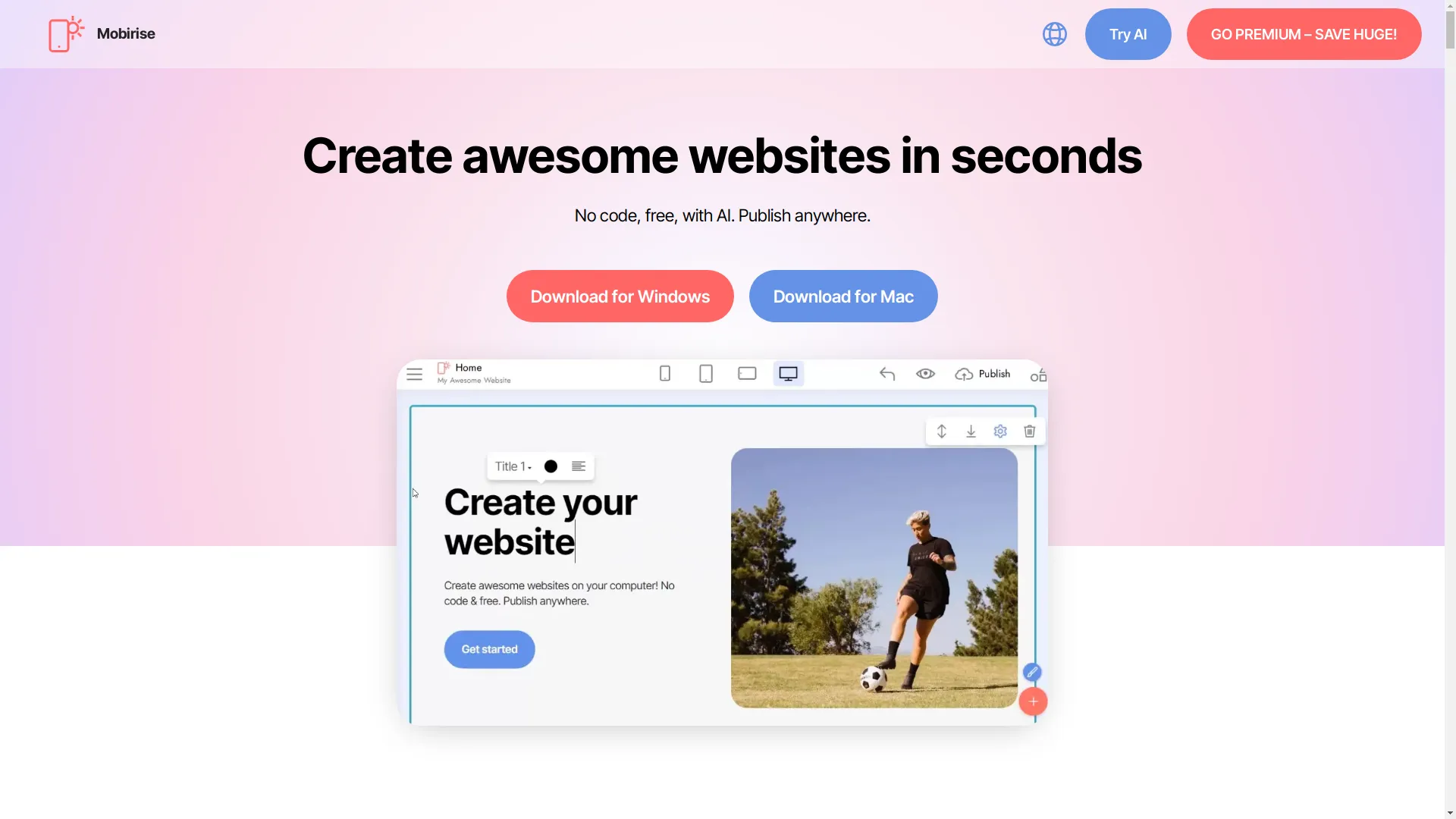
Meet Mobirise AI: This template is like having a super-efficient personal assistant. It uses cutting-edge AI tech to turn your ideas into tailored content, cool images, and dynamic videos. Basically, it saves you tons of time you'd spend coding.
Why We Dig It:
- AI-Powered Conversion: Quickly turn designs into responsive HTML and CSS code.
- Tailwind CSS Integration: Use modern design frameworks for stylish and responsive layouts.
- Works with Lots of Tech: Compatible with HTML, CSS, JS, ReactJS, VueJS, and AngularJS.
- Chrome Extension: Easily create your ideal front-end design from any website.
What Users Say:
People love its stunning quality and how easy it is to customize, making it a top pick for anyone wanting to build a professional EMS without spending a fortune.
b. Nicepage's Team HTML Templates
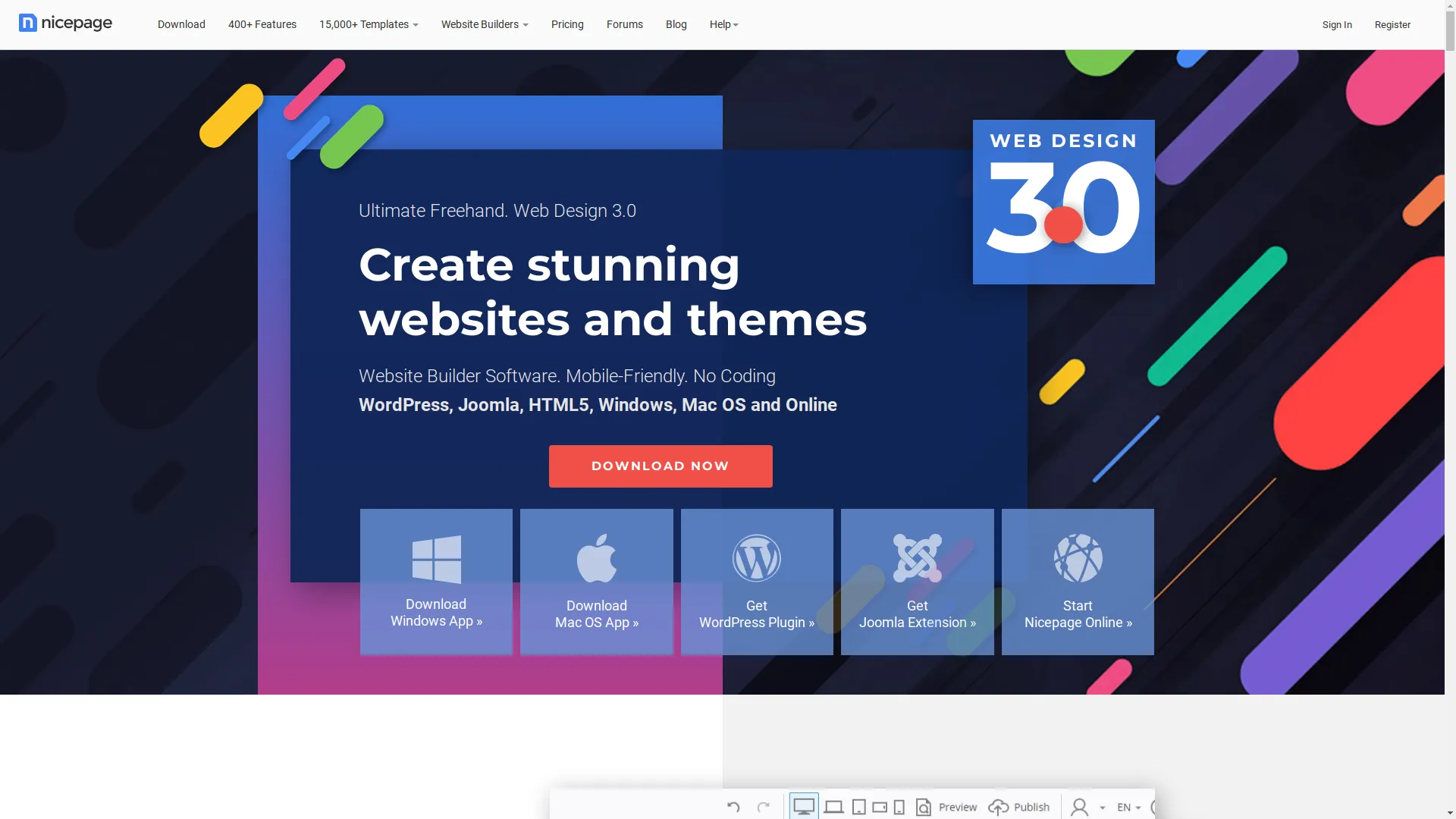
Why Nicepage is Cool: Nicepage offers a huge collection of 370 team HTML templates, each designed for different business needs - from healthcare to creative agencies.
Standout Features:
- Drag-and-Drop Builder: No coding needed! Build your EMS with an easy-to-use interface.
- Responsive Design: Makes sure your EMS looks great on all devices, from computers to phones.
- Lots of Variety: Whether you run a marketing agency or a tech startup, there's a template that fits.
Top Picks:
- Meet Our Big Team: Great for showing off employee profiles with circle images and slider testimonials.
- A Team Of Three Designers: Perfect for small teams needing a clean, elegant design.
User Love:
With over 15,000 templates available, Nicepage gives you endless customization options, making sure your EMS is both functional and looks good.
c. ArchitectUI and Other Cool Templates
ArchitectUI: Known for its modern and sleek design, ArchitectUI is a hit among developers. It's built with Bootstrap 5 and offers lots of customization options, including support for Angular and React.
Key Benefits:
- Highly Customizable: Tailor every part of your EMS to fit what your organization needs.
- Lots of Components: Access to a ton of UI components ensures your EMS has all the features you want.
- Responsive and SEO-Friendly: Optimized for performance and visibility in search engines.
Other Mentions:
- Material Dashboard: Inspired by Google's Material Design, offering a clean and organized layout.
- Black Dashboard Laravel: Perfect for integrating with Laravel-based projects, providing strong security features.
7. Picking the Right Template for Your Company
With so many options, how do you choose the perfect template? Don't worry, we'll help you figure it out.
- Assess Your Needs: Start by listing what your EMS must do. Do you need advanced payroll processing? Or maybe you're more focused on tracking performance and keeping employees engaged?
- Think About Growth: Choose a template that can grow with your organization. Even if you're a small startup now, your EMS should be able to handle more as you get bigger.
- Design and Usability: Go for a clean, easy-to-use design that your team can navigate without trouble. A cluttered interface can lead to frustration and lower productivity.
- Flexibility to Customize: Make sure the template allows for easy customization. Whether it's changing colors or adding new features, flexibility is key.
- Ability to Integrate: Check if the template can work with other tools you use, like project management software or communication platforms.
- User Feedback and Support: Look for templates with good user reviews and active support channels. Reliable support can be a lifesaver when you run into problems.
8. Making Your EMS Template Work for You
So, you've picked your dream template - now let's make it uniquely yours.
- Personalize the Design: Change colors to match your company branding. Add your logo, tweak fonts, and adjust layouts to create a cohesive look.
- Add Essential Features: Use the template's built-in components to add necessary features like attendance trackers, performance dashboards, and communication tools.
- Optimize for User Experience: Make sure the EMS is easy to navigate. Implement intuitive menus, clear buttons, and user-friendly forms.
- Integrate AI Tools: Use AI-powered tools like Mobirise's AI features to automate repetitive tasks, generate dynamic content, and enhance overall functionality.
- Test and Improve: Once customization is complete, thoroughly test the EMS. Get feedback from your team and make necessary adjustments to improve usability and performance.
9. Adding AI Tools to Your EMS
Hello, AI! Adding AI to your EMS can really take your system to the next level. From automating boring tasks to providing insightful analytics, AI can significantly boost your EMS's capabilities.
- AI-Powered Content Generation: Use AI tools to automatically generate employee reports, performance summaries, and even personalized feedback for team members.
- Smart Analytics: AI can analyze tons of data to provide predictive insights, helping you make informed decisions about staffing, training, and resource allocation.
- Automated Communication: Implement AI chatbots to handle routine questions, schedule meetings, and manage reminders, freeing up HR professionals to focus on more important tasks.
- Enhancing User Experience: AI can personalize the EMS interface based on user roles and preferences, ensuring that each team member has access to the tools and information they need most.
10. Keeping Your HTML-based EMS Safe
Safety First: When dealing with sensitive employee data, security is a must. Here's how to protect your EMS against potential threats.
- Role-Based Access Control (RBAC): Implement RBAC to ensure that only authorized personnel can access specific data and functionalities within the EMS.
- Data Encryption: Encrypt data both when it's being sent and when it's stored to protect it from unauthorized access. Use SSL certificates to secure your EMS's communication channels.
- Secure Authentication: Adopt multi-factor authentication (MFA) to add an extra layer of security, making it harder for unauthorized users to gain access.
- Regular Security Checks: Conduct periodic security audits to identify and fix vulnerabilities. Keeping your EMS up-to-date with the latest security patches is crucial.
- Backup and Recovery: Establish a solid backup and recovery plan to ensure data integrity in case of system failures or breaches.
- Compliance Standards: Make sure your EMS complies with relevant data protection regulations, such as GDPR or HIPAA, to avoid legal issues and protect employee privacy.
11. Making It User-Friendly and Checking How It's Doing
User Experience (UX) Matters: A well-designed EMS is not just about functionality; it's also about ensuring a smooth user experience. Here's how to keep your team happy and engaged.
- Easy Navigation: Design your EMS with user-friendly navigation menus and clear paths to essential features. Avoid clutter and make sure information is logically organized.
- Responsive Design: Ensure that your EMS works well on all devices, from desktops to mobile phones.
- Interactive Dashboards: Implement interactive elements like drag-and-drop widgets, customizable views, and real-time updates to make data exploration more engaging.
- Performance Metrics: Monitor key performance metrics to assess how well your EMS is doing. Track things like system uptime, response times, and user satisfaction rates to identify areas for improvement.
- Feedback Mechanisms: Include feedback tools within your EMS to collect user insights. This continuous feedback loop helps you make improvements based on actual user needs.
- Regular Training: Provide regular training sessions to ensure that your team knows how to use the EMS. A well-trained team can get the most out of the system, boosting overall productivity.

12. Wrapping It Up
Whew! We've covered a lot, haven't we? From understanding the basics of an Employee Management System to navigating the world of free HTML templates, you've now got the tools and knowledge to build a solid EMS that fits your organization's unique needs.
- Embrace Efficiency: By choosing a free HTML template, you're not only saving time and money but also allowing your HR team to focus on what really matters - your people.
- Stay Updated: The digital world is always changing. Keep an eye out for the latest template updates, AI integrations, and security enhancements to ensure your EMS stays top-notch.
- Take Action Today: Don't let clunky processes hold your team back. Dive into the world of HTML templates and watch your employee management transform into a streamlined, efficient powerhouse.
13. Get Going Today!
Ready to revolutionize your Employee Management System? Here's how you can take the first step:
- Choose Your Template: Look through the top free HTML templates we talked about and pick the one that fits your organization's needs best.
- Customize with Ease: Use the drag-and-drop features and customization tools to tailor the template to your specific requirements.
- Add AI Tools: Enhance your EMS with AI-powered features for automation and insightful analytics.
- Prioritize Security: Implement strong security measures to protect sensitive employee data.
- Launch and Improve: Deploy your customized EMS and continuously gather feedback to make improvements.
Feeling overwhelmed? Don't worry! Start small, maybe with just an employee directory or attendance tracker, and gradually add more features as your team gets comfortable with the system.
Pro Tip: Get your team involved in the customization process. Their input can provide valuable insights and ensure that the EMS meets everyone's needs.
Need Help? There are lots of online communities and forums full of developers and HR professionals ready to help you. Don't be shy about reaching out and asking for guidance.