Extracting A Table From Html Techniques
Master HTML table extraction with top techniques! From regex to Python and no-code tools, transform tables into data effortlessly. Ideal for analysts and developers!
Contents
- Intro
- What's an HTML table anyway?
- Why bother extracting tables?
-
Ways to grab those tables
- The old copy-paste method
- Regex magic (use with caution!)
- JavaScript libraries to the rescue
- Python power tools
- Point-and-click scrapers
-
Advanced stuff for the pros
- Dealing with messy tables
- Grabbing dynamic content
- Keeping your data clean
- Automate all the things!
- Real-world example: Scraping Img2HTML
- Handy tools and resources
- Common headaches (and how to fix 'em)
- Wrapping it up
Intro
Ever seen a cool table on a website and thought "Man, I need that data!"? Maybe you spotted some juicy stats on a competitor's page or just need to crunch some numbers. Whatever the reason, getting tables out of HTML can feel like pulling teeth sometimes. But don't sweat it! Whether you're a coding wizard or just getting started, there are tons of ways to extract those tables without losing your mind.
So grab a coffee (or your beverage of choice) and let's dive into the world of HTML table extraction. Trust me, by the end of this, you'll be turning those pesky tables into usable data faster than you can say "spreadsheet"!

What's an HTML table anyway?
Before we start ripping tables apart, let's take a quick look at how they're built. At its core, an HTML table is just a bunch of nested tags:
<table>
  <tr>
    <th>Header 1</th>
    <th>Header 2</th>
  </tr>
  <tr>
    <td>Data 1</td>
    <td>Data 2</td>
  </tr>
</table>
Pretty simple, right? You've got your
<table>
wrapper, rows (
<tr>
), headers (
<th>
), and data cells (
<td>
). But of course, real-world tables can get way more complicated with spans, nested tables, and all sorts of fancy styling. That's where the fun begins!
Why bother extracting tables?
You might be wondering "Why go through all this trouble?" Well, there are tons of reasons:
- Data analysis: Turn static web data into something you can actually work with
- Integration: Get that data into your own systems or apps
- Automation: Set up regular data pulls without the manual work
- Content reuse: Grab tables for reports, presentations, or whatever else you need
- Competitive research: Keep tabs on what your rivals are up to
Bottom line: If you're dealing with data on the web, knowing how to extract tables will save you a ton of time and headaches.
Ways to grab those tables
Alright, let's get into the good stuff. Here are some tried-and-true methods for yanking those tables out of HTML:
The old copy-paste method
Sometimes the simplest way is the best. For small tables or one-off jobs, just right-click, inspect element, find the table tag, copy the HTML, and paste it wherever you need it. Quick and dirty, but it gets the job done.
- Pros: Fast, no extra tools needed
- Cons: Mind-numbing for big tables, prone to human error

Regex magic (use with caution!)
Regular expressions can be powerful for pattern matching, but using them on HTML is like using a sledgehammer to crack a nut. It might work, but things can get messy fast.
Example (Python):
import re

html = "<table><tr><td>Data</td></tr></table>"
pattern = re.compile(r'<td>(.*?)</td>')
data = pattern.findall(html)
print(data)
- Pros: Flexible for specific patterns
- Cons: Breaks easily with complex HTML, not recommended for serious work
JavaScript libraries to the rescue
If you're comfy with JavaScript, libraries like Cheerio can make table extraction a breeze:
const cheerio = require('cheerio');
const $ = cheerio.load('<table><tr><td>Data</td></tr></table>');

$('table tr').each((i, row) => {
  console.log($(row).text());
});
- Pros: Works well with complex HTML, familiar for jQuery users
- Cons: Requires some JavaScript know-how
Python power tools
Python's got some killer libraries for web scraping. BeautifulSoup and Pandas are fan favorites:
import pandas as pd

url = 'https://example.com/table-page'
tables = pd.read_html(url)
print(tables[0])  # Assuming the first table is what we want
- Pros: Super powerful, great for data analysis
- Cons: Might need to install some packages
Point-and-click scrapers
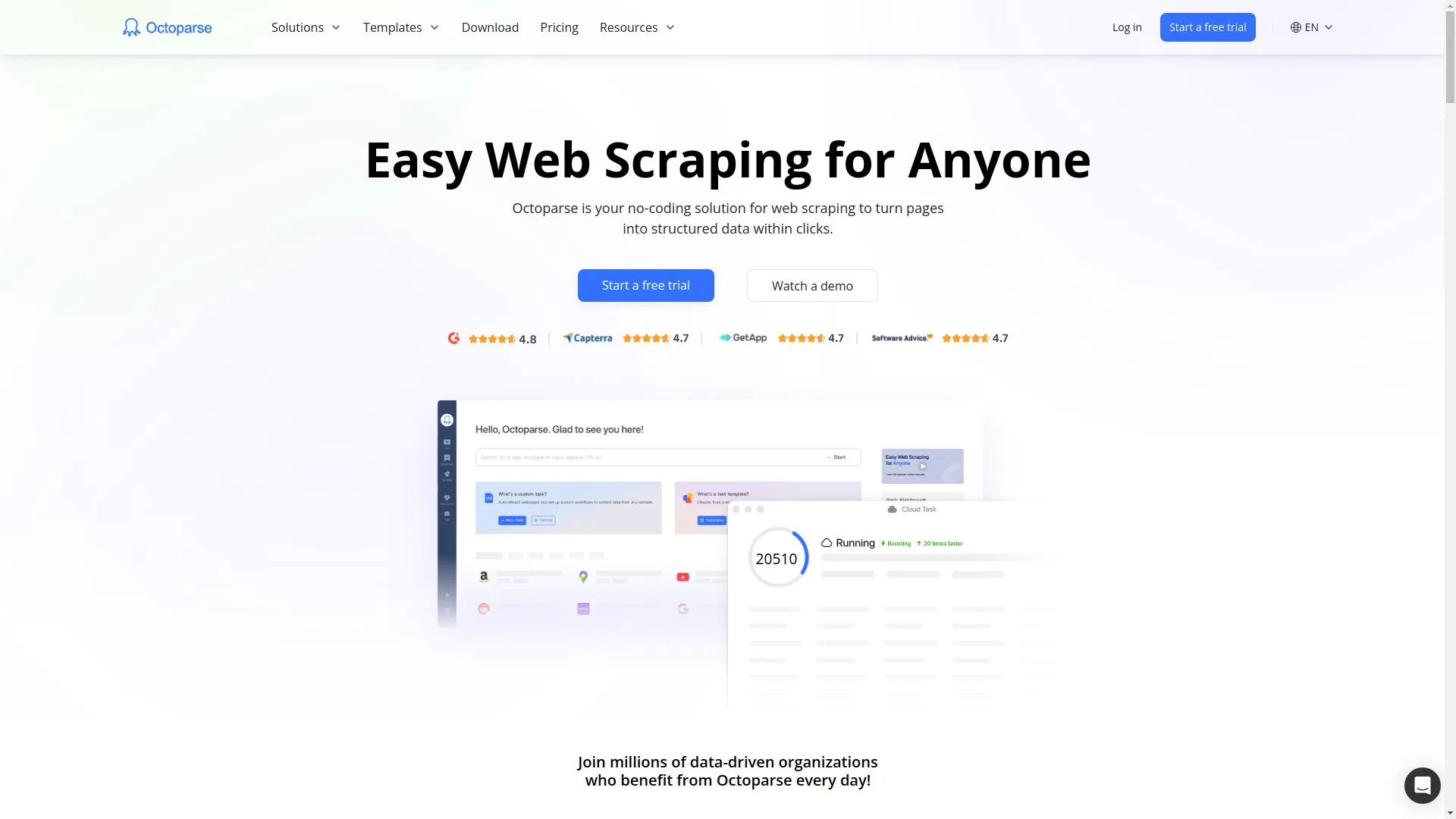
Not into coding? No problem! Tools like Octoparse let you extract tables without writing a single line of code. Just point, click, and let the tool do the heavy lifting.
- Pros: Easy for non-coders
- Cons: Less flexible than custom scripts, might cost money for advanced features
Advanced stuff for the pros
Dealing with messy tables
- Watch out for merged cells (rowspan/colspan)
- Handle nested tables carefully
- Be ready for inconsistent row structures

Grabbing dynamic content
- Use tools like Selenium to render JavaScript
- Look for hidden APIs that might be loading the data
- Add wait times to let content load before scraping

Keeping your data clean
- Double-check data types (is that really a number?)
- Handle missing values gracefully
- Normalize data formats (dates can be a pain!)

Automate all the things!
Why stop at manual extraction? Set up scripts to pull data regularly, handle multiple URLs, and plug into your existing workflows. Tools like cron jobs or Windows Task Scheduler can run your scripts on a schedule.
Real-world example: Scraping Img2HTML
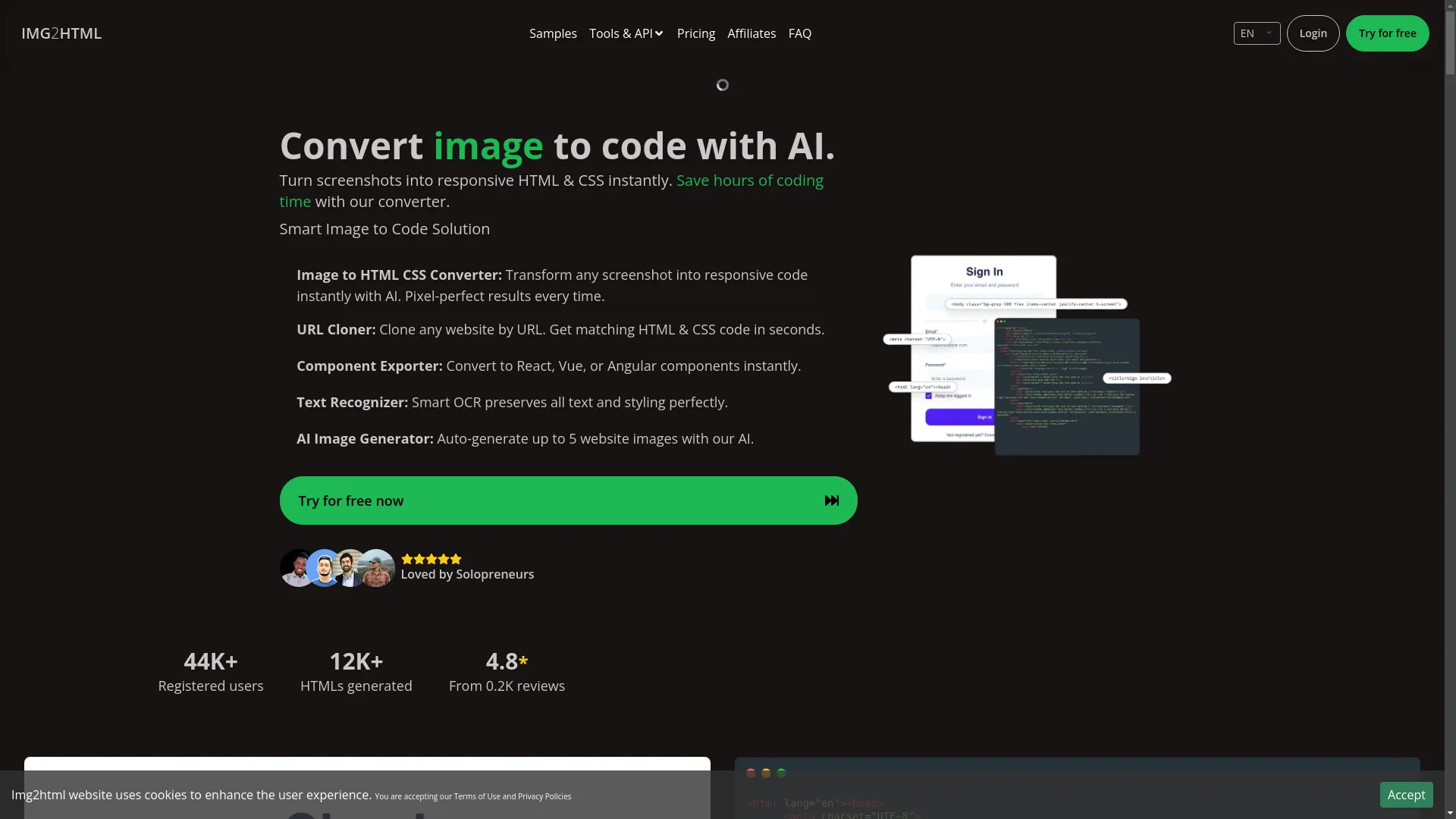
Let's say we want to grab some info from the Img2HTML site. Here's a quick Python script to pull out features and testimonials:
from bs4 import BeautifulSoup

html = """
<!-- Paste the Img2HTML HTML here -->
"""

soup = BeautifulSoup(html, 'html.parser')

# Get features
features = [li.text.strip() for li in soup.select('.features li')]
print("Features:", features)

# Get testimonials
testimonials = []
for t in soup.select('.testimonial'):
    name = t.select_one('.name').text.strip()
    role = t.select_one('.role').text.strip()
    comment = t.select_one('p').text.strip()
    testimonials.append(f"{name} ({role}): {comment}")

print("Testimonials:", testimonials)
Handy tools and resources
Here are some go-to tools for table extraction:
- BeautifulSoup (Python) : Great for parsing HTML
- Cheerio (JavaScript) : jQuery-like syntax for Node.js
- Pandas (Python) : Powerhouse for data analysis
- Selenium : Handles dynamic content like a champ
- Octoparse : No-code scraping for the masses
Common headaches (and how to fix 'em)
- Messy HTML: Use forgiving parsers like BeautifulSoup
- Dynamic content: Selenium or similar tools can help
- Anti-scraping measures: Respect robots.txt, use proxies if needed
- Inconsistent data: Build in error handling and validation
- Performance issues: Optimize your code, consider async methods for big jobs

Wrapping it up
Extracting tables from HTML doesn't have to be a nightmare. With the right tools and techniques, you can turn those web tables into usable data in no time. Whether you're a coding pro or just getting started, there's a method out there that'll work for you.
So next time you spot a juicy table on the web, you'll know exactly how to grab that data and put it to work. Now go forth and extract those tables like a boss!

You can try this feature yourself at Img2HTML or see how this works at Img2HTML .
What's your go-to method for table extraction? Got any cool projects where you've put these techniques to use? Share your experiences in the comments – I'd love to hear about 'em!
Related Articles
- How to Convert Images to HTML and CSS Code Using AI Tools - Expands on the techniques for transforming images into web-friendly code.
- Top 10 Tools for Converting Images to Responsive HTML and CSS Code - Provides a comprehensive list of tools that assist in converting images to responsive web code.
- 5 Common Challenges in Image to Code Conversion and How to Overcome Them - Discusses typical hurdles faced during image to code conversion and offers solutions.