Hey there! Ever wondered how some websites keep track of their visitors in real-time or show off their achievements with cool counters? Well, you're in luck! Today, we're gonna dive into the world of counter widgets and how you can easily add one to your HTML website. Whether you wanna keep an eye on your site's traffic, show off your likes, or highlight how people are interacting with your site, a counter widget can be a real game-changer. But why are they so important, and how can you make the most of them? Let's find out!

What is a Counter Widget?
So, what exactly is a counter widget? Think of it like a little gadget on your website that keeps count of something you care about - maybe visitors, likes, shares, or downloads. It's a small, often interactive thingy that shows dynamic data, updating in real-time or every so often.
Types of Counter Widgets
- Visitor Counters: Keep track of how many people visit your site.
- Social Media Counters: Show off your likes, shares, or followers.
- Event Counters: Count down to or up from specific events.
- Click Counters: See how many times people click a particular button or link.
Why Use a Counter Widget?
Why bother with a counter widget? Well, for starters, it can really grab people's attention. Ever noticed how seeing a high visitor count or lots of likes makes you more interested? That's exactly what a counter widget does - it gets users engaged by showing real numbers that prove your website's popular and active.
For website owners, keeping an eye on these numbers is super important. Counter widgets give you an easy way to see important data without having to dig through complicated analytics tools. It's like having a simple dashboard that gives you quick insights at a glance.
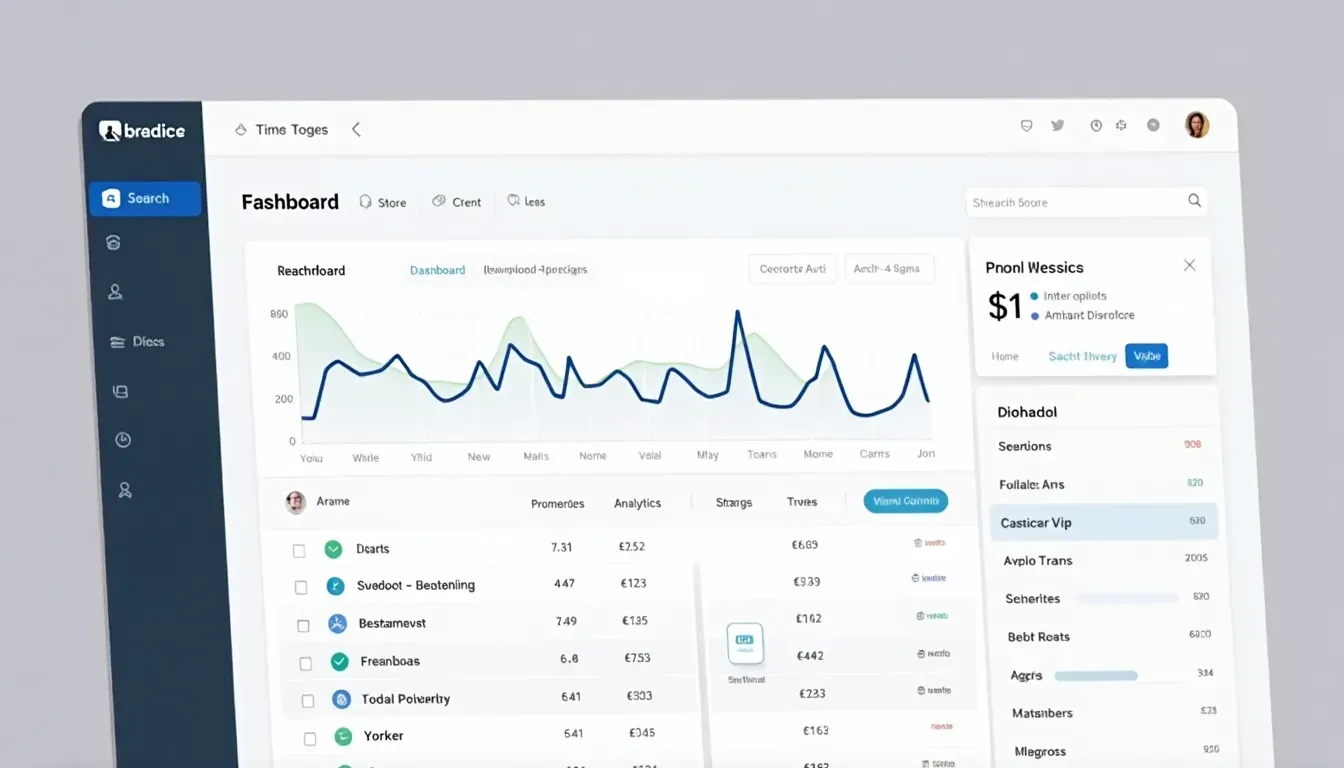
Plus, numbers can really boost your credibility. Showing off impressive stats can make your site seem more trustworthy and popular. Whether it's a ton of downloads, user sign-ups, or social media followers, counters can subconsciously tell visitors that your website is the real deal.
Latest Trends in Counter Widgets
Now, let's talk about some of the latest trends in counter widgets. These days, it's all about real-time updates. No more static numbers - modern counter widgets show you up-to-the-minute data. This is great for live events, ongoing promotions, or tracking engagement as it happens.
Interactive Designs
And they're not just boring numbers anymore. Today's counter widgets come with customizable designs, so you can make them match your website's look. Some even have cool interactive elements, like animations or color changes, to make them more eye-catching.
A lot of counter widgets now integrate with analytics tools like Google Analytics or other third-party services. This means you can get even deeper insights and make better decisions based on your data.
Choosing the Right Counter Widget
When you're picking a counter widget, there are a few things to keep in mind. First, figure out what you actually want to track. Are you more interested in visitor numbers, social media stats, or something else? Knowing your goals will help you choose the right widget.
Also, think about how it'll look on your site. Pick a counter widget that you can customize to match your site's design. Whether it's changing colors, fonts, or sizes, a widget that blends in will look way better.
And don't forget about performance! Nobody likes a slow website. Make sure the counter widget you choose doesn't slow down your site. Test it out to see if it affects your load times or overall user experience.
Popular Tools for Counter Widgets
- StatCounter - for tracking visitors.
- Clicky - for real-time analytics.
- CounterBox - for simple, customizable counters.
If you're more tech-savvy and want more control, you might want to look into self-hosted counters. Tools like AWStats or custom PHP scripts let you host the counter on your own server, giving you more flexibility and control over your data.
And if you're using a CMS like WordPress, there are loads of plugins that make adding counter widgets super easy. Plugins like WP Visitor Statistics or Social Media Counter integrate smoothly and are easy to set up, even if you're not a tech wizard.
How to Add a Counter Widget
Adding a counter widget to your site is pretty straightforward. First, pick a service you like - let's say StatCounter for tracking visitors. Once you've set up an account, go to the widget section and customize your counter. They'll give you a bit of code to embed - usually some JavaScript or HTML.
Then, open up your website's HTML file where you want the counter to show up. Just paste the code in the right spot - it's as easy as copy and paste! After that, you might want to tweak how it looks or works. Test it out by refreshing your webpage to make sure the counter shows up right and updates in real-time.
Advanced Features and Trends
Counter widgets have come a long way with new tech. Some now use AI and machine learning to predict future trends based on past data. This can be super helpful for planning and strategy.
With more people using phones to browse the web, making sure your counter widget looks good on all devices is crucial. Modern widgets are designed to adjust to different screen sizes and be accessible for everyone.
When it comes to current trends, mobile optimization is key. Make sure your counter widget looks and works great on phones and tablets. Minimalistic designs are also popular right now - a clean, simple counter widget can fit in better with your site's design without being distracting.
Dark mode is also a big thing now, so having a counter widget that supports this can show that your site is up-to-date with current design trends.
Building Networks and Communities
Counter widgets can also help you build networks and communities. Sharing your stats across different platforms can attract more users and followers. Showing off social media counts or download numbers can encourage others to check out your content.
A counter showing shares or likes can subtly encourage others to engage with your content too. It's like a little nudge saying, "Hey, this is popular - come see what it's all about!"
Showing user interactions through counters can also help build a sense of community. For example, a comments counter can show active participation and encourage more people to join the conversation.
Maximizing the Benefits
To make the most of your counter widget, keep an eye on the data it provides. Regularly check the numbers to gain insights into how people are using your site and how it's performing. This ongoing analysis can help you make smart, data-driven decisions.
Don't forget to keep your widget's design fresh too. Update it periodically to match any changes in your website's look or to take advantage of new features offered by the widget service.

Experiment with different designs or placements on your site. A/B testing can help you figure out what works best for your audience, making sure your widget is as engaging and effective as possible.
Remember, a counter widget should make your website better, not distract from it. Try to find a balance where the widget is useful and looks good without overwhelming your site's content.
Performance Matters
Performance is super important too. A slow-loading widget can annoy users and slow down your whole site. Choose widgets that are optimized for speed and don't bog down your site's load times.
And don't just guess what your users want - ask them! Get feedback on your counter widget's placement, design, and functionality. Use this feedback to make improvements that your users will appreciate.
Conclusion
So there you have it! Adding a counter widget to your HTML website is a simple but powerful way to boost engagement, keep track of important numbers, and make your site more credible. By staying up-to-date with the latest trends and using the right tools and strategies, you can really make the most of counter widgets.
It's all about improving the user experience and keeping an eye on those performance metrics. So why wait? Dive into the world of counter widgets and watch your website thrive. Ready to take your site to the next level? Start adding those counters today and keep your digital presence growing!
Remember, the digital world is always changing. Counter widgets are just one of many tools that can help you achieve your website goals. Keep experimenting, stay curious, and make sure your website stays engaging and data-driven. Happy coding!
Related Articles
- How to Use Image to HTML Tool - Learn the basics of converting your images to HTML.
- Picture to HTML Conversion Guide - Detailed steps on converting pictures into HTML and CSS code.
- Top 10 Tools for Image to Code Conversion - A comprehensive list of the best tools for converting images to responsive HTML and CSS.