Can You Recreate Doom In Html
Recrear DOOM en HTML es posible. Descubre cómo las tecnologías web modernas reviven el clásico juego en tu navegador. Aventura y nostalgia garantizada.
Table of Contents
Intro
Hey gamers and web nerds! Ever daydreamed about playing the classic DOOM right in your browser, no downloads needed? Sounds awesome, right? Well buckle up, 'cause we're diving into the wild world of rebuilding DOOM with HTML.
These days, the web can do some pretty crazy stuff. HTML5, CSS3, and JavaScript have come a long way - now you can make legit games right in your browser. But DOOM? One of the most influential games ever? Yep, it's totally doable. And lemme tell you, it's one heck of a ride.
So grab your geek glasses and let's get this retro party started!
DOOM's Legacy
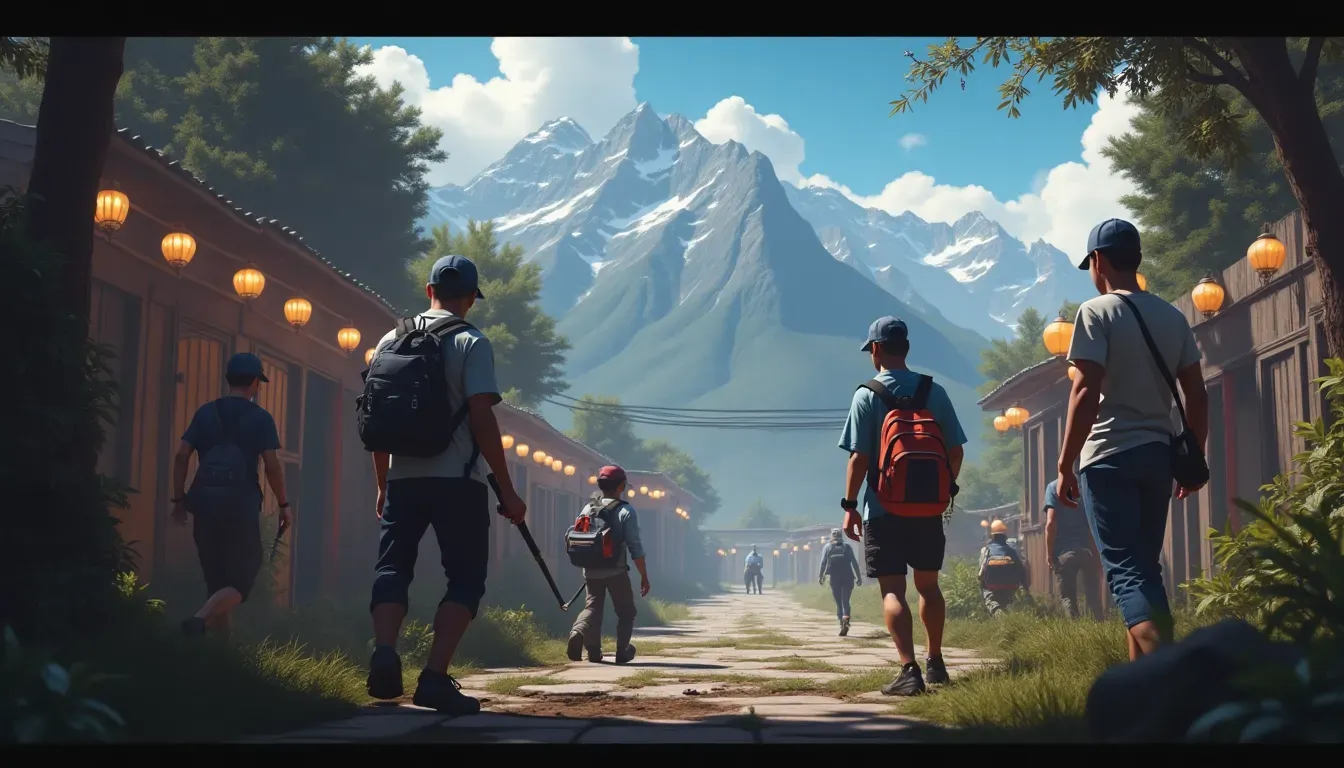
Before we get into the techy stuff, let's take a quick trip down memory lane. DOOM hit the scene in 1993 and basically blew everyone's minds. Fast-paced action, crazy level designs, multiplayer that was way ahead of its time - it changed gaming forever.
But why bother remaking it now? Well, it's not just about nostalgia (though that's pretty sweet). Rebuilding DOOM in HTML shows how far web tech has come. Plus, it's an awesome way for devs to level up their HTML5 game skills. It's like a love letter to classic gaming and modern web wizardry all rolled into one.

Basics of HTML DOOM
Alright, time to get our hands dirty. To bring DOOM back to life with HTML, you'll need to know your way around:
- HTML5: The skeleton of your game. It handles the layout and game canvas.
- CSS3: The pretty stuff. Makes sure your game looks good on different screens.
- JavaScript: The real MVP. This is where all the game logic, graphics, and interactivity happens.
You'll also wanna get cozy with:
- WebGL: For fancy 3D graphics in the browser.
- Canvas API: Great for 2D stuff, but plays nice with WebGL too.
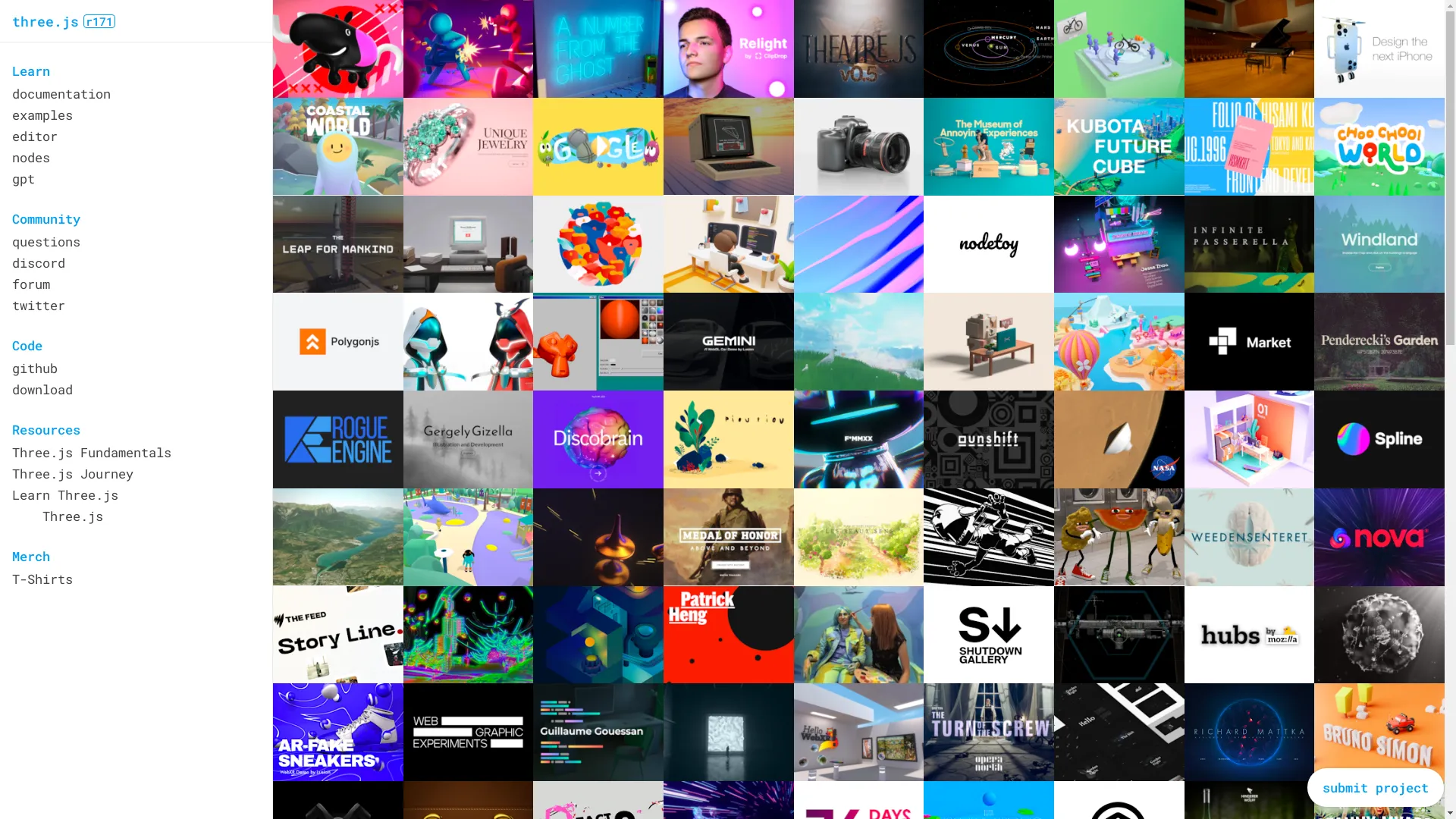
- Game engines like Three.js or Phaser.js : These can save you a ton of time.
It might seem like a lot, but don't sweat it. With these tools, you're ready to tackle this beast!
You can try this feature yourself at img2html.com .
Existing Projects
People have already taken a crack at this DOOM-in-HTML thing. Check it out:
- Doom-JS : This project is trying to recreate DOOM levels using JavaScript. It's not just a straight copy - they're tweaking things to work better with modern web tech. Pretty cool stuff.
- BABYDOOM : This one uses the Babylon.js engine. It's still early days, but it's got random enemies, sprite animations, and even generates levels on the fly. Shows off what Babylon.js can do with graphics and physics.
There's tons of other attempts out there too. Some keep it super simple, others go all out with WebGL. It's awesome to see all the different approaches people are taking.

Key Components
Alright, let's break down what you need to nail to really capture that DOOM feel:
- Game Engine : This is the heart of your game. It needs to handle player movement, detect collisions, and manage different game states (like menus and gameplay).
- Graphics : WebGL is your best friend here. You'll use it to create those iconic 3D environments, manage sprites for enemies and weapons, and optimize performance so things run smooth.
- Sound : Don't forget the creepy music and sound effects! You'll want to integrate background tracks and all those satisfying weapon noises.
- Controls : Gotta nail that classic DOOM feel. Implement WASD movement, mouse aiming, and make sure it feels responsive. Don't forget about touch controls for mobile!
- Level Design : DOOM's levels are legendary. You'll need to create intricate maps with secrets and challenges. Tools like img2html can help turn designs into code.

See how this works at img2html.com .
Challenges
Let's be real - this ain't gonna be easy. Here are some hurdles you might face:
- Performance : Browsers weren't really built for intense gaming. You'll need to optimize your code, compress assets, and manage frame rates to keep things running smooth.
- Browser Compatibility : Different browsers handle web tech differently. Make sure your game works well in Chrome, Firefox, Safari, and even on mobile browsers.
- Game Logic : DOOM's got some complex stuff going on. Enemy AI, physics for projectiles, keeping track of game states - it can get tricky fast.

Strategies for Success
Don't let those challenges scare you off! Here are some tips to help you conquer this project:
- Build in Stages : Start small. Get a basic 3D environment running, then add player movement, then enemies, and so on. Test each piece thoroughly before moving on.
- Use Libraries : Don't reinvent the wheel. Tools like Three.js for 3D graphics or Howler.js for audio can save you tons of time and headaches.
- Collaborate : The web dev community is awesome. Share your progress, ask for help on forums, and maybe even team up with other devs. Two heads are better than one!

Enhancing User Experience
It's not just about making the game run - you want it to be fun! Here's how to level up the player experience:
- Smooth Gameplay : Make sure controls are responsive and the game runs at a consistent frame rate. Nobody likes lag!
- Responsive Design : Your game should look and play great on everything from phones to desktops. Adapt your layout and controls for different devices.
- Clear HUD : Health, ammo, and other important info should be easy to read at a glance. Keep it simple and clean.

Performance Metrics
To make sure your DOOM clone is running like a well-oiled machine, keep an eye on:
- Frame Rate : Aim for a high, stable FPS. Use tools to monitor this and optimize where needed.
- Load Times : Compress those assets and use smart loading techniques. Nobody likes staring at loading screens.
- User Engagement : Track how people are playing your game. Are they finishing levels? Rage quitting? Use this data to make improvements.

Future of Browser Games
Remaking DOOM is just the beginning. The future of web gaming is looking pretty sweet:
- Progressive Web Apps : Games that work offline and feel like native apps.
- WebAssembly : Bringing high-performance code to browsers, opening doors for even more complex games.
- AI and Machine Learning : Creating smarter enemies, generating levels on the fly, and personalizing gameplay.
- VR and AR : Imagine playing DOOM in virtual reality, right in your browser!

Wrap-up
Alright, you've got all the intel you need to start your DOOM HTML adventure. It's gonna be challenging, but man, is it gonna be fun. You'll learn a ton, push web tech to its limits, and end up with an awesome project to show off.
So what are you waiting for? Fire up that code editor and start blasting some demons! The web gaming revolution needs YOU. Happy coding, and may your frame rates be high and your load times low!

Related Articles
- How to Convert Images to HTML and CSS Code Using AI Tools - Expands on turning design mockups into code, complementing the game development process.
- Essential Checklist for Successful Image to HTML Conversion - Offers a detailed guide to ensure accurate HTML conversions, useful for game asset integration.
- img2html vs. Other Image to Code Tools: A Detailed Comparison - Provides insights into different tools available for converting images to code, aiding in selecting the right technology for your project.