Ever looked at a cool website and thought, "I wish I could make that without spending ages coding"? Well, you're not alone! Tools like Codia help turn pretty Figma designs into real HTML code. But what if Codia isn't quite right for you? Don't worry, we've got you covered. In this article, we'll check out some great alternatives to Codia for turning your Figma designs into HTML and more. Whether you're a pro developer, a design whiz, or just starting out, we'll help make your design-to-code journey smoother and faster.
Table of Contents
- Intro
- Why We Need Design-to-Code Tools
- What's Codia All About?
- Top Codia Alternatives for Turning Figma into HTML
- Comparing the Best Options
- What's New in Design-to-Code
- How to Pick the Right Tool
- Tech's Role in Design-to-Code
- Keeping Up with Trends and User Experience
- Building a Support Network
- Tips for Success with Design-to-Code
- Why User Experience and Performance Matter
- Wrapping Up
1. Intro
Ever looked at a cool website and thought, "I wish I could make that without spending ages coding"? Well, you're not alone! Tools like Codia help turn pretty Figma designs into real HTML code. But what if Codia isn't quite right for you? Don't worry, we've got you covered. In this article, we'll check out some great alternatives to Codia for turning your Figma designs into HTML and more. Whether you're a pro developer, a design whiz, or just starting out, we'll help make your design-to-code journey smoother and faster.

2. Why We Need Design-to-Code Tools
Picture this: you've just made an awesome design in Figma. Every color, button, and layout is perfect. But now you've gotta turn all that into code. Ugh, right? That's where design-to-code tools come in handy. They do the hard work for you, turning your designs into clean, working code. This saves time, cuts down on mistakes, and helps designers and developers work together better.

3. What's Codia All About?
Before we dive into the alternatives, let's talk about Codia for a sec. It's a popular tool that turns Figma designs into HTML and other code types. People like it because it keeps designs looking right and has cool features like automatic alignment. It's open-source too, which means anyone can help make it better.
But like anything, it might not be perfect for everyone. Some folks might find it limiting or prefer features from other tools. So, what else is out there? Let's take a look!
4. Top Codia Alternatives for Turning Figma into HTML
Zeplin
Zeplin is a favorite for both designers and developers. It turns your Figma designs into spot-on CSS and HTML snippets. What's cool is how it fits right into your workflow, so you can use the code it makes without much tweaking. It's like having a friend who speaks both design and code fluently.
I remember this one project where Zeplin saved us so much time. Instead of fixing mismatched designs and code, everything just worked. It felt almost magical!
Anima
Anima is another great tool known for making responsive designs easier. It keeps your app looking good on all screen sizes. It automatically makes HTML and CSS code, and you can even add interactions and animations right in Figma. Perfect if you want your designs to look exactly right without diving deep into coding.
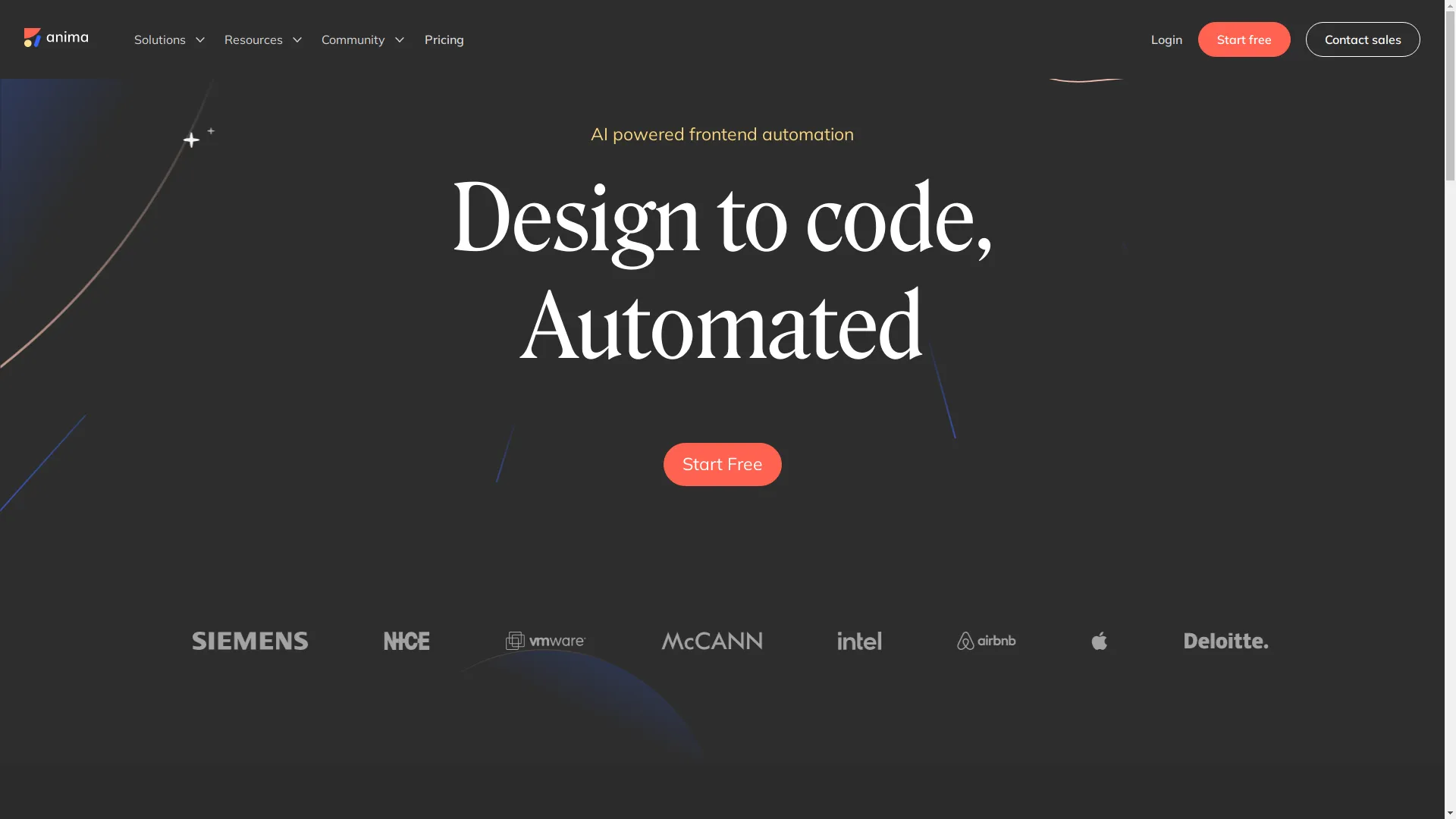
Ever wished your designs could just come to life on their own, looking perfect on every device? Anima pretty much does that.
You can try this feature yourself at Anima .Framer Web
Framer Web is like a Swiss Army knife for design-to-code. It lets you design, prototype, and code all in one place. Designers can create and test models, while developers can easily turn these into real HTML and CSS code. Having everything in one spot means you're not jumping between different tools all the time.
Locofy.ai
Locofy.ai is super versatile. It can turn designs into different code types like React and Vue. It's got a big UI library and lets you make live, responsive prototypes, which is great for team projects. It's also got some advanced stuff like code customization, GitHub integration, and direct deployment. If Locofy.ai were a superhero, it'd definitely be the one juggling multiple gadgets while wearing a cape!
Figma to Code
Figma to Code is an open-source plugin that's really good at turning layouts into responsive webpages and mobile apps without messing up the design. Developers love it for its automatic alignment and optimization features.
There's something really cool about open-source tools like this. It's like being part of a community that's working together to make things better.
FigmaToFlutter
If you're into Flutter, FigmaToFlutter is your go-to. It focuses on turning Figma designs into Flutter code. It makes the switch easy with simple copy-paste options for different code types and good asset management features.

Are you a Flutter fan looking to make your design-to-code process smoother? FigmaToFlutter might be just what you need.
DhiWise — Figma to Code
DhiWise works with lots of different technologies, including Flutter, React, and Kotlin. It's made for all kinds of developers and offers flexibility with various design assets and templates. It focuses on making code that's easy to read and reuse, which is great for long-term projects.

If DhiWise were a car, it'd be a well-built, versatile one that can handle any road you throw at it.
Koncept
Koncept does more than just turn designs into code. It's a full design and prototyping platform. It makes clean HTML and CSS code snippets and lets you add animations and interactions right in the platform, which makes the whole development process better.
Koncept is like having a tech-savvy friend who not only helps with your designs but also makes sure your code is top-notch.
Auto-Layout to HTML
Auto-Layout to HTML uses Figma's Auto Layout feature to turn elements into flexible CSS Grid or Flexbox layouts. This means your designs adjust nicely to different content sizes. It's great for making interfaces that can adapt easily.
Using Auto-Layout to HTML was a game-changer for me when working on a dynamic website. It made moving from design to code so much easier.
PixelPerfect
PixelPerfect makes sure the HTML and CSS code it creates matches your Figma designs exactly. It's perfect for keeping your design looking just right and making sure the final product looks as good as your original design.
Ever been annoyed by tiny differences between your design and the final product? PixelPerfect gets rid of that problem completely.
CSS Scan
CSS Scan is a time-saver for developers who need to grab CSS values straight from design elements. You can copy exact colors, font sizes, and styles with just a few clicks, so you don't have to remember all those tricky code bits.
CSS Scan is like having a magic wand that instantly captures and applies the perfect style to your code.
Figmify
Figmify is great for designs that don't need complex interactions or animations. It automates the conversion process, turning your Figma designs into clean HTML and CSS code snippets quickly and efficiently.

Figmify is like that efficient friend who gets things done fast, without getting caught up in unnecessary details.
5. Comparing the Best Options
Choosing the right tool can feel like trying to solve a puzzle. Let's break it down by comparing these alternatives:
Features
- Zeplin: Best for teamwork and easy implementation.
- Anima: Great for responsive design and adding animations.
- Framer Web: Does design, prototyping, and coding all in one.
- Locofy.ai: Can convert designs to many different code types.
- DhiWise: Focuses on making good quality, maintainable code.
Ease of Use
- Zeplin and Anima are known for being user-friendly.
- Figma to Code might need a bit more tech know-how since it's open-source.
- Locofy.ai balances being easy to use with having advanced features.
Cost
- Zeplin has free and paid plans to fit different needs.
- Anima and Locofy.ai also have different pricing levels, so you pay for what you use.
- Open-source tools like Figma to Code are free but might not have dedicated support.
Help & Community
- Zeplin and Locofy.ai have strong support and active communities.
- Open-source tools often rely on community help, which can vary.
- Framer Web has good documentation and a supportive user base.
6. What's New in Design-to-Code
The design-to-code world is always changing. Here are some cool new trends:
- AI-Powered Conversions: Using artificial intelligence to make code generation more accurate and efficient.
- Multi-Framework Support: Tools now work with multiple frameworks like React, Vue, and Flutter, giving you more options.
- Real-Time Collaboration: Better features for designers and developers to work together in real-time.
- Responsive and Adaptive Designs: Focusing on designs that look good on all devices and screen sizes.

7. How to Pick the Right Tool
Choosing the right design-to-code tool can be tricky, but here's how to make it easier:
- Think About What You Need: Figure out what features are most important for your projects. Do you need animation support, multiple framework options, or responsive design capabilities?
- Consider Your Skill Level: Some tools are easier for beginners, while others have advanced features for experienced developers.
- Check If It Fits Your Workflow: Make sure the tool works well with other tools you use.
- Try Before You Buy: Most tools offer free trials. Use these to see which one works best for you.
8. Tech's Role in Design-to-Code
Technology is super important in connecting design and development:
- Automation: Automating repetitive tasks saves time and reduces mistakes, letting you focus on the creative stuff.
- AI and Machine Learning: These make code generation more precise and smarter.
- Cloud Integration: Cloud-based tools let team members work together from anywhere.
- Version Control: Working with systems like GitHub keeps your code organized.
9. Keeping Up with Trends and User Experience
Staying up-to-date with trends is crucial for creating great user experiences:
- Mobile-First Design: Make sure your designs work well on mobile devices first, then scale up to bigger screens.
- Simple Design: Keep things simple and clear to improve user experience.
- Accessibility: Make sure everyone can use your designs, regardless of their abilities.
- Performance: Focus on fast load times and efficient code to make users happy.

10. Building a Support Network
Having a good network and community support can make a big difference:
- Join Communities: Places like Reddit, GitHub, and official forums are great for getting help and sharing experiences.
- Attend Online Events: Keep learning through webinars and workshops to stay updated on new trends and tools.
- Work with Others: Collaborating with other designers and developers can give you new ideas and help you innovate.

11. Tips for Success with Design-to-Code
To get the most out of design-to-code tools, try these tips:
- Keep Your Design Consistent: Use the same colors, fonts, and layouts to make the conversion process smoother.
- Organize Your Figma Files: Clean and organized files lead to better code generation.
- Customize Your Code: Use the customization features to tweak the generated code to fit your needs.
- Keep Your Tools Updated: Always use the latest version of your design-to-code tools to get the newest features and improvements.
12. Why User Experience and Performance Matter
User experience (UX) is super important for any digital product. Make sure your converted code not only looks good but also works well:
- Responsive Design: Your code should look good on all devices and screen sizes.
- Fast Loading: Optimize your code to load quickly, which keeps users happy.
- Accessibility: Make sure everyone can use your application, regardless of their abilities.
- Check Performance: Regularly look at things like page speed and user engagement to make improvements.
13. Wrapping Up
Turning designs into code can feel like walking a tightrope, balancing creativity and technical stuff. Tools like Codia have made this easier, but the alternatives we've looked at today—Zeplin, Anima, Framer Web, Locofy.ai, Figma to Code, FigmaToFlutter, DhiWise, Koncept, Auto-Layout to HTML, PixelPerfect, CSS Scan, and Figmify—offer different features that might suit you better.
Stay Updated
The tech world is always changing, so keep learning about new tools and trends. Update your toolkit regularly and try new solutions.
Take Action
Don't let all these choices overwhelm you. Start by figuring out what you need, try a few tools, and see which one works best for you. Your perfect design-to-code tool might be just a click away!
Remember, success comes from finding the right balance between creativity and efficiency. With the right tools and strategies, you can turn your Figma designs into awesome, working code that stands out in today's competitive digital world.
Happy designing and coding!