Table of Contents
- Introduction
- Why Generating Clean HTML from Google Docs Matters
- Features of the Ultimate Google Docs to HTML Converter
- How Does It Work?
- The Technology Behind Clean HTML Generation
- Benefits of Using a Google Docs to HTML Converter
- User Experience and Performance Metrics
- Real-Life Examples and Testimonials
- Pricing and Plans
- Frequently Asked Questions (FAQ)
- Conclusion
- Call to Action
Introduction
Ever spent hours trying to turn a Google Doc into decent HTML code? Yeah, me too. It's a pain, right? Well, guess what - there's this cool tool that can do it for you in like, seconds. Seriously. Whether you're a student, developer, or just someone who likes to organize stuff, this thing is a game-changer. No more pulling your hair out over HTML tags. Let's dive in and see what all the fuss is about.

Why Generating Clean HTML from Google Docs Matters
Look, HTML can be a real headache if you're not a coding whiz. And let's be honest, messy code is just asking for trouble. It slows down your site, messes with SEO, and just looks plain unprofessional. Clean HTML? That's the good stuff. It makes your site run smooth, look great on any device, and keeps Google happy. So why bother with all that manual coding when you can just click a button and get perfect HTML? It's a no-brainer.
Features of the Ultimate Google Docs to HTML Converter
Alright, let's break down what makes this tool so awesome:
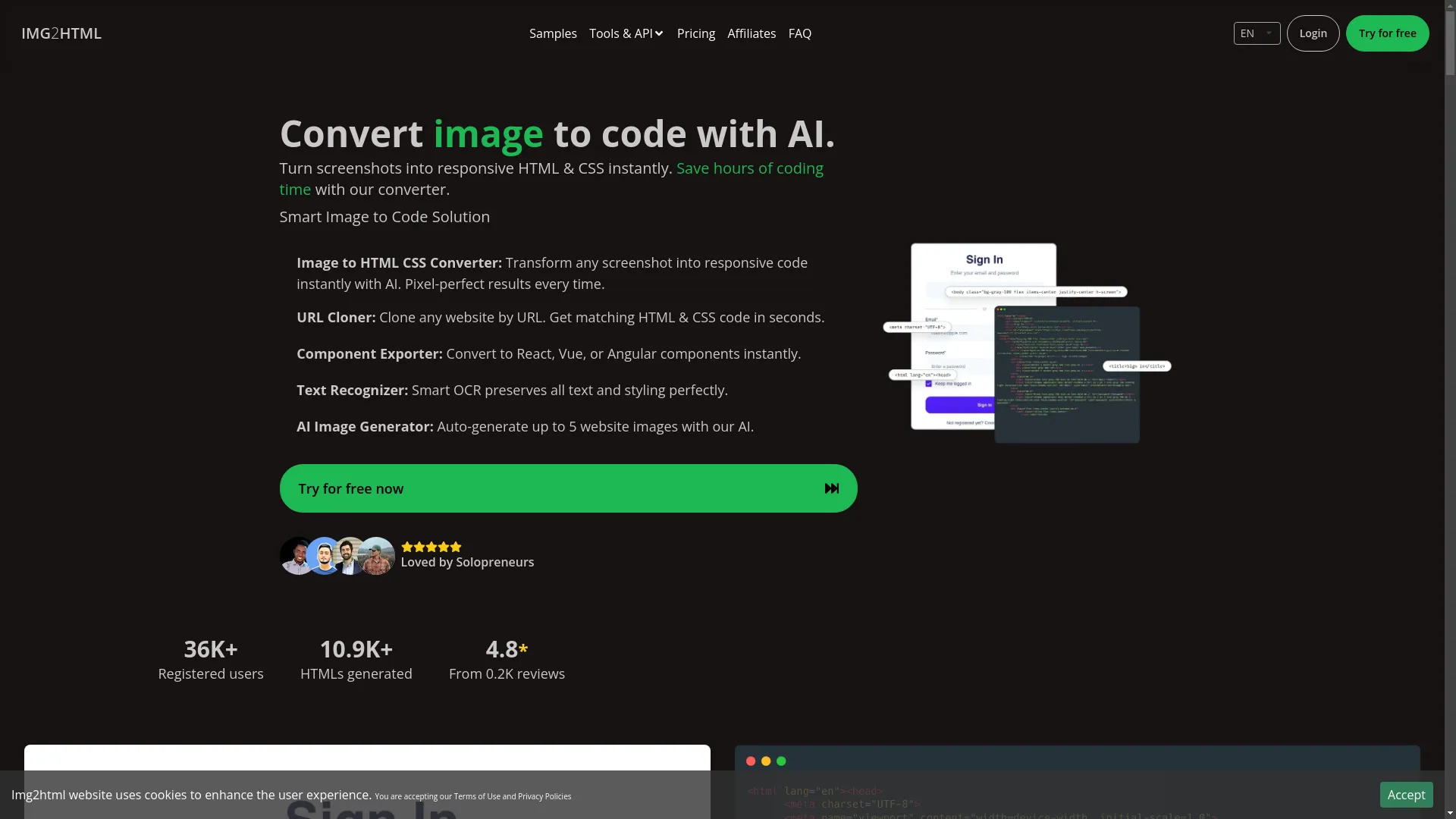
- Easy Peasy Conversion: Just click and boom - your Google Doc is now HTML. No fuss, no muss.
- Clean Code: We're talking proper tags, no junk. It's like magic, but for web stuff.
- Mobile-Friendly: Your site will look sweet on phones, tablets, whatever. No extra work needed.
- Works with Fancy Frameworks: React, Vue, Angular - it's got you covered.
- Simple to Use: You don't need to be a tech genius. If you can use a mouse, you're good.
- Works Everywhere: Mac, PC, Linux - doesn't matter. It just works.
- Super Fast: Like, blink-and-you'll-miss-it fast. Perfect for those last-minute rushes.
- Customizable: Want to tweak stuff? Go for it. It's flexible like that.
Discover More Features
Explore how you can maximize the potential of your HTML conversions.
Learn MoreHow Does It Work?
Curious about the behind-the-scenes magic? Here's the lowdown:
- Upload your Google Doc
- Pick your settings
- Hit convert
- Download your shiny new HTML
Some of these tools even hook up directly to Google Drive . Fancy, right? And for you code nerds out there, there are usually some advanced settings to play with too.
The Technology Behind Clean HTML Generation
So, what's making all this happen? It's not elves (probably). We're talking AI smarts here. These tools use some pretty clever tech to understand your doc and turn it into clean HTML. They've learned from tons of code to figure out the best way to structure things. It's not just about making it look good - it's about making it work good too.
Benefits of Using a Google Docs to HTML Converter
Why bother with this tool? Let me count the ways:
- Saves Time: No more wasting hours on manual coding.
- Boosts Productivity: More time for the fun stuff, less time wrestling with HTML.
- Fewer Mistakes: Computers don't get tired and make silly errors like we do.
- Team-Friendly: Everyone's on the same page with consistent code.
User Experience and Performance Metrics
A good tool should be a breeze to use, right? Here's what to look for:
- User-Friendly Design: If it feels like you need a degree to use it, that's a red flag.
- Speedy Performance: Ain't nobody got time for slow conversions.
- Happy Users: Check out what other people are saying. If they're raving about it, that's a good sign.
Real-Life Examples and Testimonials
Don't just take my word for it. Here's what real people are saying:
"This tool is a lifesaver! I used to spend hours coding my projects, now it's done in minutes."
- Emily, Student
"As a freelancer, time is money. This converter has seriously upped my game."
- Carlos, Developer

Pricing and Plans
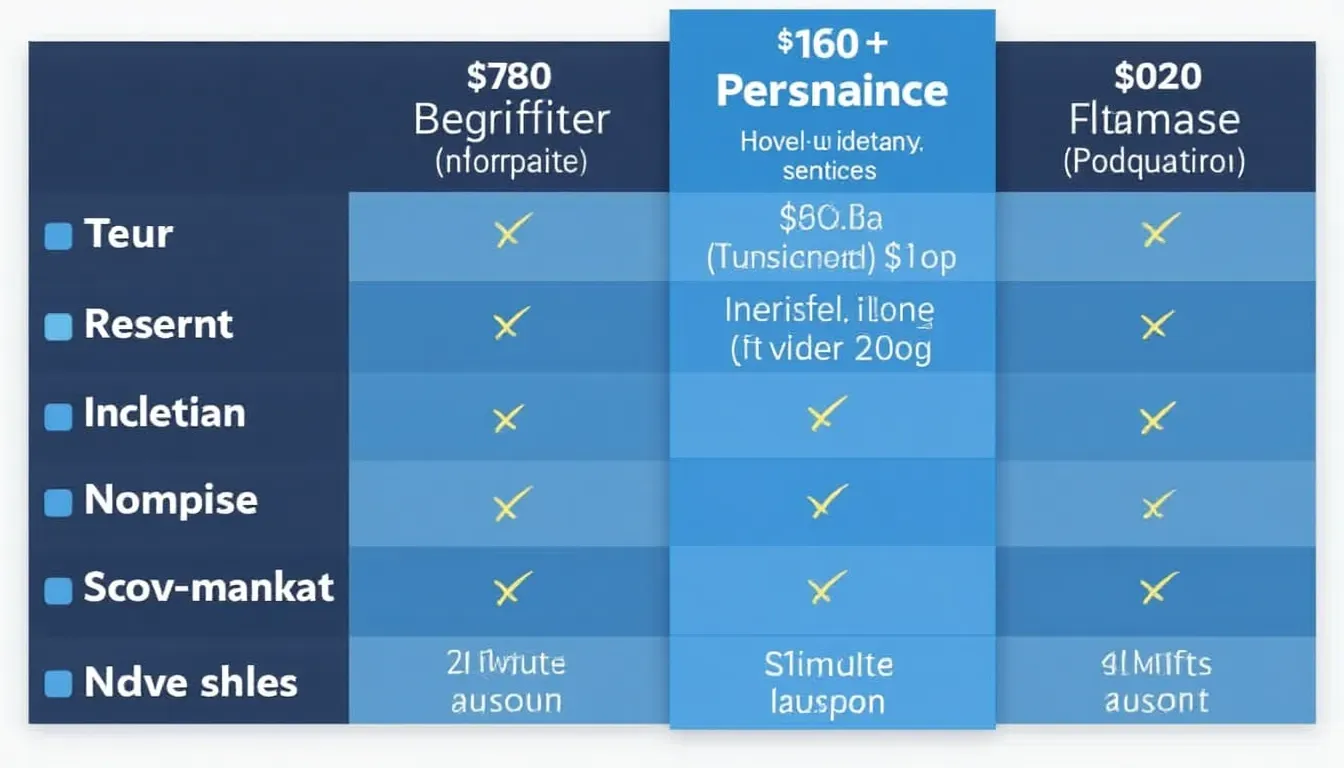
Money talk time. Most of these tools offer different plans:
- Free options for casual users
- Paid plans for the power users
- Usually a free trial to test the waters
Frequently Asked Questions (FAQ)
- How to try it?
- Sign up and give it a whirl. Most have free trials.
- Credit expiration?
- Use 'em or lose 'em, usually.
- Payment methods?
- Cards, PayPal, maybe even crypto for the fancy ones.
- Refunds?
- Check the fine print, but many offer money-back guarantees.
- Credit system?
- It's like arcade tokens, but for HTML conversion.
Conclusion
Look, if you're tired of the HTML struggle, this tool is your new best friend. It's fast, it's easy, and it'll make your life a whole lot simpler. Whether you're a coding pro or just starting out, it's worth checking out.

Call to Action
Ready to kiss those HTML headaches goodbye? Give one of these converters a shot. Most offer free trials, so you've got nothing to lose. Trust me, your future self will thank you. Go on, give it a try!
Start Your Free Trial Today
Experience the ease of converting Google Docs to clean HTML in minutes.
Get StartedRelated Articles
- How to Optimize HTML for SEO - Enhance your HTML to boost your website's search engine ranking.
- Advanced CSS Tips - Take your web design skills to the next level with these CSS techniques.
- Integrating HTML with Modern Frameworks - Learn how to seamlessly integrate your HTML with frameworks like React and Vue.