1. Intro
Ever filled out an online form that made you wanna pull your hair out? Maybe it took forever to load or the fields were a mess. In today's fast-paced business world, having forms that don't suck is pretty important. That's where NetSuite HTML Online Form Templates come in handy. Whether you're trying to make things run smoother inside your company or make customers happier, good forms can make a big difference. Let's dive into the world of NetSuite form templates and see how they can make your business better.

2. What's the deal with NetSuite HTML Online Form Templates?
So, what are these templates anyway?
NetSuite HTML Online Form Templates are basically customizable web forms that work with NetSuite. They help businesses collect and manage data without too much hassle. These templates use HTML, CSS, and JavaScript, so you can tweak them to fit what your business needs.

Think of them like digital versions of paper forms, but way better. They can do stuff automatically, process data right away, and work with other systems your business uses. Whether you need a simple "contact us" form or something more complicated for taking orders, NetSuite's got you covered.
Why should we care?
In a world where data is king, being able to grab and use information quickly and accurately is super important. NetSuite HTML Online Form Templates help with this by:
- Letting you customize forms to fit your business
- Connecting easily with other NetSuite stuff and outside apps
- Doing data entry automatically and cutting down on mistakes
- Making things easier for customers and employees
These features make NetSuite forms pretty darn useful for businesses trying to stay competitive and on top of things in a market that's always changing.
3. Making NetSuite forms work for you
Tailoring forms to fit your biz
Every business is different, right? So your forms should be too. Customizing NetSuite forms makes sure they fit perfectly with how your company does things. For example, a store might need forms for managing inventory, processing orders, and getting customer feedback. A service company might focus more on scheduling appointments and getting info from new clients. Customizing lets you:
- Add or remove fields as needed
- Set up rules to make sure data is entered correctly
- Design layouts that make entering data faster and more accurate
It's like walking into a store where everything's organized just right. Custom forms are like well-organized aisles that guide users smoothly to where they need to go.
Making users happy
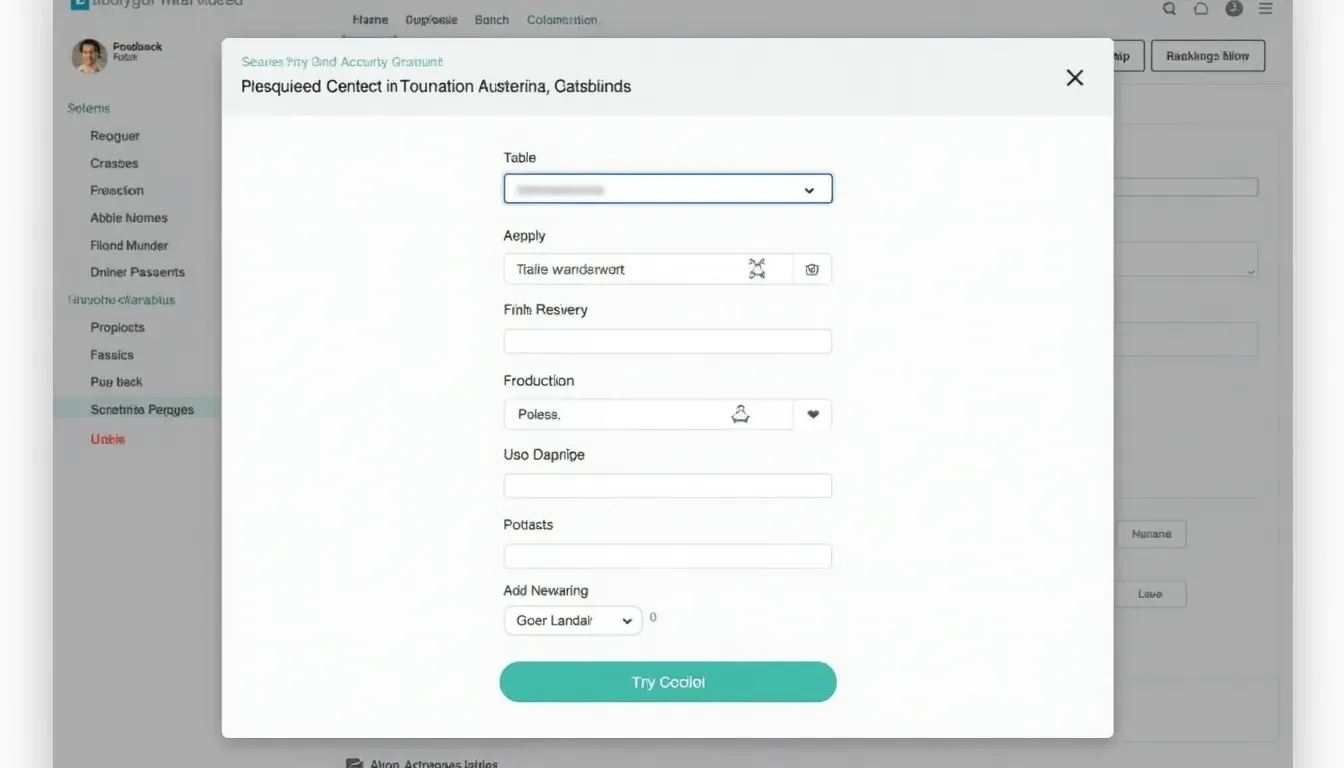
A form that's easy to use can make a big difference in how people feel about your business. By making forms intuitive and user-friendly, you reduce mistakes and increase the chances people will actually finish filling them out. Things like clear labels, logical flow, and designs that work on any device all contribute to a good user experience. When people find forms easy to use, they're more likely to engage with your business, which can lead to more sales and happier customers.

4. What's hot in NetSuite form templates
Mobile-friendly design
With so many people using phones and tablets these days, making sure your NetSuite forms work well on mobile devices isn't just nice to have—it's a must. Responsive design means forms look good and work well whether someone's using a computer, tablet, or smartphone. This is super important for businesses targeting people who are always on their phones, as it directly affects how easy forms are to use.

Techy integrations
Modern businesses are using cool tech like artificial intelligence (AI), machine learning, and advanced analytics to get better insights and streamline how they work. NetSuite HTML Online Form Templates are evolving to work with these technologies, allowing for smarter data collection and processing. For example, AI might help fill in form fields automatically based on how users behave, or machine learning algorithms could predict and suggest form inputs, making things more efficient and accurate.

5. Tips for creating killer HTML online forms
Planning your form
Creating an effective form starts with good planning. First, figure out what the form is for and what information you need to collect. Sketch out how the form will look, keeping in mind how users will navigate through it. Here are some tips to consider:
- Keep it simple: Only ask for info you really need to avoid overwhelming people.
- Logical flow: Arrange fields in an order that makes sense to users.
- Visual hierarchy: Use size, color, and spacing to highlight important stuff and guide users' attention.
It's like building a house—you wouldn't start without a blueprint, right? Planning your form makes sure every part serves a purpose and contributes to how well it works overall.

Keeping data safe and accurate
Collecting accurate data is crucial for making good business decisions. Set up rules to make sure users provide the right information. Also, security should be a top priority to protect sensitive data. NetSuite has various security features, like encryption and access controls, to keep your forms safe. By focusing on data accuracy and security, you build trust with your users and keep your business operations running smoothly.

6. Tools you need for NetSuite HTML online forms
NetSuite SuiteBuilder
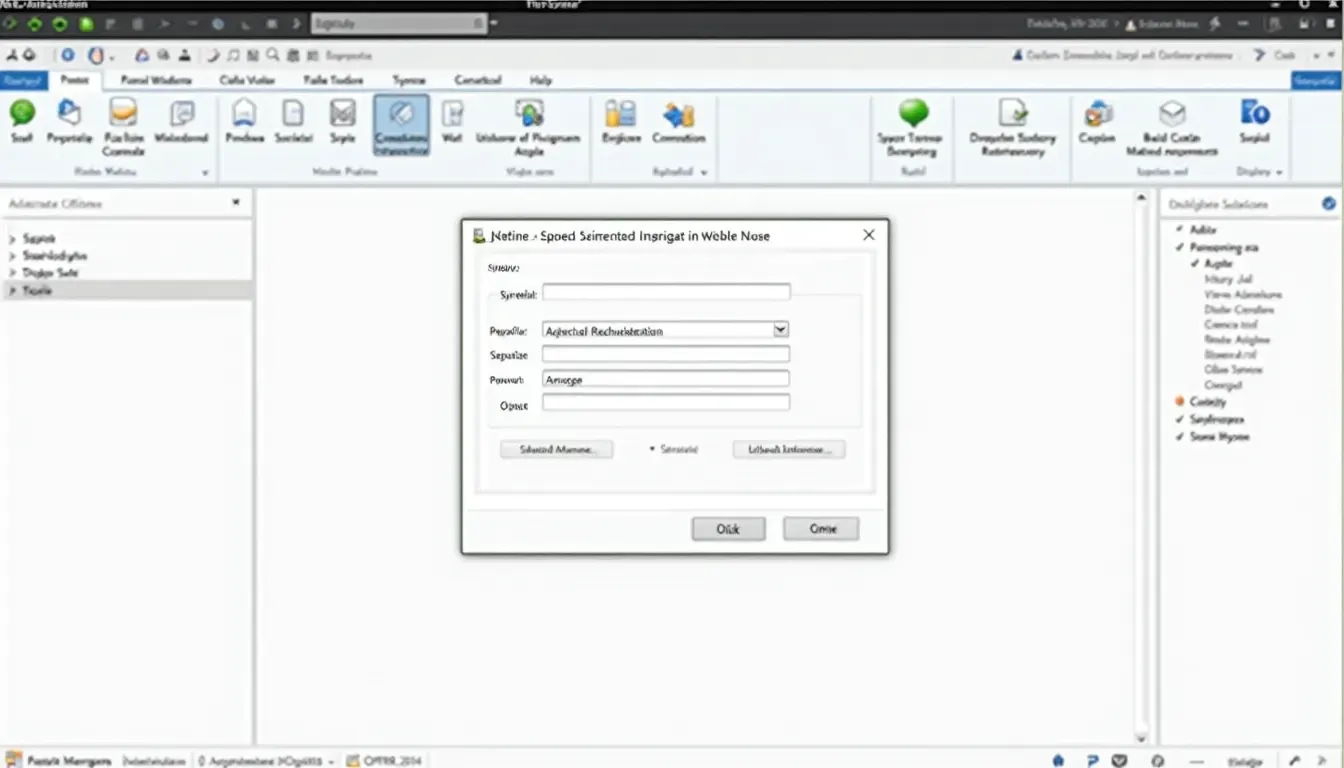
SuiteBuilder is a powerful tool within NetSuite that lets users customize and create new forms without needing to know a ton about coding. With SuiteBuilder, you can:
- Drag and drop fields to build your form layout
- Set up form settings to control who can use and access forms
- Connect forms with other NetSuite stuff, like CRM and ERP
SuiteBuilder makes creating forms easier, so people with different levels of tech know-how can use it.
Other form builders that play nice with NetSuite
While SuiteBuilder is pretty robust, sometimes you might need more advanced features or ways to connect with other platforms. Form builders like JotForm , Formstack , and Google Forms can work with NetSuite to add extra functionality. These tools offer more customization options, templates, and integrations that might better suit specific business needs.
Using third-party tools is like adding specialized appliances to your kitchen. They provide extra capabilities that enhance the overall functionality of your main setup.
7. Cool new stuff in NetSuite form tech
Automating workflows
Automation is changing how businesses operate, and NetSuite forms are no exception. By connecting forms with automated workflows, you can streamline processes like data entry, approval chains, and notifications. For instance, when a customer submits an order form, automation can trigger inventory updates, create invoices, and send email confirmations without anyone having to do it manually.
This level of automation not only saves time but also reduces the chance of human error, ensuring that your business processes run smoothly and efficiently.

AI and machine learning tricks
Artificial Intelligence (AI) and Machine Learning (ML) are becoming a big part of form technology. In NetSuite HTML forms, AI can be used to predict what users might input, suggest relevant fields, or even analyze form data to provide actionable insights. Machine Learning algorithms can learn from past form submissions to improve future data collection, making forms smarter and more intuitive over time.
Think of AI and ML as your personal assistants, handling repetitive tasks and providing smart suggestions to make your forms perform better and improve user experience.

8. Keeping up with business trends
Jumping on the cloud bandwagon
Cloud technology is changing how businesses operate, offering scalability, flexibility, and the ability to access stuff from anywhere. NetSuite, being a cloud-based ERP system, allows your HTML forms to be accessed and managed from anywhere. This is particularly useful for businesses with remote teams or multiple locations, ensuring that data collection and processing are seamless and centralized.

Using data to get smarter
Data is super important for modern businesses, and NetSuite forms are a key source of valuable information. By using data analytics, you can gain deeper insights into customer behavior, how efficiently your business is running, and market trends. Analytics tools can help you track how well your forms are performing, identify areas for improvement, and make data-driven decisions to enhance your business strategies.

9. Building better relationships through forms
Making customers happy
Well-designed NetSuite forms can significantly improve how you interact with customers. Whether it's through forms for generating leads, getting feedback, or handling support requests, good HTML forms make communication smoother and relationships stronger. By making it easy for customers to reach out and share their needs, you build trust and reliability.

Smoothing out internal processes
Internal processes are the backbone of any organization, and efficient form usage can streamline various operations. From bringing new employees on board and evaluating performance to reporting expenses and managing projects, NetSuite HTML forms can automate and simplify these tasks. This not only saves time but also ensures consistency and accuracy across your organization's workflows.
10. Checking if your forms are actually working
Measuring how well forms perform
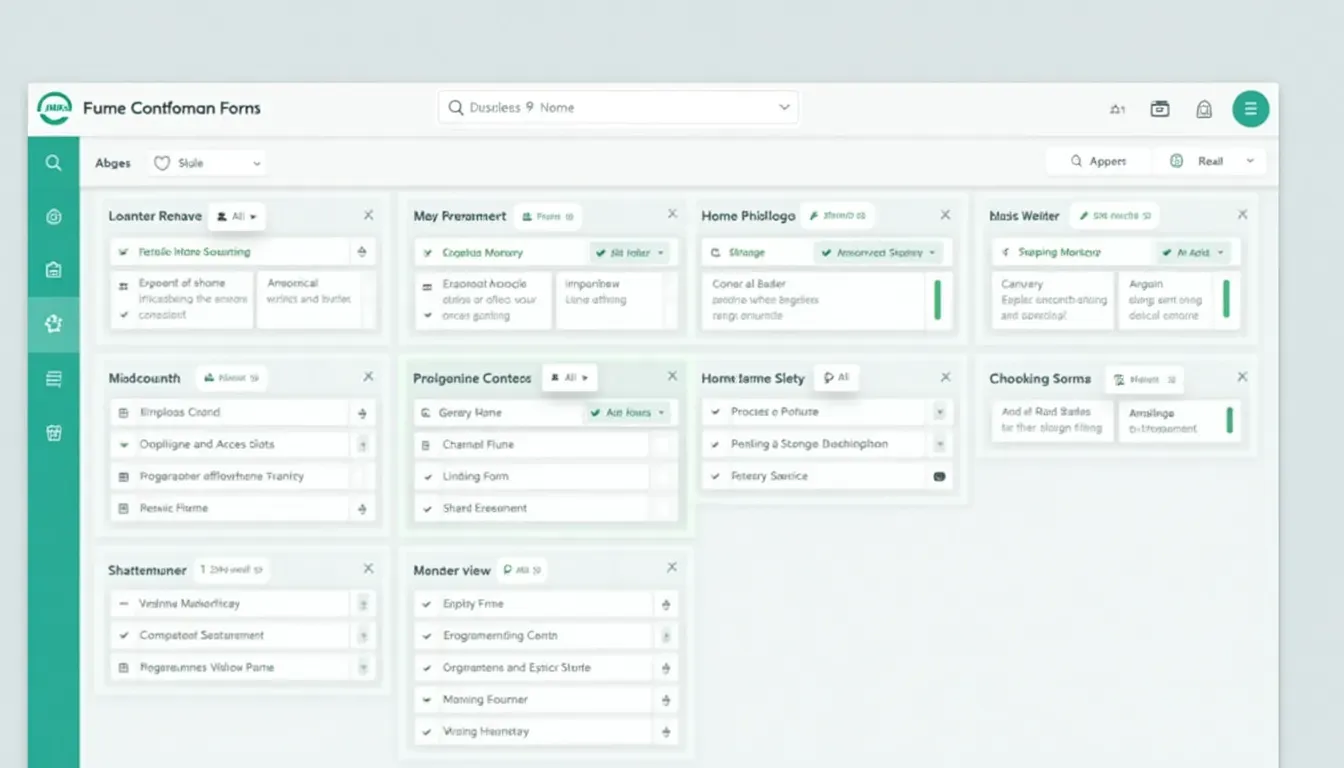
To make sure your NetSuite forms are doing what they're supposed to, it's important to measure their effectiveness. Key performance indicators (KPIs) like how many people complete forms, how long it takes on average, and how often errors occur can give you valuable insights into how well your forms are performing. Regularly analyzing these metrics allows you to identify areas for improvement and optimize your forms accordingly.

Making forms better based on what users say
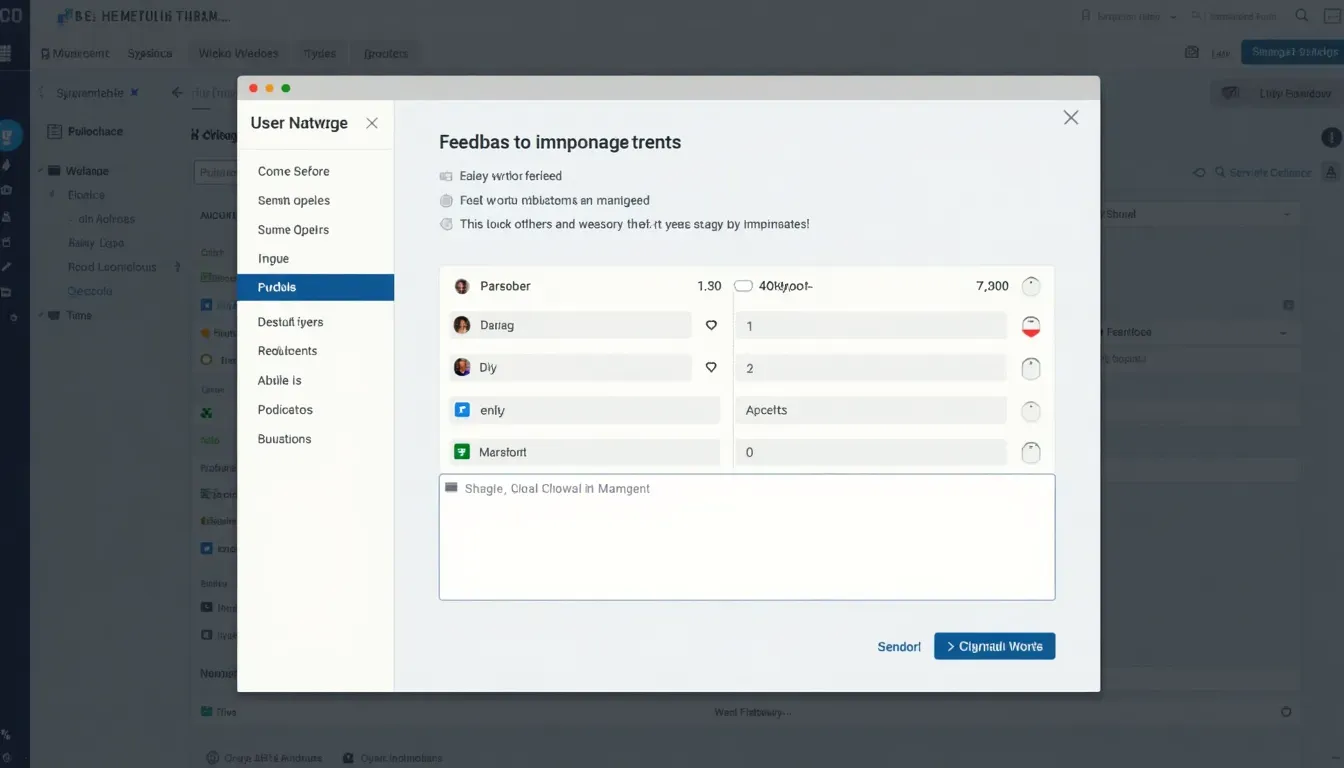
User feedback is gold for improving form performance. By actively seeking and incorporating feedback from people who use your forms, you can make informed adjustments that improve usability and satisfaction. This iterative approach ensures that your forms evolve to meet changing user expectations and business requirements.
11. Dos and don'ts for NetSuite forms
Keeping your brand consistent
Consistency in branding across all forms reinforces your brand identity and builds trust with your users. Make sure your NetSuite HTML forms reflect your company's color scheme, logo, and overall design aesthetics. A consistent look and feel make your forms more recognizable and professional, enhancing user confidence and engagement.
Making forms accessible to everyone
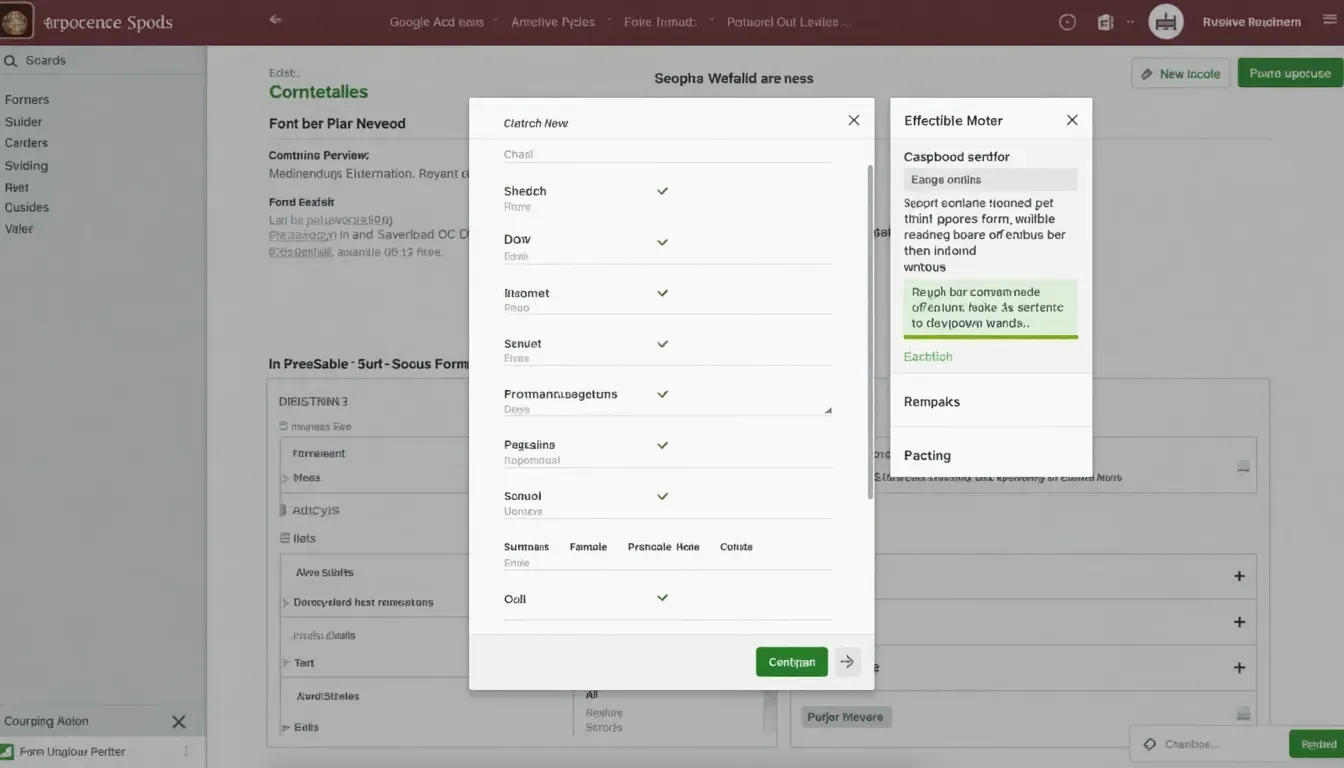
Accessibility is a crucial aspect of form design, ensuring that all users, including those with disabilities, can interact with your forms effectively. Implementing accessible design principles, such as using proper labeling, keyboard navigation, and screen reader compatibility, makes your NetSuite forms inclusive and user-friendly for everyone.
12. Wrapping it up
Staying on top of changes
In the ever-changing world of business, staying ahead means using the right tools and strategies. NetSuite HTML Online Form Templates offer a powerful solution for businesses looking to improve data collection, streamline processes, and enhance user interactions. By keeping up with the latest trends, customizing forms to fit your needs, and focusing on user experience, you can get the most out of your NetSuite forms.

Time to get your NetSuite forms going!
Ready to transform your business operations with effective NetSuite HTML forms? Start implementing these strategies today and see the positive impact on your productivity, customer satisfaction, and overall success. Remember, in the world of business technology, continuous improvement and adaptability are key to staying competitive and achieving long-term growth.
By staying on top of the latest advancements and continuously refining your NetSuite HTML Online Form Templates, you ensure that your business remains agile and responsive to evolving market demands. So, why wait? Dive into the world of NetSuite forms and unlock the full potential of your business today!
Related Articles
- How to Use NetSuite HTML Forms - Expands on the basics of setting up forms.
- AI in Form Design - Discusses incorporating AI into your form workflows.
- Boost Your Workflow with Img2HTML API - Explores using APIs for better form handling.