Html In Neopets Descriptions
Boost your Neopets descriptions with HTML! Learn easy tips to make your pets and shops stand out in the Neopian world.
Hey there, Neopets fans! Ready to make your pet descriptions pop? Let's dive into the world of HTML and see how it can take your Neopian creations to the next level.
Why Descriptions Matter
So, what's the big deal with descriptions in Neopets? Well, they're pretty much your chance to show off your pets, items, or shops to everyone else. And using HTML? It's like giving your plain text a makeover - suddenly it's all fancy and eye-catching.
HTML Basics
Let's start with the basics. HTML is just a fancy way of telling your computer how to display stuff on a webpage. It uses these things called "tags" to make text bold, add links, or throw in some pictures. Don't worry if you're new to this - it's not as scary as it sounds!
Using HTML in Neopets
Now, Neopets doesn't let you go crazy with HTML (probably to keep things from getting too wild), but you can still do some pretty cool stuff. Want to make your text bold? Just wrap it in
<strong>
tags. Feeling italic? Use
<em>
. And if you want to add a link,
<a href="">
is your new best friend.
Adding Images
But wait, there's more! You can even add images to really make your descriptions stand out. Just use the
<img>
tag and point it to your picture. Easy peasy!
Helpful Tools
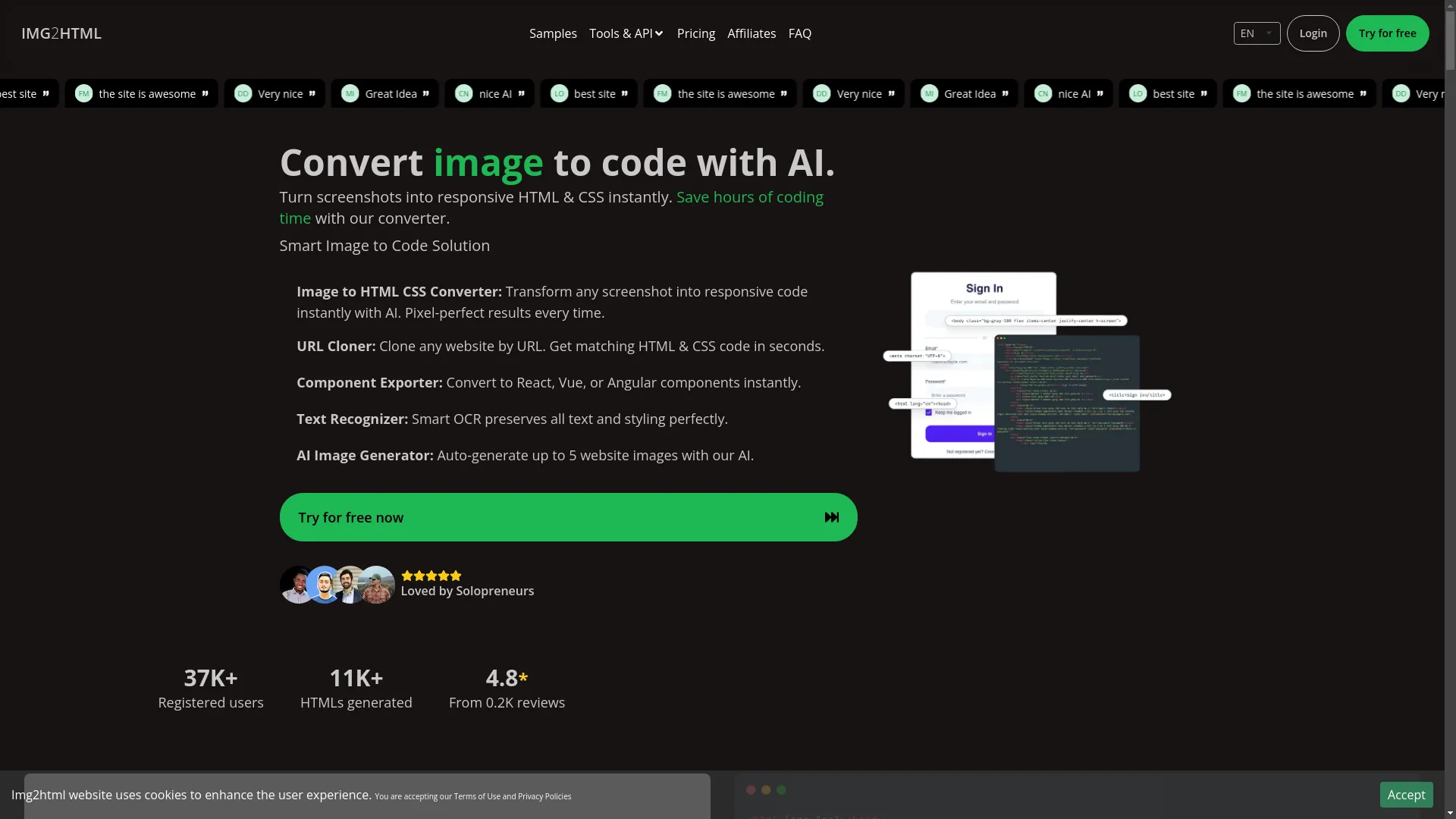
Now, if you're feeling a bit overwhelmed, don't sweat it. There are some awesome tools out there to help you out. One that's pretty neat is IMG2HTML . It uses AI to turn your images into HTML code. So if you've got a cool banner for your shop, you can just upload it and boom - instant HTML!
Keep It Simple
Just remember, while it's tempting to go all out with your HTML, keep it simple. You want people to actually read your descriptions, not get lost in a sea of fancy formatting. And don't forget about mobile users - make sure your descriptions look good on phones too!
Organize with Headings and Lists
Oh, and here's a pro tip: use headings and bullet points to organize your info. It makes it way easier for people to find what they're looking for.
Before and After
Want to see the difference HTML can make? Check this out:
Before:
"Fluffy is a Poof that loves flying. Visit our shop for Poof accessories."
After:
<h2>Meet <span style="color:blue;">Fluffy the Poof</span></h2>
<p>Fluffy is an adventurous <strong>Poof</strong> who loves <em>flying</em> across Neopia. 🦋</p>
<p>Enhance Fluffy's look with our <u>exclusive Poof accessories</u> available in our <a href="https://www.neopets.com/shop.phtml">shop</a>.</p>
<img src="https://www.example.com/fluffy.jpg" alt="Fluffy the Poof" style="width:100%; height:auto;">
See the difference? It's like night and day!
Get Started Today
So there you have it, folks. HTML might seem a bit tricky at first, but with a little practice (and maybe some help from tools like IMG2HTML ), you'll be creating awesome Neopets descriptions in no time. Now go out there and make your Neopian creations shine!
Need Help?
Oh, and if you've got any questions, the Neopets community is always there to help. Happy Neopetting, everyone!
Watch and Learn
Related Articles
- Using CSS for Neopets Descriptions - Enhance your descriptions further with CSS styling techniques.
- Best Practices for Neopets Shop Layouts - Optimize your shop's appearance to attract more visitors.
- Top HTML Tags for Neopets Profiles - Discover the most effective HTML tags to showcase your Neopet.
| Feature | Description |
|---|---|
| Bold Text | Emphasize important parts of your description. |
| Italic Text | Highlight specific words or phrases. |
| Links | Direct visitors to your shop or other resources. |
| Images | Add visual appeal with pictures. |