Learn how to create neat and responsive scrollable code blocks in HTML with this comprehensive guide.
Intro
Ever been reading a blog post about coding and got annoyed by those huge chunks of code that just go on forever? Yeah, me too. That's why scrollable code blocks in HTML are a game-changer. They make your content look neat and are way easier to read. In this guide, we'll walk through how to make these cool code blocks, from the basics to some fancy tricks.

What's a Code Block Anyway?
Code Block Basics
Think of a code block like a special box for your code. It's where you put snippets of code to show them off separately from your regular text. In HTML, we usually use
<pre>
and
<code>
tags to make these blocks.
// Your awesome code goes here
function greet() {
    console.log("Hello, World!");
}
greet();

Why Scrollable Code Blocks Rock
Long code snippets can be a pain, especially on small screens. Scrollable code blocks keep things tidy and easy to navigate. Plus, they make your page look more professional and can even help it load faster.
- Improved readability
- Better user experience on mobile devices
- Enhanced visual appeal
Getting Your HTML Setup Ready
Must-Have Tools
Before we dive in, grab these tools:
- A good code editor (like VS Code or Sublime Text)
- Browser dev tools ( Chrome DevTools is great)
- Git for keeping track of changes
- Maybe a CSS framework if you want to speed things up

Building Your HTML Page
Here's a simple template to get started:
<!DOCTYPE html>
<html lang="en">
<head>
    <meta charset="UTF-8">
    <meta name="viewport" content="width=device-width, initial-scale=1.0">
    <title>My Cool Code Block</title>
    <link rel="stylesheet" href="styles.css">
</head>
<body>
    <h1>Check Out This Code</h1>
    <pre><code>
// Your awesome code goes here
    </code></pre>
</body>
</html>

You can try this feature yourself at img2html.com .
Making Your Code Blocks Look Good with CSS
Basic CSS for Code Blocks
Let's add some style:
pre {
    background-color: #f5f5f5;
    padding: 15px;
    border-radius: 5px;
    overflow: auto;
}

code {
    font-family: 'Courier New', Courier, monospace;
    font-size: 14px;
}
This gives your code block a nice background, some padding, rounded corners, and makes it scrollable when needed.
Adding Scrollbars
Want to make those scrollbars look fancy? Try this:
pre::-webkit-scrollbar {
    width: 8px;
}

pre::-webkit-scrollbar-track {
    background: #f1f1f1;
}

pre::-webkit-scrollbar-thumb {
    background: #888;
    border-radius: 4px;
}

pre::-webkit-scrollbar-thumb:hover {
    background: #555;
}
These styles customize the appearance of the scrollbars, making them blend better with your design.

Making Your Code Pop with Syntax Highlighting
Plain code is boring. Let's add some color! You can do this manually with CSS, but using a library like Prism.js is way easier.
Using syntax highlighting not only makes your code more readable but also enhances the overall aesthetics of your blog.
See how this works at img2html.comMaking It Work on All Devices
Mobile-Friendly Code Blocks
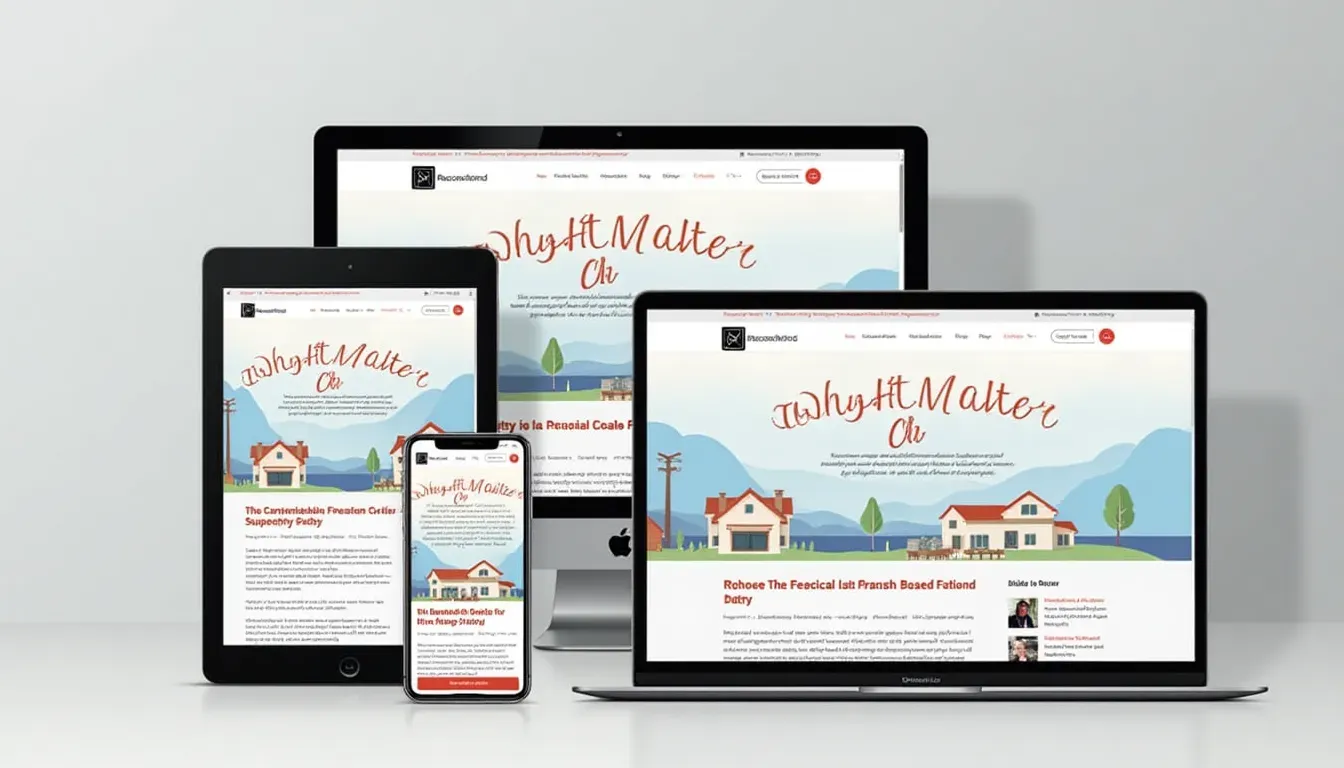
Don't forget about phones and tablets! Use relative units and media queries:
pre {
    max-width: 100%;
    overflow-x: auto;
}

@media (max-width: 600px) {
    pre {
        font-size: 12px;
        padding: 10px;
    }
}
Tweaking Scroll Behavior for Different Screens
Make sure scrolling feels natural on touch devices:
pre::-webkit-scrollbar {
    width: 12px;
}
Adjusting the scrollbar width improves usability on touch screens, providing a better experience for mobile users.
Cool Tricks to Level Up Your Code Blocks
Adding Some JavaScript Magic
Want a "Copy to Clipboard" button? Here's a quick way to do it:
// Your code here
function copyText() {
    navigator.clipboard.writeText("Hello, World!");
}
copyText();

Using Helpful Libraries
Check out libraries like Prism.js or Highlight.js for easy syntax highlighting.
<link href="https://cdnjs.cloudflare.com/ajax/libs/prism/1.23.0/themes/prism.min.css" rel="stylesheet">
<script src="https://cdnjs.cloudflare.com/ajax/libs/prism/1.23.0/prism.min.js"></script>

Making Sure Everyone Can Use It
Accessibility Tips
Don't forget about accessibility:
- Use proper HTML tags
- Add ARIA labels if needed
- Make sure keyboard navigation works

Balancing Looks and Speed
Keep things looking good without slowing down your site:
- Optimize images and minify CSS/JS
- Use lazy loading for code blocks
- Don't go overboard with libraries

Fixing Common Headaches
Dealing with Overflow Issues
If your code block is still acting up:
- Check parent elements for conflicting styles
-
Use
box-sizing: border-box; -
Control content wrapping with
white-space: pre;

Making It Work in All Browsers
Different browsers can be tricky:
- Use vendor prefixes
- Test in multiple browsers
- Provide fallback styles

Keeping Your Code Blocks in Top Shape
Clean and Tidy Code
- Use consistent indentation
- Add helpful comments
- Organize your CSS

Staying Up-to-Date
- Keep your libraries updated
- Refactor when needed
- Listen to user feedback

Wrapping It Up
Quick Recap
We've covered a lot! From basic HTML structure to fancy JavaScript tricks, you now have the tools to create awesome scrollable code blocks.

Go Make Some Awesome Code Blocks!
Now it's your turn. Take what you've learned and start creating some cool, user-friendly code blocks. Your readers will thank you!
Start Creating at img2html.com