Table of Contents
- Introduction
- Why Combine Multiple HTML Files into One?
- Latest Trends in Combining HTML Files
- Strategies for Merging HTML Files
- Essential Tools for Combining HTML Files
- Advancements and Technology in Merging HTML
- Optimization for Current Web Trends
- Building Quality Networks Through Modular Code
- Effective Strategies for Success
- Importance of User Experience and Performance Metrics
- Conclusion
Introduction
Ever found yourself drowning in a sea of HTML files for one project and thought, "There's gotta be a better way"? You're not alone. Whether you're a pro developer or just starting out, dealing with tons of HTML files can be a real headache. But don't worry! Combining multiple HTML files into one isn't just a pipe dream—it's totally doable with the right tricks and tools.
Think about having all your favorite tunes in one playlist instead of scattered all over the place. Much simpler, right? Same goes for HTML files. Putting them all together can make your work smoother, your site faster, and maintenance a breeze. So, grab a coffee and let's dive into how to merge those pesky HTML files into one awesome masterpiece.

Why Combine Multiple HTML Files into One?
You might be thinking, "Why bother combining HTML files? Isn't it more organized to keep them separate?" Good question! Here's why it's worth it:
- Better Performance: Fewer requests to the server means faster loading times. Each separate HTML file adds to how long your website takes to load.
- Easier to Maintain: Managing one file is way simpler than juggling a bunch. Updates and fixes take less time.
- Better for SEO: Search engines like websites that load fast and are easy to use. Combining HTML files can help boost your SEO rankings.
- Consistency: Keeps everything looking and working the same across your website, so you don't end up with outdated bits and pieces.
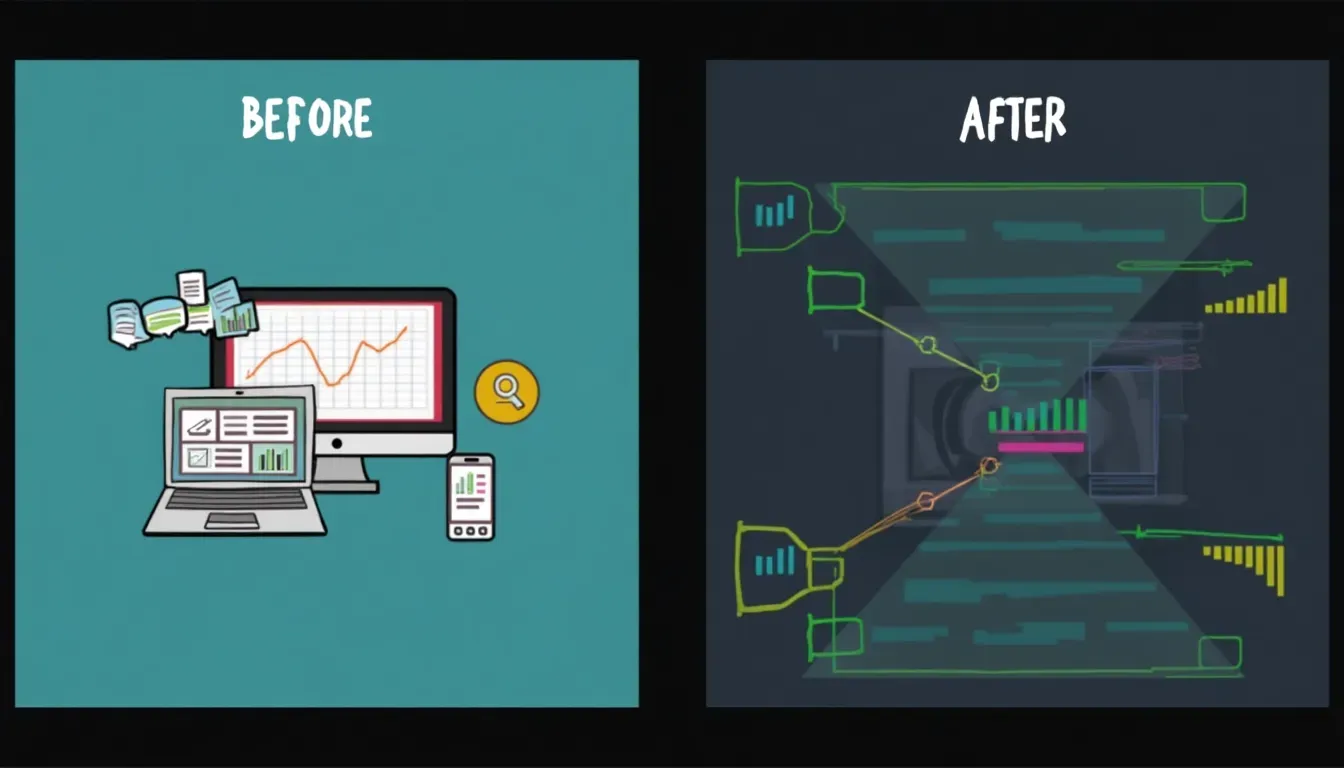
It's kinda like organizing your kitchen. Sure, having stuff spread out everywhere might work at first, but wouldn't it be easier to find everything if it was all neatly stored in one place? That's the magic of putting it all together.
Latest Trends in Combining HTML Files
The web dev world is always changing, and so are the ways we handle HTML files. Check out some of the latest trends:
- Modular Design: Breaking web pages into reusable parts using frameworks like React , Vue, or Angular makes it easier to manage and put together.
- Static Site Generators (SSGs): Tools like Jekyll , Hugo , and Gatsby make static HTML files from templates and content, helping combine multiple templates into complete pages.
- Single Page Applications (SPAs): SPAs load just one HTML file that updates content without reloading the whole page, making things smoother for users.
- Serverless Architectures: Using cloud services to create and combine HTML content on the fly.

These trends are all about being efficient, scalable, and giving users a better experience—key reasons for combining multiple HTML files into one.
Strategies for Merging HTML Files
Now that we get the why, let's talk about the how. There are a few ways to combine HTML files, each with its own perks.
Manual Merging
- Find Common Elements: Headers, footers, nav bars, etc., that show up on multiple pages.
- Make a Master Template: Put all these common elements into one template file.
- Add Unique Content: Put the unique stuff from each HTML file into specific spots in the master template.
Pros:
- You're in total control of how it turns out.
- No need for extra tools or frameworks.
Cons:
- Takes a lot of time, especially for big projects.
- Easy to make mistakes.
Using Build Tools
Build tools like Gulp , Grunt , and Webpack can automate the merging process. They can combine multiple HTML files into one by doing things like concatenation, minification, and template integration.
Pros:
- Automation saves time and cuts down on errors.
- Fits in well with other development workflows.
Cons:
- Might be tricky for beginners to learn.
- Needs some setup and configuration.
With Gulp, for example, you can set up a task that combines multiple HTML snippets into one file, making your workflow smoother. You can try this feature yourself at img2html .
Automation Scripts
Writing your own scripts using languages like JavaScript, Python, or Ruby can automate the merging process to fit your specific needs.
Pros:
- You can customize it however you want.
- Can work with your existing setup.
Cons:
- You need to know how to code.
- Can be a pain to maintain as the project grows.
Why reinvent the wheel when you can script the process? See how this works at img2html .
Server-side Includes
Server-side tech like PHP, ASP.NET, or Node.js lets you include multiple HTML files into one dynamically.
Pros:
- Creates content dynamically.
- Easier to keep updated.
Cons:
- Needs a server environment.
- Makes the project setup more complicated.
Think of server-side includes like a chef who puts together a dish right at your table, using fresh ingredients every time you order.
Single Page Applications (SPA) Approach
SPAs load one HTML file and update content using JavaScript frameworks. This approach minimizes the need for multiple HTML files.
Pros:
- Better user experience with faster loading.
- Simpler structure with just one entry point.
Cons:
- Can be complicated to set up.
- SEO can be tricky without the right setup.
SPAs totally changed how I build web apps, offering a slick and efficient way to manage content without a bunch of HTML files slowing me down.
Essential Tools for Combining HTML Files
There are several tools that can make merging HTML files easier:
| Tool | Description |
|---|---|
| Webpack | Mainly used for bundling JavaScript files, but also good at handling HTML and other assets. |
| Gulp | A task runner that automates repetitive tasks like merging HTML files. |
| Grunt | Another task runner similar to Gulp, useful for automating the merging process. |
| Pug | A templating engine that lets you create modular HTML by including other files. |
| IncludeHTML | A lightweight JavaScript solution for including HTML snippets into a main file. |

These tools not only make merging easier but also fit well into modern development workflows, boosting productivity. You can try this feature yourself at img2html .
Advancements and Technology in Merging HTML
The tech world is always buzzing with new stuff, and merging HTML files is no exception. Here are some cutting-edge advancements:
- AI-Powered Tools: Artificial intelligence is being used to smartly merge HTML files, predict common structures, and automate removing redundant stuff.
- Cloud-based Development Environments: Platforms like GitHub Codespaces and AWS Cloud9 make it easier to work together and automate HTML merging processes.
- Progressive Web Apps (PWAs): These combine the best of web and mobile apps, often using merged HTML to provide a smooth user experience.
- Hybrid Frameworks: Combining multiple technologies (like React with server-side rendering) to dynamically manage and merge HTML content.

These advancements not only streamline the merging process but also push the boundaries of what's possible in web development, making it easier than ever to manage multiple HTML files efficiently.
Optimization for Current Web Trends
As web trends change, so do the ways we optimize HTML files. Here's how to stay ahead:
- Responsive Design: Make sure combined HTML works well on different screen sizes and devices.
- Performance Optimization: Focus on making file sizes smaller and reducing the number of HTTP requests.
- Accessibility: Combined HTML should follow accessibility standards, making websites usable for everyone.
- SEO Best Practices: Optimize combined HTML for search engines by keeping code clean and using proper metadata.

Using media queries in your combined HTML ensures your website looks great on both desktops and mobile devices, reaching a wider audience.
Building Quality Networks Through Modular Code
Modular code is super important in modern web development. By breaking HTML into reusable parts, you can:
- Enhance Collaboration: Teams can work on different modules at the same time without messing each other up.
- Improve Maintainability: It's easier to update and manage individual modules rather than one huge file.
- Boost Scalability: As your project grows, adding new modules is straightforward without messing up existing structures.

Effective Strategies for Success
To successfully combine multiple HTML files, you need good strategies. Here are some tips to keep you on track:
- Plan Before You Merge: Understand how your HTML files are structured and connected to avoid conflicts.
- Use Version Control: Tools like Git help track changes and let you go back if something goes wrong.
- Automate Where You Can: Use build tools and scripts to minimize manual errors.
- Test Thoroughly: Make sure the merged HTML works as it should across different browsers and devices.
- Stay Updated: Keep up with the latest tools and best practices to keep improving your workflow.

Why swim against the current when good strategies can help you sail smoothly?
Importance of User Experience and Performance Metrics
In today's fast-paced digital world, user experience (UX) and performance metrics are super important for a website's success. Here's why combining HTML files matters:
- Faster Load Times: Streamlined HTML means fewer server requests, leading to quicker load times and a better UX.
- Consistent Design: A unified HTML structure ensures everything looks and works the same across different pages, making it easier to use.
- SEO Benefits: Faster, cleaner, and more organized HTML can improve search engine rankings, bringing more traffic to your site.
- Reduced Maintenance: It's easier to update and manage a single file, keeping your website up-to-date and bug-free.
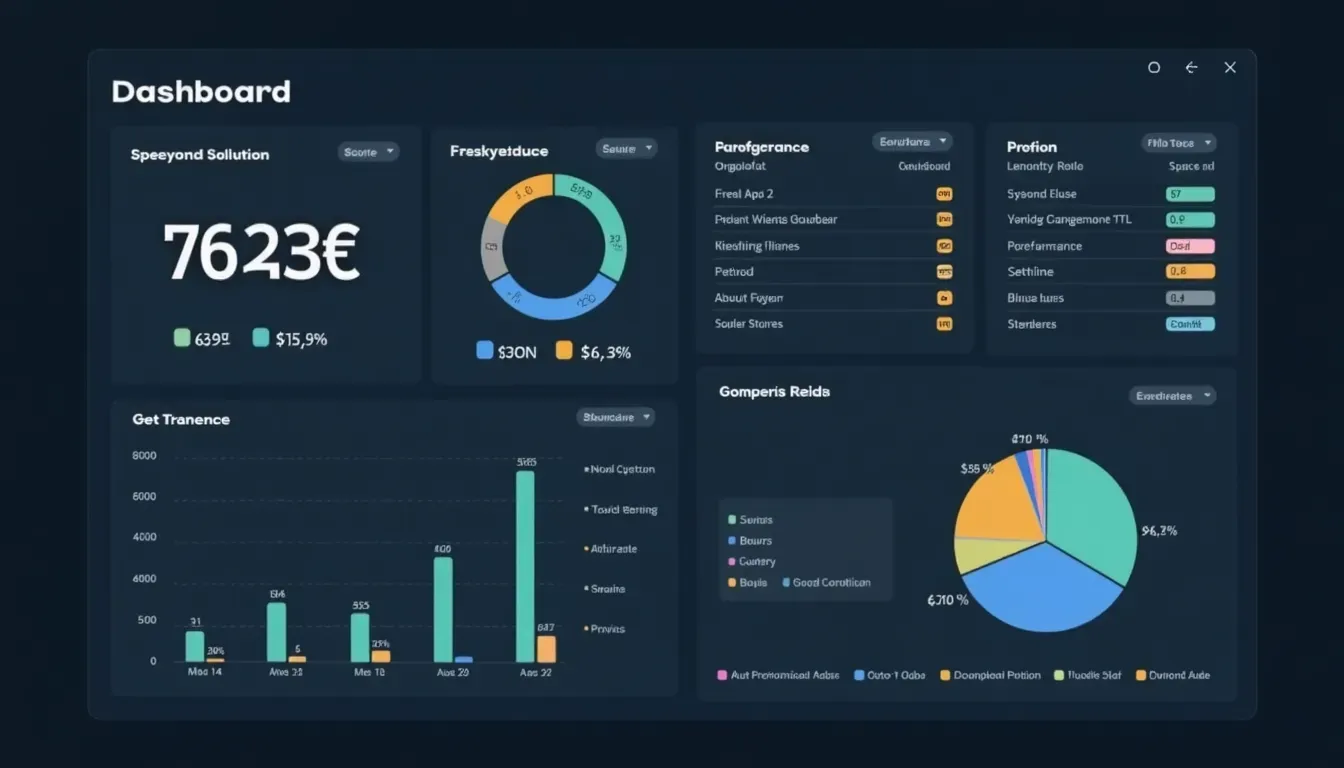
I've seen firsthand how a well-optimized, combined HTML file can dramatically improve a website's performance, leading to happier users and more engagement.
| Metric | Impact |
|---|---|
| Load Time | Faster load times enhance user satisfaction and SEO rankings. |
| Bounce Rate | Lower bounce rates indicate better user engagement. |
| Conversion Rate | Improved performance can lead to higher conversion rates. |
Conclusion
Combining multiple HTML files into one might seem like a big task, but with the right strategies and tools, it can totally transform your workflow, make your site perform better, and make maintenance a breeze. Whether you choose to merge manually, use automated scripts, or go with modern frameworks, the benefits are clear.
Staying up-to-date with the latest trends and tech ensures your approach stays effective and efficient. So why not give it a shot and consolidate your HTML files today? Your future self—and your users—will thank you.
Ready to streamline your web development process? Start experimenting with these strategies and watch your projects become more efficient and easier to manage. Happy coding!