Table of Contents
- Intro: Why Picking the Right WYSIWYG HTML Editor Matters
- Getting WYSIWYG Editors
- What to Look for in a WYSIWYG HTML Editor
- Top WYSIWYG HTML Editors for Mac
- Comparing the Best: Good and Bad Bits
- What's New in WYSIWYG HTML Editors
- Tips for Using WYSIWYG Editors Well
- Must-Have Tools and Add-ons
- Keeping Up with Web Trends
- Building Your Network and Resources
- User Experience and How Well It Works
- Wrapping Up: Making Your Choice
Intro: Why Picking the Right WYSIWYG HTML Editor Matters
Ever tried baking a cake without the right stuff? Frustrating, right? Same goes for making websites. Your WYSIWYG (What You See Is What You Get) HTML editor is like your kitchen - having the right one can make or break your web design game. Whether you're a pro or just starting out, picking the right editor for your Mac is super important for making websites easily and having fun doing it.
But with so many options out there, how do you pick the perfect one for you? Don't sweat it; we've got your back. Let's dive into the world of WYSIWYG editors and help you find your perfect match for making awesome websites.
Getting WYSIWYG Editors
What's a WYSIWYG Editor?
Basically, a WYSIWYG editor lets you design web pages visually, seeing exactly how they'll look to people as you make them. No need to get into code unless you want to. It's like painting by numbers - an easy, intuitive way to design websites.
Why Use a WYSIWYG Editor?
- Easy to Use: Great for beginners who might find coding scary.
- Fast: Quickly design and put up web pages without getting stuck in code stuff.
- See It As You Go: Seeing how it looks right away helps you make design choices on the spot.
- Less Mistakes: Cuts down on code errors that can mess up your website.
What to Look for in a WYSIWYG HTML Editor
User-Friendly Interface
You want something that's easy to use. You don't wanna spend hours figuring out where stuff is or how to do things. Look for editors that keep it simple but still do everything you need.
Can Handle Different Screen Sizes
These days, people use all kinds of devices. Your editor should make it easy to design websites that look great on computers, tablets, and phones without giving you a headache.
Options to See and Change Code
Even if you like the visual way of doing things, being able to see and tweak the code underneath is super helpful. It gives you more flexibility and makes sure your website can grow beyond what the visual editor can do.
Works Well with Other Tools
Does the editor play nice with other stuff you use, like Git for keeping track of changes, design software like Sketch or Photoshop, or website systems like WordPress or Drupal? When everything works together smoothly, it makes your job a lot easier.
Help When You Need It
Having good support and a community of users can be a lifesaver. Whether you're stuck on a problem, looking for how-to guides, or want to share ideas, having a bunch of people to turn to makes using the editor way better and helps you learn more.
Top WYSIWYG HTML Editors for Mac
Adobe Dreamweaver

Adobe Dreamweaver is like the big boss of WYSIWYG editors. It lets you design visually but also has powerful code editing for HTML, CSS, JavaScript, and more.
Cool Stuff:
- Lots of coding support
- Built-in FTP to upload your site directly
- Can make websites that look good on any device
- Tons of templates and parts to use
Sketch
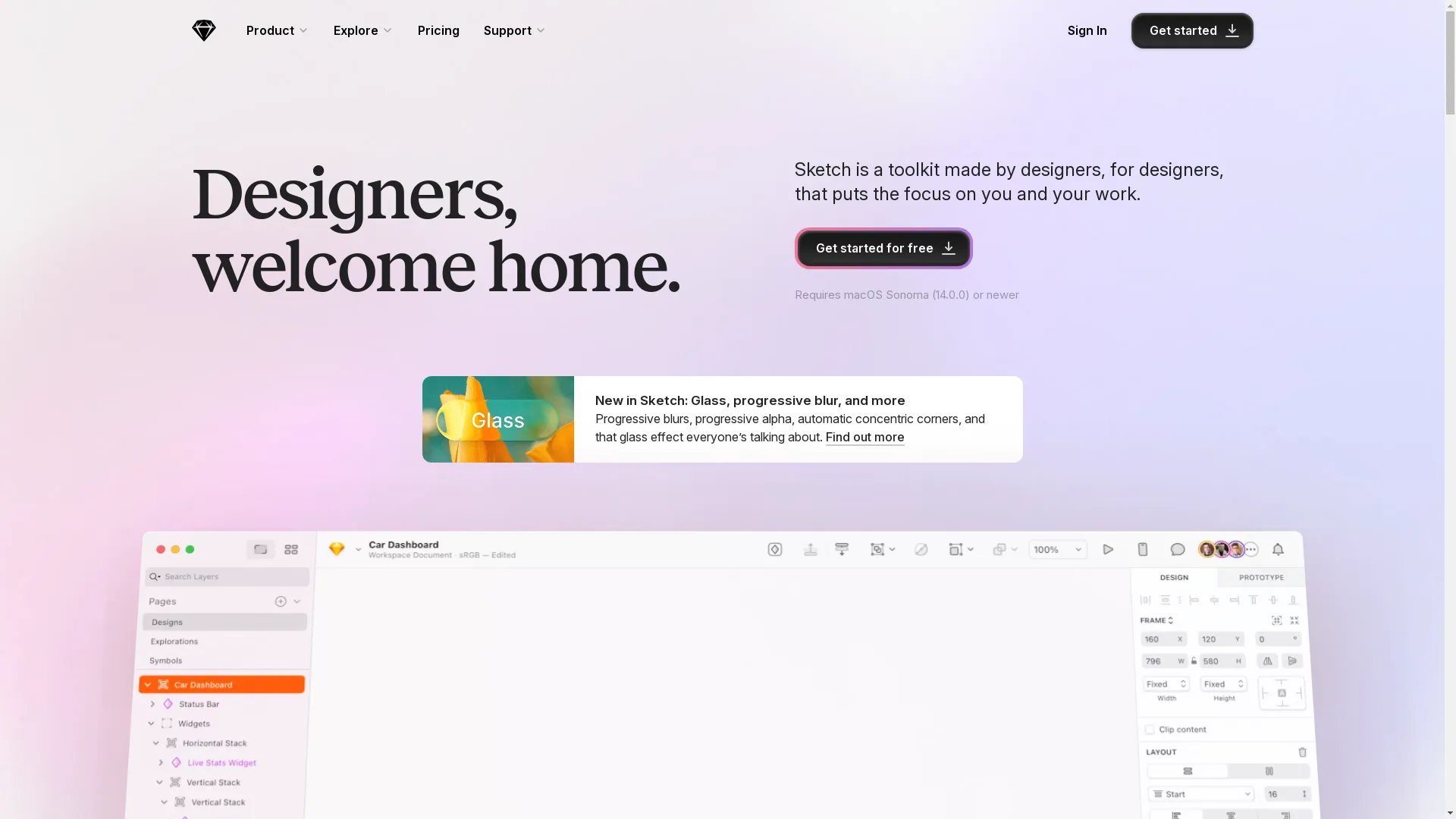
Sketch is more than just a WYSIWYG editor; it's a powerful tool for designing how websites and apps look. It uses vectors, which means your designs stay sharp no matter how big or small.
Cool Stuff:
- Easy-to-use vector tools
- Libraries of symbols you can reuse
- Plugins for working together in real-time
- Works with tools for making interactive mockups
Pinegrow
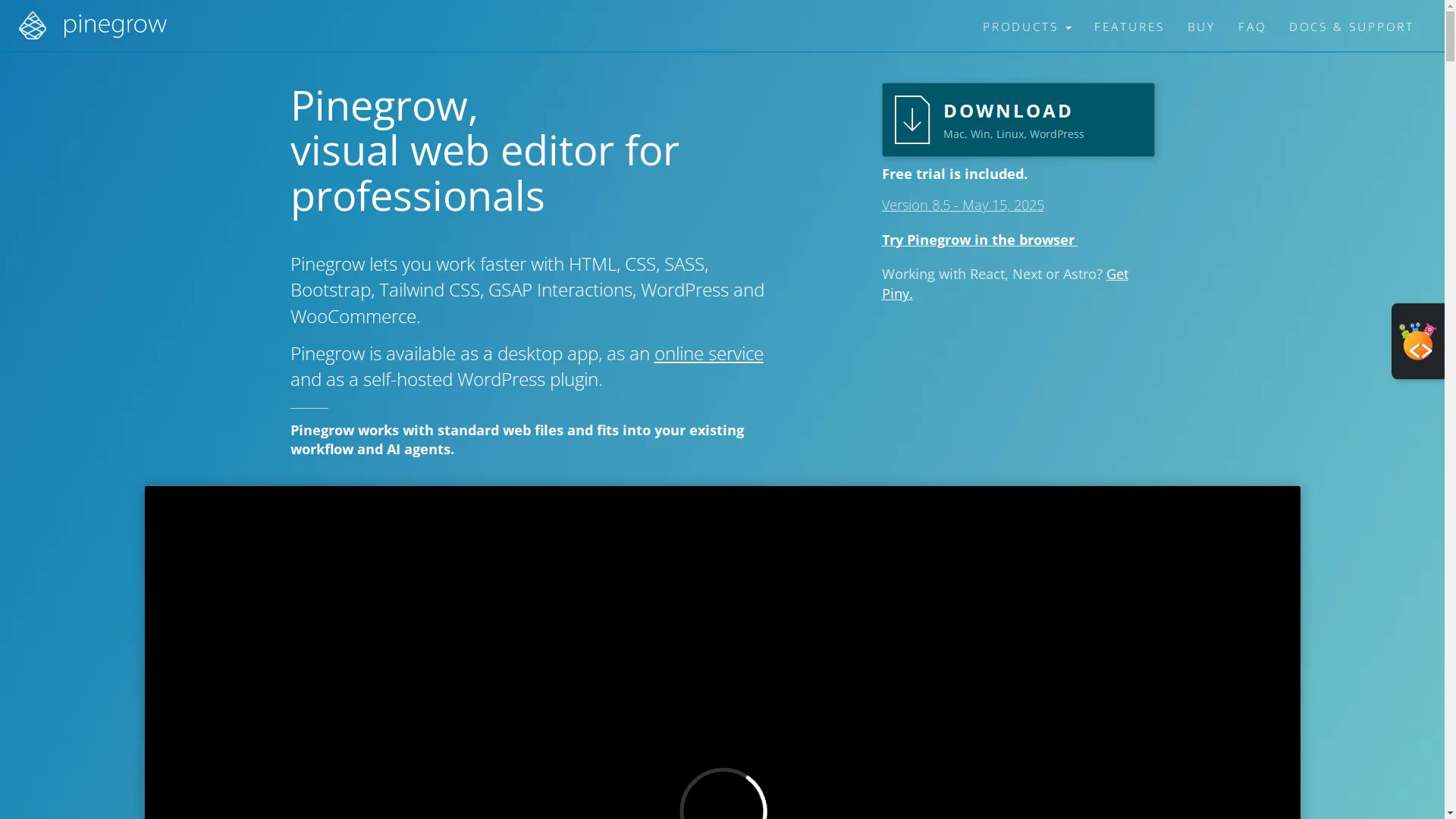
Pinegrow is great because it lets you design visually and mess with the code too. It's perfect if you want the best of both worlds. It works great with popular frameworks like Bootstrap and Tailwind CSS right out of the box.
Cool Stuff:
- Drag-and-drop interface
- Edit multiple pages at once
- See how it looks live and design for different devices
- Works with popular web frameworks
KompoZer

KompoZer is free and open-source, which means anyone can use it and even help improve it. It's super user-friendly and great for beginners. While it might not have all the fancy features of paid editors, it's solid for simple web projects.
Cool Stuff:
- Easy to use
- Basic HTML and CSS editing
- Works on different computer systems
- Free and open-source
Brackets
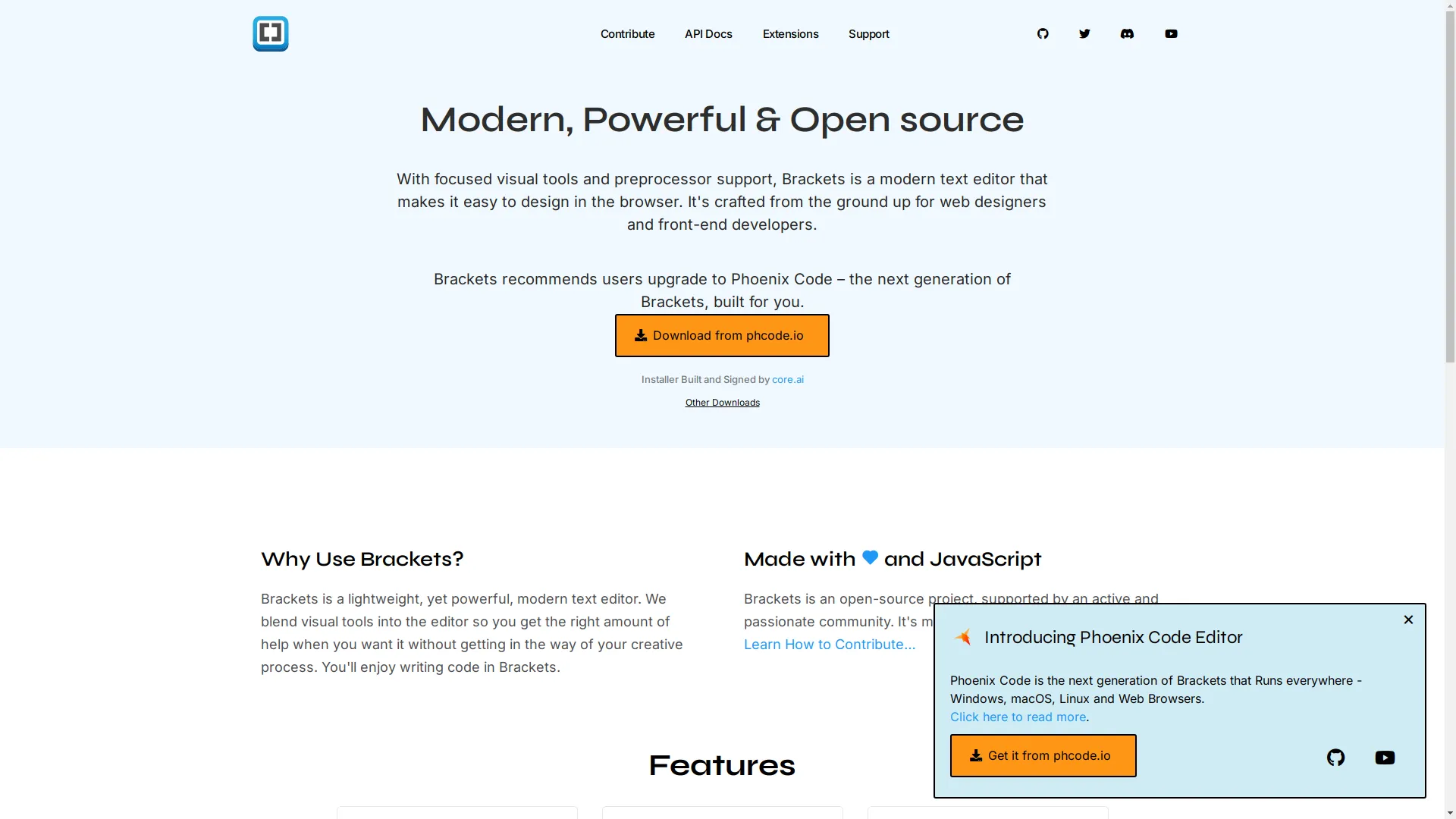
Brackets is a lightweight, open-source editor focused on web design. It was made by Adobe, so it works well with other Adobe stuff and lets you see your changes live in a web browser.
Cool Stuff:
- See changes in your browser in real-time
- Quick access to CSS and JavaScript without leaving your HTML
- Supports preprocessors
- Lots of plugins to add more features
Comparing the Best: Good and Bad Bits
Adobe Dreamweaver
Good:
- Packed with tons of features
- Works great with other Adobe stuff
- Powerful code editor with syntax highlighting
Bad:
- Can be tough for beginners to learn
- Subscription can be pricey
Sketch
Good:
- Awesome for designing how things look
- Fast and doesn't slow down your computer
- Lots of plugins to add more features
Bad:
- Only works on Macs
- Not great for heavy-duty coding
Pinegrow
Good:
- Works with lots of different frameworks
- You can customize it a lot
- One-time payment option that's not too expensive
Bad:
- Can be overwhelming at first
- Not as many users as some other editors
KompoZer
Good:
- Free and open-source
- Easy to use for basic stuff
Bad:
- Doesn't have advanced features
- Doesn't get updated very often
Brackets
Good:
- Free and open-source
- See changes live as you make them
- Lots of community support
Bad:
- Can use up a lot of computer resources
- Not being improved as much anymore
What's New in WYSIWYG HTML Editors
AI Helping with Design
AI is changing how we design websites. New WYSIWYG editors are using AI to suggest design improvements, do repetitive tasks automatically, and even write some code for you, making designing faster and easier.
Working Together in Real-Time
With more people working from home, being able to work on the same project at the same time is super important. Editors that let multiple people work together at once are becoming more popular, helping teams work better and finish projects faster.
Better for Mobile Devices
Since most people browse on their phones now, WYSIWYG editors are focusing on making websites look great on mobile. Features like managing how things look at different screen sizes and tools specifically for mobile design make sure websites look awesome on all devices.
Working with Modern Web Stuff
To keep up with how websites are made these days, many editors now support frameworks like React, Vue, and Angular. This lets developers make interactive and dynamic websites without having to leave their visual editor.
Tips for Using WYSIWYG Editors Well
Master the Shortcuts and Tools
Being efficient is key. Learning keyboard shortcuts and getting really good with the tools your editor offers can make you work way faster. It's like learning to drive a manual car - once you get it, everything feels smoother.
Use Templates and Libraries
Templates and design libraries can save you tons of time. Instead of starting from scratch, use pre-designed parts and layouts that you can customize to fit what you need.
Add Your Own Code When Needed
Even though WYSIWYG editors are all about visual design, knowing how to add your own HTML, CSS, and JavaScript can give you more flexibility and let you do more with your projects.
Keep Learning
Web design is always changing. Stay up to date with the latest features and best ways to do things by regularly checking out tutorials, watching webinars, and joining workshops.
Must-Have Tools and Add-ons
Version Control Integration
Tools like Git integration in your editor help you keep track of changes, work with others, and manage different versions of your website easily.
SEO Optimization Plugins
SEO is super important for getting your site noticed. Plugins that help check your website's SEO, suggest improvements, and optimize your content can help your site show up better in search results.
Design Libraries and Asset Managers
Having access to design libraries and asset managers right in your editor means you can easily add images, icons, and other media without interrupting your workflow.
Testing and Debugging Tools
Built-in tools for testing and fixing problems can help you spot and fix issues quickly, making sure your website works smoothly on all devices and browsers.
Keeping Up with Web Trends
Mobile-First Design
Designing with mobile users in mind first makes sure your website is easy to use and works well on the devices most people use. It's a smart approach that can make the user experience much better.
Accessibility Standards
Making a website that everyone can use isn't just the right thing to do - it's often required by law. Make sure your editor helps you follow accessibility standards like WCAG.
Making It Fast
A website that loads quickly is super important for keeping visitors around. Use tools in your editor that help make images smaller, clean up code, and make your site faster overall.
Modern Look and Feel
Stay ahead of design trends by using modern aesthetics and thinking about how people use websites. Clean layouts, easy navigation, and eye-catching visuals can make your website stand out.
Building Your Network and Resources
Online Communities and Forums
Joining online communities and forums can give you support, inspiration, and valuable feedback. Places like Stack Overflow , Reddit , and communities specific to your editor are great places to start.
Tutorials and Courses
Spending time on tutorials and courses can help you learn faster. Whether it's a free YouTube video or a full course on Udemy , keep learning to get better.
Contributor Platforms
Contributing to open-source projects or joining platforms like GitHub can give you hands-on experience and help you build a portfolio that shows off your skills.
Networking with Other Developers
Building relationships with other developers can open up chances to work together, get mentorship, and advance your career. Go to local meetups, webinars, and conferences to meet more people in the field.
User Experience and How Well It Works
Why User Experience Matters in Web Design
User experience (UX) is super important for successful web design. A smooth, easy-to-use, and enjoyable experience keeps visitors interested and makes them want to come back.
Measuring How Well It Works
Understanding how your website performs is key to making it better. Important things to look at include how fast it loads, how many people leave right away, and how much people interact with it. Tools like Google Analytics can give you valuable insights.
Tools for Checking UX and Performance
Use tools like Lighthouse , GTmetrix , and Hotjar to watch and analyze how your website performs and how people use it. These insights can help you figure out what to improve.
Wrapping Up: Making Your Choice
Picking the right WYSIWYG HTML editor for your Mac is a big decision that can affect how productive you are, how creative you can be, and how good your web projects turn out. By understanding what you need, checking out the top options, and staying up to date with the latest trends, you can pick an editor that not only meets but goes beyond what you expect.
So, what's next? Jump into the world of WYSIWYG editors, try out different tools, and find the one that feels right for how you work. Remember, the perfect editor is out there waiting to make your web design experience awesome. Happy coding!
Related Articles
- How to Use HTML Editors - Expand your skills by learning advanced techniques in HTML editing.
- Which AI Tool Generates HTML and CSS Code from Image - Explore AI-powered tools that convert images into clean HTML and CSS code.
- How to Convert Figma to HTML in 5 Minutes - Learn a fast method to transform your Figma prototypes into functional HTML code.