Table of Contents
- Intro
- Understanding Fix & Flip Projects
- Why a Fix & Flip Calculator Matters
- HTML Basics to Get Started
- Building the Calculator Step-by-Step
- Cool Extra Features
- Tech's Role in Fix & Flip Calculators
- Keeping Up with Trends
- Building Your Network
- Tips for Using Your Calculator
- User Experience and Performance
- Wrapping Up
- Take Action!
Intro
Hey there! So you wanna dive into the world of fix & flip real estate? Whether you're a pro or just starting out, having the right tools can make or break your project. One super useful tool is a Fix & Flip Calculator. But why build one yourself in HTML? Well, buckle up, 'cause we're about to combine some web dev basics with real estate know-how to create something pretty awesome. Ready to get started?

Understanding Fix & Flip Projects
Before we get into the techy stuff, let's talk about what fix & flip projects actually are. Basically, you buy a property, fix it up, and sell it for a profit. Sounds easy, right? But there's a lot to think about - renovation costs, potential return, all that good stuff. That's where a Fix & Flip Calculator comes in handy.

Why a Fix & Flip Calculator Matters
Think about trying to bake a cake without a recipe. You might get lucky, or you might end up with a big mess. Same goes for fix & flip projects without a calculator. It helps you figure out costs, profits, and make smart choices. It's like having a financial advisor in your pocket, but way faster and less judgy. And building one yourself? Even better - you can make it exactly how you want it.

HTML Basics to Get Started
Okay, time to roll up our sleeves. If HTML sounds scary, don't worry - it's not as tough as it seems. HTML is like the skeleton of any website. We'll use it to make forms, buttons, and show our calculations. Ready to build the foundation? Let's do this!

Building the Calculator Step-by-Step
Now let's break it down into manageable steps. We need to design the interface, add some calculations, and make it look good.
Designing the Interface
Think of this as the face of your calculator. It needs to be easy to use. Here's what we need:
- Input fields for stuff like purchase price, renovation costs, etc.
- Buttons to do calculations
- Areas to show results like profit or ROI
Let's add some input fields:
<form id="calculator" class="space-y-4">
    <div>
        <label for="purchasePrice" class="block">Purchase Price:</label>
        <input type="number" id="purchasePrice" name="purchasePrice" required class="input input-bordered w-full">
    </div>

    <div>
        <label for="renovationCosts" class="block">Renovation Costs:</label>
        <input type="number" id="renovationCosts" name="renovationCosts" required class="input input-bordered w-full">
    </div>

    <div>
        <label for="sellingPrice" class="block">Selling Price:</label>
        <input type="number" id="sellingPrice" name="sellingPrice" required class="input input-bordered w-full">
    </div>

    <div>
        <label for="holdingCosts" class="block">Holding Costs:</label>
        <input type="number" id="holdingCosts" name="holdingCosts" required class="input input-bordered w-full">
    </div>

    <button type="button" onclick="calculateProfit()" class="btn btn-primary w-full">Calculate Profit</button>
</form>
Adding Calculations with JavaScript
JavaScript makes web pages interactive. We'll use it to do the math when someone clicks the "Calculate Profit" button.

Add this script before the closing
</body>
tag:
<script>
    function calculateProfit() {
        // Get input values
        var purchasePrice = parseFloat(document.getElementById('purchasePrice').value);
        var renovationCosts = parseFloat(document.getElementById('renovationCosts').value);
        var sellingPrice = parseFloat(document.getElementById('sellingPrice').value);
        var holdingCosts = parseFloat(document.getElementById('holdingCosts').value);

        // Calculate profit
        var totalCosts = purchasePrice + renovationCosts + holdingCosts;
        var profit = sellingPrice - totalCosts;

        // Show profit
        document.getElementById('profit').innerText = profit.toFixed(2);
    }
</script>
There you go! Now when people enter their numbers and click the button, they'll see how much profit they might make. But how does it look? Let's make it prettier.
Making It Look Good with CSS
First impressions matter. A nice-looking calculator is more fun to use. Let's add some basic styling.

Inside the
<head>
section, add a
<style>
tag:
<style>
    body {
        font-family: Arial, sans-serif;
        max-width: 600px;
        margin: auto;
        padding: 20px;
        background-color: #f4f4f4;
    }
    h1, h2 {
        text-align: center;
    }
    form {
        background: #fff;
        padding: 20px;
        border-radius: 5px;
    }
    label {
        display: block;
        margin-top: 10px;
    }
    input {
        width: 100%;
        padding: 8px;
        margin-top: 5px;
    }
    button {
        margin-top: 15px;
        padding: 10px;
        background: #28a745;
        color: #fff;
        border: none;
        width: 100%;
        border-radius: 5px;
        cursor: pointer;
    }
    button:hover {
        background: #218838;
    }
</style>
Now your calculator works and looks professional too. But why stop here? Let's add some cool extra features.
Cool Extra Features
Building a basic calculator is just the start. Let's add some advanced stuff to make it even better.
Real-Time Data
Imagine if your calculator could pull in current interest rates or real estate trends. Using APIs, you can get live data to make your calculator even smarter.
Mobile-Friendly Design
More people use phones and tablets these days, so making sure your calculator works well on mobile is super important. Here's a quick way to make it mobile-friendly:
@media (max-width: 600px) {
    body {
        padding: 10px;
    }
    form {
        padding: 15px;
    }
    button {
        padding: 8px;
    }
}
This makes sure your calculator looks great on both computers and phones.
Saving and Exporting
Another cool feature is letting people save or export their calculations. Adding a "Download Report" button that turns the data into a CSV or PDF file can be really useful.
Tech's Role in Fix & Flip Calculators
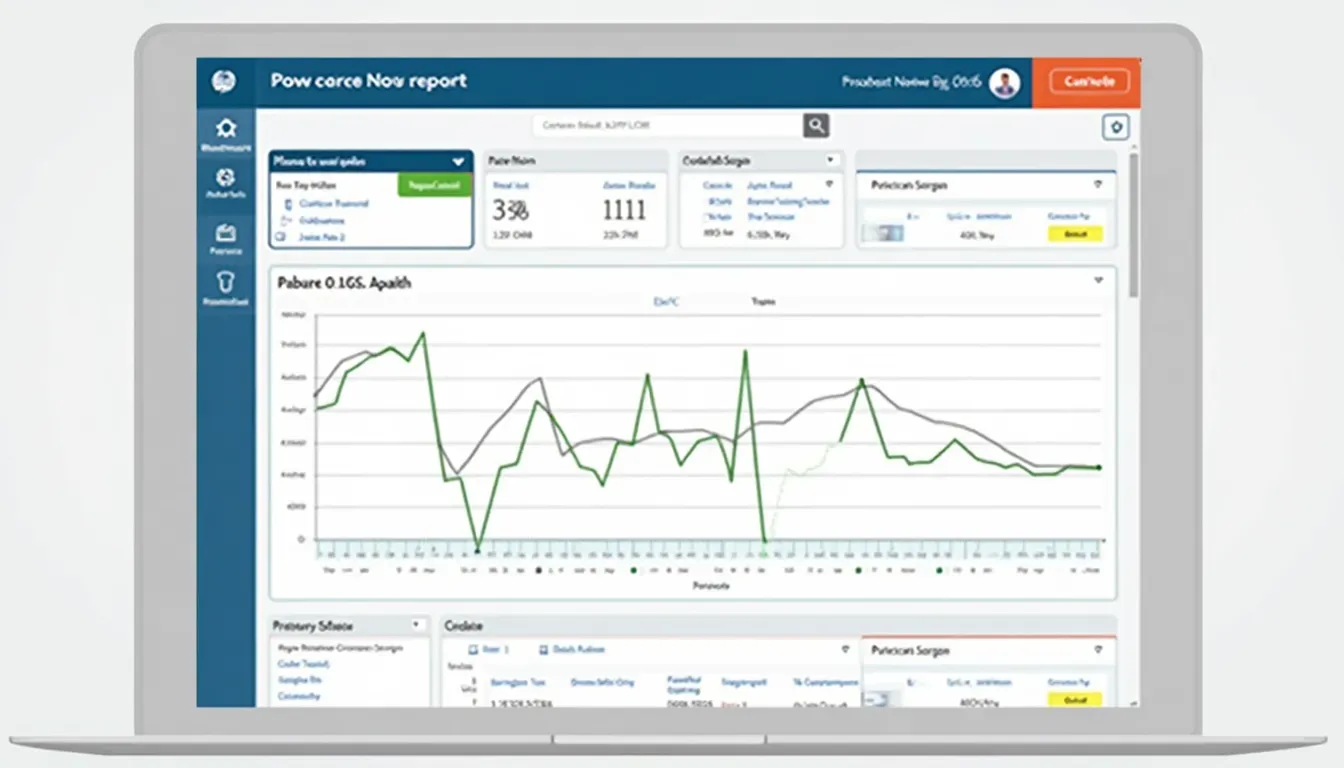
Technology is super important in fix & flip projects. From finding properties to selling them, digital tools make everything easier. Your calculator is a great example of how tech can help investors make smart choices.
Keeping Up with Trends
Staying current is key in both real estate and web development. Let's look at how to keep your calculator up-to-date.
Real Estate Market Trends
The real estate market is always changing. Right now, there's a big focus on eco-friendly homes and smart technology. Adding these things to your calculator can help users estimate costs for green upgrades or high-tech additions.

Web Development Trends
Web development is always evolving too. Using things like Progressive Web Apps or single-page applications can make your calculator more modern and efficient.

Building Your Network
In fix & flip projects, who you know is super important. Building connections with contractors, real estate agents, and other investors can be really helpful. Your calculator could even include features to help users connect and share info.

Tips for Using Your Calculator
- Keep your numbers up-to-date
- Try different scenarios
- Use it with other tools
- Share and get feedback
- Keep learning from it

User Experience and Performance
Making sure your calculator is easy and fun to use is super important. Keep an eye on things like how fast it loads, how people use it, and what they say about it. This helps you keep improving it.

Wrapping Up
Building a Fix & Flip Calculator in HTML isn't just about coding - it's about making a useful tool for real estate investors. By understanding fix & flip projects, using technology, and staying current, you can create a calculator that really helps people.
Remember, real estate is always changing, so keep updating your calculator to stay useful. Success in fix & flip projects is all about being prepared and having the right tools.

Take Action!
Ready to take your fix & flip game to the next level? Start building your own calculator today using these steps. Share what you make and any cool features you add. Whether you're new to this or a pro, having your own calculator can make a big difference. So dive in, get creative, and watch your projects take off!

Watch These Videos
Related Articles
- Real Estate Market Analysis: Key Metrics to Watch - Expands on understanding real estate trends crucial for fix & flip projects.
- Enhancing Web Development Skills for Real Estate Tools - Delves deeper into web development practices beneficial for creating real estate applications.
- Networking Strategies for Real Estate Investors - Focuses on building a strong network, as mentioned in the main article.